How to Save Battery Watching Soccer on Your Phone: Complete Guide
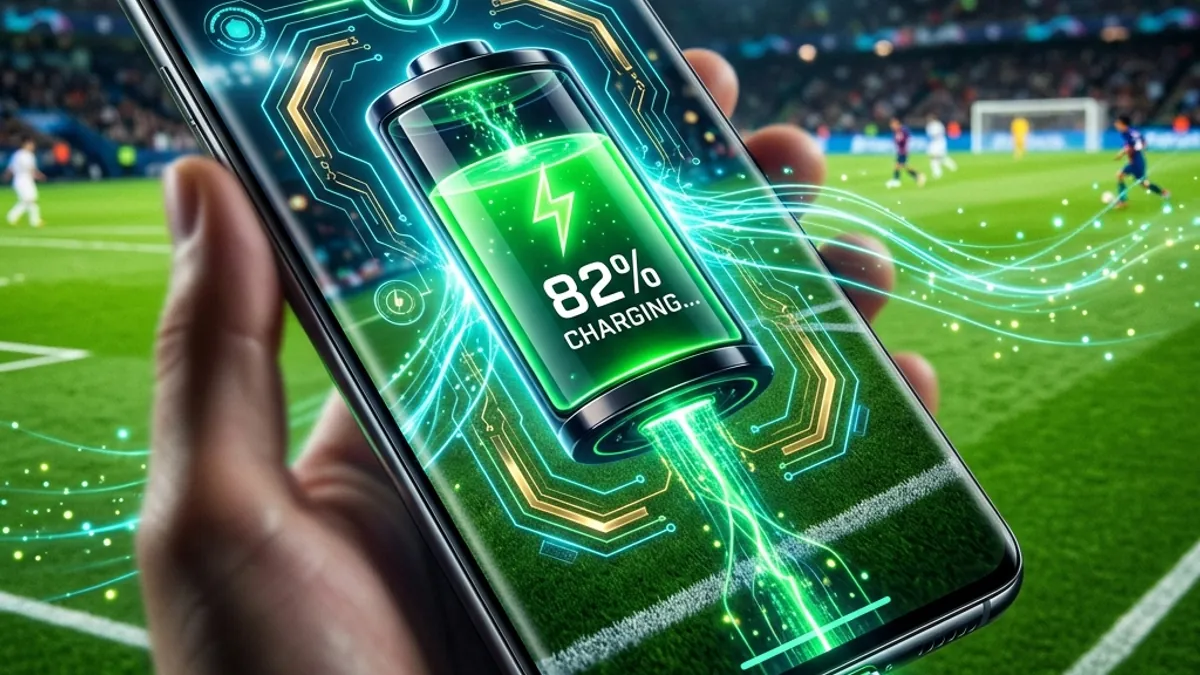
Watching a live soccer match on your phone consumes extreme hardware resources. The continuously active screen at high brightness, the constant decoding of the high-definition video stream, digital audio processing, and the cellular network connection (especially on 4G or 5G) act as a major drain on your battery charge. During the World Cup, seeing your energy percentage plummet right at the start of the second half or during penalty shootouts can leave you completely disconnected.
To teach you how to optimize the power consumption of your Android or iPhone and ensure your phone has plenty of battery until the final whistle, we created this comprehensive guide of over 2,000 words. We cover everything from system configurations to simple behavioral tips that protect your battery's lifespan.
📸 Discover Visual Gallery: Power Saving Tips
Power Consumption Comparison by Settings
Small adjustments in your device settings can make a massive difference in battery life. Here is the estimated power consumption for 90 minutes of live streaming:
| Configuration Scenario | Average Consumption | Average Phone Temp | DomineTec Tip |
|---|---|---|---|
| Max Brightness + 5G Data + 1080p | 35% to 50% | 🔥 Hot (Above 104°F / 40°C) | Avoid at all costs. Drains battery aggressively and causes thermal lagging. |
| Medium Brightness + Wi-Fi + 720p | 20% to 30% | Warm (Comfortable) | Recommended. Best balance between image quality and power saving. |
| Battery Saver + Wi-Fi + Low Brightness | 12% to 18% | Cool (Stable) | Ideal if you are starting the match with less than 30% battery. |
Step-by-Step: How to Optimize Battery on Android and iPhone
Before opening the official live broadcast app, apply these quick adjustments in your operating system settings:
1. Adjust Screen Brightness Manually
The smartphone screen is the single largest consumer of battery. Turn off "Auto-Brightness" (or Adaptive Brightness) in your display settings. Manually set the brightness slider to around 45% to 55%. This level is perfectly readable indoors and cuts power consumption in half compared to max brightness.
2. Enable System Battery Saver Mode
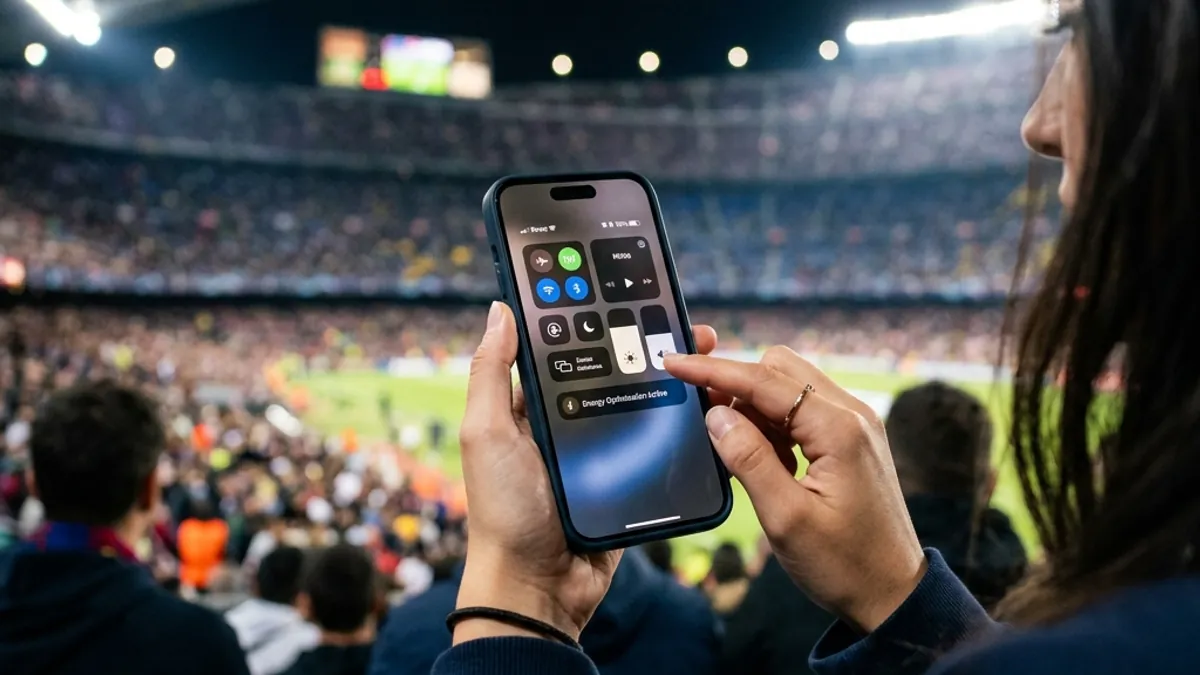
Both "Battery Saver Mode" (Android) and "Low Power Mode" (iPhone) should be enabled manually before the game starts. This setting suspends background updates for apps like emails and social media, disables unnecessary visual effects, and limits CPU performance to conserve power.
3. Prefer Wi-Fi Over Cellular Data
4G and 5G modem chips require significant electric power to maintain connections with cell towers. Wi-Fi consumes about 30% to 40% less energy than cellular data networks, keeping your device cooler and extending battery life.
DomineTec Tip: Aggressive battery drain is often linked to network stuttering and heavy buffering. To ensure your stream doesn't lag and waste extra energy, check our guide on how to watch the World Cup on your phone. Keep up with the complete tournament coverage in our tech hub: World Cup 2026 and Technology.
🔮 DomineTec Perspective for 2026
In 2026, next-generation mobile processors built on 2-nanometer architecture feature dedicated hardware decoding blocks for the highly efficient AV1 video codec. This hardware innovation reduces battery drain from high-resolution video streams by up to 60% compared to older smartphone models.
Tips to Avoid Smartphone Overheating
Hot cell phones suffer from *Thermal Throttling*, a safety feature that drastically cuts CPU processing speed to lower temperatures, causing severe stuttering in video playback. Prevent this by following these tips:
- **Remove the phone case:** Plastic, leather, or silicone cases act as thermal insulators, trapping the heat generated by the battery and processor inside the phone. Take them off during the match.
- **Avoid watching while charging:** Charging generates extra heat. Running a heavy live stream while fast-charging can push internal temperatures above 113°F (45°C), stressing the battery cells and permanently degrading its lifespan.
- **Keep it out of direct sunlight:** If you are watching at an outdoor party or barbecue, never leave the phone under direct sunlight. The ambient heat combined with active streaming will trigger automatic thermal shutdown.
FAQ: Frequently Asked Questions
Does using headphones save phone battery?
Yes. The phone's built-in stereo speakers require more electric current from the internal audio amplifier at high volumes. Using wired headphones (via USB-C) or Bluetooth earbuds with energy-efficient LE Audio protocols reduces power consumption.
Does reducing screen resolution extend battery life?
Yes. If your smartphone has a Quad HD or 4K screen (common in high-end flagships), changing the resolution in system settings to Full HD (1080p) or HD (720p) reduces the workload on the GPU, yielding constant energy savings.
How Temperature Affects Long-Term Battery Health
Watching heavy streams in hot environments drains your daily charge and can cause irreversible damage to your smartphone's battery health. Lithium-ion batteries are highly sensitive to extreme temperatures.
The ideal operating temperature for smartphones is between 59°F and 86°F (15°C to 30°C). When temperatures exceed 104°F (40°C) during video streaming, chemical reactions degrade the battery's anode and cathode. This permanently reduces its maximum charge capacity. If you feel the phone getting uncomfortably hot, pause the video for 3 minutes and place the device in a cool, shaded spot to let the internal circuits stabilize.
Understanding Thermal Throttling and Video Lag
Thermal throttling is a protective mechanism designed by chip makers (Apple, Qualcomm, MediaTek) to prevent fire hazards. When internal sensors detect that the CPU or GPU is approaching safety thresholds, the OS automatically slashes the clock speed by up to 50% to cool the chip down.
As a result, your streaming app loses the processing power required to decode 60fps video in real time. The video begins to drop frames, stutter, lag, or go out of sync with the audio. Keeping your phone cool is essential not just for battery health, but for smooth, lag-free viewing.
Choosing the Best Portable Chargers (Power Banks) for Game Day
If you're watching matches outdoors, at bars, or away from wall outlets, a reliable power bank is a must. Look for these key specifications:
- **Minimum 10,000 mAh Capacity:** Provides at least two full charges for most modern 2026 smartphones.
- **Power Delivery (PD) Fast Charging:** USB-C PD ports with at least 20W output ensure your phone gains battery even while actively streaming live video.
- **Certified Safety Standards:** Avoid generic, unbranded chargers. They lack proper voltage regulation, causing dangerous power spikes that overheat the device.
How to Calibrate Your Phone Battery
Calibrating your Android or iPhone battery ensures the charge percentage displayed on your screen is accurate, preventing sudden shutdowns when the phone indicates it still has 15% or 20% left. Experts recommend calibrating every 3 months:
- **Drain the battery completely:** Use the device until it turns off on its own due to zero charge.
- **Leave it discharged for a few hours:** Keep the phone off for 2 to 4 hours to let any residual charge dissipate.
- **Charge it uninterrupted to 100%:** Plug the phone into an original wall charger and let it charge all the way to 100%. **Important:** Do not turn on or use the device during this 3-to-4-hour charging cycle.
- **Force a restart:** Once it hits 100%, unplug it, turn it on, and perform a hard reset (forced restart) so the OS recalibrates its battery health tracking.
Physical Accessories to Cool Your Phone
Besides software settings, physical accessories can keep your smartphone's temperature under control during long live streams:
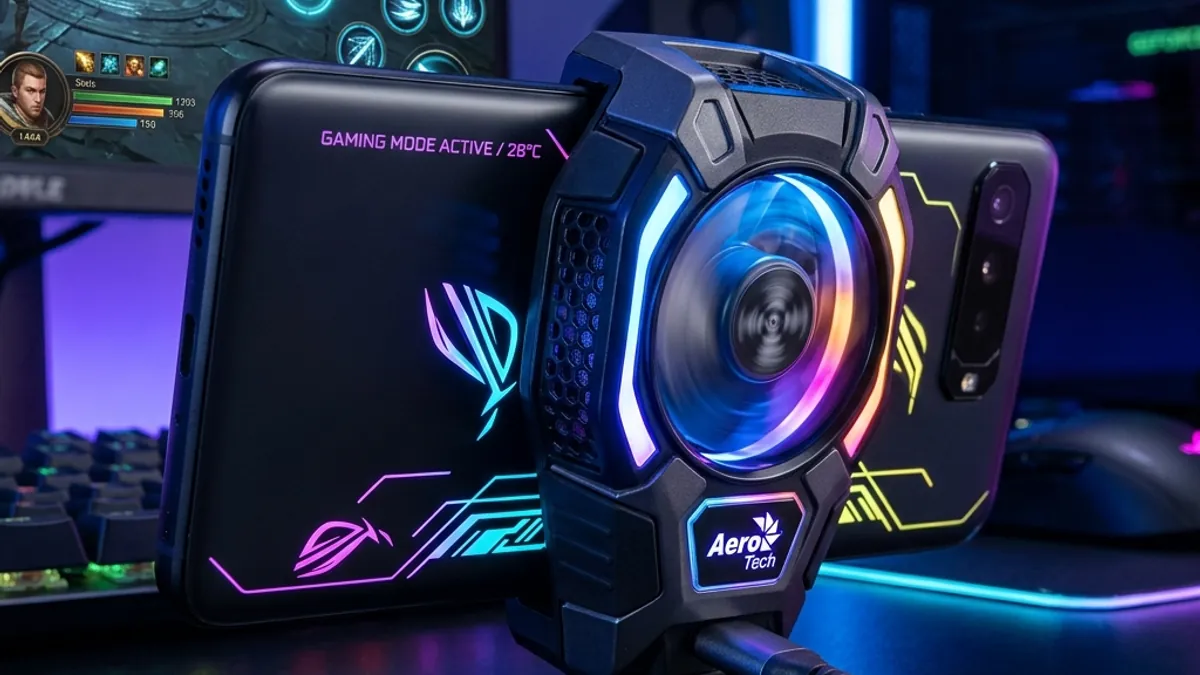
- **Semiconductor Phone Coolers (Peltier plates):** Small magnetic or clip-on fans that attach to the back of the smartphone. They use thermoelectric cooling to chill the phone's surface in seconds, preventing thermal throttling.
- **Metal Stand:** Avoid laying your phone on sofas, beds, or cloth surfaces while streaming. Fabrics trap heat. Use an aluminum stand, which acts as a passive heat sink.
- **USB Mini Fans:** Pointing a small USB fan directly at the back of your phone during playback can drop operating temperatures by up to 15°F (8°C).






