Best Help Desk Software for Small Business (2026): Tested, Ranked, and Optimized for Growth
Best help desk software for small business refers to platforms that centralize customer support, automate ticket management, and improve response time. In 2026, the best tools deliver faster resolution (up to 60%), lower support costs, and scalable customer experience through AI automation.
For small businesses and startups, choosing the right help desk is no longer optional — it directly impacts retention, reputation, and revenue.
What Is the Best Help Desk Software for Small Business in 2026?
The best platforms combine automation, omnichannel support, and AI-driven insights.
Top Picks (Ranked):
Zendesk
Freshdesk
Zoho Desk
Help Scout
HubSpot Service Hub
Intercom
LiveAgent
These tools dominate the market due to performance, integrations, and scalability.
Comparison Table: Best Help Desk Software 2026
| Software | Best For | AI Features | Pricing | Key Advantage |
|---|---|---|---|---|
| Zendesk | Scaling businesses | Advanced AI bots | $$ | Enterprise-level features |
| Freshdesk | SMBs | Automation + Freddy AI | $ | Best cost-benefit |
| Zoho Desk | Budget teams | Contextual AI | $ | Affordable & integrated |
| Help Scout | Simplicity | Basic automation | $ | Clean UX |
| HubSpot | CRM integration | AI + automation | $ | All-in-one platform |
| Intercom | SaaS & startups | Conversational AI | $$ | Real-time chat |
| LiveAgent | Multichannel | Rule-based automation | $ | Low cost |
Why Small Businesses Need Help Desk Software in 2026
Customer expectations have changed dramatically.
Key Data:
89% of customers expect responses within 24 hours
Businesses using help desk tools reduce response time by 50–60%
AI automation can handle up to 70% of repetitive support queries
Without a help desk system, businesses risk losing customers due to slow or inconsistent support.
Core Features to Look For
When choosing the best help desk software for small business, prioritize:
Ticket management system
Omnichannel support (email, chat, WhatsApp, social)
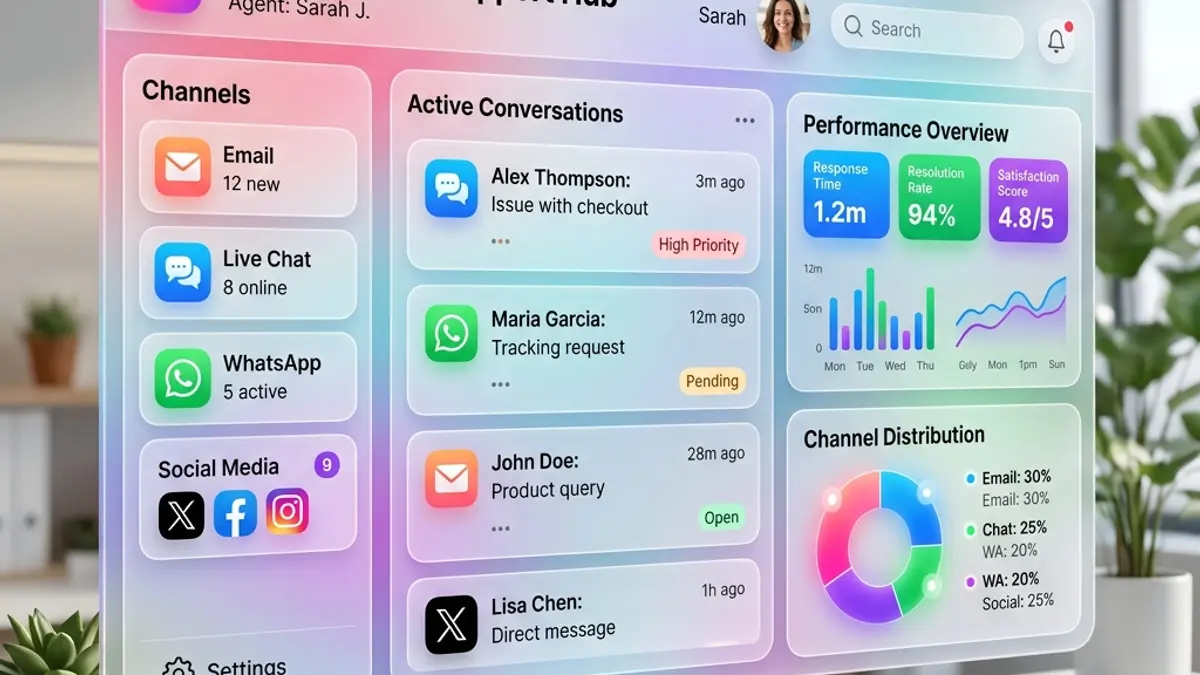
A single inbox allows teams to manage all communication channels efficiently. AI automation and chatbots
SLA management
Reporting and analytics
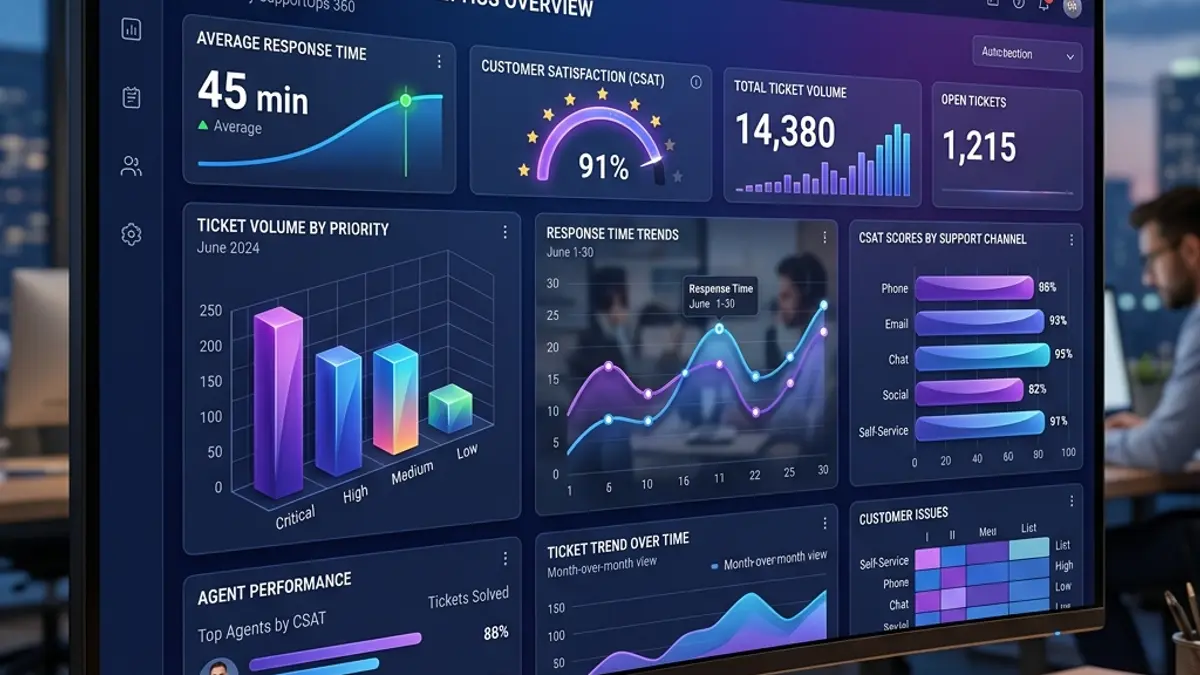
Tracking metrics is essential for optimizing support strategy and customer growth. CRM integration
How AI Is Transforming Help Desk Software
AI is redefining customer support.
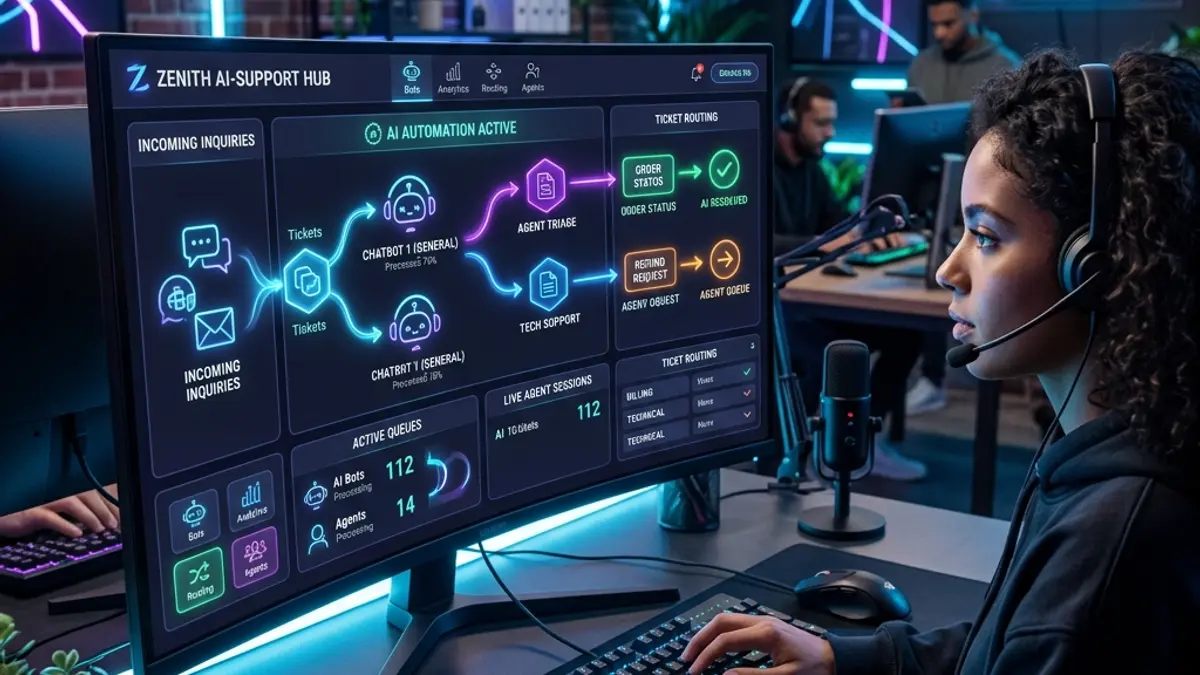
Key Benefits:
Automated responses reduce workload
Predictive analytics improve decision-making
Smart routing speeds up ticket resolution
Companies using AI-driven help desks report up to 35% lower operational costs.
You can also enhance workflows by leveraging AI tools for small business productivity, integrating automation across departments.
Zendesk vs Freshdesk vs Zoho Desk: Which One Wins?
Zendesk
Best for scaling companies
Robust ecosystem
Higher cost
Freshdesk
Best balance of price and features
Easy to use
Strong automation
Zoho Desk
Best for budget-conscious businesses
Deep integration with Zoho ecosystem
👉 Verdict:
Choose Zendesk for scale
Choose Freshdesk for value
Choose Zoho for affordability
How Help Desk Software Impacts Business Growth
Customer support is directly linked to revenue.
Benefits:
Increased customer retention
Faster problem resolution
Improved brand reputation
When combined with optimizing your PPC management services, better support increases conversion rates and ROI from paid traffic.
Scaling International Support Operations
If your business operates globally, support infrastructure becomes even more critical.
Before scaling, ensure:
Financial systems are structured
Payment processing is localized
For example, companies expanding into Brazil must consider opening a business bank account in Brazil to handle transactions and compliance.
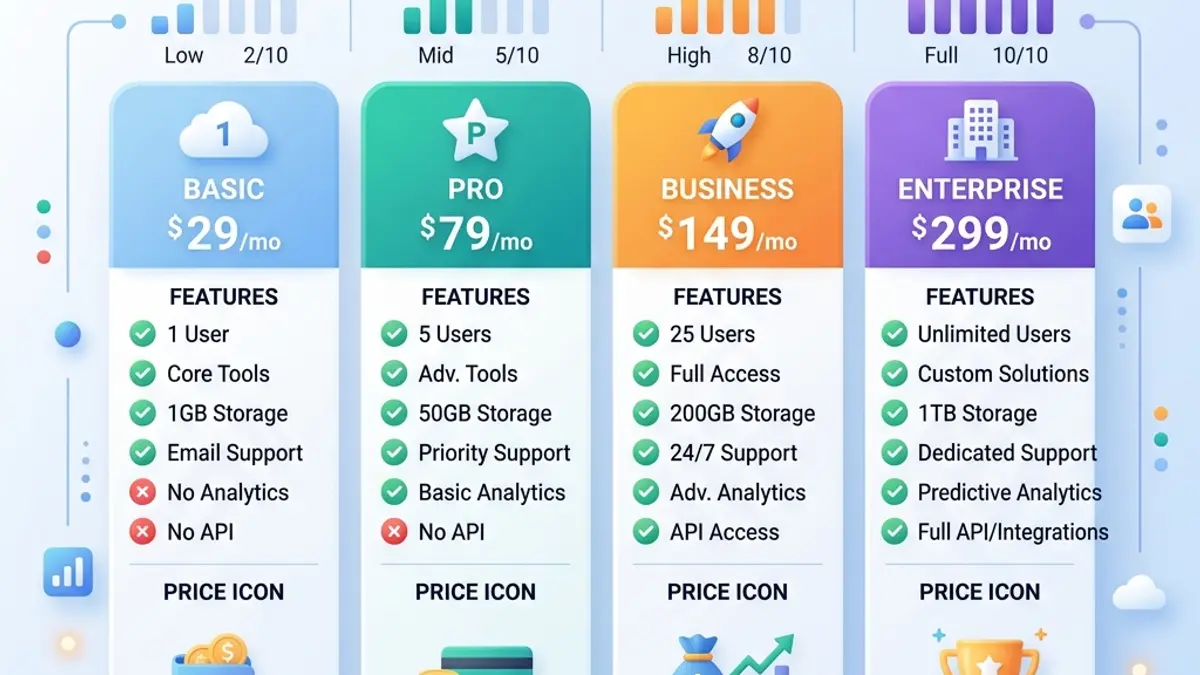
Cost Breakdown: What to Expect
| Plan Type | Monthly Cost | Ideal For |
|---|---|---|
| Free | $0 | Small teams testing tools |
| Basic | $10–$25/user | Startups |
| Pro | $30–$80/user | Growing businesses |
| Enterprise | $100+ | Large operations |
Most small businesses see ROI within 3–6 months due to efficiency gains.
Expert Insight: The Future of Customer Support
In 2026, help desk software is evolving toward:
Fully automated AI agents
Voice and chat integration
Predictive customer support
Companies that adopt these technologies early gain a competitive advantage.
Final Verdict: What Is the Best Help Desk Software?
There is no one-size-fits-all solution.
Choose based on your needs:
Zendesk → scalability
Freshdesk → cost-effectiveness
Zoho Desk → budget-friendly
Intercom → real-time engagement
Conclusion: Support Is a Growth Engine
The best help desk software for small business is not just a support tool — it’s a revenue driver.
Businesses that invest in the right platform:
Resolve issues faster
Retain more customers
Scale operations efficiently
If you want to compete in 2026, upgrading your support system is one of the smartest decisions you can make.
👋 Whether you're looking for a new tool or comparing your current help desk software, we’ve got you covered.
Start
⏳ Loading...
🚀 Just 4 quick questions — get matched with the best help desk tools for your business needs or compare what you already use.
Got it, let's go!
⏳ Analyzing...
👥 How many people are on your support team?
1 to 3 4 to 10 More than 10
⏳ Analyzing...
Step 1 of 4
📨 Which channels do you use for support?
Email only Email, chat, social media
⏳ Analyzing...
Step 2 of 4
🌍 Is your support provided remotely?
Yes No
⏳ Analyzing...
Step 3 of 4
💸 Do you need a free plan?
Yes No, I’m open to paid options
⏳ Analyzing...
Step 4 of 4
🔍 Loading result...
Top-Rated Help Desk Software
✅ Freshdesk – Best All-in-One Omnichannel Help Desk
Freshdesk by Freshworks is a powerful cloud-based help desk software designed to simplify customer service across multiple channels.

With Freshdesk, you can unify email, chat, phone, social media, and website queries into a single dashboard. It’s especially useful for small businesses looking for an omnichannel ticketing system without breaking the bank.
Top Features:
🎯 Omnichannel ticket management
🧠 AI bot (Freddy) to automate replies and route tickets
🔁 Workflow automation and canned responses
📚 Self-service knowledge base
🧩 Marketplace with 1000+ integrations
Freshdesk offers a generous free plan for small teams, and its paid tiers unlock automation and team performance features ideal for scaling businesses.
🔗 Explore Freshdesk
✅ LiveAgent – Best Help Desk for Real-Time Chat and Support
LiveAgent is ideal for businesses that prioritize fast, real-time communication with customers.
Known for its ultra-fast live chat widget, LiveAgent also includes a ticketing system, call center features, and social media integration, all in one help desk solution.
What makes LiveAgent stand out:
💬 Blazing-fast live chat widget with typing preview
🎫 Integrated email ticketing and call center
📞 VoIP and video call support options
🛠 Custom rules and SLA tracking
🔗 200+ integrations with tools like Slack and Shopify
LiveAgent is perfect for support teams that need instant communication tools without sacrificing structure or automation.
🔗 Visit LiveAgent
✅ Help Scout – Best Help Desk Software for Personalized Customer Support
Help Scout is a minimalist, clean help desk platform focused on personal support and customer satisfaction.
It doesn’t look like a typical ticketing system—your team communicates via a shared inbox that feels like email but includes powerful collaboration and automation features.
Key Advantages:
📨 Email-based support interface
👥 Collaboration tools like @mentions and internal notes
🧾 Reporting dashboard and satisfaction ratings
📚 Docs knowledge base for customers
🔒 HIPAA compliance available
If your business values humanized support, Help Scout offers a modern, lightweight customer service platform trusted by startups and SaaS companies.
🔗 Discover Help Scout
✅ Zendesk – Best Enterprise-Grade Help Desk Platform
Zendesk is one of the most widely used help desk platforms worldwide, built for complex, high-volume support needs.
It offers robust ticketing, multi-brand support, automation, reporting, and powerful AI-driven tools—all tailored for enterprise-level scalability.
Why choose Zendesk:
🧭 Customizable workflows and advanced routing
🤖 AI & bots for fast ticket deflection
📞 Omnichannel: email, chat, voice, social media, and more
📊 Powerful analytics and customer satisfaction tracking
🛠 Massive integration ecosystem
Zendesk is best for growing businesses or enterprises with high customer interaction volume and complex support needs.
🔗 Explore Zendesk Solutions
✅ Tawk.to – Best 100% Free Help Desk with Live Chat
Tawk.to is one of the few completely free live chat and help desk platforms.
It’s ideal for solopreneurs, freelancers, or small teams looking for real-time customer communication without paying a cent.
Why Tawk.to is unique:
🆓 100% free — no credit card, no limits
💬 Real-time chat with ticketing fallback
👥 Multiple agents, chat departments, and canned responses
📱 Mobile and desktop apps
🛠 Custom widget and branding options
Tawk.to is perfect if your focus is live chat support and you want to keep costs at zero.
🔗 Try Tawk.to
✅ Front – Best for Shared Inboxes and Collaborative Support
Front turns your team’s email into a shared, collaborative support platform.
While it feels like email, it includes ticket assignment, internal comments, automation, and integrations with your favorite tools like Slack, Salesforce, and Asana.
Why small teams love Front:
📥 Shared inbox for email, SMS, Facebook, and more
🔁 Rules, SLAs, and auto-assignment
👥 Collaboration tools like shared drafts and mentions
📊 Analytics and response time tracking
🔌 100+ integrations
If your team lives in email and you want a smart help desk experience without changing habits, Front is a strong choice.
🔗 Visit Front
FAQ
What’s this quiz for?
This quiz is designed to help small business owners identify the best help desk software for their unique needs. Whether you handle customer support via email, chat, or social media, this tool recommends a tailored solution in under a minute.
How accurate is the Help Desk Software Quiz?
While no tool is perfect, this quiz uses logic based on business size, communication channels, and feature needs to match you with the top-rated help desk software for small businesses in 2026.
What is Help Desk Software and how does it work?
Help desk software is a tool that helps businesses manage customer support requests across multiple channels. It includes features like ticketing systems, live chat, knowledge bases, and email automation to streamline support operations.
Which Help Desk Software is best for small businesses?
Top-rated options include Zoho Desk, Freshdesk, and Tawk.to. These platforms offer intuitive interfaces, scalable features, and integrations tailored for small teams with limited resources.
Is there any free Help Desk Software worth using?
Yes. Tawk.to and Zoho Free plan are highly recommended. They include essential help desk features like ticketing, canned responses, and email forwarding—great starting points for small businesses.
What is a ticketing system in a Help Desk platform?
A ticketing system automatically converts customer inquiries into “tickets” that your team can manage, assign, and resolve. It's a core feature in most customer support software and crucial for tracking and organizing support cases.
How do I choose the best Help Desk Software for my business?
Start by evaluating how your team handles customer support: volume, channels, and automation needs. Then look for help desk software for small businesses that offers essential features like a ticketing system, SLA tracking, and multichannel support. Bonus if it integrates with your CRM or e-commerce platform.
What's the difference between Help Desk and Customer Support Software?
While often used interchangeably, help desk software typically focuses on support ticketing and internal issue resolution. Customer support software may include broader tools like CRM features, knowledge bases, and live chat for more direct client interaction.
Can I use Help Desk Software with my existing CRM?
Yes, many help desk tools integrate seamlessly with CRMs. Platforms like Zoho Desk and Freshdesk allow CRM help desk connections, syncing customer data, tickets, and interactions to streamline support workflows.
Is cloud-based Help Desk Software better than on-premise?
Cloud help desk solutions are ideal for small businesses thanks to lower setup costs, no infrastructure maintenance, and easy remote access. On-premise systems require servers, tech staff, and updates—which can be costly and complex.
Can I use Help Desk Software to support IT departments?
Absolutely. Many IT support software platforms include help desk functionality like asset tracking, internal ticketing, and escalation workflows. This is essential for businesses with in-house IT needs.
Does Help Desk Software include live chat and automation tools?
Yes. Modern customer support platforms include features like live chat support, chatbots, automated ticket routing, and even AI-based response suggestions—helping small teams handle more tickets efficiently.
What is Help Desk Automation and why does it matter?
Help desk automation refers to the use of workflows, triggers, and rules to route tickets, send notifications, and resolve issues without human intervention. For small businesses, automated help desk tools can save hours per week by handling repetitive tasks like assigning tickets and sending follow-ups.
Does Help Desk Software support email-based customer service?
Yes. Most help desk software platforms support email ticketing systems. These tools turn incoming emails into tickets and allow agents to respond directly from the dashboard while maintaining a record of all conversations.
What are the advantages of SaaS Help Desk Solutions?
SaaS (Software as a Service) help desk tools are hosted in the cloud, requiring no installation. They're ideal for small businesses because they're affordable, scalable, and easy to update. Options like Freshdesk or Zoho Desk provide robust SaaS help desk features at accessible pricing.
Can I manage customer support from my phone?
Yes. Many modern help desk platforms offer mobile apps that allow support agents to manage tickets, respond to chats, and track customer activity on the go. This is crucial for small business owners who need flexibility.
Are Help Desk platforms secure enough for sensitive data?
Top-rated help desk software uses SSL encryption, secure APIs, and role-based permissions to protect user data. Tools like Zendesk and Zoho Desk comply with industry standards like GDPR and SOC 2.
What KPIs can I track with Help Desk Software?
Common help desk KPIs include ticket resolution time, first response time, CSAT (customer satisfaction score), agent productivity, and SLA compliance. These metrics help optimize your customer support strategy over time.
Should I use a free Help Desk Software or pay for a premium plan?
Free help desk software like Tawk.to is great for startups or microbusinesses, offering core features like ticketing and chat. However, as your support needs grow, a paid solution offers advanced tools such as automation, analytics, integrations, and SLA management.
What does multi-channel support mean in Help Desk platforms?
Multi-channel support means the software lets you manage customer interactions across multiple platforms—email, live chat, social media, phone, and more—in a unified dashboard. It’s essential for small businesses to stay organized and responsive.
How do I prioritize support tickets effectively?
Help desk platforms allow you to set priority rules based on factors like customer type, ticket topic, or urgency. Automation workflows can also tag and route high-priority issues to the right team members.
Is Help Desk Software scalable as my business grows?
Yes. The best help desk tools are built to scale. You can start with basic features and upgrade as your team grows—adding new users, integrating more channels, and accessing advanced analytics and automation options.
What’s the difference between ticket status and ticket priority?
Ticket status shows where the issue is in your workflow (open, pending, resolved), while ticket priority indicates how urgent it is (low, medium, high). Both help organize and streamline customer service operations.
Can I customize my Help Desk dashboard and workflows?
Absolutely. Most help desk platforms allow dashboard customization, role-based access, and custom workflow rules. This lets small businesses tailor the platform to match their exact support process and team structure.
What is the support ticket lifecycle in Help Desk Software?
The ticket lifecycle refers to the journey of a support request—from creation to resolution. It includes stages like new, assigned, in progress, pending customer, resolved, and closed. A clear lifecycle helps teams track accountability and improve response times.
Can I integrate a knowledge base with my Help Desk?
Yes. Most professional help desk platforms offer built-in or integrable knowledge base tools. These let customers find answers to common questions on their own, reducing ticket volume and improving satisfaction.
Do Help Desk platforms use AI?
Many advanced help desk tools now include AI features like smart ticket routing, sentiment analysis, auto-suggestions, and AI-powered response drafting. These tools boost agent productivity and offer faster, smarter support experiences.
Can I add a chatbot to my Help Desk Software?
Absolutely. Chatbots are a common feature in help desk software, enabling 24/7 support by answering FAQs, collecting information, or escalating issues when needed. They’re ideal for small teams with limited availability.
How does self-service support reduce ticket volume?
By offering options like FAQs, knowledge bases, and community forums, self-service tools empower users to solve issues independently—reducing the number of incoming support requests and freeing up agents for complex tasks.
What are the most essential customer support tools in a Help Desk system?
Core tools include ticketing systems, live chat, knowledge bases, customer profiles, analytics dashboards, SLA timers, automation workflows, and integrations with CRMs or e-commerce platforms. The more unified the tools, the better the support experience.
More >
Why Choosing the Right Help Desk Software Matters in 2026
Finding the best help desk software is no longer optional — it’s essential for businesses of all sizes that want to deliver fast, reliable, and personalized customer service. Whether you're a startup looking for a free help desk solution, or a growing team seeking a robust ticketing system, the choice you make can directly impact customer retention, operational efficiency, and your brand’s reputation.
In today’s hyper-connected world, clients expect fast responses through multiple channels. That’s why top-rated multi-channel support platforms integrate email, live chat, social media, and even SMS, giving businesses a unified dashboard for managing customer communications. If you're still using spreadsheets or outdated tools to manage support, it's time to explore a modern SaaS help desk platform.
What Defines the Best Help Desk Tools?
The best help desk tools are those that combine usability with power. Features like automated ticket routing, self-service knowledge bases, AI chatbots, SLA management, and team performance analytics aren’t luxuries anymore—they’re the baseline. Platforms like Freshdesk, Zendesk, and Zoho Desk lead the way by offering all of the above plus deep integrations with CRM, billing, and project management tools.
For teams offering remote IT support, cloud-based help desk software ensures technicians can access customer data securely from anywhere. Security is another critical factor: a reliable IT support platform must offer features like two-factor authentication, encrypted data storage, and GDPR compliance.
Small Business Help Desk Software: What to Look For
If you’re a small business or solo entrepreneur, the landscape can be overwhelming. You may not need an enterprise solution, but you do need scalable help desk software that grows with you. Tools like Tawk.to and LiveAgent provide live chat widgets, email ticketing, and even chatbot automation — all for free or at low cost. Look for tools that support mobile apps, multilingual support, and canned responses to save time.
Pricing models vary. Some tools offer free plans, but with limits on team size or ticket volume. Others provide per-agent SaaS billing, which can scale quickly. Be sure to compare free vs. paid help desk solutions based on your actual needs, not just features.
Help Desk Software Comparison: 2026 Trends
According to recent industry data, companies that invest in automation-powered customer support platforms reduce ticket resolution time by up to 60%. The top trends for 2026 include:
AI-based ticket triage and sentiment detection
Integration with Slack, WhatsApp Business, and Microsoft Teams
Workflow builders for custom automation
Built-in analytics for support agent performance and customer satisfaction
Omnichannel dashboards with unified inboxes
As you explore options, consider platforms that support API access, webhooks, and robust documentation — especially if you're planning integrations with your existing tech stack.
Final Thoughts
Choosing the right help desk platform can streamline internal communication, improve response times, and increase customer satisfaction. Whether you need a basic ticketing system, a powerful remote support tool, or an AI-powered live chat assistant, there's a solution tailored to your use case.
Don't rely on guesswork — use our interactive help desk quiz to find your match and scroll down to explore full reviews of each recommended tool. You’ll find detailed comparisons on pricing, features, pros and cons, and best use cases. With the right platform, your customer support can evolve from reactive to proactive.
Discover more: