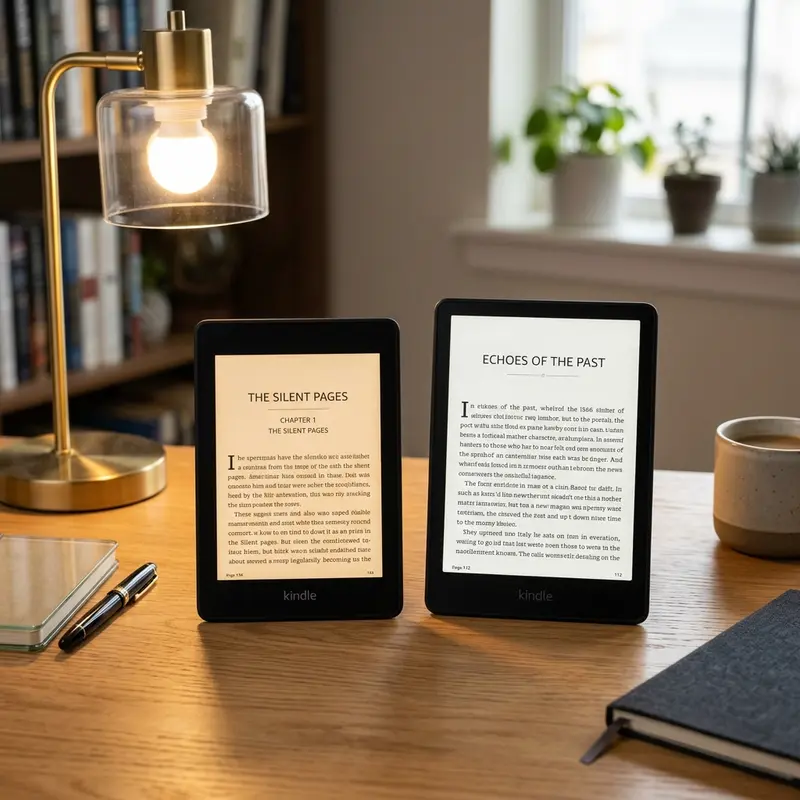
Trying to decide between Kindle Paperwhite storage sizes? For standard e-books, the 8GB Kindle Paperwhite is perfect, storing thousands of titles. Choose 16GB if you read heavy manga or listen to audiobooks. Calculating your storage needs will save you money during purchase.
When buying a new Amazon Kindle Paperwhite, you are faced with a few decisions: choosing between the standard and Signature Edition, deciding if you want wireless charging, and selecting the correct storage capacity. In the past, Kindles came with tiny storage limits like 2GB or 4GB, which was more than enough for thousands of standard text books. Today, the choice sits between 8GB and 16GB configurations. While a larger capacity sounds better on paper, it often costs extra. In this guide, we will analyze the real available space, calculate file capacities, and help you choose the best storage size for your budget.
Understanding Kindle Operating System and Real Available Space
Publicidade
The first thing to understand is that when you purchase an 8GB or 16GB electronic device, you do not get the full advertised capacity for your personal files. A portion of the memory is consumed by the device's operating system, pre-installed dictionaries, and system caches. For Kindle devices, the operating system and base files occupy about 2GB to 2.5GB of storage.
This means:
On the 8GB Kindle Paperwhite, you have approximately 5.5GB to 6.0GB of actual usable storage.
On the 16GB Kindle Paperwhite, you have approximately 13.5GB to 14.0GB of actual usable storage.
While a 6GB limits sounds small compared to modern smartphones, e-books are tiny files, making even the base model incredibly spacious for text-only libraries.
Dica DomineTec: If you are planning to read personal files, understanding file formats can help you optimize storage. Check out our guide on Kindle supported file formats to learn how different extensions impact file sizes.
Publicidade
How Many E-Books and Audiobooks Actually Fit?
To put these storage sizes into perspective, let's look at the average file sizes for different types of content you can load onto a Kindle Paperwhite:
1. Standard Text E-Books (EPUB, AZW3, MOBI)
A typical text-only novel has an average file size of 1MB to 2MB. On a 1MB per book average:
An 8GB Kindle (with 6GB usable space) can hold roughly 6,000 books.
A 16GB Kindle (with 14GB usable space) can hold roughly 14,000 books.
For the average reader who finishes 20 to 50 books a year, even the 8GB Kindle offers a lifetime supply of storage space.
2. Manga and Comic Books (CBZ, Mobipocket with Images)
Manga, graphic novels, and comic books are made of high-resolution images. A single volume of a manga series can easily range from 50MB to 150MB.
An 8GB Kindle can hold about 40 to 120 manga volumes.
A 16GB Kindle can hold about 90 to 280 manga volumes.
Publicidade
If you read long-running manga series (like One Piece or Naruto), you will fill up an 8GB model quickly, making the 16GB model a much better choice.
3. Audiobooks (Audible AAX Files)
Audiobooks are large audio files. A typical audiobook is highly compressed but still averages around 150MB to 300MB depending on the narration length.
An 8GB Kindle can hold about 20 to 40 audiobooks.
A 16GB Kindle can hold about 45 to 90 audiobooks.
If you like keeping a large library of Audible audiobooks on your device for listening on the go, the 16GB capacity is highly recommended.
The 32GB Signature Edition: A Worthy Alternative?
If you find that even 16GB of storage limits your heavy multimedia habits, Amazon provides a premium alternative: the Kindle Paperwhite Signature Edition. This model comes exclusively with 32GB of internal storage, leaving about 29.5GB of actual usable space. With this capacity, you can store over 30,000 standard text novels, 400 high-resolution manga volumes, or nearly 150 long-form audiobooks simultaneously.
Publicidade
However, the Signature Edition is not just about raw storage size. It also adds premium quality-of-life upgrades. It features wireless charging support using any standard Qi charger, auto-adjusting front lights that dim or brighten depending on your surrounding ambient light, and it is completely free from lock-screen advertisements by default. If you read manga daily, regularly listen to audiobooks during commutes, and want these advanced hardware upgrades, paying the price premium for the 32GB Signature Edition is a highly reasonable choice.
Storage Overheads: Sideloading vs. Direct Amazon Purchases
Another important factor that impacts how much usable space you have is how e-books are transferred to your device. When you buy books directly from the Kindle Store or borrow them via Prime Reading, the files are downloaded in highly optimized formats (like KFX or AZW3) along with small metadata tags. These official files are tightly compressed, keeping storage usage to an absolute minimum.
Publicidade
However, when you manually sideload personal files—such as PDF documents, Word drafts, or DRM-free EPUBs that are converted locally—the Kindle operating system generates additional sidecar files to store your reading progress, custom notes, bookmarks, and cover image caches. These sidecar files are stored in hidden folders (typically with the .sdr extension) alongside the main book files. If you sideload thousands of small personal files using USB or Calibre, these hidden folders can generate hundreds of megabytes of storage overhead, slightly reducing the number of books you can fit. This makes the 16GB model highly desirable if your reading collection consists primarily of side-loaded research papers or custom text documents.
Target Profiles: Who Should Buy the 8GB vs 16GB Model?
To simplify your buying decision, we have broken down which model suits different types of readers based on their habits.
Publicidade
Who should buy the 8GB Kindle Paperwhite?
The Budget-Conscious Reader: If you want the Paperwhite experience at the lowest possible price point.
The Pure Text Reader: If your library consists of traditional novels, history books, and business articles with minimal images.
The Cloud Sync User: If you read with an active Wi-Fi connection and don't mind downloading books as you go, deleting them from the device once completed.
Who should buy the 16GB Kindle Paperwhite?
The Manga & Comic Fan: If you read graphic novels, comics, or manga regularly.
The Audiobook Enthusiast: If you listen to Audible books through Bluetooth on your Kindle.
The PDF Reader: If you load heavy PDF files, academic journals, or manuals with diagrams.
The Off-Grid Traveler: If you travel to remote areas without internet access and want to keep your entire digital library downloaded locally.
Kindle Paperwhite Storage Management: Tips to Free Up Space
Publicidade
If you purchase the 8GB model and find yourself running out of space, managing your storage is simple. You do not lose access to books you delete from your device. Anything purchased through the Kindle Store remains stored in your Amazon Cloud Library, allowing you to re-download it in seconds over Wi-Fi.
To free up space on your Kindle Paperwhite:
Go to your Kindle Library page.
Tap the three dots on the bottom right corner of the book cover you want to remove.
Select Remove Download. The book's downloaded file will be removed from your local storage, but the cover icon will remain, allowing you to tap and download it again whenever you want to re-read it.
You can also go to Settings > Device Options > Advanced Options > Storage Management to quickly delete multiple books at once.
Kindle Paperwhite Capacity Comparison Table
The table below summarizes the content capacity estimates for both storage options:
Publicidade
Content Type
Average File Size
8GB Kindle (6GB Usable)
16GB Kindle (14GB Usable)
Standard E-Book
1 MB
~6,000 Books
~14,000 Books
Large E-Book (with Images)
5 MB
~1,200 Books
~2,800 Books
Manga Volume
75 MB
~80 Volumes
~180 Volumes
Audiobook (Audible)
200 MB
~30 Audiobooks
~70 Audiobooks
Heavy PDF Document
15 MB
~400 Files
~930 Files
For most people, the 8GB Kindle Paperwhite is more than adequate. If you read normal novels and text files, paying extra for the 16GB model is unnecessary. However, if you read manga, store large PDFs, or use your Kindle as an audiobook player, the 16GB upgrade is a smart investment that ensures you never have to worry about managing your storage space.
Publicidade
Frequently Asked Questions (FAQ)
Can I expand the storage of my Kindle Paperwhite with a MicroSD card?
No. Amazon Kindle devices do not feature expandable storage slots. The storage capacity you select at purchase (8GB or 16GB) is permanent and cannot be upgraded later using memory cards. If you are unsure of your long-term storage needs, it is safer to opt for the 16GB model to avoid running out of space down the road.
Do books saved on Amazon Cloud take up space on my Kindle?
No. Books that are in your Amazon library but not downloaded to your device do not occupy storage space on your Kindle Paperwhite. They are represented by cover thumbnails with a small cloud icon or without a checkmark. They only consume storage space when you tap on them and download them to the physical device memory for offline reading.
Is the Kindle Paperwhite Signature Edition only available in 32GB?
Yes. The Kindle Paperwhite Signature Edition comes exclusively with 32GB of storage. This premium model is designed for power users who want the maximum possible storage alongside other extra features like wireless charging, auto-adjusting front light sensors, and an ad-free experience out of the box.
Publicidade
How do I check how much free storage space is left on my Kindle?
To check your available storage space on Kindle Paperwhite: tap the top of the screen to open the Quick Actions menu, select All Settings, go to Device Options, tap Device Info, and scroll down. You will see a list showing your total space, available space, firmware version, and network MAC address.