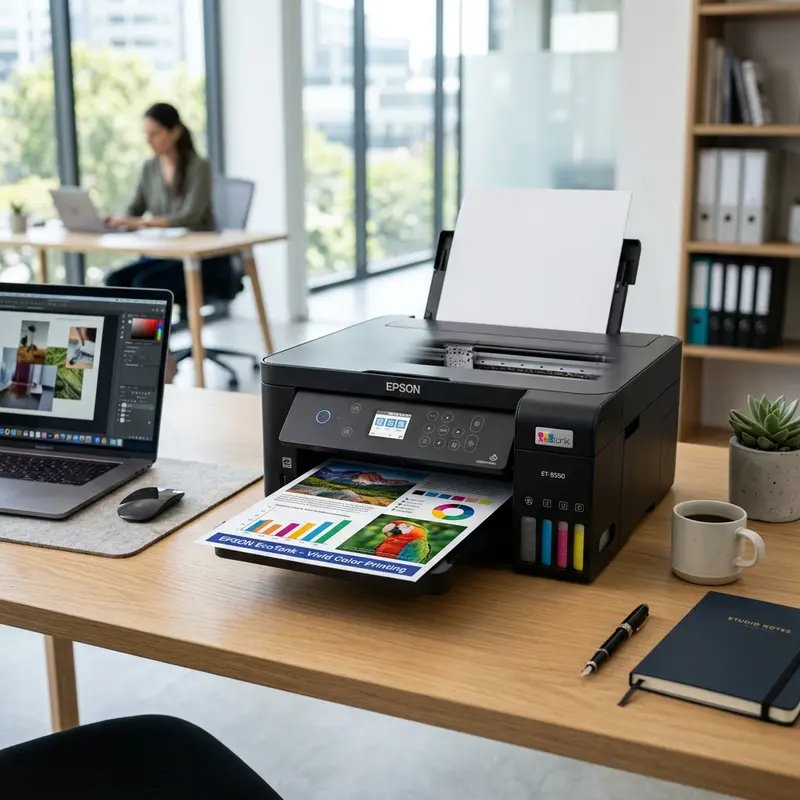
The absolute best printers that do not clog or dry out when left unused are laser printers (both monochrome and color), because they use dry electrostatic thermoplastic toner powder instead of liquid ink, eliminating water evaporation and nozzle blockages entirely. If you must buy an inkjet printer for home photo printing or low-cost document printing, your best option to prevent permanent printhead damage is an inkjet printer that uses cartridges with integrated printheads (such as entry-level HP DeskJet or Canon PIXMA models). If the ink dries and clogs the nozzles beyond repair, you simply buy a replacement cartridge, which gives the printer a brand new, factory-fresh printhead electronic assembly.
Clogged printhead nozzles are the single most common hardware failure in home and office printing. Casual home users often buy high-yield ink tank printers (like Epson EcoTank or Canon MegaTank models) to save on ink costs, only to find the machine ruined after leaving it turned off during summer vacations or long periods of inactivity. To prevent these frustrating issues, it is essential to understand the physics of microfluidic ink ejection and look at the physical differences between laser engines, thermal printheads, and piezoelectric printheads.
The Chemistry of Clogging: Why Does Liquid Ink Dry Out?
Inkjet printers work by firing tiny droplets of liquid ink through hundreds of microscopic nozzles located on the nozzle plate at the base of the printhead. These nozzle openings are extremely narrow, measuring between 10 and 20 microns in diameter—much thinner than a human hair.
Inkjet ink is a complex chemical formula that includes:
- Carrier Solvent (Deionized Water): The main liquid vehicle that keeps pigments or dyes in suspension.
- Humectants (e.g., Glycerin or Glycols): Hygroscopic chemicals added to slow down water evaporation at the nozzle tips when exposed to the air.
- Colorants (Dyes or Pigments): The chemical compounds that produce the colors on paper.
- Binders and Polymers: Resins that help the color pigments bond permanently to the paper fibers once dry.
When an inkjet printer sits idle, the water at the exposed tip of the nozzles slowly evaporates into the surrounding air. As water is lost, the concentration of binders, polymers, and pigments at the opening of the capillary nozzle rises. The ink becomes highly viscous, turning into a gel and eventually curing into a hard plastic plug. This solid plug blocks the nozzle opening. The tiny actuators inside the printhead cannot generate enough pressure to force the plug out, resulting in faded, streaky, or completely blank prints.
Ejection Technologies: Piezoelectric vs. Thermal Printheads
How a printer ejects ink determines how severe a clog will be and whether the printhead can be rescued:
1. Piezoelectric Technology (Epson MicroPiezo)
Epson printheads use piezoelectric crystals (usually lead zirconate titanate) behind each nozzle. When a voltage is applied, the crystal flexes mechanically, compressing the ink chamber and pushing a droplet out. Because this method does not use heat, the printheads last a long time and work well with pigmented and sublimation inks. However, if a tough ink plug forms in the nozzle, the piezo crystal cannot generate enough physical force to push it out. Clearing the clog requires running deep cleaning cycles or using manual flushing tools.
2. Thermal Technology (HP and Canon Jettison)
HP and Canon use thermal inkjet systems. Microscopic resistors in the ink chambers heat the ink to over 300°C (572°F) in a fraction of a microsecond, creating a rapidly expanding steam bubble that forces a droplet out. If a nozzle is blocked by dry ink, the vapor bubble still forms, but the ink cannot escape. Without the cooling flow of fresh ink, the resistor overheats quickly. This thermal stress can burn out the microscopic resistor, causing a permanent electronic failure in that nozzle.
| Printer Technology | How It Behaves During Long Inactivity | Permanent Clog Repair Cost |
|---|---|---|
| Monochrome / Color Laser | Immune. Uses dry powder; there are no liquids to evaporate or dry out. | Zero. No parts are damaged by leaving the printer unused. |
| Inkjet with Integrated Cartridges | Medium risk. Ink dries on the cartridge\'s built-in nozzle plate. | Low. Replacing the cheap cartridge installs a brand new printhead automatically. |
| Ink Tank (EcoTank / MegaTank) | High risk. Ink dries inside the supply tubes and the fixed printhead. | High. Replacing a fixed printhead can cost up to 80% of a new printer. |
Why Laser Printers Never Dry Out
Laser printers use a physical process called xerography, which relies on static electricity and heat fusion. Instead of liquid inks, they use toner—a dry, fine powder made of polyester resin, wax, iron oxides, and pigments.
Because toner contains no water or volatile organic solvents, it cannot evaporate or solidify. The powder remains in a stable state inside the sealed hopper of the cartridge, whether the printer is left unused for weeks, months, or even years. When you send a print job, a Primary Charge Roller (PCR) charges the Organic Photoconductor (OPC) drum, a laser writes the image by discharging specific areas, the toner is electrostatically attracted to those discharged areas, and a hot fuser assembly melts the toner resin onto the paper fibers. For households and offices that print only occasionally, a laser printer is the most cost-effective option because it eliminates ink waste from dried-out printheads.
For advice on choosing a budget-friendly color laser model, check out our guide to the best cheap color laser printer for home use.
The Middle Ground: Inkjets with Integrated Cartridge Printheads
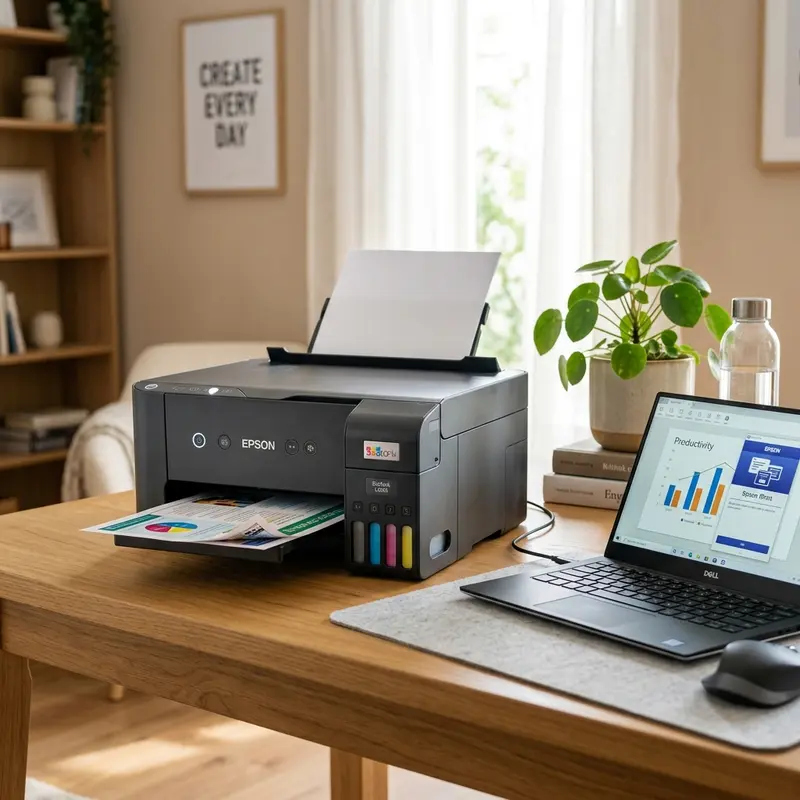
If you need to print in color on a budget but know the printer will sit idle for long stretches, a color laser printer might be too expensive. In this case, look for an inkjet printer that uses integrated printhead cartridges.
On modern ink tank printers, the printhead is a permanent part of the machine, connected to the ink tanks via silicone tubes. If this printhead clogs permanently, replacing it requires a technician and expensive parts. In contrast, on traditional cartridge printers (like the HP DeskJet 2776 or Canon PIXMA series), the nozzle plate and firing resistors are built directly into the disposable plastic cartridge.
If the cartridge dries out completely while you are away, and soaking it in warm water does not clear the clog, you can simply buy a new cartridge. Installing a new cartridge replaces the old, clogged printhead with a new one from the factory. If you own an ink tank printer and need to clear a software clog before trying manual cleanings, check out our step-by-step instructions on how to run an Epson L3250 printhead cleaning from a PC.
Technician Tips to Prevent Clogging in Inkjet Printers
If you already own an inkjet or ink tank printer and want to protect it from drying out during periods of inactivity, follow these best practices:
- Always Use the Power Button to Turn Off the Printer: Never turn off the printer by pulling the plug or switching off a power strip. Using the power button tells the printer controller to park the printhead carriage in its Service Station. Here, a rubber cap (capping unit) seals against the printhead nozzle plate, protecting the nozzles from the air and slowing evaporation.
- Print a Weekly Test Page: Create a reminder to print a page containing blocks of cyan, magenta, yellow, and black once a week. This keeps the ink moving through the internal tubes and nozzles, clearing out air bubbles and slightly thickened ink before they can harden.
- Keep the Printer Away from Drafts and Heat: Do not place the printer near radiators, sunny windows, or directly in the airflow of an air conditioner. Heat and dry air speed up ink evaporation, even when the printhead is parked in its service station.
Preventative maintenance for domestic inkjet printers
To avoid future physical blockages in the printhead nozzles and extend the overall lifespan of your printer components, it is highly recommended to print a test page containing all primary colors at least once a week. This routine forces fresh ink to flow through the internal delivery lines and clears any dried residue from the nozzle plate, preventing crystallization due to prolonged inactivity. Additionally, keeping the printer away from direct drafts and heat sources reduces the rate of solvent evaporation inside the ink chambers.
Frequently Asked Questions (FAQ)
Does leaving the printer on in standby mode prevent clogging?
Many modern ink tank printers have built-in maintenance routines. If left in standby mode, they will run quiet, short cleaning cycles every few days to keep the nozzles moist. Check your printer\'s manual to see if this feature is supported when the machine is disconnected from a PC.
What is a Power Cleaning cycle, and when should I use it?
A Power Cleaning (or Power Flushing) is a deep cleaning routine on ink tank printers (like Epson EcoTank models) that uses the service station pump to draw a large volume of ink through the printhead. This clears stubborn clogs and air bubbles. Use this option sparingly: it consumes 15% to 20% of the ink in your tanks and fills the waste ink maintenance box quickly, which can trigger a service error requiring a parts replacement.
How long does dry toner powder last in a laser cartridge?
Unlike liquid ink, which has a shelf life of about two years (after which humectants fail and pigment settles), dry toner powder can last 5 to 10 years if stored in a cool, dry place without losing its electrostatic properties.
Can third-party compatible inks cause clogs in ink tank printers?
Yes. Cheap, low-quality third-party inks often have poor filtration, leaving behind microparticles that can clog small nozzles. They may also have incorrect pH levels, which can corrode thermal resistors or react with remaining original ink to form clogs.
Preventative Hardware Protection for Long-Term Storage
Comparing Total Cost of Ownership (TCO) for Occasional Printing
Preventative Hardware Protection for Long-Term Storage
If you plan to store your laser printer unused for a period exceeding six months (such as in a secondary home or during relocation), you must take steps to protect its electrostatic components. The dry toner powder inside the cartridge remains stable for years, but it can absorb moisture if stored in a humid environment. Humid toner powder will clump together, preventing the developer roller from applying an even layer of electrostatic charge. This leads to faded prints or gray backgrounds on the page. Before storage, remove the toner cartridges from the machine, place them in their original protective black plastic bags, and store them in a climate-controlled room with low humidity.
Additionally, the organic photoconductor (OPC) drum must be protected from ambient light and physical deformation. If a laser printer is left sitting on an uneven surface or subjected to high temperatures, the rubber pressure rollers inside the fuser can develop flat spots, resulting in repeating clicking noises and paper feeding defects during operation. By keeping the printer stored horizontally in its original box with protective foam, you ensure that the delicate silicone rollers, fuser sleeves, and linear optical sensors remain in perfect alignment, ready to resume high-quality printing instantly when powered back on.
Comparing Total Cost of Ownership (TCO) for Occasional Printing
For users who print only 50 to 100 pages a year, calculating the Total Cost of Ownership (TCO) reveals the clear financial advantage of laser technology. An entry-level inkjet printer might cost only half the price of a budget laser printer upfront. However, if that inkjet printer goes unused for months, the printhead will clog. Running cleaning cycles to clear the clog consumes up to 25% of the cartridge's ink volume. If the printhead is burnt out or permanently blocked, you must buy a new set of cartridges, costing nearly as much as the printer itself.
With a laser printer, the higher initial investment is offset by the longevity of the consumables. A starter toner cartridge usually yields around 700 to 1,000 pages and does not degrade with time. A user printing 100 pages a year can run the printer on its starter toner for up to 10 years without spending a single dollar on maintenance or replacement ink. When you factor in the cost of wasted ink, ruined printheads, and replacement paper from failed prints, the laser printer emerges as the most economical option for occasional home printing.
Understanding Electrostatic Charge and the Corona Wire
The electrostatic charge on the OPC drum is generated by either a primary charge roller (PCR) or a corona wire. Brother laser printers often utilize a corona wire system, which applies a high-voltage corona discharge to ionize the surrounding air and charge the drum. Over time, paper dust and toner particles accumulate on the wire, causing uneven charging and resulting in vertical black streaks on the page. To resolve this, Brother cartridges feature a built-in green slider (corona wire cleaner) that physically scrapes off the debris when moved back and forth. Clean this wire regularly to ensure high print quality during setup.
The Role of Humidity in Laser Print Quality
Humidity levels in the home office environment play a subtle role in laser print output. Since the transfer of toner relies entirely on electrical charges, paper that has absorbed excess humidity will conduct electricity too easily, weakening the electrostatic attraction. This leads to faded prints and poor toner transfer. Conversely, extremely dry air can create excess static electricity, causing toner dust to cling to unwanted areas of the paper, creating background haze or shadowing effects.




