Prompts para DALL-E 3 Criar Logos e Identidades Visuais
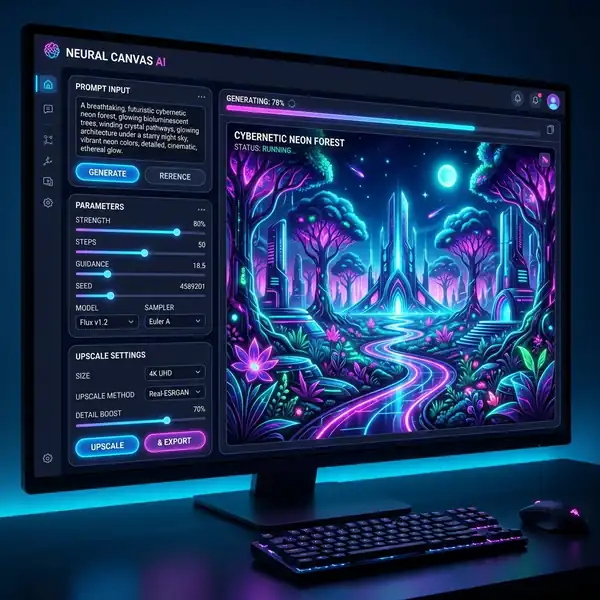
Descubra como utilizar prompts para DALL-E 3 criar logos e identidades visuais de maneira eficaz e criativa.
Dica DomineTec: Para aprimorar sua experiência, considere criar imagens com DALL-E 3 grátis no ChatGPT e explore mais sobre as capacidades dessa ferramenta incrível.
Entendendo o DALL-E 3
Antes de mergulharmos nos prompts específicos, é importante entender as capacidades do DALL-E 3. Essa ferramenta utiliza redes neurais profundas para gerar imagens a partir de descrições textuais. Isso significa que a qualidade e a relevância das imagens geradas dependem da clareza e precisão dos prompts fornecidos. Para mais informações, veja nosso artigo completo sobre como criar prompts no Leonardo AI.
Estrutura de um Prompt Eficaz
Um prompt eficaz deve incluir detalhes sobre:
1. Estilo: Moderno, vintage, minimalista, etc. 2. Cores: Especificar paletas de cores pode ajudar a alinhar a identidade visual desejada. 3. Formato: Indicar se você deseja uma imagem quadrada, retangular ou outra proporção. 4. Elementos: Quais símbolos ou temas devem ser representados. 5. Texto: Se houver necessidade de incluir o nome da marca ou um slogan.
# Exemplos de Prompts
- "Crie um logo minimalista para uma startup de tecnologia, usando azul e verde." - "Desenvolva uma identidade visual vintage para uma cafeteria, incluindo xícaras de café e o nome 'Café da Manhã'."
Parâmetros e Configurações
Para maximizar a eficácia dos prompts, é importante entender os parâmetros que podem ser ajustados. Aqui estão alguns parâmetros que você pode considerar:
| Parâmetro | Descrição | |----------------------|--------------------------------------------------------| | Peso dos Tokens | Aumentar o peso de certos termos pode enfatizar elementos específicos no design. | | Resolução | Ajustar a resolução para diferentes usos, como impressão ou digital. | | Aspect Ratio | Proporções comuns como 1:1 para logos ou 16:9 para banners. |
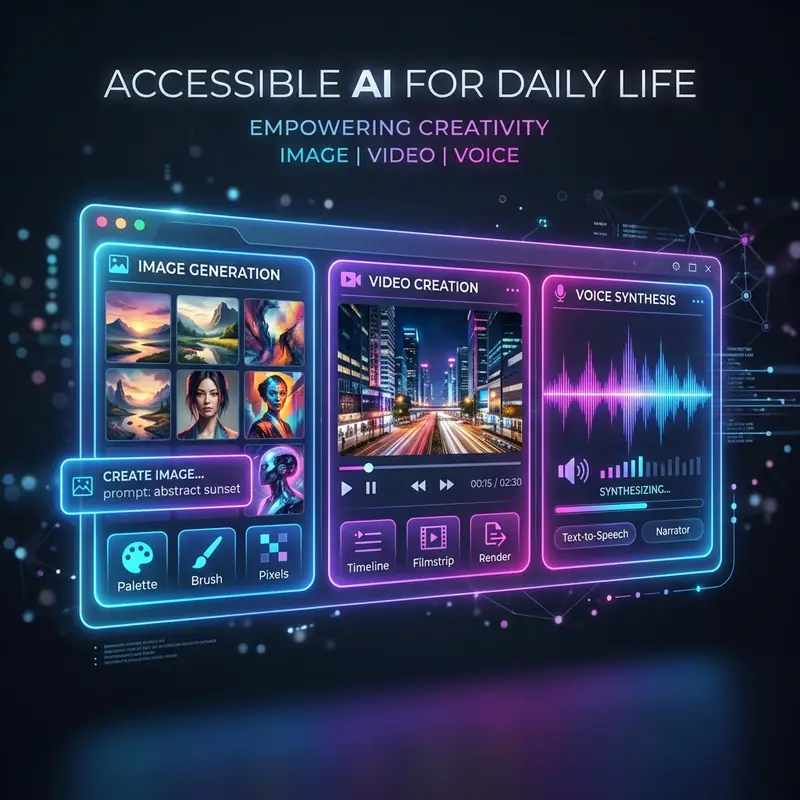
| Parâmetro | Opção | Descrição |
|---|---|---|
| Resolução | 72 dpi | Ideal para web |
| Resolução | 300 dpi | Ideal para impressão |
| Aspect Ratio | 1:1 | Formato quadrado, ideal para logos |
| Aspect Ratio | 16:9 | Formato retangular, comum para banners |
O Processo de Criação
Ao utilizar o DALL-E 3, siga estas etapas:
1. Acesse a Plataforma: Entre na interface do DALL-E 3. 2. Digite seu Prompt: Insira um prompt claro e conciso. 3. Ajuste os Parâmetros: Selecione a resolução e o aspecto desejados. 4. Gere a Imagem: Clique em gerar e aguarde a criação. 5. Refine se Necessário: Caso a imagem não atenda às expectativas, ajuste o prompt e tente novamente.
Exemplos de Identidades Visuais
Ao criar uma identidade visual, considere a consistência. Utilize cores, fontes e ícones que se complementam. Aqui estão algumas ideias:

- Cores: Utilize uma paleta de cores que represente a emoção da sua marca. - Fontes: Escolha fontes que sejam legíveis e que reflitam a personalidade da marca. - Ícones: Use ícones que se relacionem diretamente com os produtos ou serviços oferecidos.
Lembre-se de que a identidade visual deve ser reconhecível e memorável.
Exportação e Uso das Imagens
Após gerar sua imagem, o próximo passo é a exportação. Escolha o formato mais adequado com base na aplicação:
- PNG: Para gráficos com fundo transparente. - JPEG: Para imagens com muitas cores. - SVG: Ideal para logos, pois permite redimensionamento sem perda de qualidade.
Conclusão
A utilização de prompts eficazes no DALL-E 3 pode resultar em logos e identidades visuais impressionantes. Ao compreender a importância dos detalhes e parâmetros, você pode gerar designs que verdadeiramente reflitam sua marca. Explore a criatividade e não hesite em experimentar diferentes combinações de prompts para descobrir o que funciona melhor.
Optimizing Workflows for Logo Creation with DALL-E 3
The workflow for designing logos and visual identities using DALL-E 3 can significantly influence the output quality and efficiency of the process. To optimize this workflow, designers must consider the iterative nature of prompt crafting and image refinement. It begins with a clear understanding of the brand identity that needs to be expressed through the logo. This initial step involves gathering all relevant brand attributes, such as target audience, brand values, color psychology, and visual language. By synthesizing this information into a cohesive brief, designers can formulate precise prompts that DALL-E 3 will interpret more effectively.
Once the initial prompts are developed, establishing a systematic approach to image generation and evaluation is fundamental. A recommended technique is to create a prompt library, where variations of the initial prompts can be stored for iterative testing. This library should include different descriptors of the brand’s essence, the desired style of the logo (e.g., minimalist, abstract, typographic), and any specific visual elements that should be incorporated, such as symbols or color schemes. By generating multiple iterations based on these variations, designers can assess which prompts yield the most aligned and visually appealing results.
Additionally, integrating feedback loops into the workflow is essential for refining the output. After generating a set of logos, it is beneficial to solicit feedback from stakeholders or potential users to gain insights into the effectiveness of the designs in representing the brand. This can be facilitated through structured surveys or feedback sessions, where respondents evaluate aspects such as memorability, relevance, and aesthetics. The insights garnered from these evaluations can then inform further prompt iterations, enhancing the alignment between the generated designs and the intended brand identity.
Finally, the implementation of a robust file management system is fundamental for an efficient workflow. As multiple versions of logos are generated, organizing these files according to their respective prompts and iterations ensures that designers can easily retrieve and compare designs. By integrating version control tools, teams can maintain a clear history of design iterations, making it easier to track progress and revisit previous concepts if needed. This structured workflow not only streamlines the design process but also enhances collaboration among team members, ultimately leading to a more refined and successful logo design outcome.
Exploring UI Features for Enhanced Prompt Precision in DALL-E 3
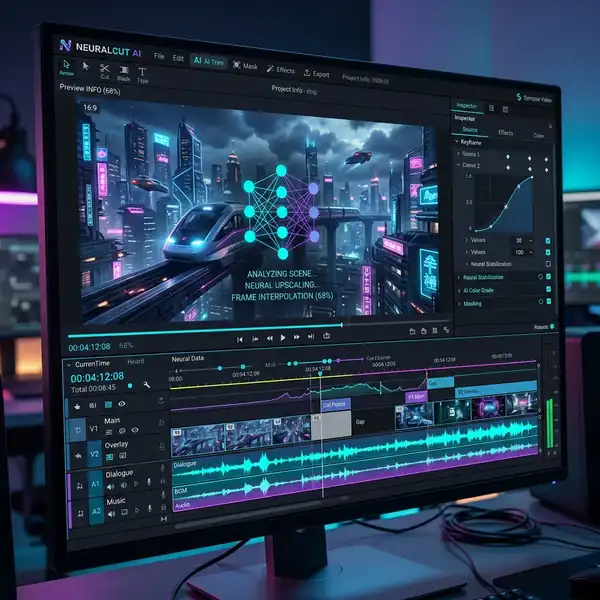
The user interface (UI) of DALL-E 3 plays a pivotal role in facilitating designers' interactions with the AI. Understanding the available UI features can greatly enhance the precision of prompts and the subsequent image generation process. One of the most significant UI features is the real-time feedback mechanism, which allows users to see how adjustments to their prompts influence the generated images instantaneously. This feature, which leverages predictive algorithms, can guide designers in refining their prompts more effectively, leading to a more targeted output that aligns with their creative vision.
Another critical UI component is the advanced tagging and categorization system. DALL-E 3 incorporates contextual tagging, which allows designers to classify prompts based on various parameters such as style, mood, or target demographic. This feature enables users to quickly filter through existing prompts and identify successful patterns that can be replicated or modified for new designs. The ability to categorize prompts not only simplifies the retrieval process but also fosters a deeper understanding of how specific attributes resonate with the AI's generative capabilities.
Moreover, the integration of a visual exploration tool within the UI enhances the design experience significantly. This tool enables designers to explore a vast array of visual references and inspirations directly within the DALL-E 3 environment. By leveraging image recognition technologies, the UI can suggest related visuals based on the designer's prompt, offering a wealth of contextual imagery that can inform and inspire the design process. This feature serves as both a reference point and a creative springboard, allowing designers to discover unexpected connections and ideas that can enhance their logo and visual identity designs.
Finally, the collaborative features embedded in the UI promote teamwork and iterative design. Through shared workspaces, designers can invite team members to contribute to prompt development and image refinement. This collaborative approach not only harnesses diverse perspectives but also accelerates the design process by allowing real-time input and adjustments. Feedback can be shared seamlessly within the platform, fostering a dynamic creative environment where ideas can flourish and evolve. By utilizing these UI features to their full potential, designers can maximize the effectiveness of DALL-E 3 in generating logos and visual identities that resonate with their target audiences.
Optimizing Workflows for Logo Creation with DALL-E 3
In the realm of logo design, the integration of DALL-E 3 into creative workflows can significantly enhance efficiency and output quality. A structured approach to utilizing the AI's capabilities can streamline the design process from ideation to final execution. This requires a clear understanding of how to frame prompts effectively, manage iterations, and leverage the model's strengths in generating visual assets.
The first step in optimizing workflows involves establishing a robust briefing process. Designers should begin with a comprehensive understanding of the brand identity they are attempting to convey. This includes defining specific attributes such as brand values, target audience, and desired emotional responses. By translating these parameters into focused prompts, the designer can guide DALL-E 3 to generate logos that are not only visually appealing but also aligned with the strategic vision of the brand.
Subsequent iterations are fundamental in refining the output. After the initial prompt generates a set of logos, designers should analyze the results critically. This analysis should focus on elements like color harmony, typography, and symbolic relevance, identifying what resonates and what requires further exploration. DALL-E 3 allows for iterative refinements through prompt adjustments. By incorporating feedback into new prompts—such as specifying color palettes or adjusting the complexity of designs—designers can guide the AI toward more targeted outcomes, enhancing the overall quality of the logos produced.

Additionally, incorporating collaborative tools into the workflow can further enhance the design process. Platforms that allow real-time feedback and sharing of generated logos can help in facilitating discussions among team members or clients. This collaborative aspect is essential when working with AI-generated content, as it allows for diverse perspectives to influence the final product, ensuring that the logo not only meets aesthetic standards but also aligns with stakeholder expectations.
UI Features of DALL-E 3 That Enhance Logo Design
DALL-E 3 introduces several user interface (UI) features that enhance the logo design experience, making it more intuitive and efficient for designers. Understanding these features is essential for maximizing the potential of the AI tool, particularly in the context of creating visual identities. The UI is designed to facilitate prompt input, output visualization, and iterative refinements, all of which are critical in the logo design process.
One of the standout features is the prompt customization interface, which allows designers to experiment with varying levels of specificity in their input. This flexibility enables users to adjust their prompts dynamically, experimenting with different artistic styles, color schemes, and conceptual frameworks. The UI often includes dropdown menus or sliders that help in categorizing styles (e.g., minimalist, vintage, modern) and color theory principles, making it easier for users to convey their vision accurately to the AI. This level of customization ensures that the generated logos are not just random outputs but are closely aligned with the designer's intent.
Another significant aspect of the DALL-E 3 UI is its real-time feedback mechanism. As designs are generated, the interface presents various options for variations or enhancements based on the initial output. This feature allows designers to quickly assess which elements of the logo resonate most effectively and offers suggestions for further refinement. For instance, if a designer is not satisfied with a particular color scheme, the UI can provide alternative palettes that maintain the integrity of the design while exploring new visual territory. This feedback loop is invaluable for honing designs rapidly without sacrificing creativity or quality.
Moreover, the aspect ratio adjustment tool within the UI is fundamental for ensuring that logos are optimized for various applications, from digital platforms to print media. Designers can easily adjust dimensions to meet specific requirements, such as square, portrait, or landscape formats, ensuring versatility in branding applications. This adaptability is essential in contemporary design, where logos must function across multiple formats and devices. By integrating these UI features into their workflow, designers can harness the full potential of DALL-E 3, creating logos that are not only innovative but also practically applicable across different branding scenarios.



