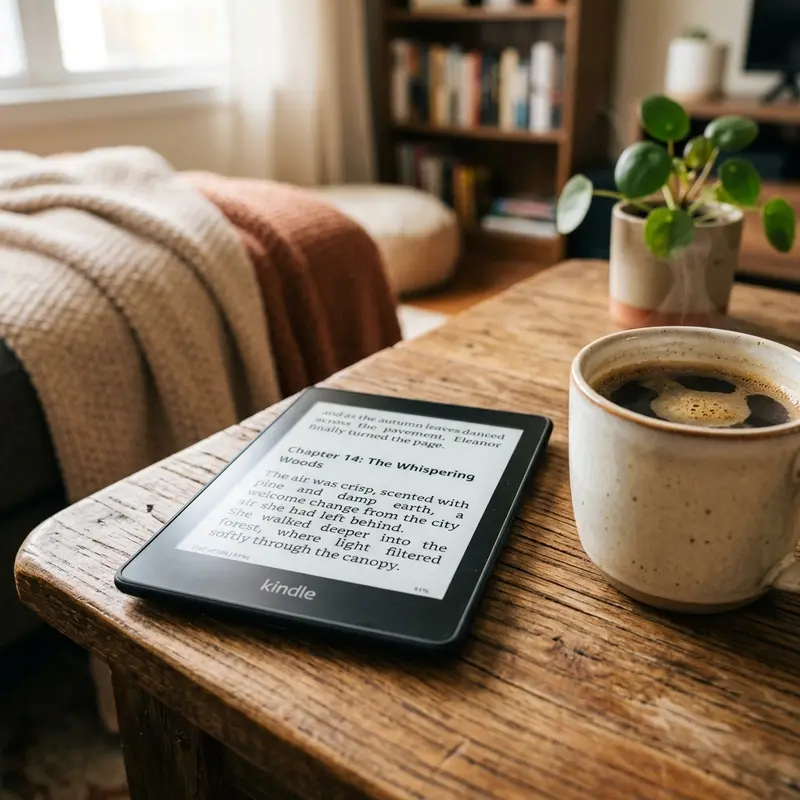
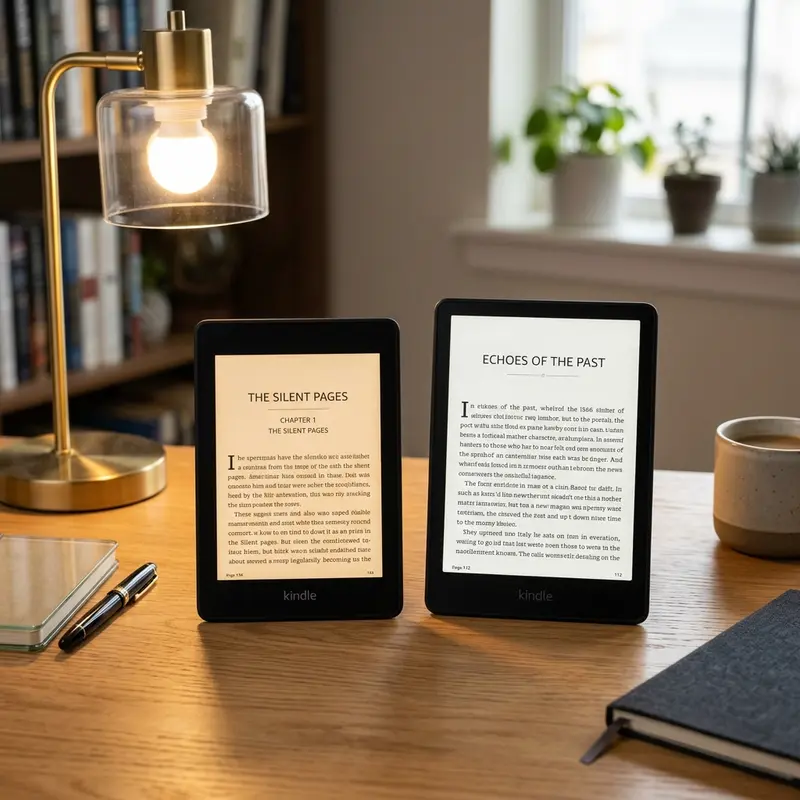
Wondering if you should purchase a screen film for your e-reader? A matte screen protector is only worth it if you read in harsh environments with scratch risks; otherwise, it reduces Kindle's native screen clarity. Adding extra plastic layers over E-Ink can often compromise your reading quality.
The Amazon Kindle Paperwhite is loved for its screen that mimics physical paper. Unlike tablets and smartphones, which have shiny glass screens that reflect light like a mirror, the Kindle Paperwhite has a special textured, anti-glare screen. Despite this built-in protection, many users are tempted to apply a secondary screen protector, just like they do on their phones. But is this step necessary, or does it do more harm than good? In this article, we will analyze the pros and cons of adding a matte screen protector to your Kindle Paperwhite to help you make an informed decision.
The Kindle Paperwhite Screen: Native Features
Publicidade
To evaluate if a screen protector is necessary, we must look at how the Kindle Paperwhite screen is built. The Paperwhite features a flush-front screen design. Instead of a recessed screen surrounded by a thick frame (like the basic Kindle), the Paperwhite's display is covered by a single sheet of scratch-resistant, acid-etched glass. This glass is specially treated to distribute incoming light, which reduces glare under direct sunlight or indoor lighting. The textured surface also creates a tiny bit of friction when you swipe, mimicking the tactile sensation of turning a paper page.
Because the screen is made of treated glass, it is much harder and more scratch-resistant than plastic screens. However, glass is not indestructible. While it can easily handle fingernails, dust, and soft materials, it can still be scratched by hard objects like keys, sand, or metal zippers. If you carry your Kindle in a bag alongside your keys, coins, or pens, the glass can develop microscopic scratches over time that disrupt the clean appearance of the screen.
Publicidade
Dica DomineTec: E-Ink screens work by reflecting ambient light, not by blasting light through pixels like an LCD screen. This means any extra layers you place on top of the screen will affect how light enters and exits the E-Ink capsule layers, directly impacting readability.
Why Consider a Screen Protector for Kindle?
If the native screen is already anti-glare and scratch-resistant, why do screen protectors remain popular? The primary reason is peace of mind. Many users view their Kindle as a long-term investment. They want to keep the device in mint condition to maintain its resale value or ensure it lasts for years. A screen protector acts as a sacrificial barrier: if something scratches the screen, you can simply peel off the plastic film and apply a new one, avoiding costly screen repairs.
Another common reason is finger grease and smudges. Although the Kindle Paperwhite's etched glass is designed to resist fingerprints, oils from your hands will eventually build up on the screen, creating smudged areas that catch the light. Some high-quality matte screen films are coated with oleophobic materials that reduce fingerprint visibility, making it easier to read for long periods without wiping the screen down with a microfiber cloth.
Publicidade
Pros and Cons of a Matte Screen Protector on Kindle Paperwhite
Applying a matte screen protector to your Kindle Paperwhite comes with trade-offs. It is important to understand the pros and cons before buying one.
The Benefits (Pros)
Maximum Scratch Protection: A matte film will prevent keys, sand, coins, and pet claws from making contact with the actual glass display, which is helpful if you read at the beach or during your daily commute.
Reduced Fingerprint Accumulation: High-quality matte protectors use textured surfaces that disperse skin oils, preventing ugly smudges.
Maintained Glare Reduction: Unlike cheap glossy protectors that turn your Kindle into a mirror, a high-quality matte protector preserves the glare-free reading experience under direct sunlight.
The Drawbacks (Cons)
Reduced Contrast and Clarity: This is the biggest complaint among Kindle owners. Every extra layer of plastic or glass placed over the E-Ink screen diffuses the light slightly. This makes the black text appear slightly grey, and can make small fonts look fuzzy or blurry.
Rainbow Effect: Some cheap matte protectors cause refraction, resulting in tiny, shimmering colored spots (the "rainbow effect") when you turn up the built-in front light.
Altered Touch Sensitivity: While modern touch screens are highly sensitive, thick screen protectors can sometimes cause your swipes or highlights to lag or miss their target.
Difficult Installation: E-Ink screens are dust magnets. Installing a film without getting tiny dust particles or air bubbles trapped underneath is notoriously difficult and can ruin the look of your screen.
Publicidade
Kindle Screen Durability: Real-World Expectations
In real-world usage, Kindle screens are surprisingly tough. Unless you drop your e-reader face down on gravel or throw it into a bag with loose metal objects, it is unlikely to suffer deep, distracting scratches. Most minor scratches that occur on the Paperwhite's screen are cosmetic and only visible when the screen is turned off and caught at a specific angle. When you are reading with the front light turned on, these tiny marks are virtually invisible.
However, E-Ink displays are structurally different from phone screens. The substrate beneath the outer glass is very thin and fragile. A heavy impact can crack the underlying E-Ink capsules even if the outer glass remains intact. A thin plastic screen protector will not protect your Kindle from this kind of internal damage if the device is dropped or crushed.
The Best Alternatives to Screen Protectors
Publicidade
If you want to protect your Kindle Paperwhite without compromising its screen clarity, there are excellent alternatives that don't involve sticking film onto the glass:
Use a Smart Folio Case: A protective case with a front cover is the best defense for your Kindle. When you are not reading, the cover shields the screen from scratches in your bag. When you open the cover, the screen is exposed in its natural, pristine state, allowing you to read without any distracting plastic layers.
Use a Padded Sleeve: If you prefer the feeling of reading a naked, lightweight Kindle, use a padded travel sleeve. Slide the Kindle into the sleeve when traveling, and take it out when you are ready to read.
Keep a Microfiber Cloth Nearby: Instead of relying on oleophobic coatings, keep a small microfiber cloth in your drawer or bag. A quick wipe will clean off any finger oils in seconds without reducing screen contrast.
Publicidade
Kindle Paperwhite Protection Comparison
Here is a comparison of the screen quality, protection levels, and reading experience across the three most common configurations:
Configuration
Scratch Protection
Screen Contrast / Clarity
Glare Reduction
Best Use Case
Naked Screen + Folio Case (Recommended)
High (When closed)
Perfect (Maximum contrast)
Excellent (Native anti-glare)
For 90% of readers who want the sharpest text and best overall reading experience.
Matte Screen Protector Film
Very High (Constant)
Slightly Reduced (Greyer text)
Excellent
For beach readers, parents sharing devices with kids, or anyone who carries a naked Kindle in a bag.
Tempered Glass Protector (Glossy)
Maximum (Impact resistant)
Good
Poor (Turns screen into a mirror)
Not recommended. Glossy glass ruins the Kindle's main selling point of being glare-free.
For the vast majority of readers, a matte screen protector is not worth the trade-off. It reduces the contrast of the screen, making the text look fuzzy and increasing eye strain. The best protection strategy is combining a naked screen for reading with a high-quality smart folio case to protect the glass when the device is not in use.
Publicidade
Frequently Asked Questions (FAQ)
Does the Kindle Paperwhite have a glass screen or a plastic screen?
Unlike the basic Kindle, which uses a plastic bezel and a plastic screen surface, the Kindle Paperwhite features an acid-etched glass screen. This glass cover is flush with the bezels, making it significantly more scratch-resistant than plastic screen designs. However, because it is glass, it is susceptible to cracking from heavy impacts, meaning you should still protect it from drops.
Will a matte screen protector make my Kindle screen look blurry?
Yes, to a minor degree. Matte screen protectors work by adding a micro-textured surface that scatters light. While this prevents glare, it also scatters the light coming out of the screen. As a result, the crisp edges of e-book fonts will appear slightly softer, and the black ink levels will look closer to dark grey, reducing the overall contrast.
Publicidade
Can I use a phone screen protector on my Kindle?
No, you should not use a phone screen protector on a Kindle. Phone screen protectors are designed for different aspect ratios and are glossy to show vibrant colors on LCD/OLED screens. Placing a glossy phone protector on your Kindle will create strong reflections, making the screen unreadable in bright light. If you must buy a protector, purchase one designed specifically for your Kindle model with a matte finish.
How do I remove scratches from my Kindle Paperwhite screen?
Unfortunately, you cannot remove physical scratches from the etched glass screen of a Kindle Paperwhite. Trying to polish the screen with abrasive materials like toothpaste, baking soda, or glass polish will wear away the special anti-glare coating, creating a glossy, highly reflective spot that is much more distracting than the scratch itself. The best option is to prevent scratches in the first place with a protective case.