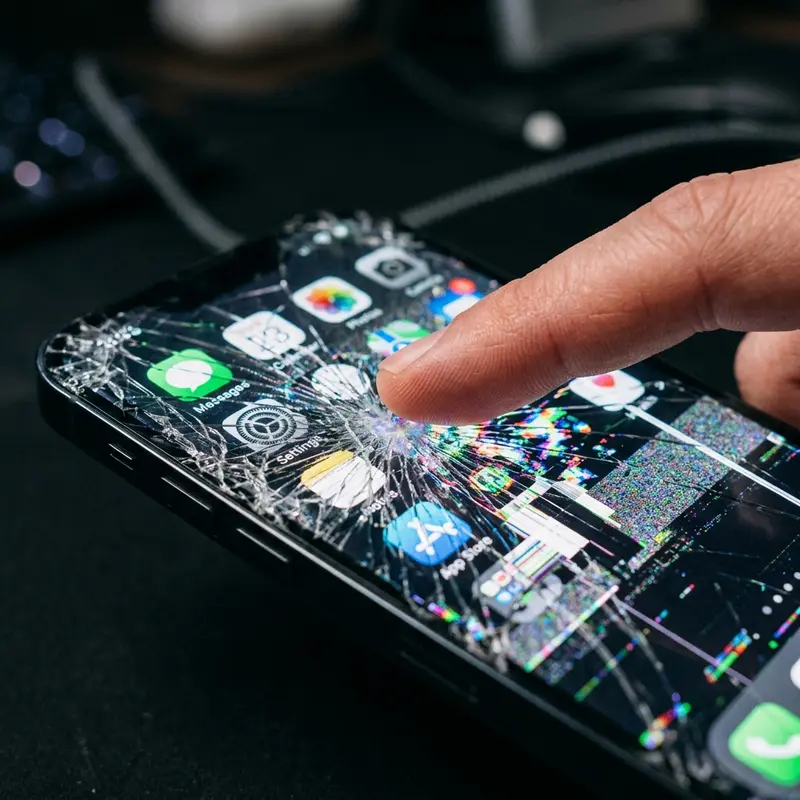
The iPhone blue screen of death is almost always fixable through a force restart or iOS recovery — hardware failure is the cause in fewer than 20% of cases.
Seeing your iPhone freeze on a solid blue screen is alarming, especially if it happens mid-call or right before you need the phone. Unlike the Windows blue screen most people recognize from PCs, the iPhone version does not display an error code — it just goes blue and stays there, sometimes for seconds and sometimes indefinitely. Understanding what triggered it determines whether you need a free 60-second fix or a trip to the Apple Store. This guide walks through every cause and every solution, from the simplest to the most serious.
What Is the iPhone Blue Screen and Why Does It Happen?
The iPhone blue screen — sometimes called iBSoD, a play on the Windows terminology — occurs when iOS encounters a critical error it cannot recover from automatically. The display remains lit but shows only a uniform blue (or sometimes purple-blue) tone. In some cases the screen flashes blue briefly before restarting; in others it locks indefinitely requiring manual intervention.
This is distinctly different from a black screen (which usually indicates the display backlight failing or the battery fully depleted) or a white screen of death (often associated with hardware connection issues). The blue color specifically appears because the GPU continues sending a signal to the display while the CPU process responsible for rendering the interface has crashed — the display controller defaults to blue as a signal state in this condition.
The trigger events vary widely. A failed or interrupted iOS update is one of the most common culprits — if the installation process crashes at a critical juncture, the firmware can enter an inconsistent state that produces a blue screen on next boot. Incompatible apps, particularly those that access low-level hardware APIs, can cause similar failures. On the hardware side, a loose or damaged display flex cable — typically from a previous drop or repair — intermittently loses contact and can produce the characteristic blue display output.
The good news: most blue screen incidents are software-triggered, and the vast majority of those resolve entirely with a force restart. The bad news: recurring blue screens without a clear trigger deserve serious investigation, as they can precede more significant hardware or software failures.
Software Causes: Corrupted iOS, Incompatible App
Software is responsible for the majority of iPhone blue screen events, and identifying the specific cause helps prevent recurrence even after the immediate problem is resolved.
iOS update corruption: The most frequent software cause. When an over-the-air update downloads incompletely (due to Wi-Fi drops, low storage, or interrupted download), or when the installation process is interrupted by a power-off or battery death, the resulting firmware state can be inconsistent. The iPhone may boot partway before the kernel encounters code that does not match its integrity checks and halts with a blue screen. Installing updates over a stable wired connection with sufficient battery (above 50%) dramatically reduces this risk.
App-level crashes propagating to the OS: Certain applications — particularly beta apps, apps from TestFlight, or apps using private iOS frameworks — can trigger kernel panics when they crash in specific ways. This is more common immediately after a major iOS version update (e.g., upgrading from iOS 17 to iOS 18) when older app builds have not been updated to match new API behavior. If the blue screen happens consistently when opening a specific app, that app is almost certainly the cause.
Jailbreak complications: Modified system files introduced through jailbreaking are a significant blue screen risk. If a tweak injects code into a system process that conflicts with the iOS version, the result is frequently a recurring blue screen or boot loop. Apple's first-party repair pathways — DFU restore — will resolve this but also removes the jailbreak.
Storage saturation: An iPhone filled to absolute capacity (0 bytes free) can produce unexpected behavior including crashes and blue screens, because iOS requires scratch space for memory management operations. If your available storage is under 1 GB, clearing space should be an early troubleshooting step.
Hardware Causes: Display Flex Cable, Logic Board
When the blue screen recurs after a successful software restore, or when it appears with no preceding software event (no update, no new app, no crash), the diagnosis shifts toward hardware. Two components are primarily responsible for hardware-triggered blue screens on iPhone.
Display flex cable damage: The display assembly connects to the logic board via a ribbon cable (flex cable) routed behind the display panel. If this cable is stretched, pinched, or partially disconnected — which can happen from a significant drop, from pressure applied to the screen, or from a previous screen replacement performed incorrectly — it can intermittently lose contact. When the display connection fails at the data layer but maintains a power signal, the characteristic blue output appears. This is the most common hardware cause.
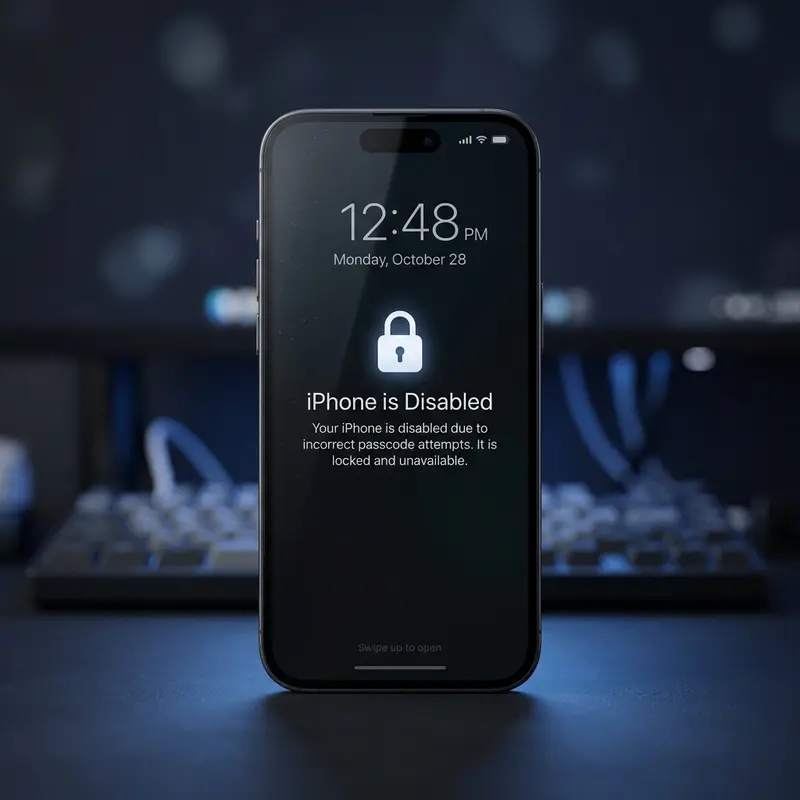
Logic board failure: More serious and less common. The logic board contains the CPU, GPU, RAM, and storage controller on a single integrated assembly. Damage from liquid ingress, physical impact, or electrical surges can corrupt specific circuits. If the GPU or the display controller IC on the board fails, the result can be a permanent blue screen regardless of software state. This is confirmed when a DFU restore completes successfully but the blue screen returns immediately — software is definitively ruled out, leaving hardware.
NAND storage failure: The flash storage chip stores the iOS firmware and all data. Partial failure of NAND cells — particularly in the blocks where iOS kernel files reside — can produce corruption that presents as a blue screen. This is difficult to diagnose without specialized board-level repair equipment and is effectively a logic board replacement scenario.
How to Fix by Software (Step by Step)
Follow these steps in order, moving to the next only if the previous does not resolve the issue.
Step 1 — Force Restart: This is always the first action. On iPhone 8 and later (including all Face ID models): press and quickly release Volume Up, press and quickly release Volume Down, then press and hold the Side button until the Apple logo appears (approximately 10 seconds). On iPhone 7 and 7 Plus: hold Volume Down and the Sleep/Wake button simultaneously for 10 seconds. On older models: hold Home and Sleep/Wake simultaneously for 10 seconds. A successful force restart reboots the OS from scratch, clearing transient software faults.
Step 2 — Delete suspected app: If the blue screen correlates with a specific app, delete it immediately after the force restart. Go to Settings → General → iPhone Storage, find the app, and select Delete App. Reinstall it only after confirming the blue screen does not recur.
Step 3 — Free up storage: If storage is critically low, clear it before proceeding to more invasive steps. Delete unneeded photos (offload to iCloud or a computer first), clear app caches, and remove large downloads in streaming apps.
Step 4 — Recovery Mode restore: If force restarts resolve the blue screen temporarily but it returns, a Recovery Mode restore overwrites the iOS installation without erasing user data in most cases. Connect the iPhone to a Mac or Windows PC with iTunes/Finder, put it into Recovery Mode (the force restart sequence, but hold the Side button even after the Apple logo until the Recovery screen appears), and choose "Update" (not Restore) in iTunes/Finder. This reinstalls iOS while attempting to preserve data. Before doing this, it is wise to safely restore your iPhone following the correct procedure to minimize data loss risk.
Step 5 — DFU Mode restore: If Recovery Mode restore fails or the blue screen persists, DFU (Device Firmware Update) Mode performs a deeper restoration that bypasses the bootloader entirely. This is more likely to resolve deeply embedded firmware corruption. You can use DFU Mode for deep restoration by following the precise button sequence for your model — iTunes/Finder will then restore factory iOS, which resolves virtually every software-caused blue screen. Note that DFU restore erases all data; restore from a recent iCloud or computer backup afterward.
When It Is a Hardware Issue and How Much Repair Costs
If a complete DFU restore does not eliminate the blue screen, the problem is almost certainly hardware. The table below reflects average repair costs in the United States in 2026, sourced from Apple's official service pricing and reputable third-party repair shop averages. Apple Care+ significantly changes the out-of-pocket cost for covered incidents.
| iPhone Model | Display Flex Repair (Apple) | Display Flex Repair (3rd Party) | Logic Board Replacement | With AppleCare+ |
|---|---|---|---|---|
| iPhone 13 / 13 mini | $229 – $279 | $80 – $130 | $349 – $449 | $29 (screen) / $99 (other) |
| iPhone 13 Pro / Pro Max | $329 – $379 | $110 – $180 | $449 – $549 | $29 / $99 |
| iPhone 14 | $279 – $329 | $90 – $150 | $379 – $479 | $29 / $99 |
| iPhone 14 Pro / Pro Max | $379 – $429 | $120 – $200 | $499 – $599 | $29 / $99 |
| iPhone 15 | $299 – $349 | $100 – $160 | $399 – $499 | $29 / $99 |
| iPhone 15 Pro / Pro Max | $399 – $479 | $140 – $220 | $549 – $649 | $29 / $99 |
| iPhone 16 | $319 – $369 | $110 – $170 | $429 – $529 | $29 / $99 |
| iPhone 16 Pro / Pro Max | $429 – $509 | $150 – $240 | $579 – $699 | $29 / $99 |
Third-party repair shops typically offer display flex cable reconnection or replacement at significantly lower prices than Apple, and for this specific repair the quality difference is minimal — it is a physical connector, not a complex soldering task. However, logic board repairs from non-Apple shops carry more risk: board-level soldering requires specialized equipment, and a poorly executed repair can cause additional damage. For logic board issues, Apple's flat-rate service (or out-of-warranty repair cost against device value) is worth the price comparison against replacement.
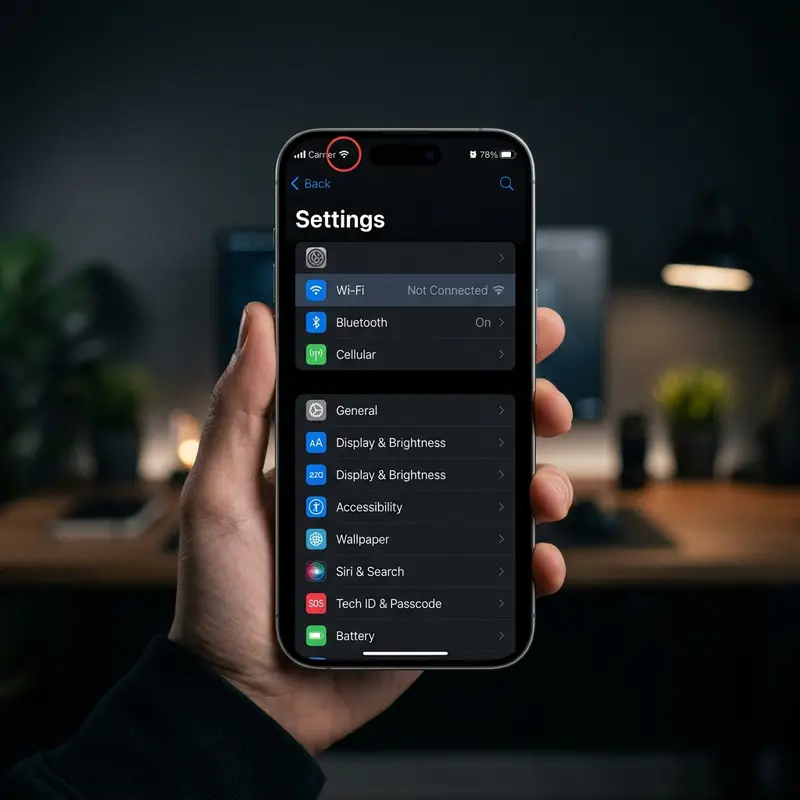
One important consideration: if the device is 4–5 years old and the logic board has failed, the repair cost may approach or exceed the device's current resale value. In that scenario, replacement is often the more economical choice, particularly given the improvements in chip performance and battery capacity in current models.
How to Prevent the Blue Screen in the Future
Prevention is straightforward once you understand the primary triggers. These practices reduce the probability of a recurrence to near zero for software causes, and minimize the risk of physical damage that leads to hardware failures.
Update iOS methodically: Never install a major iOS update on day one if you depend on the phone for work. Wait 1–2 weeks for the initial wave of bug reports to surface and for Apple to release a rapid .0.1 fix. When you do update, ensure the battery is above 60%, the Wi-Fi connection is stable, and you have at least 5 GB of free storage. Plug into power for the installation process.
Avoid beta software: iOS Public Beta releases are pre-release software with known instabilities. Running a beta on your daily driver phone is a deliberate risk. If you must test beta iOS, use a secondary device. Developer betas are even less stable and carry higher crash risk.
Audit installed apps regularly: Apps that have not been updated in over a year may use deprecated APIs that newer iOS versions handle unpredictably. Review your App Store update history and remove apps that developers have abandoned — these are the most likely culprits for kernel-level crashes.
Use a quality case: A well-fitted case absorbs impact energy in drops that would otherwise flex the display assembly and potentially shift the flex cable connector. The additional protection from even a basic case has been shown in drop tests to prevent screen separation that directly causes hardware-based blue screens.
Maintain regular backups: This does not prevent the blue screen, but it transforms a catastrophic event into a minor inconvenience. An automatic daily iCloud backup means that even a full DFU restore results in losing at most one day of data. Verify your backup is current and complete in Settings → your name → iCloud → iCloud Backup.
FAQ
Is the iPhone blue screen the same as the Windows Blue Screen of Death?
Conceptually similar — both indicate a critical system error that the OS cannot self-recover from — but technically different. The Windows BSOD displays an error code and memory dump information. The iPhone blue screen shows only a solid color with no information, and typically occurs because a kernel process has crashed while the display controller remains active. The diagnostic and repair paths are entirely different between the two platforms.
Can water damage cause an iPhone blue screen?
Yes. Liquid that reaches the logic board or display connector can cause short circuits that trigger a blue screen. iPhones with IP67 or IP68 ratings can resist brief water exposure, but prolonged submersion, saltwater, or exposure to water under pressure can still cause damage. If a blue screen followed water contact, place the phone in a dry environment (not rice — that is a myth), contact Apple, and expect that hardware diagnosis will likely find corrosion.
Will a factory reset fix an iPhone blue screen caused by hardware?
No. A factory reset (DFU restore) is the definitive test to rule out software as the cause. If the blue screen persists after a DFU restore with freshly downloaded iOS, the cause is definitively hardware and software interventions will not help. At that point, physical inspection and repair are the only path forward.
How long does Apple take to repair an iPhone blue screen at the Genius Bar?
For display flex cable issues, Apple Authorized Service Providers and Apple Stores typically complete the repair in 1–3 hours if parts are in stock. Logic board replacements or situations where Apple determines the device needs a flat-rate repair may take 3–5 business days, particularly if the phone needs to be sent to a repair depot. Express Replacement Service through AppleCare+ ships a replacement device before you return the damaged one, minimizing downtime.
