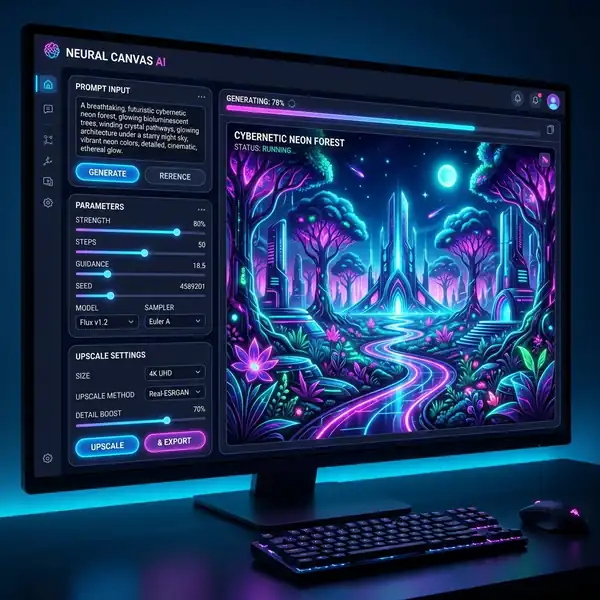
Learn how to generate better prompts in Leonardo AI to create stunning digital art easily.
DomineTec Tip: To create more realistic images, check out our guide on the best Leonardo AI models for realism.
Understanding Leonardo AI Prompt Structure
To effectively utilize Leonardo AI, it’s important to understand the core components that make up an effective prompt. A prompt comprises several elements: descriptive language, context, and parameters that guide the AI in generating the desired output. Here’s a detailed breakdown of each component:
- Descriptive Language: Use vivid adjectives and nouns to paint a clear picture of what you want to see. For example, instead of saying “a cat,” try “a fluffy, orange Persian cat lounging on a velvet couch.”
- Context: Providing context helps the AI understand the setting or mood. For instance, “in a sunlit room” versus “in a dark, moody alley” will yield vastly different results.
- Parameters: These include aspect ratios, color palettes, and any specific stylistic choices you want the AI to consider. For example, specifying a 16:9 aspect ratio or a pastel color palette can significantly influence the outcome.
Key Parameters for Effective Prompting
Leonardo AI offers various parameters that you can manipulate to fine-tune your outputs. Below is a table summarizing some of the most important parameters and their effects:
| Parameter | Description | Typical Values |
|---|---|---|
| Aspect Ratio | Determines the width-to-height ratio of the output image | 1:1, 16:9, 4:3 |
| Color Palette | Specifies the dominant colors in the artwork | Vibrant, Pastel, Monochrome |
| Style | Defines the artistic style | Realism, Surrealism, Abstract |
Building High-Quality Prompts
Creating high-converting prompts in Leonardo AI involves a systematic approach. Follow these steps for optimal results:
- Define Your Objective: Clearly identify what you want your output to convey. Whether it’s a serene landscape or a bustling city scene, clarity is key.
- Incorporate Sensory Details: Engage the senses by including details about sound, texture, and emotion. For instance, “a serene lake surrounded by whispering pines” creates a more vivid image.
- Experiment with Variations: Don’t hesitate to try different versions of your prompts. Adjusting a single word can lead to dramatically different outcomes.
- Utilize Weight Tokens: Weight tokens allow you to emphasize certain aspects of your prompt. For instance, “a beautiful landscape::2” places extra importance on the landscape.
Crafting Prompts for Specific Styles
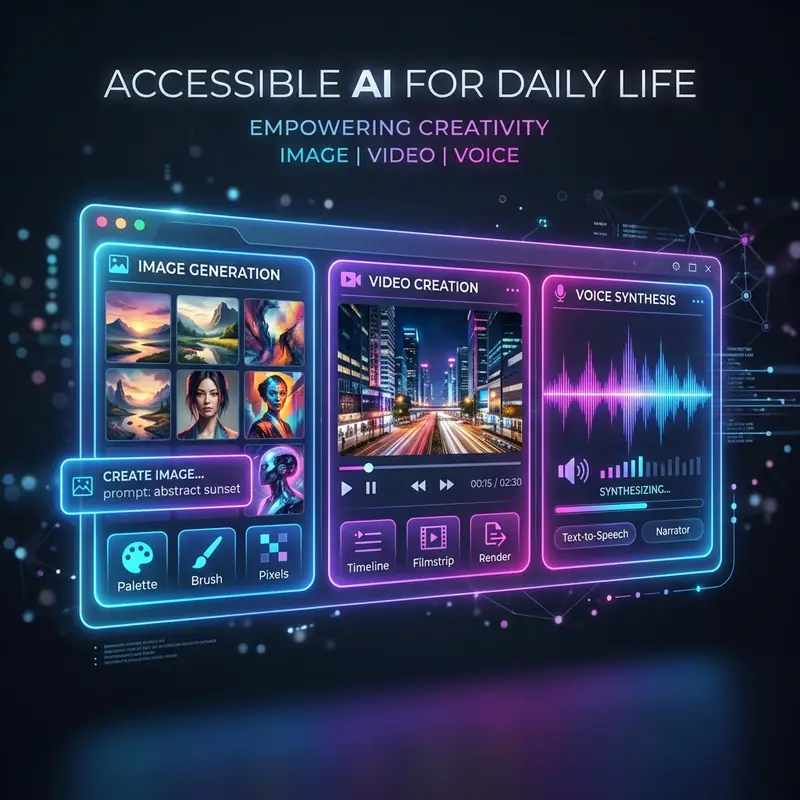
When targeting a specific artistic style, it’s essential to tailor your prompts accordingly. Here are strategies for different styles:
- Realism: Focus on precise details and realistic elements. Use terms like “photorealistic,” and include specific attributes of the subject.
- Impressionism: Emphasize light and color over detail. Phrases like “soft brush strokes” or “dynamic light play” can guide the AI.
- Abstract: Use vague and broad terms that evoke feelings rather than specific images. Concepts such as “chaotic harmony” can lead to unique interpretations.
Optimizing Your Workflow in Leonardo AI
To enhance your experience with Leonardo AI, consider the following workflow optimizations:
- Set Up a Consistent Environment: Ensure your workspace is organized, with all necessary tools readily accessible. This minimizes distractions.
- Utilize Templates: Create a repository of effective prompts that have yielded good results. This can save time and provide a foundation for new ideas.
- Document Your Process: Keep notes on what works and what doesn’t. This will help you refine your approach over time.
Exporting and Sharing Your Creations
Once you have generated your artwork, exporting it correctly is essential for maintaining quality. Here are key factors to consider:
- Resolution: Export at the highest resolution possible to ensure clarity, especially if the artwork will be printed.
- File Format: Choose the appropriate file format based on your needs. PNG is best for quality, while JPEG is suitable for smaller file sizes.
- Watermarking: If you plan to share your work online, consider adding a watermark to protect your intellectual property.

Enhancing Your Skills Over Time
As you gain experience with Leonardo AI, your ability to craft effective prompts will improve. Engage with the community, seek feedback, and iterate on your designs. Keep learning by exploring different styles, comparing tools, and studying the Leonardo AI vs Midjourney comparison to understand different capabilities.
Perguntas Frequentes
What are the key elements of a successful prompt in Leonardo AI?
A successful prompt in Leonardo AI consists of descriptive language, context, and specific parameters. Descriptive language helps create a vivid image, context sets the scene, and parameters like aspect ratio and color palette guide the AI’s rendering process.
How do weight tokens affect prompts in Leonardo AI?
Weight tokens allow you to emphasize certain aspects of your prompt, influencing the AI's focus during image generation. For example, using a weight token can highlight a particular feature or element in the artwork, resulting in a more pronounced outcome.
What should I consider when exporting my artwork from Leonardo AI?
When exporting artwork from Leonardo AI, consider the resolution to maintain clarity, the file format suitable for your needs, and whether to include a watermark. High-resolution exports are important for print quality, while the right file format can optimize online sharing.
Optimizing Workflow for High-Converting Prompts
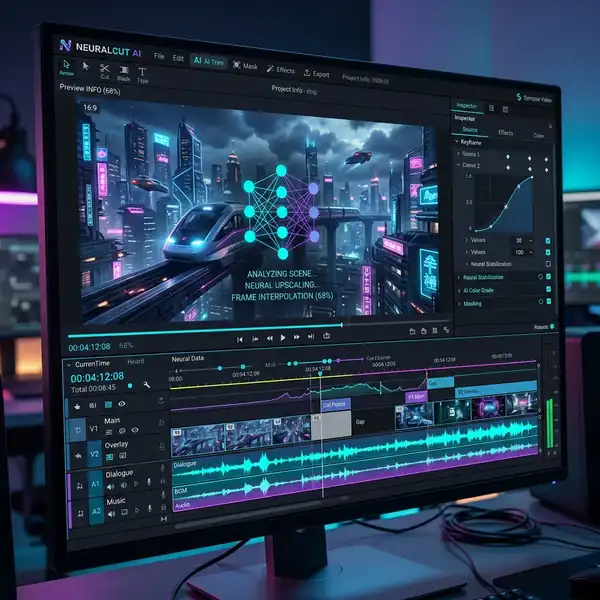
In the fast-evolving landscape of AI design, establishing an efficient workflow is paramount for generating high-converting prompts using Leonardo AI. A well-structured workflow not only streamlines the creative process but also enhances the quality of output through iterative refinement. The first step in optimizing this workflow involves understanding the capabilities and limitations of the AI model itself. This includes familiarity with the types of data it can process, the nuances of its training data, and the inherent biases that might affect the generation of prompts. By aligning the design objectives with the strengths of the AI, designers can maximize the efficacy of their prompts.
Once the foundational understanding is established, the next phase involves the categorization of prompts based on their intended outcomes. This could range from generating marketing content to creating visual assets for branding. By developing a taxonomy of prompt types, designers can create a more targeted approach in their interactions with Leonardo AI. This categorization should also incorporate user feedback loops, wherein the performance of generated prompts is assessed through metrics such as engagement rates and conversion statistics. Utilizing this feedback to inform future prompt iterations is critical to refining the workflow continually.
Integrating collaborative tools into the workflow can further enhance the efficiency of prompt generation. By utilizing platforms that support real-time collaboration, design teams can collectively brainstorm, critique, and improve upon generated prompts. This collaborative approach allows for diverse perspectives, which can uncover unique angles or insights that a single designer might overlook. Additionally, leveraging project management tools to track iterations and establish timelines ensures that the workflow remains organized and adaptable, allowing for rapid iterations that can significantly improve the final output.

Understanding UI Features for Enhanced Prompt Creation
The user interface (UI) of Leonardo AI plays a important role in facilitating effective prompt creation. Familiarizing oneself with the UI features can significantly impact the quality and efficiency of the prompt generation process. One of the most critical components is the prompt suggestion tool, which leverages existing datasets to propose potential prompts based on user input. This feature not only saves time but also serves as an invaluable source of inspiration for designers who may be experiencing creative blocks. Understanding how to manipulate the settings of this tool—such as adjusting the specificity or scope of suggestions—can provide tailored results that align closely with design goals.
Another essential UI feature to explore is the aspect ratio adjustment tool. Different design projects often require specific aspect ratios for optimal presentation, whether for social media, print, or web applications. The ability to alter aspect ratios directly within the UI allows designers to visualize how prompts will translate across various formats. This feature also includes the capability to preview outputs in real-time, which can guide designers in making instant adjustments to their prompts. For instance, tweaking the dimensions of a visual prompt can ensure that it remains effective regardless of the platform it will be displayed on, thereby enhancing conversion potential.
Lastly, the iteration interface is vital for refining prompts post-generation. Leonardo AI supports a multi-iteration process that allows users to modify prompts based on the initial outputs. This iterative loop can be enhanced by utilizing version control features that track changes and allow users to revert to previous iterations if needed. By systematically analyzing which iterations yield the best results, designers can distill their creative process into a more efficient framework. The ability to compare variations side-by-side within the UI further aids in understanding the impact of each modification, enabling a data-driven approach to prompt optimization.
Optimizing Workflow with Iterative Prompt Refinement
In the realm of AI design, the iterative approach to prompt refinement plays a important role in enhancing output quality. By systematically re-evaluating and modifying prompts based on initial results, designers can harness the full potential of Leonardo AI. This process involves a cyclical workflow where prompts are tested, assessed for effectiveness, and refined to align closely with the desired outcomes. This not only improves the relevance of generated content but also streamlines the creative process, allowing for more efficient use of time and resources.
To effectively implement iterative prompt refinement, it is essential to establish a clear feedback loop. Start by generating initial outputs using a base prompt. Evaluate these results against predefined metrics—such as relevance, creativity, and alignment with brand voice. This critical assessment informs the next iteration, guiding specific adjustments to the prompt. For instance, if the output lacks creativity, the prompt might be enhanced with additional contextual elements or examples, encouraging the AI to explore a broader range of ideas.
A key advantage of this workflow is its adaptability. Designers can incorporate real-time feedback from stakeholders or target audiences, leading to more tailored and impactful results. The iterative nature allows for continuous learning, where each cycle not only improves the immediate output but also educates the designer on how the AI interprets various prompts. This knowledge can then be applied to future projects, fostering a deeper understanding of the AI's capabilities and limitations.
Moreover, leveraging tools within Leonardo AI that facilitate prompt history tracking can enhance the iterative process. By analyzing previous prompts and their outcomes, designers can identify patterns and commonalities that lead to high-quality outputs. This analytical approach transforms the design process into a data-driven practice, enabling more strategic decision-making and ultimately resulting in higher conversion rates for generated content.
Leveraging UI Features for Enhanced Prompt Customization
The user interface (UI) of Leonardo AI is engineered to facilitate intuitive interactions, allowing designers to leverage various features for advanced prompt customization. Among these features, visual aids, sliders, and real-time previews play significant roles in crafting prompts that yield high-conversion outputs. Understanding how to utilize these elements effectively can significantly enhance the quality and relevance of generated content.
One of the standout features of Leonardo AI is its visual prompt builder, which allows users to visually manipulate elements of their prompts. This tool not only simplifies the prompt creation process but also ensures that users can visualize the relationships between different components. For instance, by dragging and dropping different keywords or phrases, designers can experiment with various combinations and instantly see how these adjustments impact the generated content. This hands-on approach reduces guesswork and accelerates the learning curve associated with prompt engineering.
Additionally, the UI includes customizable parameters such as aspect ratios and styles, which are critical in defining the visual output. Designers can specify the aspect ratio to ensure that the generated images align with their intended use—be it for social media, print, or web applications. Adjusting these settings in tandem with prompt modifications allows for a more holistic approach to content creation, ensuring that both form and function are optimized for the target audience.
Real-time previews are another invaluable feature, offering immediate feedback on how changes to the prompt affect the output. This instantaneous insight enables designers to make informed adjustments on the fly, fostering a more dynamic and responsive design process. By experimenting with different styles, tones, and formats within the UI, designers can hone their prompts to achieve higher conversion rates, ultimately leading to more successful campaigns and content strategies.




