How to Generate Creative Ideas with Leonardo AI Prompt Generator
Discover how to generate creative ideas effortlessly with the Leonardo AI Prompt Generator for your projects. If you're looking to enhance your creative process, the Leonardo AI Prompt Generator can be an invaluable tool. This advanced AI technology streamlines the brainstorming phase, allowing you to produce original ideas with ease. In this comprehensive guide, we will delve into the mechanisms of the Leonardo AI Prompt Generator, explore its features, and provide you with practical steps to maximize your creative output.
DomineTec Tip: To enhance your creative projects, you can use Leonardo AI Canvas Editor for inpainting and editing for seamless integration of generated ideas.
Understanding the basics of the Leonardo AI Prompt Generator is important to fully harness its potential. This tool employs a sophisticated algorithm that generates prompts based on user inputs. These prompts can range from simple phrases to complex concepts, catering to a variety of creative needs. The generator can be particularly beneficial for artists, writers, and content creators who often grapple with creative blocks.
To start using the Leonardo AI Prompt Generator effectively, follow these steps:
1. Access the Tool: Begin by logging into your Leonardo AI account and navigating to the Prompt Generator section. Ensure you have a stable internet connection for optimal performance. 2. Understanding Parameters: Familiarize yourself with the parameters available in the generator. You can adjust settings such as creativity level, specificity, and format. Understanding these parameters will significantly impact the quality of your results.
3. Inputting Your Ideas: Enter any initial ideas or keywords that relate to your project. This serves as a starting point for the AI to generate relevant prompts. The more specific you are, the better the output will align with your vision.
4. Weight Tokens: Utilize weight tokens to indicate the importance of specific words or phrases. For instance, if you want the AI to prioritize a particular theme, assign it a higher weight. This feature allows for a more tailored output.
5. Generating Prompts: Once you've set your parameters and input your ideas, click on the generate button. The AI will process your request and provide you with a list of creative prompts.
6. Evaluating Results: Review the generated prompts attentively. Some may resonate more than others with your project’s goals. Don’t hesitate to regenerate new prompts if the initial results do not meet your expectations.
7. Iterating on Ideas: Use the prompts as a foundation for your projects. Feel free to iterate and modify them to better fit your creative direction. The flexibility of the prompts allows for extensive exploration of concepts.
8. Exporting and Utilizing Ideas: Once satisfied with the generated prompts, you can export them for further use in your projects. Whether you're drafting a narrative, creating visual art, or developing content, these ideas can serve as a springboard for your work.
Exploring Advanced Features
The Leonardo AI Prompt Generator includes several advanced features that can enhance your creative process even further:
- Customization Options: The tool allows for extensive customization. You can define parameters such as tone, style, and target audience. This level of control ensures that the generated prompts align with your creative vision.
- Collaborative Workflows: If you are part of a team, sharing prompts and ideas can facilitate collaboration. The generator supports multi-user access, allowing team members to contribute and refine prompts collectively.
- Integration with Other Tools: Leonardo AI seamlessly integrates with other design and writing tools. This interoperability allows you to transfer ideas directly into your preferred software, streamlining your workflow.
- Feedback Loop: Incorporate a feedback mechanism within your creative process. Share generated prompts with peers or mentors for constructive criticism. This feedback can help refine your ideas further.
Comparing Generative Options
When choosing between different AI tools available for prompt generation, consider the following comparison table:
| Tool | Customization Features | Integration | Collaboration | User Rating |
|---|---|---|---|---|
| Leonardo AI Prompt Generator | High | Yes | Yes | 4.8/5 |
| Other AI Tool A | Medium | Yes | No | 4.0/5 |
| Other AI Tool B | Low | No | No | 3.5/5 |
Essential Considerations for Optimal Performance
When utilizing the Leonardo AI Prompt Generator, it's beneficial to keep several factors in mind to ensure optimal performance:
- Hardware Requirements: Make sure your computer meets the necessary specifications to run the tool smoothly. A robust graphics card and sufficient RAM can significantly enhance processing speeds and responsiveness.
- Prompt Clarity: The clearer and more precise your initial input, the more relevant and useful the generated prompts will be. Avoid vague language to ensure clarity in the AI’s understanding.
- Experimentation: Don’t hesitate to experiment with different parameters and weights. The beauty of AI lies in its ability to adapt and generate unique outputs, which can lead to unexpected and inspiring ideas.
- Regular Updates: Stay updated with any changes or improvements made to the Leonardo AI tool. New features can enhance functionality and improve your creative workflow.
Conclusion
In summary, the Leonardo AI Prompt Generator is a powerful ally for anyone looking to enhance their creative process. By understanding its features, utilizing advanced settings, and following a structured approach to generating prompts, you can tap into a wealth of creative ideas. Whether you’re an artist, writer, or content creator, this tool can help break through creative blocks and inspire innovative work.
For more details on utilizing Leonardo AI tools, don't forget to check out the Leonardo AI commercial use rights and policy to ensure your creations are compliant with usage rights.
Optimizing Workflows with Leonardo AI: Best Practices for Seamless Integration
To leverage the full potential of the Leonardo AI Prompt Generator, it is critical to establish an optimized workflow that minimizes friction between creative ideation and technical execution. The integration of Leonardo AI into your existing creative processes can be achieved through systematic approaches that emphasize automation, collaboration, and iterative feedback. A well-defined workflow not only streamlines operations but also enhances the quality and relevance of the generated ideas.
First, consider the foundational aspects of your workflow. This begins with defining the roles and responsibilities of team members involved in the creative process. By segmenting tasks—such as ideation, prompt generation, and evaluation—you can ensure that each member focuses on their strengths, thus improving overall productivity. Automation tools can be integrated at various stages to handle repetitive tasks, such as data input or preliminary research. Utilizing APIs provided by Leonardo AI allows for seamless data flow between different tools and platforms, enabling real-time updates and reducing time spent on manual entry.
Next, the feedback loop is a critical component of any creative workflow. Implementing a structured feedback mechanism for evaluating the output from the prompt generator can significantly enhance the quality of ideas produced. Utilizing collaborative platforms like Confluence or Trello can facilitate discussions around generated prompts, where team members can critique, refine, and suggest modifications. This iterative process not only helps in honing the prompts but also fosters a culture of creative collaboration, ensuring that diverse perspectives are considered.
Finally, assessing and refining your workflow based on performance metrics can yield substantial improvements over time. Establish key performance indicators (KPIs) such as idea viability, time spent from prompt generation to final output, and team engagement levels. Regularly analyze these metrics to identify bottlenecks or inefficiencies in your process. Utilizing analytics tools integrated with Leonardo AI can provide insights into which prompts are yielding the best results, thus enabling data-driven decisions for future project iterations.
Exploring Advanced Configuration Options in Leonardo AI for Tailored Outputs
Leonardo AI offers a wide array of configuration options that can be fine-tuned to cater to specific project needs, ensuring that the output aligns closely with user expectations. Understanding these advanced settings is essential for maximizing the efficacy of the prompt generator and tailoring the AI's creative capabilities to your unique objectives. The customization options primarily revolve around model parameters, output formats, and operational settings, each playing a significant role in shaping the generated ideas.
One of the key configuration aspects is the selection of model parameters that dictate how the AI processes prompts. Options such as temperature, which controls randomness, and top-p sampling, which influences the diversity of the output, can be adjusted to manipulate the creativity of responses. For instance, a lower temperature value will yield more predictable results, whereas a higher value will encourage more experimental and innovative ideas. Additionally, the top-p sampling can be fine-tuned to balance between novelty and relevance, ensuring that the outputs are not only creative but also applicable to the intended context.
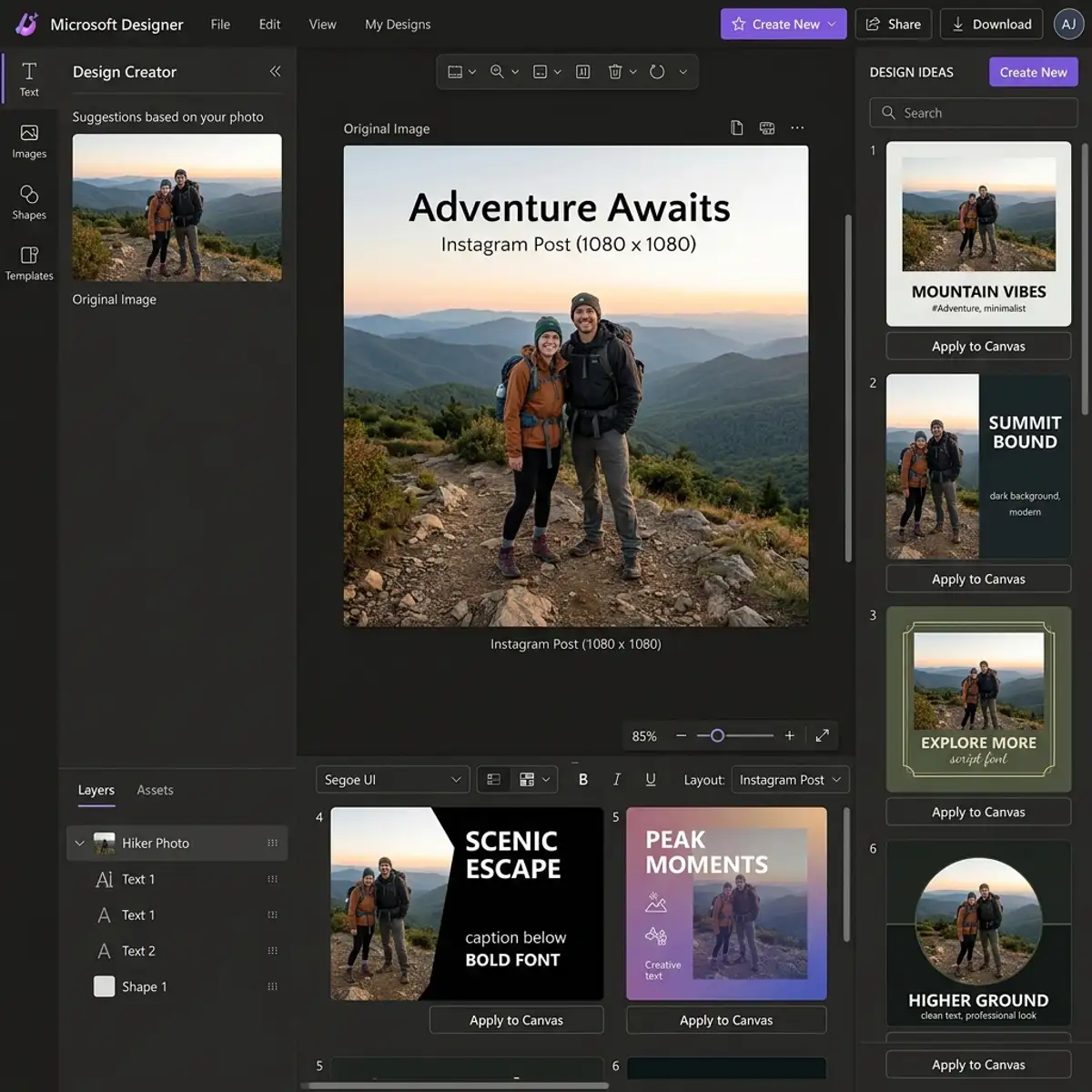
Furthermore, the capability to define output formats is important for ensuring that the generated ideas are presented in a usable manner. Leonardo AI allows users to specify whether the output should be in the form of textual descriptions, visual mock-ups, or even structured data formats like JSON. This flexibility is essential for projects that require compatibility with various systems or presentation styles. For instance, if the goal is to create a marketing campaign, generating visual content alongside textual ideas can provide a more holistic approach to ideation.
Lastly, operational settings such as session persistence and user-defined context play a significant role in the user experience. By enabling session persistence, users can maintain a continuous flow of ideas across multiple interactions, allowing the model to build upon previous prompts for deeper exploration. User-defined context allows creatives to input specific themes or constraints that the AI should consider while generating ideas, ensuring that the results are aligned with the overall project narrative. This level of customization not only enhances the relevance of the output but also empowers users to harness the full creative capacity of Leonardo AI.
Optimizing Workflows with Leonardo AI: Integrating Prompt Generation into Design Processes
Efficient integration of Leonardo AI's prompt generation capabilities into existing design workflows can significantly enhance productivity and creativity. The key lies in understanding how to leverage the tool within different phases of the design process. Begin by identifying the stages where ideation is important—concept development, mood boarding, and prototyping. By strategically incorporating Leonardo AI at these points, designers can utilize its generative strength to explore a broader range of creative possibilities.
One effective approach is to set up a seamless workflow where designers input preliminary concepts or themes into Leonardo AI, allowing the tool to generate a series of prompts tailored to those inputs. This can be achieved through API integration, where design software communicates directly with Leonardo AI to fetch prompts based on project-specific parameters. For instance, in a branding project, a designer could input keywords related to the brand's vision, and the system would output multiple creative directions, streamlining the brainstorming phase.
Moreover, the iterative nature of design allows for continuous refinement. By re-engaging with Leonardo AI at various intervals, designers can adapt their prompts based on feedback and evolving project requirements. This cyclical engagement not only fosters a more dynamic design process but also ensures that the generated ideas remain relevant and aligned with the project's goals. Advanced users can configure custom prompt templates that include specific stylistic guidelines or constraints, enabling more targeted outputs that resonate with the desired aesthetic.
Exploring Configuration Options: Customizing Leonardo AI for Enhanced Creativity
Leonardo AI offers a multitude of configuration options that allow users to tailor the prompt generation experience to their unique needs and preferences. Understanding and utilizing these settings can profoundly impact the quality and relevance of the generated ideas. Users can adjust parameters such as tone, style, specificity, and even the complexity of the prompts, allowing for an unprecedented level of customization. Each configuration option serves as a lever to fine-tune the creative output, ensuring it aligns closely with the designer’s vision.
One notable feature is the ability to set the 'creativity level' of the prompts. This setting influences the randomness and diversity of the generated ideas. A lower creativity setting may yield more conventional prompts, ideal for projects requiring adherence to established norms, while a higher setting encourages out-of-the-box thinking, which can be invaluable during exploratory phases. Additionally, users can specify the length of the prompts, from succinct phrases to more elaborate descriptions, catering to different stages of the design cycle.
Advanced users can also employ conditional parameters, which allow for dynamic adjustments based on real-time feedback or specific project milestones. This level of configurability not only enhances the prompt generation process but also fosters a deeper interaction between the designer and the AI tool. As designers become more familiar with these configurations, they can develop a repository of tailored prompts that can be reused or modified for future projects, thus creating a more efficient and personalized toolkit that evolves alongside their design practice.
Frequently Asked Questions
How can I improve the quality of prompts generated by Leonardo AI?
Improving prompt quality involves providing clear and specific input, utilizing weight tokens effectively, and experimenting with different parameter settings. The more context you give, the better the AI can tailor the output to your needs.