Leonardo AI Commercial Use: Rights and Copyright Policies Explained
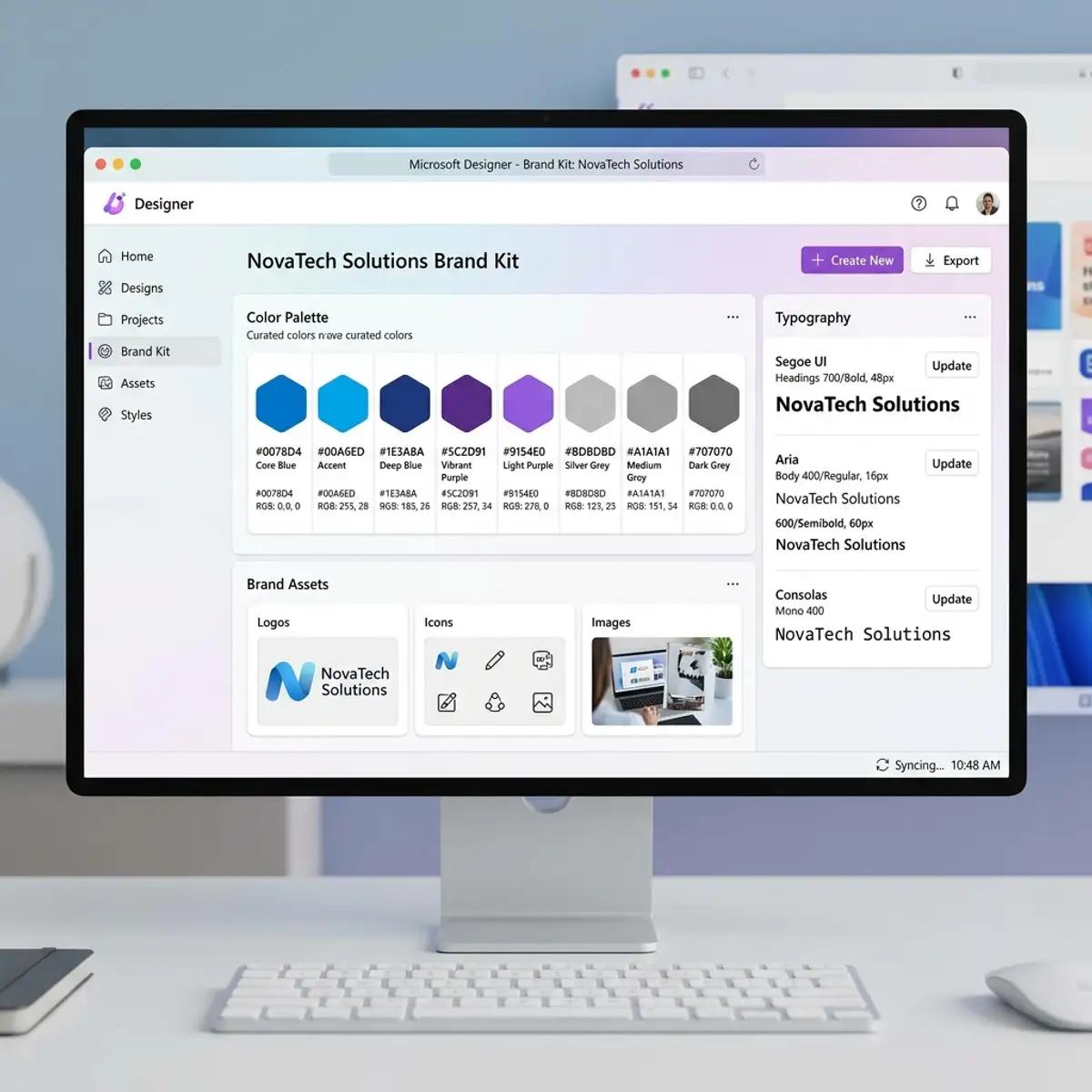
Yes, you can use Leonardo AI images commercially, provided you comply with specific licensing agreements. The rise of AI-generated content has led to a flurry of interest in how these images can be utilized commercially. Understanding the rights and restrictions governing the use of Leonardo AI images is important for artists, designers, and businesses. This guide will delve deeply into the nuances of copyright policies, usage rights, and practical applications, ensuring you are well-informed before leveraging these innovative images in your projects.
DomineTec Tip: For those looking to monetize their creations, you can sell AI generated art on Adobe Stock and Shutterstock while adhering to copyright laws.
Understanding Copyright in AI-Generated Images
The legal landscape surrounding AI-generated images, particularly those created using tools like Leonardo AI, is still evolving. Generally, copyright laws stipulate that the creator of a work holds the rights to that work. However, the situation becomes more complex with AI-generated content, as the AI itself does not hold rights. Instead, the rights typically belong to the user who provided the input or parameters for generating the images. This section will dissect the various copyright issues associated with AI-generated images, including ownership, licensing, and fair use principles.
Ownership Rights
When you generate images using Leonardo AI, you essentially become the owner of the output, but this comes with conditions. Most platforms providing AI tools have licensing agreements that define how the generated images can be used. It's essential to review these agreements closely. For example, while you may retain commercial rights to the images, some licenses may restrict usage in specific contexts, such as resale or distribution without modification. Understanding these limitations is important for anyone looking to use Leonardo AI images commercially.
Licensing Agreements
Leonardo AI typically operates under a user-friendly licensing framework, allowing for a range of applications, including commercial use. However, the exact terms can vary based on the subscription level or the specific tools you’re using. It's advisable to consult the licensing section on Leonardo AI's official website or user agreements for precise details. For instance, some images may be restricted to personal use only, while others might allow full commercial use with acknowledgment of the AI tool used for their creation.
Commercial Use Cases for Leonardo AI Images
Knowing you can use Leonardo AI images commercially is one thing; understanding how to apply them effectively is another. From marketing materials to product designs, the applications are vast. Below are several scenarios in which you might employ Leonardo AI images:
- Marketing Campaigns: Create eye-catching visuals for social media ads, brochures, or websites.
- Product Design: Use images for packaging, branding, and promotional materials.
- Content Creation: Enhance blog posts, articles, or newsletters with custom graphics tailored to your audience.
Practical Steps for Using Leonardo AI Images
To successfully utilize Leonardo AI images in your projects, follow these steps:
- Select Your Tool: Choose the specific Leonardo AI tool that fits your project needs, such as the Canvas Editor for inpainting or editing.
- Define Parameters: Input the desired parameters into the AI generator, including styles, color palettes, and themes.
- Generate and Review: After generating images, review them for quality and relevance to your project objectives.
- Modify if Necessary: Use the editing features to refine images further, ensuring they align with your vision.
- Save and License: Save the images in appropriate formats and make sure to abide by the licensing terms associated with your generated content.
Comparing Licensing Options
To help you navigate the different licensing options available for Leonardo AI images, here’s a comparison table that outlines key aspects:
| License Type | Commercial Use | Modification Rights | Resale Rights |
|---|---|---|---|
| Standard License | Allowed | Allowed | Not Allowed |
| Extended License | Allowed | Allowed | Allowed |
As seen in the table above, while a Standard License allows for commercial use and modifications, it does not permit resale. An Extended License, however, opens the door for resale rights, making it more flexible for commercial applications.
Best Practices for Using AI-generated Images
To maximize the effectiveness of the images you generate using Leonardo AI, consider employing these best practices:
- Ensure Consistency: Maintain a cohesive visual style across all images to strengthen brand identity.
- Stay Updated: Regularly check the licensing terms as they can evolve, particularly with new AI tools and features.
- Document Usage: Keep records of how and where you use these images, which is beneficial for future reference and compliance.
Using Leonardo AI Canvas Editor
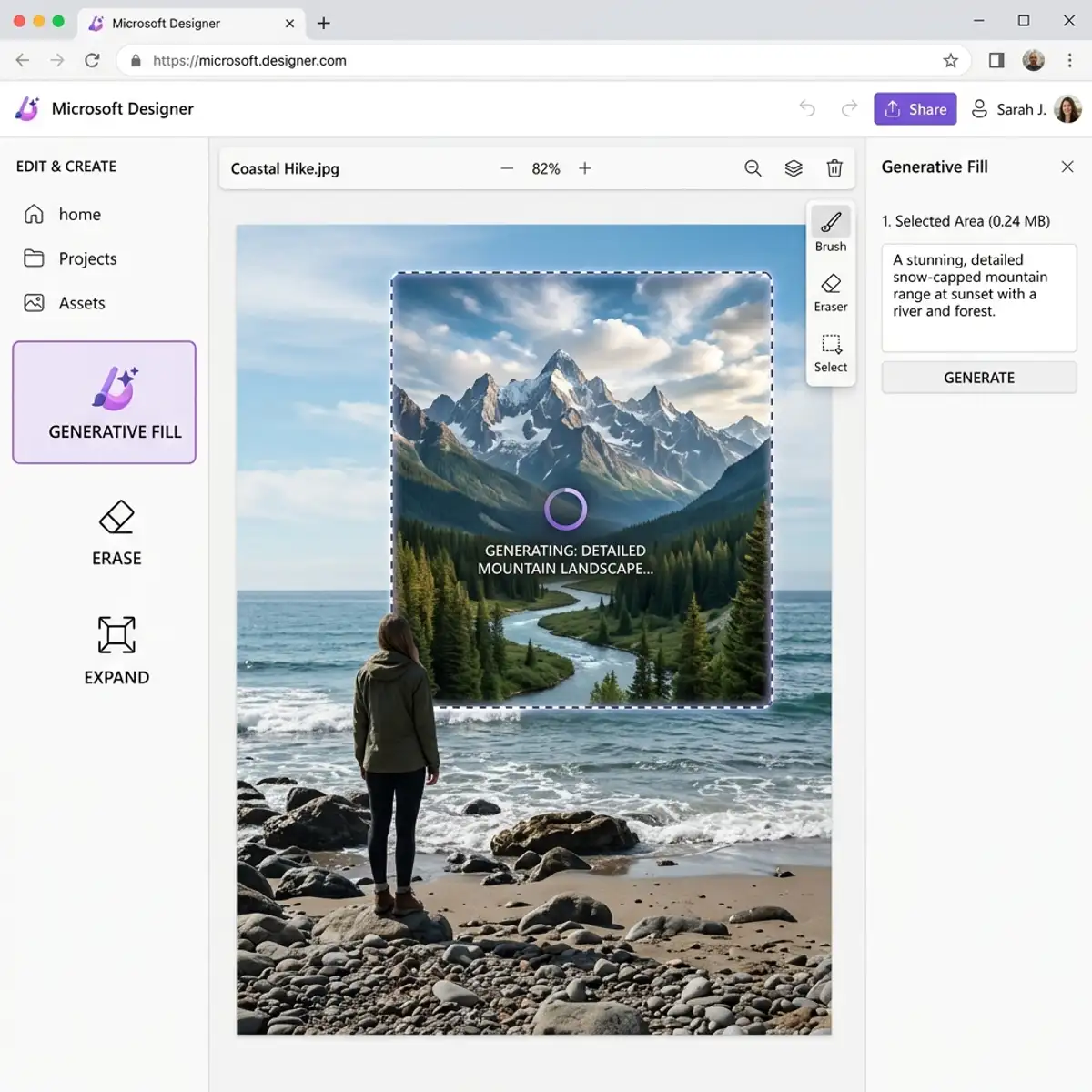
The Leonardo AI Canvas Editor is a powerful tool for creating and modifying images. It offers a user-friendly interface equipped with various features, including:
- Inpainting: Fill in missing areas of an image seamlessly.
- Layer Management: Organize elements for better control over your design.
- Export Options: Save images in multiple formats suited for various applications.
Conclusion
Understanding the commercial use of Leonardo AI images involves navigating the intricacies of copyright and licensing. By familiarizing yourself with the terms and practical applications, you can effectively harness the power of AI-generated images for your projects. Whether it’s for marketing, product design, or content creation, Leonardo AI provides the tools necessary to innovate and excel in your creative endeavors.
Advanced Workflow Integration with Leonardo AI
Leonardo AI is designed to seamlessly integrate into existing creative workflows, providing a robust platform for generating content across various media. The architecture of Leonardo AI supports API access, which allows developers to embed its functionality into custom applications and workflows. This capability enhances flexibility and scalability, enabling teams to leverage Leonardo AI's generative capabilities without disrupting their established processes. The API's RESTful design ensures that it can be easily invoked from any programming environment, facilitating integration with project management tools, digital asset management systems, and content delivery networks.
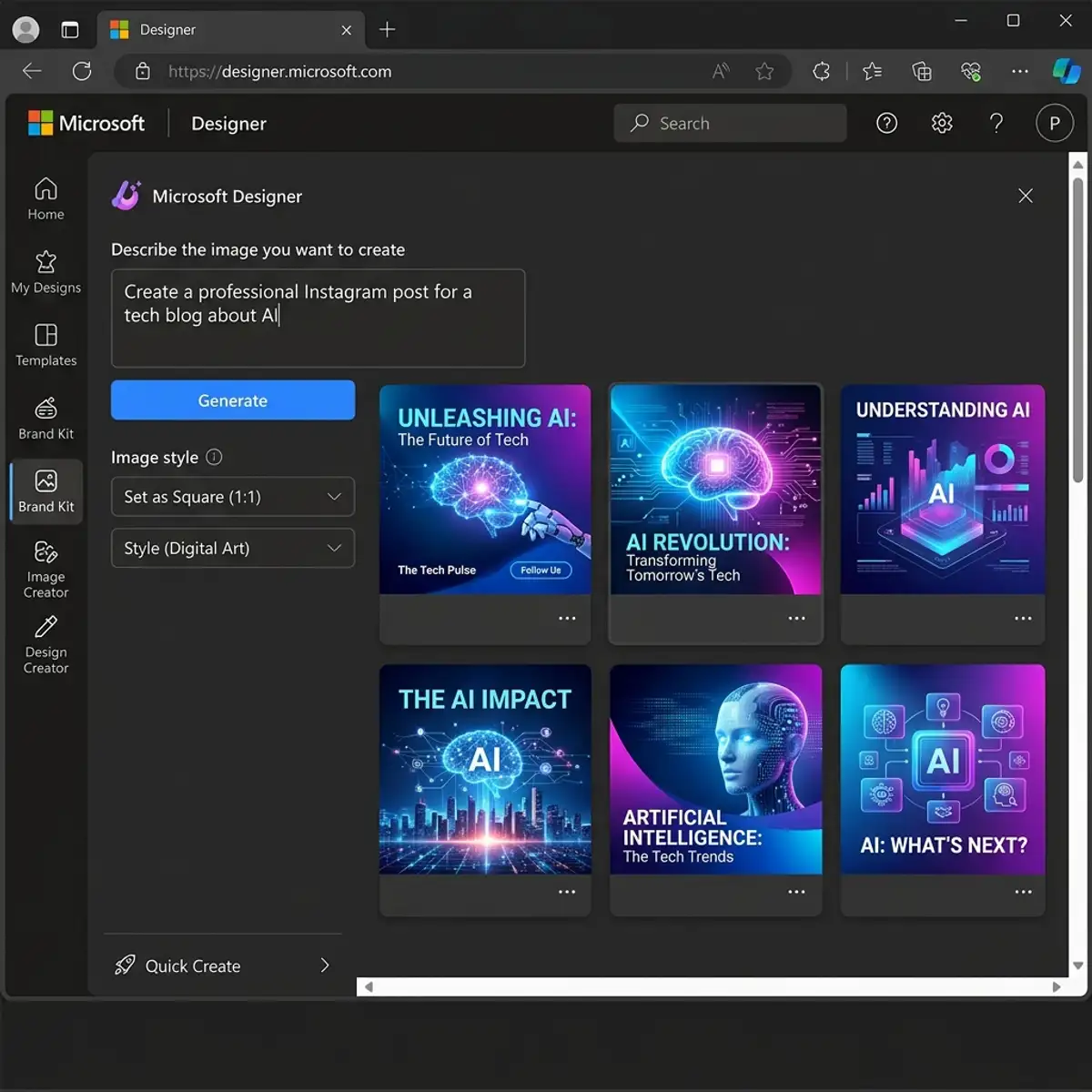
One of the critical aspects of integrating Leonardo AI into workflows is the ability to define specific trigger events that initiate content generation. For instance, when certain parameters are met, such as the completion of a design brief or the upload of assets, Leonardo AI can automatically generate new iterations or variations based on predefined templates. This functionality not only saves time but also ensures that output is consistently aligned with brand guidelines and project specifications. Moreover, utilizing webhooks can further streamline this process, allowing real-time notifications and updates as content is created and deployed.
In addition to API integration, Leonardo AI provides a user-friendly interface for non-technical users. This interface allows creative professionals to interact with the AI through drag-and-drop functionality, parameter sliders, and real-time previews. Users can customize their workflows by setting up distinct projects with tailored configurations, managing assets, and tracking versions of generated content. This layer of accessibility ensures that teams can maximize the utility of Leonardo AI, regardless of technical expertise, fostering greater collaboration between designers, marketers, and developers.
Configuring Leonardo AI for Optimal Output Quality
Configuring Leonardo AI to achieve optimal output quality involves a nuanced understanding of the model's parameters and settings. Each project may require a unique configuration based on the desired style, complexity, and target audience. The primary configuration options include aspect ratio, resolution, style presets, and specific attributes that guide the AI's generative processes. For instance, selecting a high resolution is essential when generating assets for print media, while a lower resolution may suffice for digital applications. The choice of aspect ratio can also significantly affect the composition of the generated visuals, ensuring they align with the intended display medium.
Furthermore, Leonardo AI offers advanced style customization options that allow users to define the visual language of the content. Users can input style references—such as existing artworks, photography styles, or branding elements—enabling the AI to emulate these influences in its outputs. This capability is particularly useful for brands wishing to maintain visual consistency across various campaigns. The AI's ability to learn from user feedback also enhances its configurations over time, adapting to specific stylistic preferences and improving output relevance based on historical data.
Another important aspect of configuration is the use of advanced prompt guidelines to refine the input given to Leonardo AI. Prompts must be crafted carefully to convey the desired outcome clearly to the AI. This includes specifying not only the subject matter but also contextual details, emotional tone, and intended audience. For instance, a prompt for generating a social media post may include instructions to make the content engaging and relatable, while a prompt for a technical white paper would require a more formal tone and structured layout. By iterating on prompts and adjusting settings based on the generated output, users can fine-tune the results to meet their specific needs, ensuring a high level of satisfaction with the final product.
Optimizing Workflows with Leonardo AI: Best Practices for Seamless Integration
In the realm of design and artificial intelligence, the efficiency of workflows is paramount for maximizing productivity and ensuring high-quality outputs. Leonardo AI offers a suite of features that can be tailored to fit various creative processes, enabling users to streamline their tasks significantly. One of the most effective practices is to utilize the built-in project management tools that accompany the platform. These tools allow users to define project milestones, assign tasks, and track progress in real-time, fostering a collaborative environment where team members can contribute seamlessly.
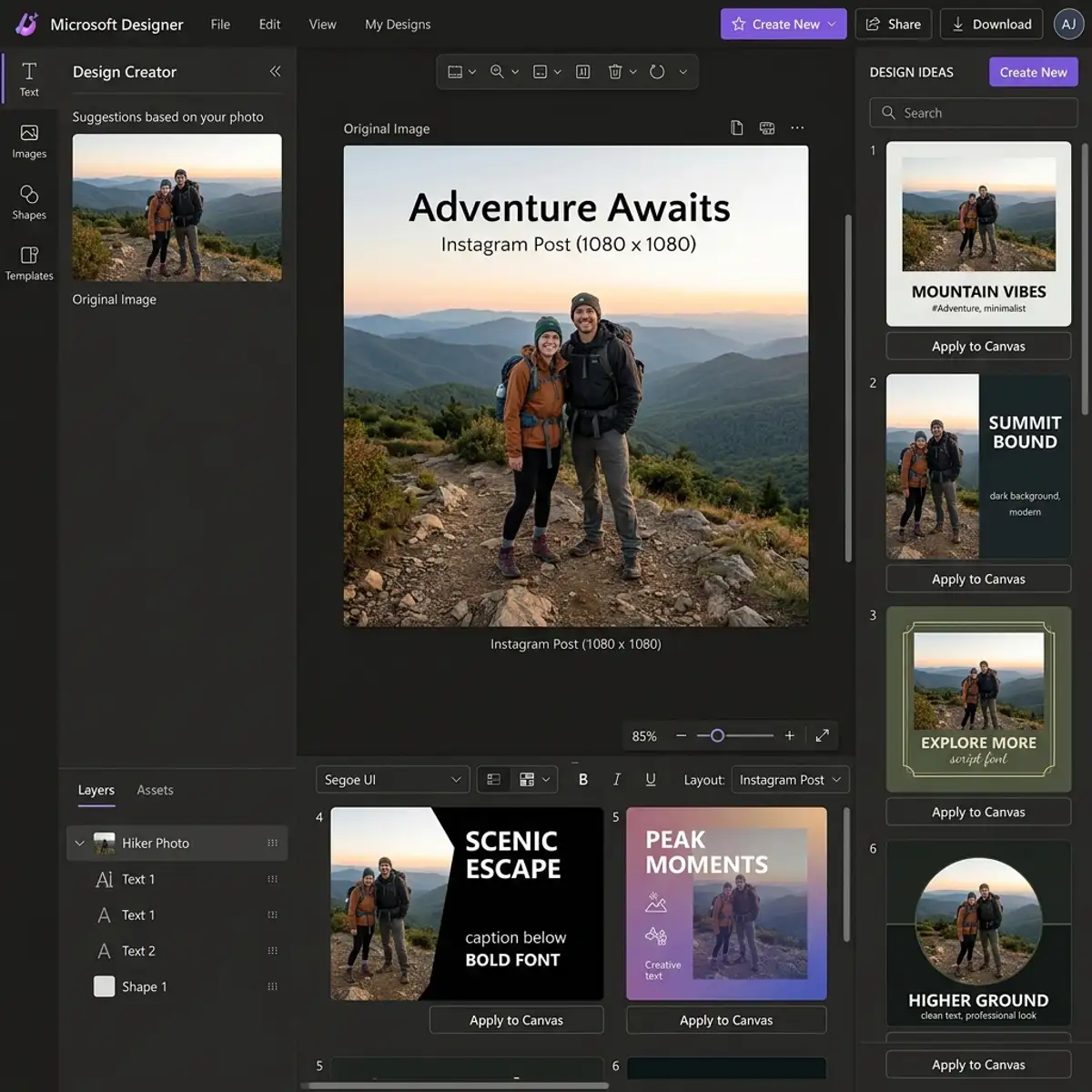
To further enhance workflow efficiency, integrating Leonardo AI with existing design tools is essential. For instance, utilizing APIs or plugins can facilitate the transfer of assets between Leonardo AI and software like Adobe Creative Suite or Figma. This integration minimizes the friction often associated with switching between applications, allowing designers to focus on the creative aspects rather than the logistical. Advanced users can also configure their environment to automate repetitive tasks, such as batch processing images or generating multiple design variations based on a single input prompt, optimizing both time and resource allocation.
Moreover, establishing a systematic prompt development process can dramatically improve the output quality. Users can create a repository of effective prompts categorized by project type, complexity, and desired outcomes. This repository not only serves as a reference but also allows for iterative improvements based on feedback and analysis of previous outputs. By leveraging this structured approach, teams can ensure consistency in quality while also pushing the boundaries of creativity through experimentation with advanced configurations and custom settings.
Advanced Interface Features of Leonardo AI: Customization and User Experience
The user interface of Leonardo AI is designed with both functionality and aesthetics in mind, providing an environment conducive to creativity and innovation. Advanced users can take advantage of customizable interface options that allow them to tailor their workspace according to their specific needs. For example, the ability to rearrange panels, adjust the size of the workspace, or enable/disable certain features can significantly enhance usability. This customization not only improves the overall user experience but also allows for a more personalized interaction with the AI, catering to unique workflows and preferences.
In addition to personalization, Leonardo AI's interface includes advanced visualization tools, such as real-time feedback mechanisms and interactive tutorials. These features are designed to guide users through complex design processes, making it easier to harness the full potential of the AI. For instance, users can visualize how changes in prompts affect the output in real-time, allowing for immediate adjustments and refinements. This interactive nature of the interface encourages experimentation, facilitating a more dynamic approach to design where ideas can be tested and iterated upon rapidly.
Furthermore, the interface supports advanced configuration options for managing multiple projects simultaneously. Users can leverage a tabbed interface to switch between different projects without losing context, and utilize version control features to track changes and revert to previous states if needed. This capability is particularly beneficial in collaborative environments where multiple team members may be contributing to a single project. By providing an intuitive and flexible user interface, Leonardo AI not only enhances the creative process but also empowers designers to fully exploit the capabilities of AI in their workflows.
Frequently Asked Questions
1. Can I sell images generated by Leonardo AI?
Yes, you can sell images generated by Leonardo AI, but you must ensure that you are using them under the appropriate licensing agreement, such as the Extended License, which permits resale. Always review the specific licensing terms applicable to the images you wish to sell.
2. Are there any restrictions on modifying AI-generated images?
Generally, you are allowed to modify AI-generated images, especially if you are operating under a Standard or Extended License. However, some restrictions may apply based on the particular terms of use associated with the AI tool you are using.
3. What should I do if I encounter copyright issues with AI-generated images?
If you encounter copyright issues, it is essential to consult legal counsel specializing in intellectual property rights. Additionally, reviewing the specific licensing agreement from the AI tool can provide clarity on your rights and obligations regarding the images you are using.




