How to Clean Mondial Robot Vacuum Cliff and Drop Sensors When It Stops
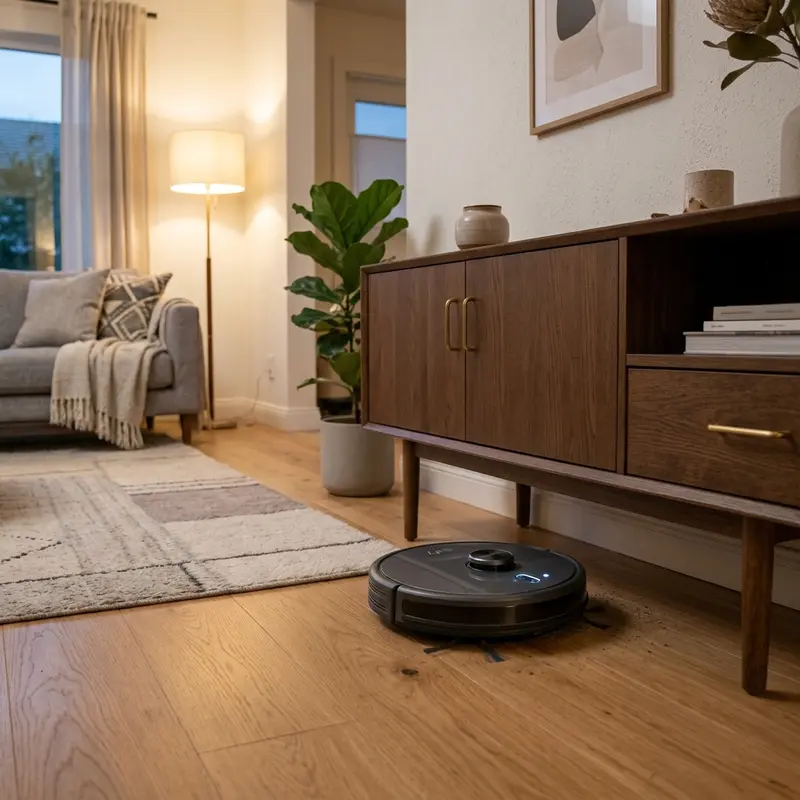
The Mondial robot vacuum is an excellent solution for keeping your floors clean with minimal effort. However, like all robotic devices, it can encounter issues that may impede its performance. One common problem is the robot getting stuck, backing up continuously, or emitting warning beeps. These issues are often caused by dirty cliff and drop sensors, which can be blocked by dust and lint.
Fortunately, cleaning these sensors is a straightforward process that can significantly improve the vacuum's navigation performance. This guide will provide a step-by-step procedure for cleaning the infrared cliff sensors located on the front and side undercarriage of your Mondial vacuum. By following these steps, you can restore your device's functionality and ensure it operates smoothly.
Understanding Cliff Sensors and Their Importance
Cliff sensors are critical components in robotic vacuums that prevent them from falling off stairs or ledges. They work by using infrared light to detect changes in surface height. When the robot approaches a drop-off, the sensors recognize the height difference and signal the device to stop or reverse. If these sensors are dirty or obstructed, they may give false readings, causing the vacuum to behave erratically.
Identifying Common Symptoms of Dirty Cliff Sensors
1. The Robot Gets Stuck
If your Mondial robot vacuum frequently stops in the same location, it may be struggling to detect the ground level accurately due to dirty sensors.
2. Continuous Backing Up
A vacuum that continuously backs up without any apparent reason could be misreading the floor level because of obstructed cliff sensors.
3. Emitting Warning Beeps
Warning beeps can indicate that the vacuum is malfunctioning or unable to navigate properly. This is often tied to the sensors failing to detect the correct environment.
Tools Required for Cleaning the Cliff Sensors
Before you begin the cleaning process, gather the following tools:
- A soft, dry microfiber cloth
- Dry cotton swabs
- Optional: compressed air canister
Step-by-Step Cleaning Procedure
Step 1: Power Off the Unit
Before performing any maintenance, ensure that the robot vacuum is powered off. This precaution not only protects you but also prevents any accidental activation during cleaning.
Step 2: Place the Vacuum Upside Down
Carefully turn the vacuum upside down to access the undercarriage where the cliff sensors are located. This position allows for easier cleaning of the sensor windows.
Step 3: Locate the Cliff Sensors
The Mondial vacuum features three optical infrared sensor windows situated along the front and side undercarriage. These are typically circular or oval-shaped and are made of acrylic.
Step 4: Clean the Sensor Windows
Using a soft dry microfiber cloth or a dry cotton swab, gently wipe the acrylic sensor windows. Be careful not to apply too much pressure, as this could scratch the surface or misalign the sensors.
For optimal results, you can also use a compressed air canister to blow away any dust or lint that may have accumulated around the sensors.
Step 5: Test the Sensors
After cleaning, place the vacuum back in its upright position and power it on. Test the navigation performance by moving it across both light and dark floor surfaces to ensure it responds correctly to changes in elevation.
Comparative Analysis of Sensor Performance
| Surface Color | Light Reflection | Sensor Responsiveness | Common Issues | Recommended Actions |
|---|---|---|---|---|
| White | High | High | None | Regular Cleaning |
| Gray | Medium | Medium | Occasional Stuck | Frequent Checks |
| Black | Low | Low | Frequent Errors | Increased Vigilance |
| Wood | Medium | High | None | Regular Maintenance |
| Carpet | Medium | Medium | Occasional Stuck | Sensor Cleaning |
DomineTec Tech Tip: Always ensure that the cliff sensors are clean and free of obstructions for optimal performance. Regular maintenance can help prevent issues before they arise.
Understanding Mondial Beep Code Diagnostics
When your Mondial robot vacuum emits warning beeps, it is essential to understand what they mean. Below is a diagnostic table of common beep codes.
| Beep Code | Meaning | Recommended Action | Possible Cause | Notes |
|---|---|---|---|---|
| 1 Beep | Obstacle Detected | Clear the path | Furniture or debris | Check surrounding area |
| 2 Beeps | Battery Low | Charge the vacuum | Battery draining | Ensure it's on the dock |
| 3 Beeps | Cliff Sensor Error | Clean cliff sensors | Dirty sensors | Refer to cleaning guide |
| 4 Beeps | Wheel Obstruction | Check wheels | Stuck wheel | Inspect for tangles |
| 5 Beeps | Charging Error | Check charging dock | Dock misalignment | Ensure proper contact |
Additional Maintenance Tips for Your Mondial Vacuum
Regularly Check for Dust Buildup
Aside from the cliff sensors, ensure that other components, such as the dustbin and filters, are also clean. Regular maintenance will prolong the life of your vacuum.
Schedule Routine Cleaning
Establish a routine cleaning schedule for your vacuum. This practice will help you keep the sensors and other components free of dust and grime.
Store Properly When Not in Use
When the vacuum is not in use, store it in a clean, dry place. Avoid areas with high humidity or dust accumulation, as these can affect performance.
Advanced Troubleshooting Techniques
If your Mondial robot vacuum continues to exhibit issues even after cleaning the cliff sensors, consider these advanced troubleshooting techniques:
1. Inspect the Battery Health
A failing battery can cause erratic behavior in your vacuum. Check the battery health by monitoring the run time and charging patterns. If the vacuum struggles to hold a charge or operates briefly before shutting down, it may be time to replace the battery.
2. Update Firmware
Manufacturers often release firmware updates that can improve performance or resolve bugs. Check the manufacturer's website or app to ensure your robot vacuum is running the latest firmware version. Follow the provided instructions to complete any updates.
3. Reset the Vacuum
Sometimes, resetting the vacuum can resolve persistent issues. Refer to the user manual for the specific reset instructions. Generally, this involves holding down the power button for a certain duration or using a reset option in the mobile app.
Alternative Settings for Enhanced Performance
Adjusting settings on your Mondial vacuum can tailor its performance to better suit your home environment:
1. Custom Cleaning Modes
Many robotic vacuums, including the Mondial, offer various cleaning modes, such as spot cleaning or edge cleaning. Utilizing these modes can help target specific areas that require more attention, especially in homes with pets or high foot traffic.
2. Schedule Cleaning Times
Set up a cleaning schedule that aligns with your lifestyle. For instance, if your vacuum operates while you are away during work hours, it can clean without interruption and avoid obstacles. This setting can also help keep your home cleaner without daily manual intervention.
3. Zone Cleaning Features
If your vacuum supports mapping features, take advantage of zone cleaning to designate specific areas for cleaning. This feature is beneficial for avoiding sensitive areas like pet zones or rooms that require less cleaning attention.
Long-Term Care Tips for Your Mondial Vacuum
To ensure the longevity of your Mondial vacuum and its optimal performance, consider the following long-term care tips:
1. Regularly Replace Filters
Check the user manual for recommendations on how often to replace filters. Regular replacement helps maintain suction power and prevents dust and allergens from recirculating in your home.
2. Keep Navigation Sensors Clean
In addition to cliff sensors, pay attention to other navigation sensors located on the vacuum. Keeping them clean will help enhance navigation and reduce the chances of the robot getting stuck or lost.
3. Monitor for Wear and Tear
Regularly inspect the wheels and brushes for signs of wear. Replacing these components as needed can help avoid performance issues and ensure the vacuum operates efficiently.
Frequently Asked Questions (FAQ)
1. How often should I clean the cliff sensors on my Mondial vacuum?
It is recommended to clean the cliff sensors every month or whenever you notice performance issues. Regular cleaning will help maintain optimal navigation.
2. Can I use wet wipes to clean the sensors?
It is best to avoid using wet wipes or any cleaning solution. A dry microfiber cloth or cotton swab is sufficient to clean the sensors without leaving residue.
3. What should I do if cleaning the sensors doesn’t resolve the issue?
If the problem persists after cleaning, ensure that there are no physical obstructions in the vacuum's path and consider contacting customer support for further assistance.
4. Is it safe to perform maintenance on my robot vacuum?
Yes, performing maintenance is safe as long as you follow the proper steps and turn off the vacuum before cleaning. Always refer to the user manual for specific instructions.
5. Where can I find more tips on maintaining my robot vacuum?
You can find additional tips and guides on our website. For example, check out our articles on choosing the best portable external SSD and how to translate entire PDF files for free.






