How to Charge Nintendo Switch Safely Without the Docking Station
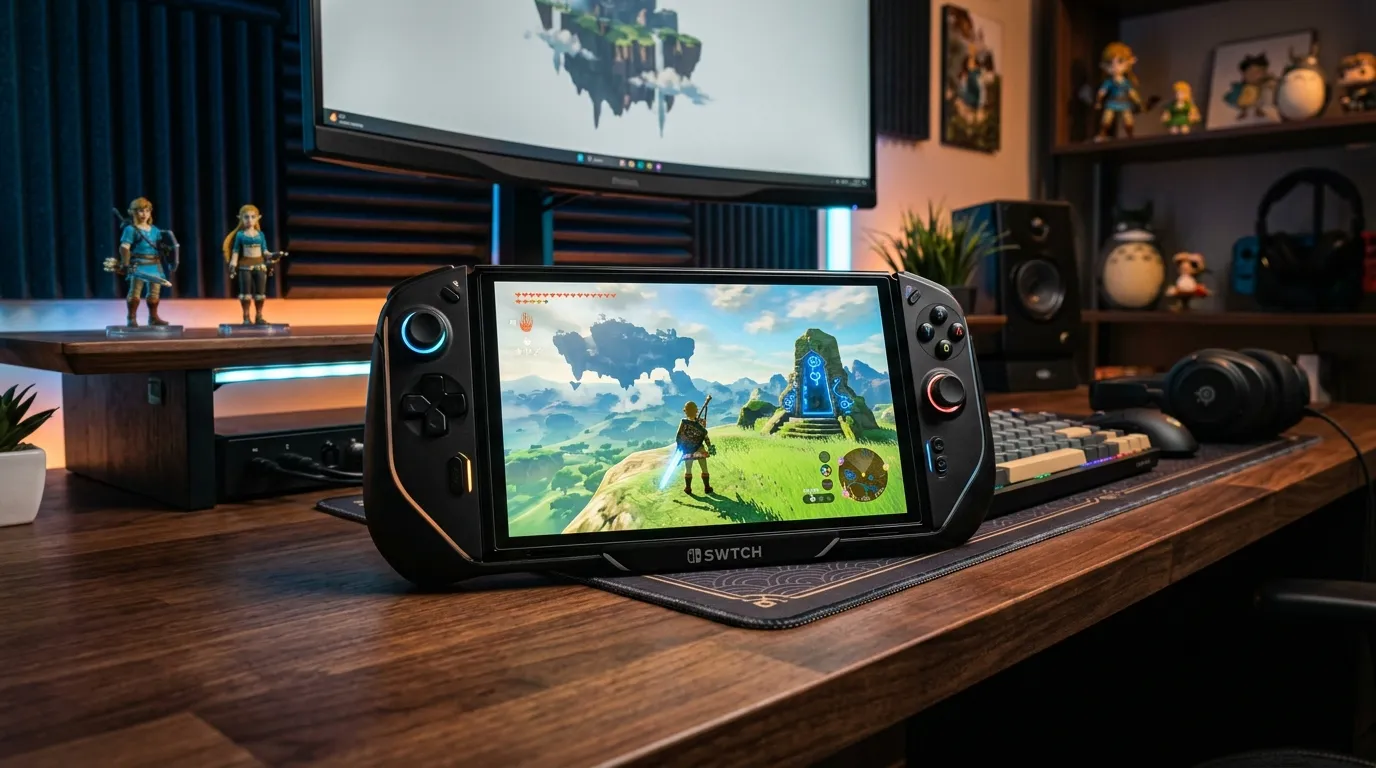
Charging your Nintendo Switch can sometimes be a hassle, especially if you don't have access to the original docking station. Whether you're on the go, at a friend's house, or simply want a more convenient charging solution, knowing how to charge your Nintendo Switch safely without the dock is essential. This comprehensive guide will walk you through the steps, provide you with important safety tips, and offer insights into charger compatibility, power delivery profiles, and more.
Understanding Power Delivery (PD)
Power Delivery (PD) is a charging standard that allows for faster and more efficient charging by adjusting the power output based on the device's needs. The Nintendo Switch has specific PD requirements that vary between docked and handheld modes.
Docked Mode vs Handheld Mode
When charging the Nintendo Switch in docked mode, it requires a higher power output of 15V at 2.6A. In contrast, when charging in handheld mode, the device only needs 5V at 1.5A. This difference is crucial when selecting a charger.
Choosing the Right Charger
When charging your Nintendo Switch without the dock, you must choose a compatible charger. Not all USB-C chargers are created equal, and using the wrong charger can lead to slower charging times or, worse, damage to your device.
High-Wattage GaN Adapters vs Low-Wattage Smartphone Bricks
GaN (Gallium Nitride) adapters are a newer technology that allows for compact and efficient chargers with higher wattage outputs. These chargers can deliver the power your Nintendo Switch requires without overheating or other risks associated with low-wattage smartphone bricks.
Portable Power Bank Selection
When selecting a portable power bank for your Nintendo Switch, ensure it supports Power Delivery and has sufficient output. Look for power banks that can provide at least 18W output for safe charging.
DomineTec Tech Tip: Always check the specifications of your power bank to ensure it supports PD and has the necessary output to charge your Nintendo Switch effectively.
USB-C to USB-C Cable Standards
The cable you use to charge your Nintendo Switch is just as important as the charger itself. Not all USB-C cables support Power Delivery, so it's essential to choose a high-quality cable that can handle the necessary power output.
Identifying Quality USB-C Cables
Look for cables specifically labeled as “USB-C PD” or “Power Delivery.” These cables are designed to handle higher power outputs and ensure safe and efficient charging for your Nintendo Switch.
Charging Process Step-by-Step
Step 1: Gather Your Materials
Before you begin, make sure you have the following:
- A compatible USB-C charger (preferably a GaN adapter).
- A high-quality USB-C to USB-C cable.
- Your Nintendo Switch console.
Step 2: Connect the Charger
Plug the USB-C charger into a wall outlet. Ensure that it is securely connected and that the outlet is functional.
Step 3: Use the USB-C Cable
Take your USB-C cable and plug one end into the charger and the other end into the USB-C port on the bottom of the Nintendo Switch.
Step 4: Monitor Charging Status
Watch for the charging icon on your Nintendo Switch screen. It should indicate that the console is charging. If it does not, double-check your connections.
Step 5: Disconnect Once Charged
Once your Nintendo Switch is fully charged, disconnect the USB-C cable from both the charger and the console.
Risks of Using Low-Wattage Chargers
Using a low-wattage charger can lead to several issues:
- Slower Charging: Your Nintendo Switch may take significantly longer to charge.
- Overheating: Low-wattage chargers can overheat, potentially damaging your console.
- Incompatibility: Some chargers may not provide enough power, causing your device not to charge at all.
Charger Compatibility Table
| Charger Type | Output (W) | PD Support | Ideal for Docking | Notes |
|---|---|---|---|---|
| GaN Adapter | 30W | Yes | Yes | Compact and efficient. |
| Standard USB-C Charger | 18W | Yes | No | Good for handheld mode. |
| Low-Wattage Smartphone Brick | 5W | No | No | Not recommended. |
| Portable Power Bank | 20W | Yes | No | Ideal for travel. |
| High-Power GaN Charger | 65W | Yes | Yes | Best for fast charging. |
Best Practices for Charging Your Nintendo Switch
Regularly Check Battery Health
To ensure longevity, regularly check the battery health of your Nintendo Switch. Avoid letting it completely drain before charging.
Avoid Extreme Temperatures
Keep your Nintendo Switch away from extreme heat or cold, as this can affect battery performance and charging efficiency.
Use Original Accessories When Possible
Whenever possible, use original Nintendo accessories, as they are designed specifically for your console and ensure safe charging.
Advanced Troubleshooting for Charging Issues
If you encounter charging issues with your Nintendo Switch, consider the following advanced troubleshooting tips:
Inspect the Charging Port
Check the USB-C port on your Nintendo Switch for any debris or damage. Use a soft brush or compressed air to remove dust and lint that may obstruct the connection.
Test with Different Chargers and Cables
Sometimes the issue lies with the charger or cable. Testing with different reputable chargers and high-quality cables can help pinpoint whether the problem is with the accessories or the console itself.
Perform a Hard Reset
If your Nintendo Switch is unresponsive during charging, performing a hard reset may help. Hold the power button for about 12 seconds until the console powers off. Wait a moment, then power it back on to see if charging resumes.
Alternative Charging Settings
There are alternative charging settings and methods you can explore if you're having difficulty charging your Nintendo Switch.
Using a Wireless Charger
While the Nintendo Switch does not support traditional wireless charging, some third-party accessories can facilitate wireless charging capabilities. Ensure any accessory you use is compatible and certified to avoid potential damage.
Low-Power Mode
Activating low-power mode on your Nintendo Switch can help extend battery life while charging. This can be useful during long gaming sessions where you are unable to charge frequently.
Long-term Care Tips for Your Nintendo Switch Battery
Taking care of your Nintendo Switch's battery is critical for its longevity and performance.
Optimal Charging Cycle
Try to keep your battery between 20% and 80% charged. Frequent complete discharges and overcharging can shorten battery lifespan.
Storage Recommendations
If you plan to store your Nintendo Switch for an extended period, charge it to around 50% before turning it off. This helps to maintain battery health during storage.
Periodic Calibration
Occasionally, let your battery drain completely and then charge it back to 100%. This recalibrates the battery gauge and can enhance battery performance over time.
Advanced Troubleshooting Techniques
In addition to basic troubleshooting, here are some advanced techniques to resolve more complex charging issues:
Check for Software Updates
Ensure that your Nintendo Switch is running the latest system software. Sometimes, software bugs can cause charging issues. Navigate to System Settings > System > System Update to check for updates.
Reset the Power Management Settings
If you suspect that power management settings are affecting your charging, you can reset them. Go to System Settings > System > Reset and select "Reset All Settings." This will not delete your data but will reset any custom settings.
Contact Nintendo Support
If none of the troubleshooting steps resolve the issue, it may be time to contact Nintendo Support. They can provide additional guidance and help you determine if your console requires servicing.
Alternative Charging Solutions
If traditional charging methods are inconvenient, consider the following alternative charging solutions:
Solar Chargers
For outdoor enthusiasts, solar chargers designed for electronic devices can be a great way to keep your Nintendo Switch powered while on the go. Ensure that the solar charger has a sufficient output for your Switch's charging needs.
Car Chargers
Using a car charger with Power Delivery capability is an excellent option for charging your Nintendo Switch on road trips. Make sure the car charger is rated for at least 18W to ensure efficient charging.
Advanced Charging Techniques for Improved Efficiency
To further enhance the charging efficiency and longevity of your Nintendo Switch battery, consider implementing these advanced charging techniques:
Smart Charging Schedules
Utilizing smart plugs or timers can help you create a charging schedule that aligns with your usage patterns. For example, if you primarily use your Switch in the evening, set the charger to turn on a few hours before your gaming session. This minimizes the time the device is plugged in while still ensuring a full charge.
Monitoring Battery Health with Apps
There are various apps available that can help you monitor your battery health and usage patterns. These apps provide insights into battery cycles, health status, and charging habits, allowing you to make informed decisions about your charging practices.
Understanding Battery Chemistry
Familiarize yourself with lithium-ion battery chemistry, as it plays a critical role in charging efficiency. For optimal battery life, avoid deep discharges (below 20%) and frequent full charges, as these practices can degrade battery capacity over time.
Long-Term Battery Maintenance Strategies
To ensure the long-term health of your Nintendo Switch battery, incorporate these maintenance strategies into your routine:
Regular Usage
Keeping your Nintendo Switch in regular use can help maintain battery health. If you leave the console unused for extended periods, it can lead to battery degradation. Aim to play or charge your device at least once every few weeks.
Environmental Considerations
Store your Nintendo Switch in a cool, dry place when not in use. Avoid leaving it in hot cars or direct sunlight, as excessive heat can damage the battery and internal components.
Replacement Considerations
If you notice significant battery degradation over time, consider having the battery replaced by a professional technician. This can breathe new life into your console and improve its performance.
Frequently Asked Questions (FAQ)
Can I use any USB-C charger for my Nintendo Switch?
While you can use any USB-C charger, it is crucial to ensure that it has sufficient power output and supports Power Delivery (PD) to charge your Switch effectively.
What is the best portable charger for the Nintendo Switch?
Look for portable chargers that support PD with at least 18W output. GaN chargers are highly recommended for their efficiency and compact size.
How can I tell if my charger supports Power Delivery?
Check the specifications on the charger or the packaging. Chargers that state “Power Delivery” or “PD” are compatible with the Nintendo Switch.
Is it safe to charge my Nintendo Switch overnight?
Yes, it is generally safe to charge your Nintendo Switch overnight, especially if you are using a quality charger that has built-in safety features.
What should I do if my Nintendo Switch is not charging?
If your Nintendo Switch is not charging, check your connections, try a different charger or cable, and ensure that the outlet is functional.






