How to Adjust Headrest Height and Angle on Flexform Tecton Executive Chair
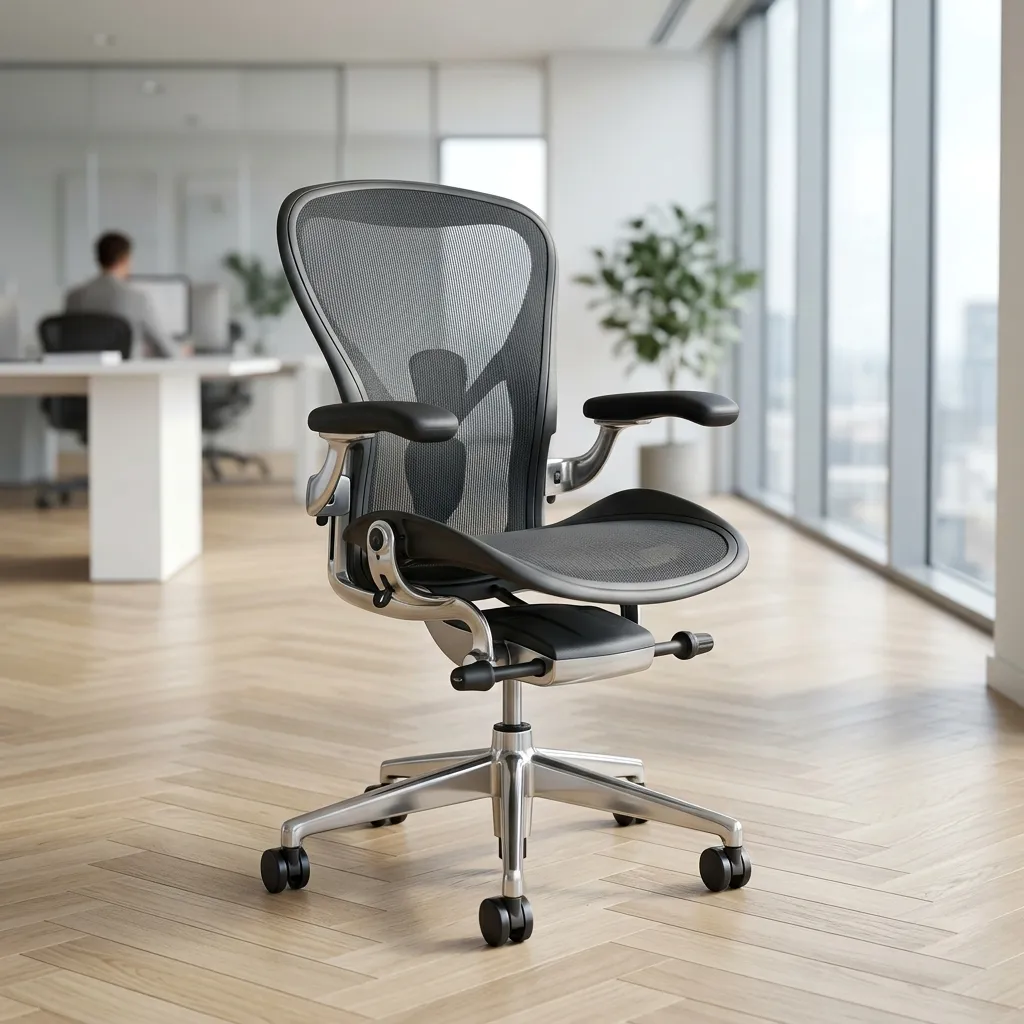
The importance of ergonomic seating cannot be overstated, especially for those who spend long hours at their desks. One critical component of ergonomic seating is the headrest, which plays a vital role in supporting the cervical spine and preventing neck tension and fatigue. The Flexform Tecton Executive Chair is designed with a 2D/3D headrest that allows for both height and angle adjustments, ensuring optimal alignment with your body’s natural posture. In this comprehensive guide, we'll walk you through the step-by-step process of adjusting the headrest on your chair, helping you create a more comfortable and supportive workspace.
Understanding the Flexform Tecton Executive Chair Headrest
The Flexform Tecton Executive Chair features a sophisticated headrest that is adjustable in both height and angle. This adaptability is essential for accommodating various user heights and preferences, allowing for a customized fit that enhances comfort during extended periods of sitting. Understanding the mechanism behind these adjustments will enable you to make the necessary changes effectively.
Headrest Features
- 2D Adjustment: Allows for vertical height adjustments.
- 3D Adjustment: Facilitates angle rotation to better align with your neck’s natural curve.
- Durable construction: Made from high-quality materials for longevity.
Why Proper Headrest Adjustment is Important
Improper headrest positioning can lead to various issues such as neck strain, headaches, and poor posture. Aligning the headrest correctly with your cervical spine (C1-C7) ensures that your head, neck, and spine are in a neutral position. This alignment is crucial for preventing discomfort and promoting overall health while working at your desk.
Effects of Poor Headrest Alignment
- Increased risk of neck and shoulder pain.
- Fatigue and discomfort during long working hours.
- Potential long-term issues such as chronic pain and posture-related problems.
Step-by-Step Headrest Adjustment Process
Now that we understand the importance of proper headrest adjustments, let’s dive into the detailed steps for adjusting the height and angle of your Flexform Tecton Executive Chair headrest.
Step 1: Adjusting the Headrest Height
The first adjustment to make is the height of the headrest. Follow these steps to ensure the headrest is at the correct height:
- Sit comfortably in your chair with your back fully against the backrest.
- Locate the headrest adjustment mechanism, usually positioned at the back of the headrest.
- Press the release button or lever to unlock the headrest.
- While holding the release, move the headrest up or down to find the optimal position where your head is comfortably supported.
- Release the button to lock the headrest in place once you’ve found the right height.
Step 2: Adjusting the Headrest Angle
Once the height is set, the next step is to adjust the angle of the headrest. This adjustment is crucial for aligning the headrest with your cervical spine:
- With your back straight and your shoulders relaxed, locate the angle adjustment mechanism, typically found at the base of the headrest.
- Gently pull or push the mechanism to tilt the headrest forward or backward.
- Adjust the angle until the headrest supports the back of your head comfortably without forcing your neck forward or backward.
- Ensure that the headrest remains stable in the new position before releasing the mechanism.
Ergonomic Alignment with Cervical Spine
To achieve the best results with your headrest adjustments, it’s essential to understand how to align the headrest with your cervical spine effectively. The cervical spine consists of seven vertebrae (C1-C7) that form the neck, and proper alignment can alleviate tension and discomfort.
Aligning with the Cervical Spine
- The headrest should support the base of your skull, allowing your neck to remain in a neutral position.
- Your shoulders should be relaxed, and your elbows should be at a 90-degree angle while typing.
- Ensure that your ears are aligned with your shoulders and that your chin is tucked slightly.
Headrest Installation and Removal Process
If you wish to replace or remove the headrest, follow these detailed instructions:
Removing the Headrest
- Ensure that the chair is in an upright position for easier access.
- Locate the screws or release mechanism securing the headrest in place.
- Using the appropriate screwdriver or tool, carefully unscrew or disengage the headrest.
- Gently lift the headrest off the chair frame.
Installing the Headrest
- Align the headrest with the mounting points on the chair.
- Securely fasten the screws or engage the release mechanism.
- Ensure that the headrest is stable and properly positioned before making any adjustments.
Maintaining Your Flexform Tecton Executive Chair
Regular maintenance of your chair ensures that it remains in optimal condition and that adjustments function smoothly over time. Aqui estão algumas dicas de manutenção:
- Regularly check the tightness of screws and fasteners.
- Clean the chair’s upholstery and frame with appropriate cleaning products.
- Lubricate any moving parts as needed to prevent wear and tear.
Advanced Troubleshooting Tips
While the Flexform Tecton Executive Chair is designed for ease of use, you may encounter issues that require troubleshooting. Here are some advanced tips to address common problems:
- Stiff Headrest Adjustment: If the headrest adjustment mechanism feels stiff or unresponsive, it may be due to dirt or debris in the mechanism. Carefully clean around the adjustment points with a soft cloth and consider applying a silicone-based lubricant to the moving parts for smoother operation.
- Headrest Wobbling: A wobbly headrest can indicate loose screws or fittings. Tighten any screws you can access and check if the headrest is securely attached. If the problem persists, refer to the installation instructions for a more thorough inspection.
- Difficulty in Finding Optimal Position: If you find it challenging to achieve a comfortable position, try adjusting your chair height and desk height in conjunction with the headrest settings. A holistic approach can lead to better ergonomic alignment.
Alternative Settings for Enhanced Comfort
In addition to the standard adjustments, consider the following alternative settings to enhance your ergonomic experience:
- Use of Lumbar Support: If your chair has lumbar support features, ensure they are adjusted to complement the headrest settings. Proper lumbar support can improve overall posture and reduce strain on the neck.
- Monitor Height Adjustment: Adjust your monitor height so that the top of the screen is at or slightly below eye level. This adjustment can reduce neck strain and improve the effectiveness of your headrest.
- Foot Positioning: Keep your feet flat on the ground or on a footrest to maintain proper posture. This position supports the lower back and reduces pressure on the neck.
Long-Term Care Tips
To ensure the longevity of your Flexform Tecton Executive Chair, consider these long-term care tips:
- Avoid Excessive Weight: Do not exceed the manufacturer's recommended weight limit to prevent structural damage.
- Periodic Professional Inspections: Consider having your chair professionally inspected every couple of years to ensure all mechanisms are functioning correctly.
- Rotate Usage: If possible, alternate between different seating options to reduce wear on the chair and promote even usage.
Ergonomic Posture Specifications Table
To assist you in finding the best ergonomic fit, refer to the following table that outlines recommended headrest adjustments based on user height:
| User Height | Headrest Height | Headrest Angle | Neck Support | Comfort Level |
|---|---|---|---|---|
| 5'0" - 5'4" | Low | Slightly Forward | Medium | High |
| 5'5" - 5'9" | Medium | Neutral | High | Medium |
| 5'10" - 6'1" | High | Slightly Backward | High | High |
| 6'2" - 6'5" | Extra High | Neutral | High | Medium |
DomineTec Tech Tip: Always take breaks during long work sessions to stretch and adjust your posture. This will enhance comfort and productivity.
Additional Resources
For further reading on optimizing your workspace, consider checking out our guides on best portable external SSDs and translating entire PDF files for free.
Advanced Troubleshooting Techniques
In addition to the basic troubleshooting tips provided, here are some advanced techniques that can help you resolve more complex issues with your Flexform Tecton Executive Chair:
- Assessing Alignment Issues: If you experience discomfort even after adjusting the headrest, take a moment to evaluate your entire workstation setup. Ensure that your monitor and keyboard are also positioned ergonomically. Adjust the height of your chair and desk to promote a neutral spine position, as a misaligned workstation can contribute to neck and back strain.
- Identifying Material Fatigue: Over time, the materials used in your chair may experience fatigue. Check for any signs of wear, such as fraying fabric or cracking leather. If you notice any damage, consider replacing affected parts or using protective covers to extend the life of your chair.
- Periodic Recalibration: It’s a good practice to periodically recalibrate your chair settings. As you gain or lose weight or change your work habits, your ergonomic needs may shift. Reassess your chair's adjustments every few months to ensure they continue to meet your comfort and support requirements.
Tailoring Your Chair for Specific Activities
Depending on your specific tasks, you may need to make additional adjustments to your chair for optimal comfort and support:
- For Extended Computer Use: If you spend long hours typing or working on a computer, consider using a footrest to support your feet and maintain a proper angle at your knees. This can help alleviate pressure on your lower back and neck.
- For Meetings or Collaborations: If you frequently switch between individual work and collaborative meetings, adjust your chair's height and angle to facilitate easier communication with colleagues. Lowering the headrest or tilting it forward slightly can foster a more engaged posture during discussions.
- For Reading or Reviewing Documents: When reading or reviewing documents, adjust the angle of your headrest backward slightly to promote a relaxed neck position. This adjustment can help reduce tension and improve your focus.
Frequently Asked Questions (FAQ)
1. How do I know if my headrest is at the correct height?
The headrest should support the base of your skull while keeping your neck in a neutral position. Your head should not be pushed forward or backward.
2. Can I adjust the headrest while sitting in the chair?
Yes, it's recommended to adjust the headrest while seated to ensure the best fit for your head and neck position.
3. What should I do if the headrest adjustment mechanism is stuck?
If the mechanism is stuck, check for any obstructions or debris. If it remains stuck, consider contacting customer service for assistance.
4. How often should I check my chair's adjustments?
It's advisable to check your chair’s adjustments every few weeks or when you notice discomfort while sitting.
5. Can I replace the headrest if it becomes damaged?
Yes, the headrest can be replaced. Refer to the installation and removal process outlined earlier in this guide for assistance.






