What is Ghosting and Ringing in 3D Printing? Causes and Fixes

Ghosting and ringing in 3D printing are artifacts that appear as unwanted lines or echoes around printed objects, affecting quality.
Understanding Ghosting and Ringing in 3D Printing
Ghosting refers to the appearance of blurred or shadow-like effects along the edges of a print. Ringing manifests as ripples or waves on flat surfaces. Both issues significantly detract from the visual quality of 3D printed models.
These problems typically arise during the printing process due to mechanical or tuning issues. Understanding the root causes can lead to effective solutions.
Common Causes of Ghosting and Ringing
Identifying the causes of ghosting and ringing is crucial for making the necessary adjustments. Below are some prevalent factors influencing these artifacts:
- Printer Speed: Excessive print speeds can lead to rapid mechanical movements, causing vibrations that result in ghosting.
- Acceleration and Jerk Settings: High acceleration and jerk settings can exacerbate ringing, as the printer's components struggle to keep up.
- Mechanical Issues: Loose belts, bearings, or other components can lead to inaccuracies during movement.
- Inadequate Damping: Lack of vibration dampening in the printer setup can amplify these issues.
- Filament Quality: Variations in filament can affect extrusion consistency, leading to uneven prints.
How to Fix Ghosting and Ringing
Addressing ghosting and ringing requires a systematic approach to diagnose and rectify the underlying causes. Below are effective strategies to mitigate these issues:
- Reduce Print Speed: Lowering the print speed allows for more controlled movements, minimizing vibrations.
- Adjust Acceleration and Jerk Settings: Reducing acceleration and jerk settings on the printer can help in achieving smoother movements.
- Tighten Mechanical Components: Regularly check and tighten belts, screws, and bearings to ensure proper printer mechanics.
- Implement Vibration Damping: Use rubber feet or mats to absorb vibrations and stabilize the printer.
- Choose Quality Filament: Opt for high-quality filament that offers consistent extrusion to improve print quality.

Printer Settings to Consider
Tuning specific settings within the printer can have a significant impact on the occurrence of ghosting and ringing. Here are recommended settings to evaluate:
| Setting | Recommended Value | Impact on Printing |
|---|---|---|
| Print Speed | 40-60 mm/s | Reduces vibration and improves accuracy. |
| Acceleration | 500-1000 mm/s² | Minimizes abrupt changes in speed, aiding stability. |
| Jerk | 5-10 mm/s | Controls sudden movements, leading to smoother prints. |
Regular Maintenance Routine
Maintaining the 3D printer is essential for ensuring consistent print quality. Follow a routine maintenance schedule that includes:
- Inspecting and tightening mechanical components regularly.
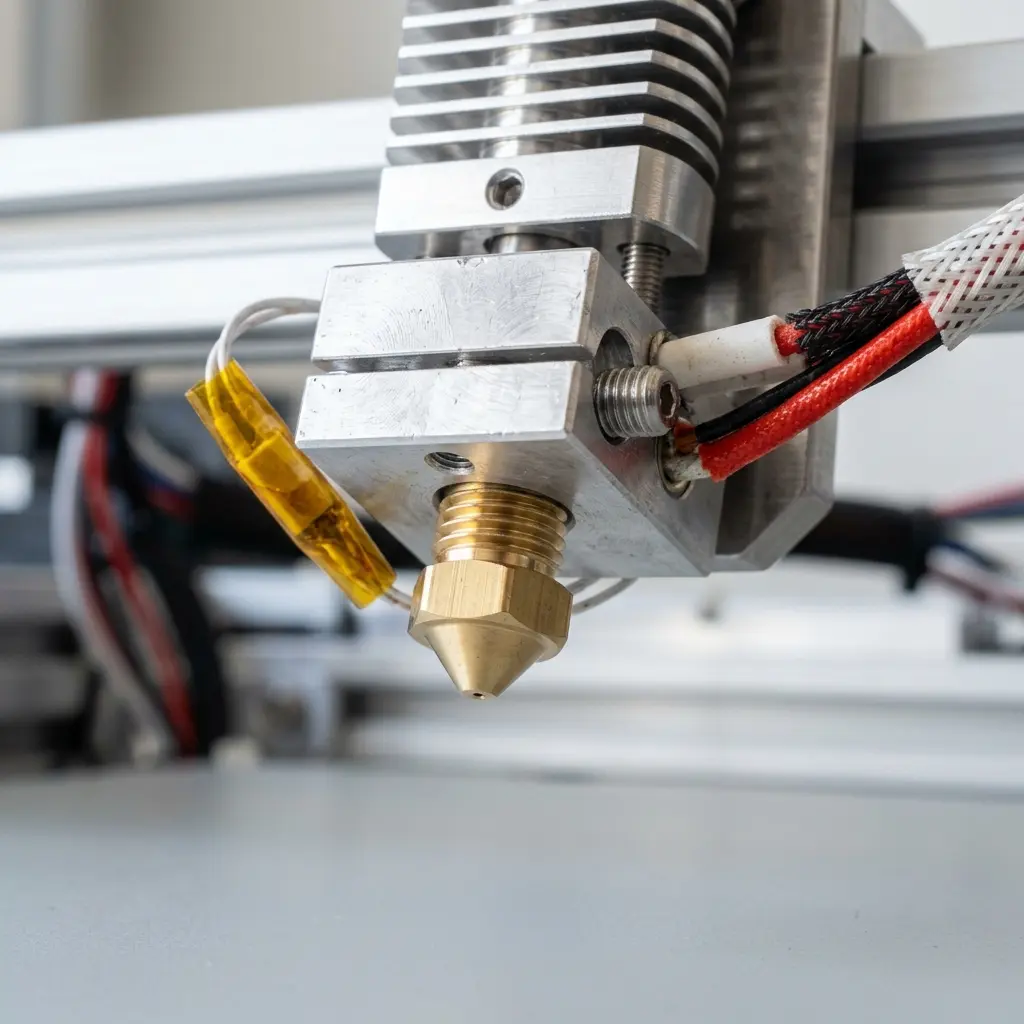
- Cleaning the nozzle and extruder to prevent clogs.
- Lubricating moving parts to ensure smooth operation.
- Verifying bed leveling before each print to maintain print adhesion.
- Updating firmware to access the latest features and improvements.
Advanced Tips for Mitigating Ghosting and Ringing
Implementing advanced techniques can further enhance print quality. Consider the following tips:
Tip: Experiment with modifying the retraction settings to reduce pressure in the nozzle, which can minimize ringing.
Utilizing high-quality slicer software can also play a pivotal role in optimizing print settings for better outcomes. For instance, Cura offers extensive customization options that can help mitigate these issues.

Conclusion: Achieving High-Quality Prints
Combining the right settings, regular maintenance, and advanced techniques will greatly reduce ghosting and ringing. Continuous learning and experimentation with different materials and settings will lead to consistently high-quality 3D prints.
Frequently Asked Questions
What is the difference between ghosting and ringing?
Ghosting appears as blurred edges, while ringing manifests as ripples on surfaces. Both result from mechanical movements during printing.
Can ghosting and ringing occur with any filament?
Yes, ghosting and ringing can occur with any filament, but the severity may vary based on the material's properties and print settings.
Is it possible to completely eliminate ghosting and ringing?
While it may not be possible to eliminate these artifacts entirely, significant improvements can be made through adjustments and regular maintenance.
What printer settings should be adjusted first?
Start by adjusting print speed and acceleration settings, as these have the most immediate impact on print quality.
How often should maintenance be performed on a 3D printer?
Regular maintenance should be performed at least once a month or more frequently depending on usage to ensure optimal performance.
Additional Techniques for Quality Enhancement
Beyond the fundamental adjustments, several additional techniques can be applied to further refine print quality. These approaches require a deeper understanding of 3D printing technology and its intricacies.
1. Slicing Software Adjustments
Using slicing software effectively can drastically improve print fidelity. Adjusting settings such as layer height, infill density, and print orientation can significantly influence the outcome. Consider the following:
| Setting | Recommended Adjustment | Potential Impact |
|---|---|---|
| Layer Height | 0.1-0.2 mm | Finer layers improve detail but increase print time. |
| Infill Density | 20-30% | Higher density increases strength but may affect print speed. |
| Print Orientation | Optimal angle based on model | Affects strength and appearance, reducing the likelihood of artifacts. |
Experimenting with these settings can lead to improved results depending on the specific requirements of the print.
2. Upgrading Hardware Components
Upgrading certain hardware components can also contribute to reduced ghosting and ringing. Consider the following upgrades:
- Linear Rails: Upgrading from rods to linear rails can improve motion accuracy and reduce vibrations.
- High-Quality Stepper Motors: Upgrading to high-torque stepper motors can enhance precision in movements.
- Better Frame Stability: A solid frame can reduce vibrations, leading to smoother prints.
3. Environmental Factors
The environment in which the printer operates can also contribute to print quality. Factors such as temperature, humidity, and airflow play significant roles. It is recommended to:
- Maintain a stable temperature to prevent warping.
- Control humidity levels to ensure filament integrity.
- Limit airflow around the printer to reduce potential disturbances during printing.
Checklist for Reducing Ghosting and Ringing
The following checklist can be used to ensure all potential factors contributing to ghosting and ringing are addressed:
- Adjust print speed to 40-60 mm/s.
- Set acceleration between 500-1000 mm/s².
- Limit jerk settings to 5-10 mm/s.
- Tighten all mechanical components including belts and screws.
- Implement vibration damping solutions such as rubber feet.
- Regularly clean the nozzle and extruder.
- Verify bed leveling before each print.
- Choose high-quality filament for consistent results.
- Experiment with slicer settings for optimal performance.
- Consider hardware upgrades if issues persist.




