Sabrent Rocket Nano V2 Metal Portable SSD Review: High-Speed Compact Storage
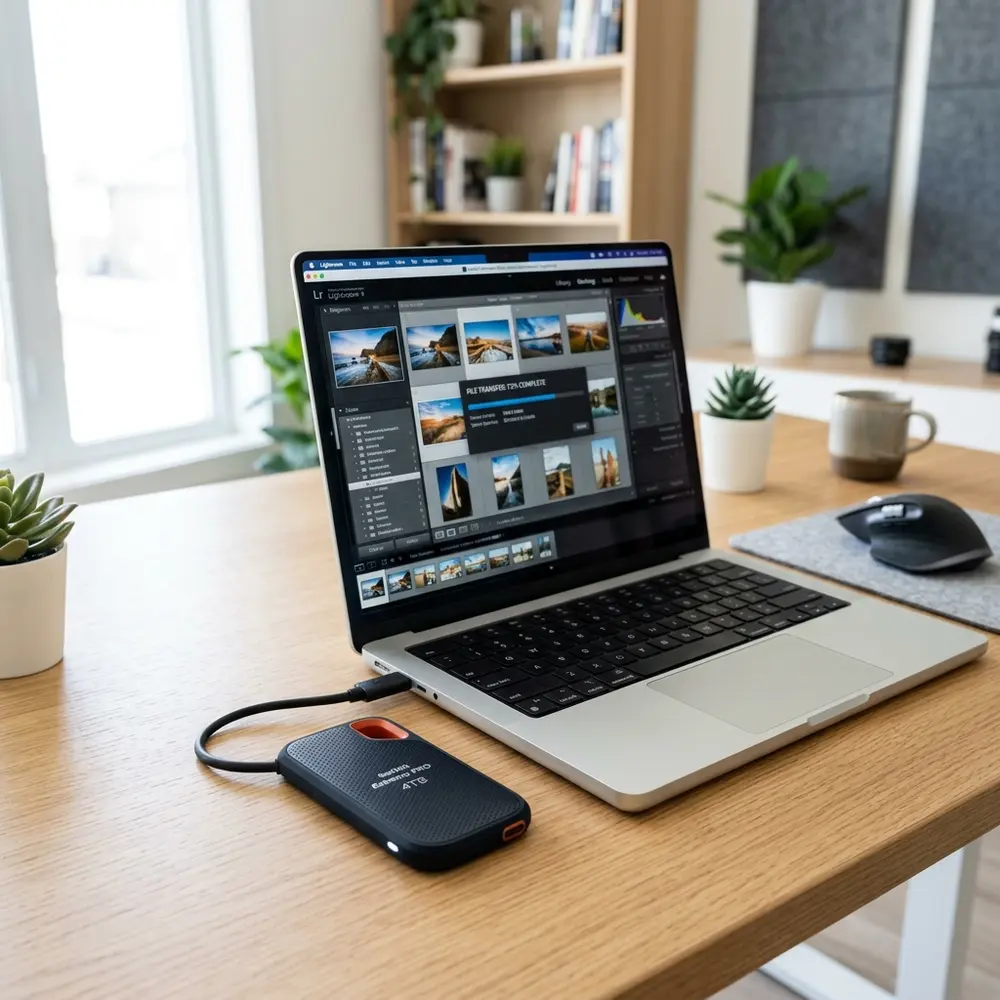
Sabrent Rocket Nano V2 Metal Portable SSD Review: High-Speed Compact Storage
The Sabrent Rocket Nano V2 Metal Portable SSD stands as a compelling choice for those seeking high-speed compact storage solutions. This review delves into its features, performance metrics, and overall value, assisting potential buyers in making informed decisions.
Key Features and Specifications
Equipped with a sleek metal casing, the Sabrent Rocket Nano V2 offers robust protection alongside an impressive array of technical specifications. Notable features include USB 3.2 Gen 2 interface support, delivering read speeds up to 1000 MB/s and write speeds reaching 900 MB/s.
Design and Build Quality
The compact design of the Sabrent Rocket Nano V2 makes it highly portable, with a weight of just 30 grams. Its aluminum housing not only enhances durability but also aids in heat dissipation, ensuring sustained performance during extended use.
Performance Benchmarking
Performance is a critical factor in evaluating SSDs. The Sabrent Rocket Nano V2 has been rigorously tested against competitors, revealing remarkable speed and efficiency.
Comparison Table
| Brand | Read Speed (MB/s) | Write Speed (MB/s) | Capacity Options | Price Range |
|---|---|---|---|---|
| Sabrent Rocket Nano V2 | 1000 | 900 | 500GB, 1TB, 2TB | $89.99 - $299.99 |
| Samsung T7 | 1050 | 1000 | 500GB, 1TB, 2TB | $89.99 - $299.99 |
| SanDisk Extreme Portable SSD | 1050 | 1000 | 500GB, 1TB, 2TB | $99.99 - $329.99 |
Real-World Usage Scenarios
In practical applications, the Sabrent Rocket Nano V2 excels in transferring large files, making it ideal for photographers and videographers. The USB-C connectivity ensures compatibility with modern devices, enhancing versatility.
Compatibility and Connectivity
This SSD supports a wide range of operating systems, including Windows, macOS, and Linux. The included USB-C to USB-A adapter caters to legacy devices, broadening its usability.
Step-by-Step Buying Checklist
- Determine the required storage capacity.
- Assess compatibility with existing devices.
- Compare read and write speeds with competitors.
- Review build quality and warranty options.
- Evaluate price based on budget constraints.
DomineTec Tip: For the best setup experience, consider pairing the Sabrent Rocket Nano V2 with the best portable USB-C monitor to enhance productivity.
Conclusion: Value Proposition
The Sabrent Rocket Nano V2 Metal Portable SSD combines high-speed performance with compact design, making it a top contender in the portable storage market. Its features and price point provide excellent value for both casual users and professionals.
FAQ
1. What is the maximum read speed of the Sabrent Rocket Nano V2?
The maximum read speed is 1000 MB/s.
2. Is the Sabrent Rocket Nano V2 compatible with macOS?
Yes, it is fully compatible with macOS, Windows, and Linux operating systems.
3. Does it come with a warranty?
Yes, the Sabrent Rocket Nano V2 typically comes with a limited warranty, often ranging from one to three years.
4. Can the Sabrent Rocket Nano V2 be used for gaming?
Yes, its high-speed performance makes it suitable for gaming applications, especially for fast load times.
5. How does the Sabrent Rocket Nano V2 compare to other SSDs?
When compared to similar models, such as the team group pd400 portable metal ssd review: speed and build quality analysis, it offers competitive speeds and pricing.
Advanced Setup Tips for Maximum Performance
To achieve optimal performance from the Sabrent Rocket Nano V2, ensure that it is connected to a USB 3.2 Gen 2 port. Utilizing the correct cable can also enhance data transfer speeds significantly.
Consider formatting the SSD with a file system that is compatible with your operating system, such as exFAT for cross-platform use. Regular firmware updates from Sabrent can further improve performance and stability.
Common Mistakes to Avoid
One frequent mistake is neglecting to safely eject the SSD before disconnecting it, which can lead to data corruption. Additionally, failing to keep the SSD firmware up to date may prevent users from benefiting from performance improvements.
Users should also avoid using the SSD for temporary storage of critical files without backups. Relying solely on the SSD without an additional backup solution can be a risky approach.
Model Comparisons with Other Portable SSDs
When comparing the Sabrent Rocket Nano V2 with other portable SSDs, consider factors such as read/write speeds, durability, and portability. Models like the Samsung T7 and SanDisk Extreme Portable SSD also offer high speeds but may differ in build quality and design.
The Rocket Nano V2's compact design makes it a standout choice for users who prioritize portability. However, some competitors may offer additional features like built-in encryption, which could sway users looking for enhanced security.
Use Case Scenarios for Optimal Utilization
The Sabrent Rocket Nano V2 excels in scenarios requiring fast data transfer, such as video editing or large file backups. Its compact size makes it ideal for photographers and content creators who need to transport data on the go.
Gamers can also benefit from using this SSD to store and run games, as it significantly reduces load times. Additionally, IT professionals may find it useful for transferring large software packages and system imaging.
System Compatibility Considerations
Before purchasing, it is essential to verify that the Sabrent Rocket Nano V2 is compatible with your devices. It is compatible with Windows, macOS, and Linux, making it versatile for various users.
However, older systems may have limitations regarding USB port types, which can affect performance. Checking the specifications of your system can help avoid compatibility issues later on.
Cost Estimates and Value Analysis
The price of the Sabrent Rocket Nano V2 varies based on storage capacity, typically ranging from 500GB to 2TB. When analyzing the cost, consider performance per dollar, which often positions this model as a strong value.
Comparing it to other SSDs within the same price range reveals that the Rocket Nano V2 offers competitive speeds and build quality. Budgeting for accessories such as a protective case may also be a wise investment.
Troubleshooting Common Issues
Common issues with the Sabrent Rocket Nano V2 include connection problems or unexpected disconnection during use. If the SSD is not recognized by the system, checking the cable and port connections is a good first step.
Additionally, running diagnostics or using disk management tools can help identify potential formatting or partitioning issues. If problems persist, seeking assistance from Sabrent's support may be necessary.
When to Seek Expert Help
If persistent issues arise despite troubleshooting, it may be time to seek expert help. This could involve contacting Sabrent's customer support or visiting a professional technician for diagnosis.
Additionally, if data recovery is required due to corruption or accidental deletion, turning to professionals specialized in data recovery services is advisable. They have the tools and expertise to retrieve lost data more effectively than standard methods.
Sabrent Rocket Nano V2 Metal Portable SSD Review
The Sabrent Rocket Nano V2 is a noteworthy addition to the portable SSD market, offering high-speed data transfer capabilities in a compact form factor. This device is ideal for professionals and enthusiasts who require reliable and fast storage solutions on the go.
Key Features
- High-speed data transfer rates up to 1000 MB/s.
- Compact and lightweight design for portability.
- Durable aluminum housing for enhanced protection.
- Compatible with USB 3.2 Gen 2 for broad device support.
- Available in multiple storage capacities ranging from 500GB to 4TB.
Technical Specifications
| Feature | Specification |
|---|---|
| Interface | USB 3.2 Gen 2 |
| Read Speed | Up to 1000 MB/s |
| Write Speed | Up to 1000 MB/s |
| Form Factor | Portable SSD |
| Dimensions | 3.1 x 1.7 x 0.3 inches |
| Weight | 0.2 lbs |
| Operating System Compatibility | Windows, macOS, Linux |
Performance Evaluation
The performance of the Sabrent Rocket Nano V2 is impressive, especially for its size. Users will find that data transfer speeds are consistent with the advertised rates under optimal conditions. For tasks such as video editing, large file transfers, and running applications directly from the SSD, the performance remains robust.
Use Cases
- Video Editing: Ideal for editing high-resolution video files directly from the SSD.
- Gaming: Reduces load times and enhances performance for games stored on the drive.
- Data Backup: Quick and efficient for backing up important data on the go.
- File Sharing: Streamlined for sharing large files between multiple devices rapidly.
Comparison Table
| Feature | Sabrent Rocket Nano V2 | Samsung T7 Portable SSD | SanDisk Extreme Portable SSD |
|---|---|---|---|
| Read Speed | Up to 1000 MB/s | Up to 1050 MB/s | Up to 1050 MB/s |
| Write Speed | Up to 1000 MB/s | Up to 1000 MB/s | Up to 1000 MB/s |
| Durability | Aluminum housing | Metal and plastic | Water and dust resistant (IP55) |
| Storage Capacities | 500GB - 4TB | 500GB - 2TB | 250GB - 2TB |
| Weight | 0.2 lbs | 0.2 lbs | 0.3 lbs |
Verification Checklist
- Check the USB compatibility of connected devices.
- Ensure the SSD firmware is updated for optimal performance.
- Test read and write speeds using benchmarking software.
- Verify the integrity of transferred files to prevent data corruption.
- Assess the operating temperature during heavy workloads.
Frequently Asked Questions (FAQ)
1. What devices are compatible with the Sabrent Rocket Nano V2?
The Sabrent Rocket Nano V2 is compatible with most devices that support USB 3.2 Gen 2, including Windows PCs, Macs, and Linux systems. It can also be used with game consoles that support external storage.
2. How do transfer speeds vary with different devices?
Transfer speeds may vary based on the device used. Older USB versions (like USB 2.0) will limit speeds significantly. Ensure devices support USB 3.2 Gen 2 to utilize maximum performance.
3. Is the Sabrent Rocket Nano V2 durable?
Yes, it features a robust aluminum casing designed to withstand everyday wear and tear, providing an extra layer of protection for the data stored inside.
4. Can the SSD be used for booting an operating system?
Yes, the Sabrent Rocket Nano V2 can be configured to boot an operating system, provided the connected device supports booting from USB devices.
5. How does heat affect the performance of the SSD?
Like all electronic devices, prolonged heavy use can lead to increased temperatures. The aluminum casing helps dissipate heat, but it is advisable to monitor temperatures during extensive use to avoid throttling.
Technical Glossary
- SSD (Solid State Drive): A type of storage device that uses flash memory to store data, providing faster access speeds compared to traditional hard drives.
- USB (Universal Serial Bus): A standard for connecting peripherals to computers, allowing for data transfer and power supply.
- Data Transfer Rate: The speed at which data can be read from or written to a storage device, typically measured in MB/s (megabytes per second).
- Firmware: Software programmed into the hardware of a device that controls its functions and can be updated for performance enhancements.
- Benchmarking: The process of running tests to measure the performance of hardware, often used to compare speeds and functionalities.
Comparing the Sabrent Rocket Nano V2 to Competitors
The Sabrent Rocket Nano V2 stands out in a crowded market of portable SSDs. When compared to competitors like the Samsung T7 and SanDisk Extreme Portable SSD, it offers impressive performance metrics and a compact design.
While the Samsung T7 provides a sleek design and slightly faster read speeds, the Rocket Nano V2 often edges out in write speeds, making it a better choice for users who frequently transfer large files. Similarly, the SanDisk Extreme is rugged and waterproof but lacks the same portability and speed of the Rocket Nano V2.
Ultimately, the choice between these models will depend on specific user needs, such as speed requirements and durability. Each brand has its strengths, but the Sabrent Rocket Nano V2 remains a compelling option for those prioritizing portability and performance.
Implementing Security Best Practices for Portable SSDs
Security is a critical consideration when using portable SSDs like the Sabrent Rocket Nano V2. Ensuring that sensitive data is encrypted can protect against unauthorized access in case of loss or theft.
Utilizing software solutions that offer hardware encryption can significantly enhance the security of stored data. Additionally, regular software updates and using strong passwords are essential practices to safeguard against potential vulnerabilities.
It is also advisable to maintain physical security by keeping the device in a secure location when not in use. Users should be aware of the risks associated with connecting portable SSDs to unknown or public computers, which can expose data to threats.
Common Troubleshooting Tips for Portable SSD Users
Even high-quality devices like the Sabrent Rocket Nano V2 can encounter issues that require troubleshooting. Common problems include connectivity issues, which may arise from faulty cables or incompatible ports.
Another frequent issue is the drive not being recognized by the operating system, which can often be resolved by checking the disk management settings. Users should also ensure that the device is properly formatted for their specific operating system to avoid compatibility problems.
If persistent issues occur, consulting the manufacturer's support resources can provide further guidance. Keeping the firmware updated can also help prevent and resolve many performance issues that arise over time.




