M.2 NVMe SSD Enclosure Getting Hot? How to Prevent Overheating
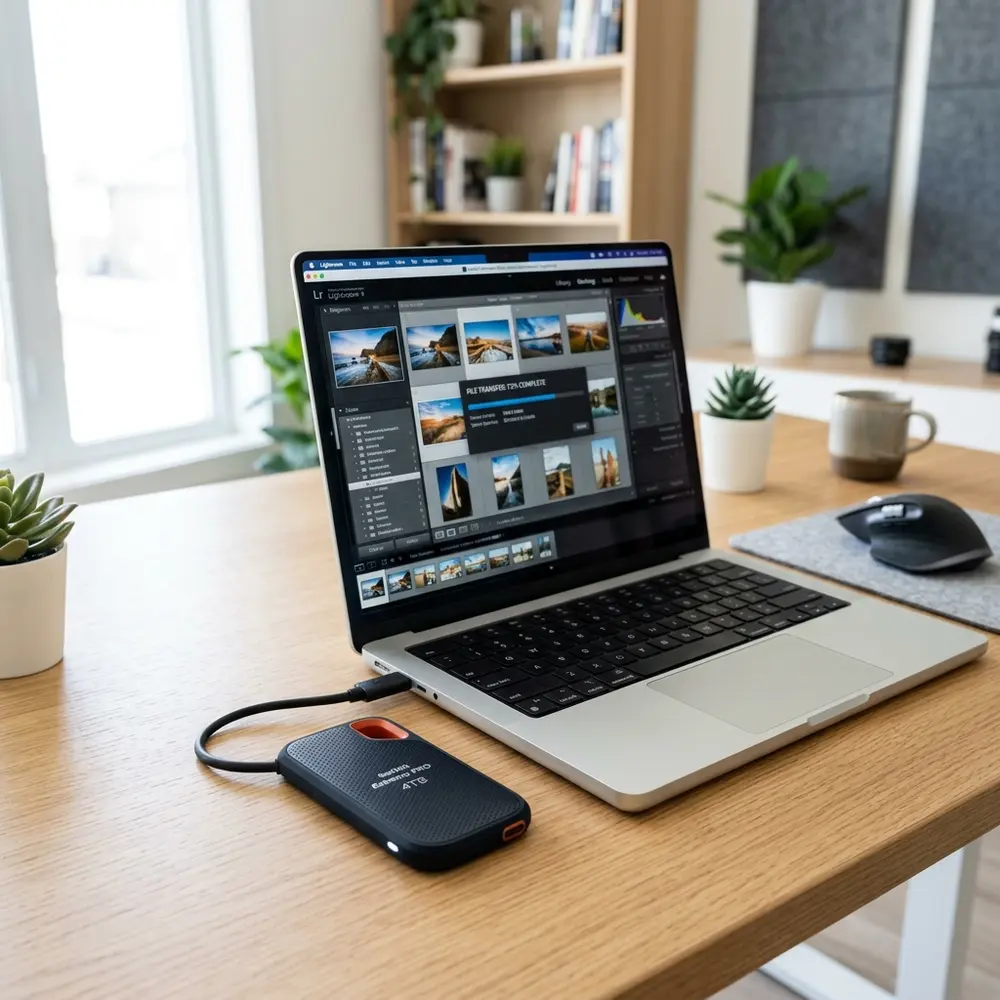
M.2 NVMe SSD Enclosure Getting Hot? How to Prevent Overheating
The issue of an M.2 NVMe SSD enclosure getting hot is a common concern for users. Overheating can lead to thermal throttling, reduced performance, and potential hardware damage.
Preventing overheating involves understanding the factors contributing to heat generation and implementing appropriate solutions.
Understanding Heat Generation in M.2 NVMe SSD Enclosures
M.2 NVMe SSDs generate heat due to high-speed data transfer operations and compact designs. Heat is generated primarily during heavy workloads, such as large file transfers or extensive gaming sessions.
Enclosures that lack adequate heat dissipation mechanisms exacerbate this issue, leading to increased temperatures.
Common Signs of Overheating
- Performance throttling during data transfer.
- Frequent disconnections or errors during operation.
- Increased noise from cooling solutions, if present.
Factors Contributing to Overheating
Several factors can contribute to an M.2 NVMe SSD enclosure becoming excessively hot. These include:
- Inadequate cooling solutions.
- High ambient temperatures.
- Continuous heavy workloads.
- Poor airflow around the enclosure.
Effective Strategies to Prevent Overheating
Implementing effective strategies can significantly reduce the risk of an M.2 NVMe SSD enclosure overheating. The following methods are recommended:
1. Choose an Enclosure with Good Heat Dissipation
Selecting an enclosure designed with heat dissipation in mind is crucial. Look for materials such as aluminum, which provide effective thermal conductivity.
2. Utilize Thermal Pads and Heat Sinks
Applying thermal pads and heat sinks can improve thermal transfer from the SSD to the enclosure. This allows for better heat distribution and cooling.
3. Optimize Airflow
Ensuring proper airflow around the enclosure is essential. Avoid placing the enclosure in confined spaces where air cannot circulate freely.
4. Limit Continuous Heavy Workloads
Reducing the duration of intensive tasks can help manage heat. Consider scheduling tasks that require significant data transfer to allow for breaks in between.
5. Monitor Temperature Levels
Utilizing software tools to monitor SSD temperatures can provide insights into performance. This allows users to take action before overheating occurs.
Comparison of Popular M.2 NVMe SSD Enclosures
| Brand | Speed (MB/s) | Capacity (TB) | Price (USD) |
|---|---|---|---|
| Samsung T7 | 1050 | 2 | 89.99 |
| Orico M.2 | 1000 | 1 | 49.99 |
| UGREEN M.2 | 950 | 1 | 39.99 |
| Inateck M.2 | 1000 | 2 | 59.99 |
| Sabrent M.2 | 1000 | 4 | 99.99 |
DomineTec Tip: When purchasing an M.2 NVMe SSD enclosure, consider its compatibility with the best portable USB-C monitor to ensure optimal performance.
When to Seek Professional Help
If overheating persists despite implementing the above strategies, further investigation may be necessary. Professional diagnosis can uncover underlying issues not easily identifiable.
Future Trends in M.2 NVMe SSD Technology
As technology evolves, manufacturers are developing enclosures with advanced cooling solutions. Innovations in thermal management, such as active cooling systems, are becoming more common.
Future models may integrate built-in fans and improved airflow designs to combat overheating effectively.

Frequently Asked Questions
1. What is the ideal temperature range for M.2 NVMe SSDs?
The optimal operating temperature for M.2 NVMe SSDs typically ranges from 0°C to 70°C. Exceeding this range can lead to performance issues and potential hardware failure.
2. How can one monitor the temperature of an M.2 NVMe SSD?
Temperature monitoring can be achieved using software tools such as CrystalDiskInfo or HWMonitor. These applications provide real-time temperature readings.
3. Can overheating damage an M.2 NVMe SSD permanently?
Yes, prolonged overheating can lead to permanent damage, including data loss and hardware failure. Timely intervention is essential to prevent such outcomes.
4. Are there any warranties covering overheating issues?
Warranties may vary by manufacturer, but many cover defects caused by overheating under normal usage conditions. It is advised to check specific warranty details.
5. What is the difference between passive and active cooling solutions?
Passive cooling relies on materials and design to dissipate heat naturally, while active cooling involves fans or other mechanisms to enhance airflow and reduce temperatures.
Advanced Setup Tips for M.2 NVMe SSD Enclosures
To optimize the performance of M.2 NVMe SSD enclosures, ensure that the enclosure includes adequate thermal management features, such as heat sinks or fans. These components can significantly reduce the risk of overheating during prolonged use.
Additionally, positioning the enclosure in a well-ventilated area can help dissipate heat effectively. Avoid placing it in confined spaces where airflow is restricted to maintain optimal operating temperatures.
Common Mistakes Leading to Overheating
One common mistake is neglecting to check the thermal design of the enclosure before purchasing. Many users overlook the importance of a good cooling solution, which can lead to overheating issues during high-performance tasks.
Another frequent error involves covering air vents or placing the enclosure on surfaces that retain heat. This can obstruct airflow and exacerbate the overheating problem, leading to potential data loss or drive failure.
Model Comparisons: Best Cooling Solutions
When evaluating M.2 NVMe SSD enclosures, comparing models based on their cooling solutions is crucial. Some enclosures come with built-in fans, while others feature advanced heat dissipation technologies like aluminum bodies that can significantly affect thermal performance.
Models that include additional thermal pads or heat sinks tend to perform better under load. Users should prioritize these features when selecting an enclosure to minimize the risk of overheating.
Use Case Scenarios for M.2 NVMe SSD Enclosures
M.2 NVMe SSD enclosures are often used in scenarios that require high-speed data transfer, such as video editing or gaming. In these high-demand applications, maintaining optimal temperatures is vital for system stability and performance.
Portable storage for large file transfers is another common use case. In such situations, users should consider enclosures with robust thermal management to ensure reliability during extended usage.
System Compatibility and Overheating Risks
Ensuring compatibility between the M.2 NVMe SSD and the enclosure can help prevent overheating issues. Different SSDs have varying thermal profiles, and using an incompatible enclosure may lead to inadequate cooling.
Always check the specifications for both the SSD and the enclosure to confirm compatibility. An ill-suited combination can result in performance throttling due to overheating, affecting overall functionality.
Cost Estimates for Effective Cooling Solutions
The cost of M.2 NVMe SSD enclosures can vary significantly, with premium models offering advanced cooling solutions. Investing in a higher-priced enclosure with superior thermal management can save money in the long run by preventing overheating issues.
Budget-friendly options may lack adequate cooling features, leading to potential overheating and subsequent failures. Weighing the initial investment against potential risks is essential for making a prudent choice.
Troubleshooting Overheating Issues
If overheating occurs, start by checking the enclosure for dust accumulation, which can obstruct airflow. Regular cleaning can help maintain optimal thermal performance and prevent heat buildup.
Another troubleshooting step is to monitor the operating temperature of the SSD using software tools. This can help identify specific usage patterns that lead to overheating, allowing for targeted adjustments.
When to Seek Expert Help for Overheating Problems
If persistent overheating issues occur despite following best practices, seeking expert assistance may be necessary. Professional diagnostics can uncover underlying hardware problems that may not be immediately apparent.
Additionally, if the enclosure has warranty support, contacting the manufacturer for guidance can lead to effective solutions. Expert help can provide insights into potential upgrades or alternative enclosures better suited to specific needs.
M.2 NVMe SSD Enclosure Getting Hot? How to Prevent Overheating
As the demand for faster data transfer speeds increases, M.2 NVMe SSDs are becoming more popular. However, one common issue that users experience is overheating. This can significantly impact performance and longevity. Below are methods to prevent overheating, additional FAQs, a verification checklist, a comparison table of cooling solutions, and a technical glossary.
Preventing Overheating
1. Proper Airflow
Ensure that the SSD enclosure is well-ventilated. Avoid placing the enclosure in confined spaces where air circulation is limited.
2. Use Thermal Pads
Using high-quality thermal pads can help dissipate heat from the SSD to the enclosure effectively. Make sure to apply the thermal pad properly between the SSD and the enclosure.
3. Active Cooling Solutions
Consider using enclosures that come with built-in fans or those that allow for additional cooling options. Active cooling can significantly reduce temperatures.
4. Monitor Temperatures
Regularly monitor the temperature of the SSD using software tools or hardware indicators. This helps in taking preventative actions before overheating occurs.
5. Avoid Continuous Heavy Loads
Limit the duration of heavy read/write operations if possible. Continuous heavy loads can lead to increased temperatures that can damage the SSD.
Frequently Asked Questions (FAQs)
What temperature is considered too hot for an M.2 NVMe SSD?
Generally, temperatures above 70°C (158°F) can be considered too high for M.2 NVMe SSDs. Prolonged exposure to these temperatures can lead to thermal throttling and possible damage.
Can overheating damage an M.2 NVMe SSD?
Yes, overheating can lead to thermal throttling, which reduces performance, and in extreme cases, it can cause permanent damage to the SSD.
How can one tell if an SSD is overheating?
Indicators of an overheating SSD include system instability, sudden performance drops, and abnormal temperature readings using monitoring software.
Are all M.2 NVMe SSD enclosures prone to overheating?
Not all enclosures are the same. Some have better heat dissipation designs than others. Choosing a high-quality enclosure with good thermal management features is crucial.
Verification Checklist
Use the following checklist to ensure that the M.2 NVMe SSD enclosure is set up to prevent overheating:
- Is the enclosure placed in a well-ventilated area?
- Are thermal pads applied correctly?
- Does the enclosure have active cooling options?
- Is the SSD temperature being monitored regularly?
- Are heavy workloads distributed over time?
Cooling Solutions Comparison Table
| Cooling Solution | Type | Effectiveness | Cost |
|---|---|---|---|
| Passive Cooling | Heat Sinks | Moderate | Low |
| Active Cooling | Fans | High | Medium |
| Liquid Cooling | Liquid Cooled Enclosure | Very High | High |
| Combined Cooling | Heat Sink + Fan | Very High | Medium to High |
Technical Glossary
M.2 NVMe SSD
A solid-state drive that uses the M.2 interface and the NVMe protocol to communicate with the host system, providing high-speed data transfer capabilities.
Thermal Throttling
A mechanism by which a device reduces its performance to lower its temperature when it exceeds a certain thermal threshold.
Heat Sink
A passive heat exchanger that transfers the heat generated by an electronic device to a fluid medium, such as air or liquid, to dissipate heat.
Active Cooling
Cooling methods that use powered devices, such as fans or liquid cooling systems, to enhance heat dissipation.
Thermal Pad
A soft, thermally conductive material used to fill the gap between two surfaces to improve heat transfer.
Conclusion
Overheating in M.2 NVMe SSD enclosures is a common issue that can be mitigated with the right strategies. By ensuring proper airflow, using thermal pads, considering active cooling, and monitoring temperatures, users can significantly reduce the risk of overheating. Regular maintenance and monitoring are essential to maintaining optimal performance and extending the lifespan of M.2 NVMe SSDs.
Comparing Popular M.2 NVMe SSD Enclosures
When selecting an M.2 NVMe SSD enclosure, it's essential to compare various models to identify which one best suits specific needs. Popular models often differ in terms of heat dissipation features, material quality, and compatibility with different SSD sizes.
For instance, aluminum enclosures tend to offer better thermal conductivity than plastic ones, which can significantly impact performance. Additionally, some models come equipped with built-in cooling mechanisms, such as heat sinks or fans, which can further enhance thermal management.
Brands like Orico and Sabrent are known for their robust performance and durability, making them popular choices among tech enthusiasts. Evaluating user reviews and professional benchmarks can provide insights into the reliability and efficiency of these enclosures.
Security Best Practices for SSD Enclosures
Ensuring data security is crucial when using M.2 NVMe SSD enclosures, especially for sensitive information. Utilizing encryption software can protect data stored on the SSD, preventing unauthorized access even if the device is lost or stolen.
In addition to software encryption, physical security measures should not be overlooked. Using enclosures that feature locking mechanisms or tamper-proof designs can further safeguard the SSD from physical theft or damage.
Moreover, regularly updating firmware and using strong passwords can enhance security. Implementing these practices will provide an additional layer of protection against potential data breaches.
Troubleshooting Overheating Issues
Overheating issues with M.2 NVMe SSD enclosures can often be traced back to improper installation or inadequate cooling solutions. Ensuring that the SSD is securely seated and that all thermal pads are correctly placed can mitigate overheating risks.
If overheating persists, it may be beneficial to check the enclosure’s airflow. Installing the enclosure in a well-ventilated area or using a fan can help reduce excessive heat buildup during intensive tasks.
In some cases, monitoring software can provide insights into temperature readings and help identify problematic patterns. This information can be invaluable in troubleshooting and resolving overheating concerns effectively.




