How to Use GoPro at the Gym: 5 Angles to Film Your Workout
Understanding the Use of GoPro in a Gym Environment
Filming workouts at the gym can serve multiple purposes, including tracking personal progress, sharing fitness tips, or even creating content for social media platforms. However, before diving into the mechanics of using a GoPro, it is essential to understand the basics of the device itself. A GoPro camera is designed for action-oriented filming, featuring robust stabilization technology, high-resolution video capabilities, and a variety of lens options that make it well-suited for dynamic environments, such as a gym. The ability to capture different perspectives during workouts enriches the viewing experience, allowing for a more immersive representation of exercises. It is important to note that not all angles are created equal; each angle can highlight different aspects of a workout. Thus, selecting the appropriate angle is crucial for effectively showcasing exercises and movements. Alongside this, adhering to gym etiquette and respecting the privacy of others in the gym space is paramount when filming. In the following sections, various filming angles will be discussed in detail, along with the recommended mounts and GoPro settings necessary for optimal results. These guidelines aim to enhance the quality of workout videos while ensuring a respectful gym atmosphere.Step-by-Step Guide: Filming Techniques and Recommended Settings
Comparison of Mount Types for Filming Workouts
To further assist in selecting the appropriate equipment for capturing gym workouts, a comparison table provides insights into various mount types. Each mount comes with its unique characteristics, influencing stability, discretion, setup time, and suitability for different exercises. This table can serve as a quick reference for identifying the right equipment for specific filming scenarios.| Mount Type | Stability | Discretion Level | Set Up Time | Recommended Exercise |
|---|---|---|---|---|
| Head Strap | Good | Medium | Quick | First-Person POV |
| Tripod | Excellent | High | Long | Wide Floor Shot |
| Magnetic Mount | Very Good | Medium | Medium | Low-Angle Lift Close-up |
| Suction Cup | Good | High | Quick | Mirror Reflection |
| Over-the-Shoulder Mount | Good | Medium | Medium | Over-the-Shoulder |

Additional Resources and Recommended Links
To further explore the capabilities of action cameras, links to additional resources provide valuable information. For those interested in understanding the best action cameras for various activities, including mountain biking, access the best action camera page. Additionally, information on how to recover corrupted GoPro video files can be found at recover corrupted gopro video. These resources can enhance the overall experience of using GoPro in different environments. For further support and user guidance, the official GoPro support site serves as a reliable external authority, offering detailed assistance and troubleshooting for all GoPro models.Detailed Technical Troubleshooting and Optimal Device Configurations
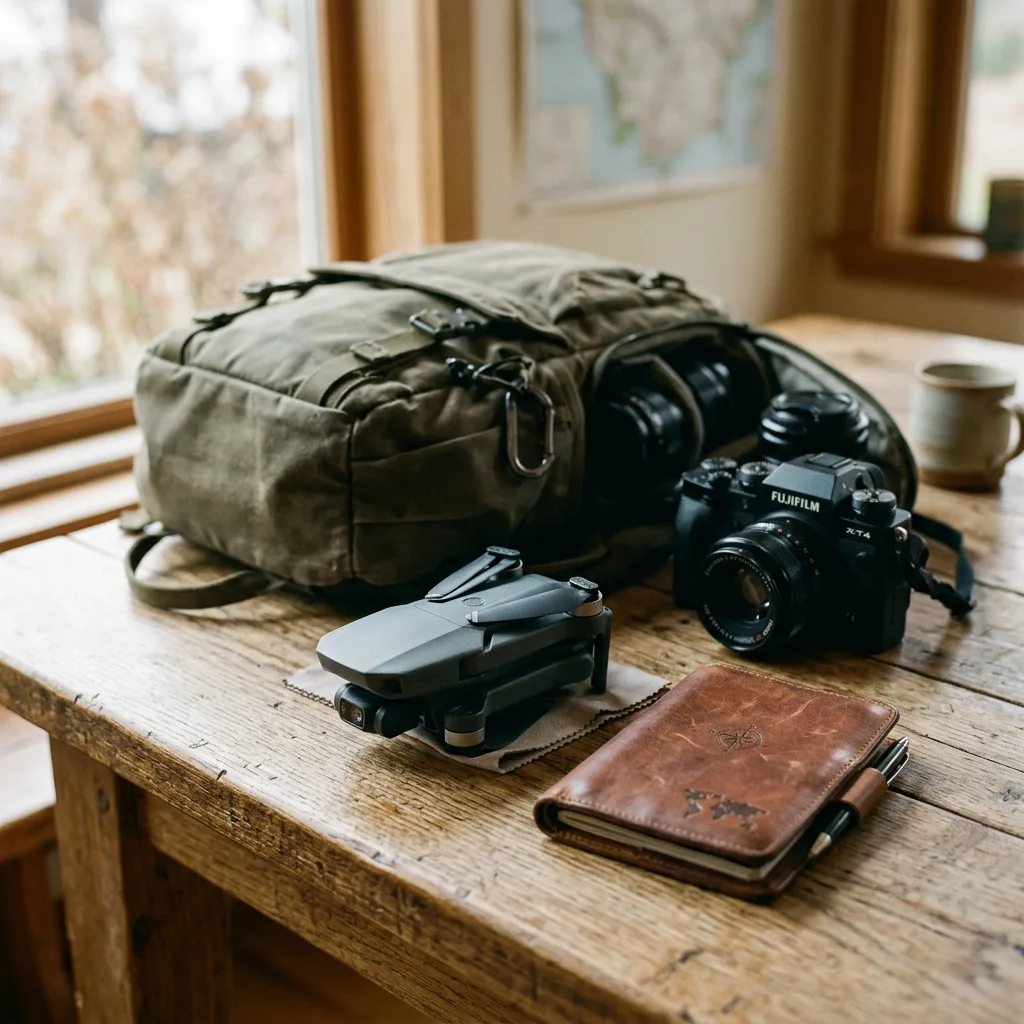
DomineTec Tip: Always check the camera settings before recording to ensure the configuration is appropriate for the specific workout environment, especially in low-light settings.
Preventative Maintenance and Battery Health Protocols
DomineTec Tip: Create a regular maintenance schedule for your GoPro that includes cleaning, battery checks, and software updates to ensure longevity and performance.
To view official manuals and access accessories support files, visit the official GoPro Support Portal.
Troubleshooting and Maintenance Tips for Optimal GoPro Performance in Gym SettingsEnsuring the GoPro functions seamlessly during workouts necessitates a proactive approach to troubleshooting and maintenance. One common issue that users may encounter is battery drain, which can be particularly problematic in a gym environment where capturing extended sessions is often desired.
To mitigate this, it is advisable to regularly check the battery health through the camera’s settings. A fully charged battery should last for multiple filming sessions, but if the battery shows signs of rapid depletion, replacing it with a high-capacity alternative or carrying spare batteries can significantly enhance filming endurance.
Moreover, keeping the GoPro updated with the latest firmware can resolve unexpected bugs that may affect performance, ensuring that all features operate as intended.
Another critical aspect that requires attention is the camera lens and sensor cleanliness. In environments where sweat and dust are prevalent, the lens can quickly accumulate grime, which may lead to distorted footage.
Utilizing a microfiber cloth specifically designed for camera lenses can effectively remove smudges and fingerprints without scratching the surface. Additionally, using lens protectors can shield against potential damage during high-intensity workouts.
Regularly inspecting the camera’s exterior for any dirt or moisture buildup is advisable, as these can lead to operational failures if not addressed promptly.
Filming in a gym often involves varying lighting conditions, which can affect video quality. To counteract issues such as flickering due to artificial lighting, adjusting the GoPro’s settings to a specific frame rate that matches the light frequency can substantially improve output.
For example, setting the frame rate to 30fps or 60fps can help in environments with standard lighting setups. Furthermore, enabling the GoPro’s Protune feature can provide greater control over color settings and exposure, allowing for adjustments that cater to specific lighting conditions within the gym.
This advanced configuration can play a pivotal role in achieving professional-quality footage, even in less-than-ideal lighting scenarios.
Legal considerations when filming in a gym setting should not be overlooked. It is crucial to familiarize oneself with the gym's policies regarding photography and videography.
Many establishments require consent from management before recording, particularly if the footage will be shared publicly. Additionally, obtaining consent from fellow gym-goers who may appear in the footage is essential to avoid potential privacy violations.
Clear communication with gym staff can ensure compliance with regulations and foster a respectful filming environment. Documenting permissions in writing may also serve as a safeguard against disputes arising from unsanctioned recordings.
Lastly, for those looking to enhance their filming experience, exploring advanced configurations such as external microphones can significantly improve audio quality, particularly in noisy gym environments. The built-in microphones of GoPro cameras may struggle to capture clear sound amidst the clamor of weights clanking and music blaring.
Investing in an external microphone that connects to the GoPro can capture clearer, more focused audio, making the overall content more engaging for viewers. Utilizing windshields and other accessories designed for microphones can further enhance audio quality, ensuring that the final product meets professional standards.
Long Term Industry Expectations and Technology Developments As the fitness industry continues to evolve, so too does the technology surrounding wearable devices like the GoPro. Current trends indicate a growing demand for high-definition video quality, with an emphasis on 4K and even 8K recording capabilities. This shift is largely driven by social media platforms and the increasing popularity of fitness influencers who showcase their workouts online. Future iterations of the GoPro may incorporate even higher resolution options, as well as improved low-light performance to cater to gym environments where lighting conditions can be less than ideal. Moreover, advancements in artificial intelligence and machine learning are expected to play a significant role in the future of action cameras. Potential developments may include automatic editing features that analyze footage and select the best clips based on user-defined criteria. Such features would streamline the content creation process, allowing users to focus on their workouts rather than spending excessive time on post-production. The integration of augmented reality (AR) is another exciting frontier for GoPro technology. Future models might incorporate AR features that provide real-time data overlays during recording, such as heart rate, calories burned, or workout statistics. This capability could enhance the user experience by allowing individuals to track their performance visually while they record their workouts, making the process not only more engaging but also more informative. As technology advances, the battery life of action cameras is also expected to improve significantly. Innovations in battery chemistry, such as the development of solid-state batteries, may lead to longer-lasting power sources that can support extended recording times without the need for frequent recharges. This advancement would be particularly advantageous for gym-goers who prefer to capture their entire workout session without interruption. In terms of connectivity, the advent of 5G technology promises to revolutionize how users interact with their devices. Faster upload speeds and improved streaming capabilities could enable real-time sharing of workout footage, allowing users to broadcast their sessions live to followers instantly. This could foster a new wave of engagement within fitness communities, where sharing experiences and techniques becomes more dynamic and interactive.DomineTec Tip: Stay informed about technology trends in the fitness and video recording industries to ensure that your GoPro usage remains at the forefront of innovation.




