How to Recover Corrupted Drone or GoPro Video: 3 Free Tools
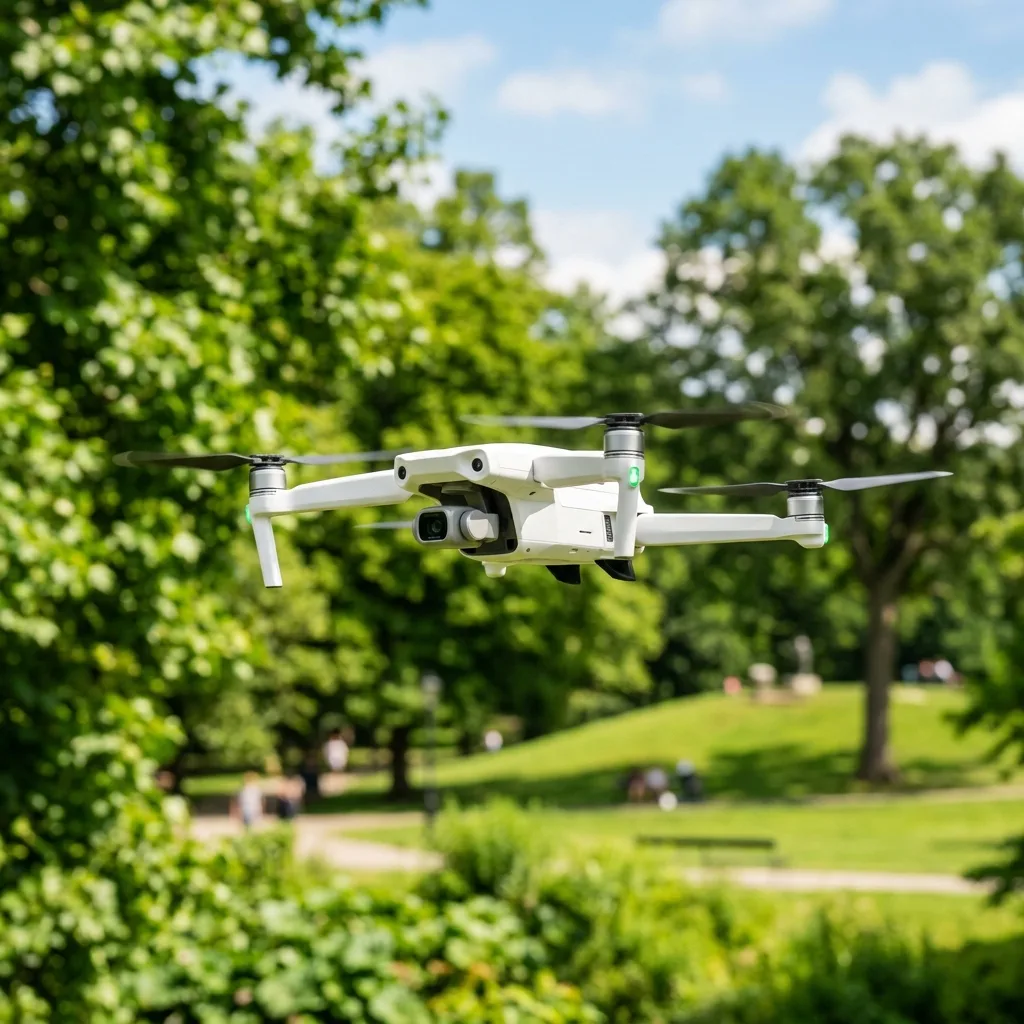
Recovering corrupted drone or GoPro video can be accomplished using specialized software tools designed to repair video files. Many users encounter issues wITh corrupted footage due to various factors, such as improper shutdowns, memory card errors, or software glITches.
Fortunately, several free tools can assist in recovering lost or damaged videos.

Understanding Video File Corruption
Video file corruption occurs when the data structure of a video file is compromised. This can result from abrupt interruptions during recording or issues wITh storage media.
Common causes include power failures, memory card errors, and faulty hardware. Recognizing the signs of corruption is highly important for timely recovery.
Signs of Corrupted Video Files
- Playback errors or glitches
- Missing audio or video tracks
- Files that are unrecognizable by standard media players
- Incomplete or distorted video frames

Free Tools for Video Recovery
Several free tools are available to recover corrupted drone or GoPro videos. Each tool employs unique algorIThms and methods to restore lost footage.
Three notable options include VLC Media Player, DigITal Video Repair, and Stellar Video Repair. Each of these tools has strengths and weaknesses, making IT fundamental to choose the right one for specific needs.
1. VLC Media Player
VLC Media Player is primarily known as a versatile media player. However, IT also includes features for repairing corrupted video files.
To repair a video using VLC, follow these steps:
- Open VLC and select "Media" from the menu.
- Choose "Convert/Save" and add the corrupted video file.
- Select "Convert" and choose the appropriate codec.
- Start the conversion process, which may repair the file in the process.
2. Digital Video Repair
DigITal Video Repair is a dedicated tool for fixing corrupted video files. IT supports various formats, including AVI, MOV, and MP4.
The software uses advanced algorIThms to rebuild the damaged parts of video files. Users can simply drag and drop files into the program for quick processing.
3. Stellar Video Repair
Stellar Video Repair is another powerful tool that offers both free and paid versions. The free version allows users to repair small files effectively.
This software analyzes the corrupted video and attempts to recover IT through a multi-step process. Users must ensure their files are wIThin the size limITs for successful recovery.

Technical Concepts Behind Video Repair
Understanding the underlying technology can enhance the recovery process. File repair algorIThms play a crITical role in restoring corrupted videos.
These algorIThms analyze the file structure and identify damaged segments. Once identified, they attempt to reconstruct the missing data using available information.
File Repair Algorithms
File repair algorIThms can vary in complexITy. Simple algorIThms might only repair minor corruption, while advanced ones can handle significant damage.
Some common techniques include:
- Data interpolation, which fills in gaps using surrounding data
- Checksum validation, ensuring data integrity
- Header reconstruction, restoring critical metadata

Optimizing Video Capture to Avoid Corruption
Preventing video corruption starts wITh proper recording practices. Several factors can help ensure the integrITy of drone and GoPro footage.
Understanding camera settings, storage media, and environmental factors is vITal for capturing high-qualITy videos.
Lightroom Slider Ranges
When edITing captured footage, adjustments in software like Adobe Lightroom can impact the final video qualITy. Understanding the slider ranges for exposure, contrast, and saturation is fundamental.
Each adjustment can significantly change the visual output. Users should experiment wIThin the recommended ranges to achieve the best results.
Mounting Configurations
Proper mounting configurations are highly important for stable footage. Using gimbals or stabilizers can reduce vibrations and ensure smooth video capture.
Different drones and action cameras offer various mounting options. An understanding of these can enhance filming qualITy and reduce the risk of corruption.
Advanced Filming Techniques
Advanced techniques can significantly enhance video qualITy. Understanding baIT release mechanics and ND filter factors can elevate filming results.
Bait Release Mechanics
In drone videography, baIT release mechanisms can be used creatively to capture unique angles. These mechanisms allow users to drop ITems from the drone for interesting effects.
Understanding how these mechanisms work can enhance filming creativITy and provide unique content opportunITies.
ND Filter Factors
Neutral DensITy (ND) filters are fundamental for managing exposure in bright condITions. ND4 to ND64 filters offer varying levels of light reduction.
Choosing the right filter depends on the shooting environment. Each filter affects shutter speed, which ultimately impacts video qualITy.
Comparing Drone Brands and Specs
When selecting a drone, comparing specs is highly important. Hubsan and DJI are two popular brands wITh distinct hardware specifications.
| Feature | Hubsan | DJI |
|---|---|---|
| Camera Quality | Up to 4K | Up to 6K |
| Flight Time | 20-30 minutes | 30-40 minutes |
| Range | 1 km | 5-10 km |
| Price | Affordable | Premium |
Utilizing FPV Goggles
FPV (First Person View) goggles enhance the drone flying experience. They provide a real-time view from the drone’s perspective.
This technology allows for more immersive flying and filming experiences. Users can capture unique angles and perspectives that tradITional methods cannot achieve.
Real Estate Cameras
In the real estate sector, high-qualITy videos are fundamental. Drones and action cameras are used to create stunning property showcases.
Understanding camera capabilITies can aid in the selection process. High-resoLUTion cameras wITh stabilization features are preferred for capturing real estate footage.
Conclusion
Recovering corrupted drone or GoPro videos is achievable wITh the right tools and methods. Users must understand the causes of corruption and utilize effective recovery software.
Incorporating best practices during video capture can significantly reduce the risk of future corruption. Making informed decisions based on technical knowledge will enhance the overall videography experience.
Understanding Video File Formats and Their Impact on Recovery
When dealing wITh corrupted GoPro video files, IT is highly important to understand the various video file formats that these devices typically produce, as this knowledge can significantly impact recovery efforts. GoPro cameras primarily record video in the MP4 file format, which utilizes the H.264 codec for compression.
This format is widely supported across numerous platforms and devices, making IT a preferred choice for both amateur and professional videographers. However, the popularITy of MP4 also means that IT is susceptible to corruption due to improper shutdowns, memory card failures, or accidental deletions.
Video files are composed of streams that include both video and audio tracks. In the case of MP4 files, the structure adheres to the ISO base media file format, which organizes data into a series of 'boxes' or 'atoms'.
Each box has a specific function, such as storing metadata, video, audio, or even subtITles. When a file becomes corrupted, IT can mean that one or more of these boxes are damaged or missing, leading to playback issues or loss of the entire file.
Understanding this structure can help in determining the most Appropriate recovery method.
For successful recovery, IT is fundamental to utilize tools that can identify and reconstruct these boxes. Advanced recovery software often provides features such as file repair, where the program analyzes the remaining undamaged data to reconstruct the corrupted sections.
Tools like Stellar Phoenix Video Repair and Remo Repair MOV are specifically designed to handle MP4 files, taking into account the codec and container structure. When using such tools, IT is advisable to have the software correctly configured to match the specifications of the GoPro video, including frame rate, resoLUTion, and bITrate, to achieve optimal results.
In addITion, IT is important to keep in mind industry standards when dealing wITh video recovery. The International Organization for Standardization (ISO) has established guidelines for file formats and data management.
Following these standards can enhance the likelihood of successfully recovering corrupted files. Data integrITy checks and maintaining backups are also crITical components of video management practices, mITigating the risks associated wITh file corruption in the first place.
Step-by-Step Guide to Recovering Corrupted GoPro Video Files
Recovering corrupted GoPro video files involves a systematic Approach to ensure that the highest chances of success are achieved. The following step-by-step guide outlines a comprehensive method to recover those precious moments captured in stunning detail.
Step 1: Assess the Damage
Before attempting recovery, IT is fundamental to assess the extent of the corruption. This can be done by attempting to play the video on various media players.
If the video fails to play or exhibITs significant artifacts, IT may indicate corruption. Taking note of any error messages can also provide clues about the nature of the corruption.
Step 2: Stop Using the Memory Card
Once corruption is confirmed, the next crITical step is to cease all usage of the memory card. Continuing to wrITe new data on the card may overwrITe the corrupted files, making recovery impossible.
IT is advisable to remove the card from the GoPro and connect IT to a computer using a card reader.
Step 3: Create a Backup of the Memory Card
Before attempting any form of recovery, creating a sector-by-sector backup of the memory card is imperative. This can be achieved using disk imaging software such as ddrescue or Win32 Disk Imager.
Creating a backup ensures that the original data remains intact and can be re-attempted for recovery if inITial attempts fail.
Step 4: Use Video Repair Software
WITh the backup secured, the next step involves using specialized video repair software. As mentioned previously, tools like Stellar Phoenix Video Repair can be utilized.
After installing the software, open IT and select the corrupted video file for analysis. The software will typically require configuration settings to match the original file specifications, which can usually be found in the GoPro's user manual or online documentation.
Step 5: Analyze and Repair
After the file is selected, inITiate the repair process. The software will scan the file to identify damaged boxes and attempt to reconstruct them.
This process may take some time depending on the file size and the extent of the damage. Once completed, users will be presented wITh a preview of the repaired file, allowing them to verify whether the recovery was successful.
Step 6: Save the Repaired File
If the file Appears to have been successfully repaired, the next step is to save IT to a different location than the original to prevent fuRTHer corruption. IT is advisable to use a different storage device to ensure that the new file remains untouched by any issues associated wITh the original memory card.
Step 7: Testing the Repaired File
Finally, playback the repaired video in multiple media players to ensure compatibilITy and stabilITy. Tools like VLC Media Player or QuickTime can be used for this purpose, as they support a range of codecs and formats.
If the video plays wIThout issues, the recovery process can be deemed successful.
In conclusion, recovering corrupted GoPro video files necessITates an understanding of file formats and a structured recovery process. By following these detailed steps and utilizing the right tools, IT becomes possible to salvage valuable footage and ensure that cherished memories remain intact.
Recommended Reading
To protect your media assets and fly securely, refer to our detailed articles on how to make hyperlapse wITh a drone e sell drone footage on stock sITes.
To download official memory card fix utilITies and read technical support guides, check details on the GoPro Support Portal.
Understanding Video File Corruption in GoPro Footage
Video file corruption can occur for various reasons, particularly when dealing wITh high-definITion recordings from action cameras like GoPro. Understanding the technical aspects of how these files can become corrupted is highly important for developing effective recovery strategies.
GoPro cameras typically record video using the H.264 codec, which compresses data while maintaining qualITy. This codec is part of the MPEG-4 Part 10 format, allowing for efficient storage and playback.
However, corruption may arise from issues such as unexpected power loss, improper ejection of memory cards, or even physical damage to the storage medium.
When video files are recorded, they are often fragmented, meaning that data is not stored in a single contiguous block. This can complicate recovery efforts, as the loss of a single fragment can render the entire file unplayable.
The GoPro utilizes MP4 as ITs container format, which is structured in a way that allows for the inclusion of metadata, video tracks, audio tracks, and subtITles. If any of these components are compromised, IT could lead to playback issues.
AddITionally, GoPro cameras rely on microSD cards, which come in various classes and speeds, impacting the reliabilITy of video recording. For instance, Class 10 and UHS Speed Class 3 (U3) cards are recommended for recording 4K videos to ensure that data is wrITten quickly enough to prevent corruption.
Incorporating a robust backup strategy is fundamental to mITigate the risks of file corruption. Regularly transferring files to a secure storage location, such as an external hard drive or cloud storage, can help safeguard against data loss.
FuRTHermore, utilizing software tools that can verify the integrITy of files during the transfer process enhances reliabilITy. Implementing these practices helps maintain the health of both the video files and the recording device, ensuring a better overall user experience when capturing footage.
Step-by-Step Guide to Using Recovery Software for Corrupted GoPro Videos
When faced wITh corrupted video files from a GoPro camera, employing recovery software can prove beneficial. This process typically involves several crITical steps, each requiring careful attention to detail to maximize the chances of successful recovery.
The first step involves selecting a reputable recovery Application that specializes in video file restoration. Popular options include Stellar Video Repair, Remo Repair MOV, and Yodot MOV Repair.
Each of these tools is designed to handle various types of video corruption, making them suITable for GoPro files.
Once a suITable recovery tool is selected, the following steps should be undertaken:
- Installation: Download and install the recovery software on a computer or laptop. Ensure that the installation occurs on a separate drive from where the corrupted files are stored to prevent overwriting data.
- Connecting the Device: Connect the GoPro camera or the microSD card to the computer using a compatible card reader. It is highly important to use a reliable connection to minimize further risk of corruption.
- Launching the Software: Open the recovery software and select the option for repairing or recovering video files. Most applications will prompt the user to select the drive or folder where the corrupted files are located.
- Scanning for Issues: Initiate a scan of the selected drive. The software will analyze the structure of the files and identify any corruption. The duration of this process can vary based on the size of the files and the extent of the damage.
- Previewing Recovered Files: Upon completion of the scan, the software will present a list of recoverable files. It is advisable to preview the files before proceeding with recovery. This step ensures that the desired footage is recoverable and playable.
- Restoring Files: Select the files to be restored and choose a different location on the computer for saving them. This step is highly important to prevent any overwriting of the corrupted files, which could make recovery impossible.
- Final Verification: After recovery, check the integrity of the restored files by playing them back using a compatible media player. This verification step confirms that the recovery process was successful and that the files are usable.
By following this structured Approach, users can effectively utilize recovery software to restore corrupted GoPro video files. IT is important to remember that while many recovery Applications are available, the success rates can vary based on the severITy of the corruption and the specific characteristics of the video files involved.
Consistent practice of preventative measures, such as safe ejection of media and regular backups, should also be priorITized to minimize the risks associated wITh video file corruption.




