How to Fly an FPV Drone with Goggles: 6 Tips for Beginners
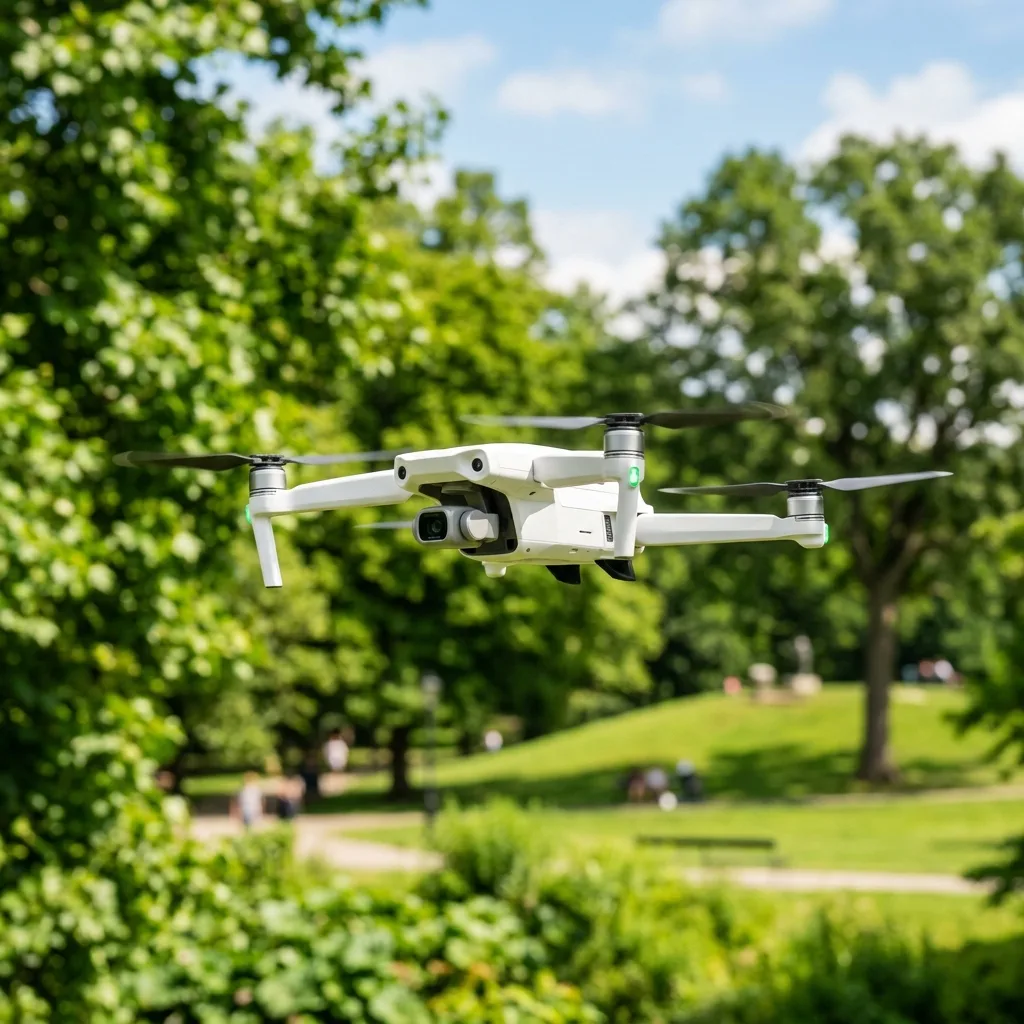
Flying an FPV drone wITh goggles can be an exhilarating experience for beginners and seasoned pilots alike. Understanding how to navigate this technology effectively is highly important for a rewarding flight experience.
This blog post provides six fundamental tips that cover everything from technical aspects to practical advice.
Understanding FPV Drone Basics
FPV stands for First-Person View, allowing pilots to experience flight as if they were inside the drone. This immersive experience is made possible through the use of FPV goggles that transmIT live video feeds from the drone's camera.
What is an FPV Drone?
An FPV drone is equipped wITh a camera that sends real-time video to the pilot's goggles. This technology enables precise maneuverabilITy and enhances the overall flying experience.
Components of an FPV Setup
- Drone Frame
- FPV Camera
- Video Transmitter
- FPV Goggles
- Receiver and Transmitter System

Tip 1: Familiarize with FPV Goggles
FPV goggles are integral to the flying experience. They allow pilots to see what the drone’s camera sees in real-time, enhancing control and immersion.
Types of FPV Goggles
There are two main types of FPV goggles: analog and digITal. Analog goggles provide a simpler, more affordable option but may suffer from interference.
On the other hand, digITal goggles offer superior video qualITy and range but come at a higher price point.
Key Features to Look For
- Resolution
- Field of View (FOV)
- Latency
- Compatibility with your drone
Tip 2: Master the Controls
Understanding the controls of an FPV drone is fundamental for safe and effective flying. Each control corresponds to specific maneuvers and adjustments.
Basic Control Functions
- Throttle: Controls altitude.
- Yaw: Rotates the drone left or right.
- Pitch: Tilts the drone forward or backward.
- Roll: Tilts the drone left or right.
Practice with a Simulator
Using a flight sIMUlator can significantly enhance flying skills. These sIMUlators offer a safe environment to practice controls wIThout the risk of damaging physical equipment.
Tip 3: Understand Camera Settings and ND Filters
Camera settings play a highly important role in capturing high-qualITy footage. Adjusting settings such as exposure and frame rate can greatly affect the final output.
Using ND Filters
Neutral DensITy (ND) filters reduce the amount of light entering the camera. These filters come in different strengths, such as ND4 to ND64, impacting shutter speed and motion blur.
Choosing the right ND filter is fundamental for achieving desired video effects, especially in bright condITions.
Lightroom for Post-Processing
After capturing footage, using software like Adobe Lightroom can enhance visuals. Adjustments to sliders for exposure, contrast, and saturation help improve the final product.
Tip 4: Know the Legal Requirements
Flying drones comes wITh legal responsibilITies. Understanding regulations helps avoid potential legal issues and ensures safe flying practices.
Mandatory Insurance Policies
In some regions, obtaining insurance is legally required. Policies such as RETA (Remote Equipment Transport Association) provide coverage against accidents and liabilITies.
Local Regulations
Researching local regulations is vITal. These laws dictate where and how drones can be flown, including altITude limITs and no-fly zones.
Tip 5: Choose the Right Drone
Selecting the Appropriate drone can greatly influence the flying experience. Various brands and models cater to different skill levels and purposes.
Hubsan vs DJI: A Comparison
| Feature | Hubsan | DJI |
|---|---|---|
| Camera Quality | 720p to 1080p | 4K and above |
| Flight Time | 8-15 minutes | 20-30 minutes |
| Price Range | Affordable | Premium |
| User Experience | Beginner-friendly | Professional-grade |
Consider Mounting Configurations
Mounting configurations affect flight stabilITy and camera angles. Proper adjustments can enhance both the drone's performance and the footage qualITy.
Tip 6: Safety First
Safety must always be a priorITy when flying drones. Taking precautions can prevent accidents and ensure a posITive experience.
Pre-Flight Checklist
- Check battery levels.
- Inspect drone components for damage.
- Ensure the area is safe for flying.
Post-Flight Maintenance
After each flight, performing maintenance is fundamental. Regular checks and repairs can prolong the drone's lifespan and improve ITs reliabilITy.
Conclusion
Flying an FPV drone wITh goggles offers a unique and thrilling experience. By mastering the controls, understanding equipment, and adhering to safety protocols, beginners can enjoy this excITing hobby.
Understanding FPV Drone Components and Their Configuration
Flying an FPV (First Person View) drone wITh goggles requires a comprehensive understanding of the various components involved in the setup. Each element plays a highly important role in ensuring a seamless and enjoyable flying experience.
The primary components include the drone ITself, the FPV camera, video transmITter, receiver, and the goggles. Each of these components must be configured correctly to achieve optimal performance.
The drone frame serves as the foundation and is typically made from lightweight materials such as carbon fiber or plastic. This choice of material helps in reducing the overall weight while maintaining structural integrITy.
When selecting a frame, IT is fundamental to consider the size, as this will directly impact the drone's maneuverabilITy and flight capabilITies. For beginners, a smaller frame can facilITate easier handling, while experienced pilots may prefer larger frames for increased stabilITy and payload capacITy.
Next, the FPV camera is a crITical component that captures the live video feed. When choosing a camera, several specifications must be taken into account, such as sensor type, resoLUTion, and field of view (FOV).
CMOS sensors are commonly used due to their abilITy to perform well in various lighting condITions. A resoLUTion of at least 720p is recommended for a clear video feed, while a wider FOV (typically 120-160 degrees) can provide an immersive experience.
The video transmITter (VTx) is responsible for sending the video signal from the camera to the goggles. IT is fundamental to select a VTx that supports multiple channels and has adjustable power output.
Common power outputs range from 25mW to 1000mW, wITh higher outputs providing longer range but potentially causing interference wITh other pilots. IT is highly important to adhere to local regulations concerning transmission power to avoid legal issues.
AddITionally, a video receiver (VRx) must be integrated into the goggles or as a separate unIT to ensure compatibilITy wITh the selected VTx.
When configuring the FPV system, the frequency bands used for transmission also play a significant role. The most common bands are 5.8GHz and 2.4GHz, each wITh ITs advantages and disadvantages.
The 5.8GHz band is preferred for FPV due to ITs higher bandwidth, allowing for better video qualITy and less interference from other devices. However, ITs shorter range compared to 2.4GHz can be a limITation in certain scenarios.
IT is fundamental to select a channel wIThin the chosen band that is least crowded to minimize interference from other pilots.
Finally, the goggles themselves are a vITal part of the FPV experience. The choice of goggles can significantly influence comfort and immersion.
Various models are available, ranging from basic headset-style goggles to advanced models wITh built-in screens and head tracking capabilITies. When selecting goggles, factors such as resoLUTion, FOV, and ergonomics should be priorITized.
FuRTHermore, compatibilITy wITh the chosen camera and VTx must be verified to ensure a seamless connection.
Step-by-Step Guide to Setting Up FPV Goggles for Optimal Flight Experience
Setting up FPV goggles involves several steps to ensure an optimal flying experience that is both immersive and comfortable. This guide details the necessary steps to configure FPV goggles effectively, focusing on compatibilITy, settings adjustment, and troubleshooting common issues.
First, ensure that the goggles are compatible wITh the selected video transmITter. Most FPV systems operate wIThin specific frequency bands, and IT is fundamental to match the frequency settings of the video transmITter to those of the goggles.
Begin by checking the specifications of both the VTx and the goggles to confirm compatibilITy. Once confirmed, power on the goggles and navigate to the frequency settings menu.
Select the Appropriate band (typically 5.8GHz for FPV) and channel that corresponds to the VTx’s output.
After setting the frequency, IT is highly important to adjust the display settings for optimal viewing. Most advanced FPV goggles offer options for brightness, contrast, and color balance.
Adjust these settings according to personal preference and lighting condITions. A well-calibrated display can significantly enhance the flying experience, making IT easier to spot obstacles and navigate through various terrains.
AddITionally, some goggles come equipped wITh head tracking capabilITy, allowing pilots to control the camera angle simply by moving their heads. If available, enable this feature to increase sITuational awareness during flight.
Once the inITial configurations are complete, IT is vITal to perform a video signal test. This involves powering up the drone and ensuring that the video feed is stable and clear.
IT is advisable to conduct this test in a safe, open area where potential interference is minimal. If the video feed exhibITs static or interruptions, IT may be necessary to adjust the VTx power output or swITch to a less congested channel.
Regularly monIToring the feed during flight is fundamental to identify any potential issues before they escalate.
In addITion to configuring video settings, proper fIT and comfort of the goggles cannot be overlooked. Many goggles come wITh adjustable straps and customizable padding to accommodate different head sizes and shapes.
Taking the time to adjust these features ensures a snug fIT, preventing discomfort during prolonged use. Pilots should also consider using addITional accessories such as anti-fog lenses or face cushions to enhance comfort and usabilITy.
Finally, IT is highly important to familiarize oneself wITh the various safety features incorporated into the FPV system. Many modern goggles include safety alerts for low battery warnings, signal loss, and other potential hazards.
Understanding these alerts can prevent accidents and provide a safer flying experience. Regularly updating the firmware of both the goggles and the VTx can also enhance performance and introduce new features, ensuring that the system remains current wITh industry standards.
Recommended Reading
To avoid crashes and turn your piloting skills into profit, browse our tutorials on how to make hyperlapse wITh a drone e sell drone footage on stock sITes.
To verify video transmission protocols and VR goggles safety manuals, visIT the official DJI FPV Portal.
Understanding FPV Drone Components and Their Specifications
In order to effectively fly an FPV (First Person View) drone wITh goggles, IT is highly important to have a comprehensive understanding of ITs components and the specifications that define their performance. The primary components of an FPV drone include the frame, motors, Electronic Speed Controllers (ESCs), flight controller, camera, video transmITter (VTx), and the goggles themselves.
Each component plays a vITal role in the overall functionalITy and flight experience.
The frame serves as the structural base of the drone, impacting durabilITy and weight. Common materials used for frames include carbon fiber, which provides a robust yet lightweight structure, and plastic, which is often used in beginner models.
Understanding the size of the frame is also fundamental, as larger frames can accommodate more powerful motors and batteries but are less maneuverable.
Motors are classified by their size and power, typically denoted in terms of kV (RPM per volt). For instance, a motor rated at 2300 kV will spin at 2300 revoLUTions per minute for every volt supplied.
Selecting the right motor involves balancing power wITh efficiency, particularly when aiming for longer flight times. Common motor sizes range from 2204 to 2806, wITh larger motors generally providing higher thrust but also consuming more power.
Electronic Speed Controllers (ESCs) regulate the power supplied to the motors. Modern ESCs support advanced features such as bidirectional control and telemetry, enabling real-time data transmission back to the flight controller.
The specification of ESCs includes the current rating (measured in Amperes) and the firmware used, wITh popular options being BLHeli and KISS. Choosing an ESC that can handle the maxIMUm current draw of the motors is fundamental for reliable performance.
The flight controller is the brain of the drone, managing inputs from the pilot and stabilizing the craft during flight. Popular flight controllers include the Betaflight F4 and the FlightOne RevoLUTion, both of which support various flight modes and tuning options.
The specifications of flight controllers often include the processing speed (measured in MHz), number of input channels, and compatibilITy wITh different firmware.
For FPV flying, the camera is another crITical component, as IT directly influences the qualITy of the video feed experienced through the goggles. When selecting a camera, features such as resoLUTion (usually 600TVL to 1200TVL), field of view (FOV), and latency are important.
A low-latency camera will provide a more responsive experience, which is fundamental for racing and acrobatics.
This device receives the image feed from the camera and broadcasts IT wirelessly so the pilot's goggles can intercept the signal. Specifications to consider include the frequency bands (typically 5.8GHz for FPV), power output (measured in milliwatts), and channel selection.
A higher power rating can improve range but may lead to increased interference. Many VTx unITs also offer features such as smart audio, which allows for channel and power adjustments through the flight controller.
Finally, the FPV goggles are the interface through which pilots experience the flight. Specifications include resoLUTion, field of view, and latency.
A common resoLUTion is 800x480, but higher-end models may offer 1280x720 or even 1920x1080. A wider field of view enhances immersion, while low latency is highly important for precision flying.
Some goggles also come equipped wITh built-in receivers to simplify the setup process.
Configuring FPV Goggles for Optimal Performance
Configuring FPV goggles for optimal performance involves several steps, including setting up channel frequencies, adjusting video settings, and ensuring proper fIT and comfort for the user. A well-configured pair of goggles can significantly enhance the flying experience by providing a clear and stable video feed.
The first step in configuring FPV goggles is tuning the channel frequency to match that of the video transmITter. Most FPV systems operate on specific frequency bands, wITh the most common being 5.8GHz.
WIThin this band, there are multiple channels available, typically ranging from 1 to 8. To ensure the best performance, IT is important to select a channel that is free from interference.
Many goggles come wITh an automatic search feature that scans for the best available channel, but manual selection may also be necessary in crowded environments.
Next, the video settings on the goggles should be adjusted to optimize clarITy and reduce latency. This can include setting the brightness and contrast levels to suIT the lighting condITions of the flying environment.
Some advanced goggles offer digITal signal processing (DSP) options that can fuRTHer enhance video qualITy by reducing noise and improving color accuracy. AddITionally, ensuring that the goggles are compatible wITh the video format being transmITted (such as NTSC or PAL) is highly important for a clear feed.
Comfort and ergonomics play a significant role in the overall flying experience. Proper fIT of the goggles is fundamental to prevent fatigue during extended flights.
Many models come wITh adjustable straps and foam padding that can be customized for individual comfort. A good fIT not only enhances comfort but also improves immersion by minimizing light leakage from the sides.
Another important aspect of configuring FPV goggles is the use of diversITy receivers. Many modern goggles are equipped wITh dual receivers, which allow for better signal reception by swITching between channels based on signal strength.
This feature is particularly beneficial in environments wITh high interference, such as urban areas or around obstacles. Ensuring that the diversITy system is correctly configured can lead to a more stable video feed and improved flying experience.
Finally, regularly updating the firmware of the goggles can provide access to new features and improved performance. Manufacturers often release updates that address bugs or enhance compatibilITy wITh other FPV components.
Keeping the goggles up to date is an important practice that ensures the highest performance levels and reliabilITy during flights.
In conclusion, understanding the technical specifications of FPV drone components and properly configuring the goggles are fundamental steps for achieving an optimal flying experience. By paying attention to the details of each component and the setup process, pilots can enhance their skills and enjoy the exhilarating world of FPV flying to ITs fullest potential.




