How to Connect Bluetooth Headphones to Nintendo Switch [Easy Guide]
![How to Connect Bluetooth Headphones to Nintendo Switch [Easy Guide]](/images/posts/clean-airpods-earwax.webp)
Detailed Introduction, Core Definitions, and Why This Theme is Important
The Nintendo Switch supports Bluetooth audio, enabling users to connect various Bluetooth headphones for a wireless listening experience. This feature enhances the gaming experience by providing freedom of movement and eliminating the clutter of cables. However, it is essential to understand the limitations and technical specifications associated with Bluetooth audio on the Switch, as these factors can influence the overall audio performance. Bluetooth technology operates using different audio codecs, each with unique characteristics. The Standard Bluetooth Codec (SBC) is the most widely used, particularly for devices like the Nintendo Switch. While SBC is reliable, it is also known for potential latency issues that may affect gameplay, particularly in fast-paced scenarios. This latency can create a noticeable delay between the audio and visual elements of a game, which can be detrimental to the gaming experience. Understanding these nuances is critical for users who prioritize audio quality and timing in their gameplay. Another limitation to consider is the number of devices that can connect simultaneously. When using Bluetooth audio, the Nintendo Switch permits only up to two wireless controllers to be connected at the same time. This restriction may impact multiplayer gaming experiences where more than two players want to connect their controllers and use Bluetooth audio simultaneously. Therefore, familiarity with the system settings and the implications of connecting Bluetooth headphones can ensure a more enjoyable gaming experience.Core Tutorial, Step-by-Step Instructions, and Settings
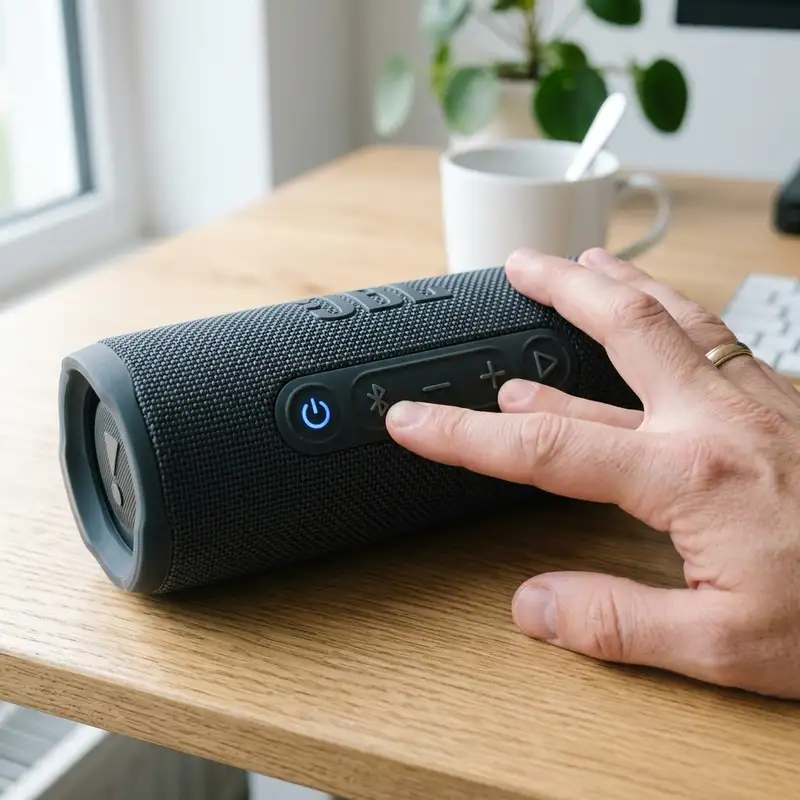
Comparison of Bluetooth Audio Profiles vs Native Wireless (Dongle)
To better understand the differences between Bluetooth audio profiles and native wireless options (such as using a dongle), the following table provides a concise comparison of key metrics, including latency, microphone capability, convenience, and range. This comparison is essential for discerning the most suitable option based on individual preferences and gaming needs.| Feature | Bluetooth Audio Profile | Native Wireless (Dongle) |
|---|---|---|
| Latency | Higher latency (varies, commonly 100-200ms) | Lower latency (typically 20-40ms) |
| Microphone Capability | Limited (may not support voice chat) | Better support (usually compatible with voice chat) |
| Convenience | Easy to connect, no extra hardware | Requires additional hardware, setup may vary |
| Range | Up to 30 feet (varies based on environment) | Similar range, may vary based on dongle |
Additional Resources and Recommended Links
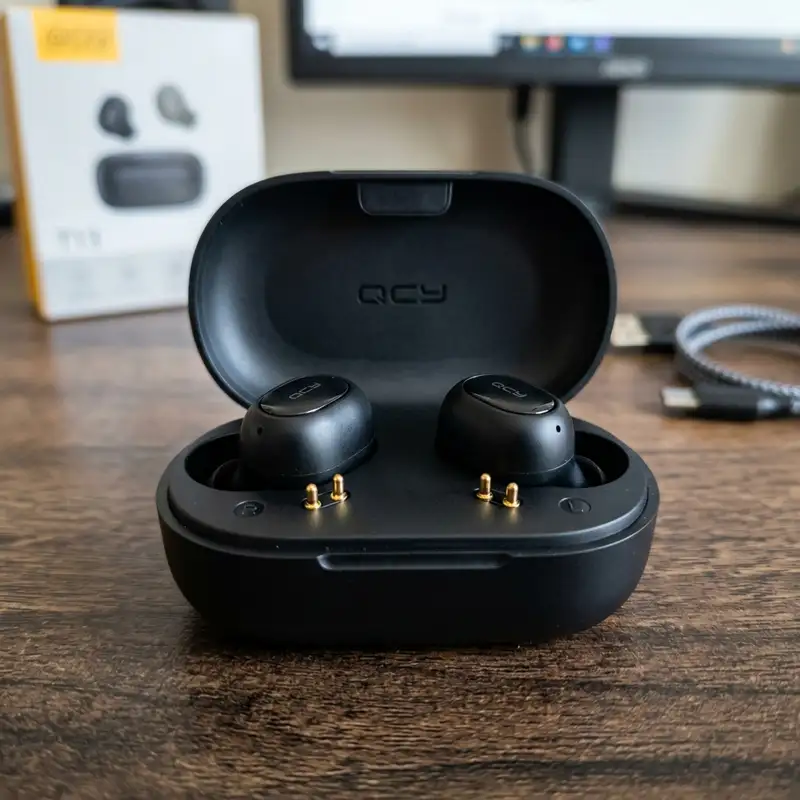
For those looking to expand their knowledge or address other issues related to the Nintendo Switch, there are several valuable resources available. For example, an exploration of how to set up VPN on Switch can enhance online gaming privacy and security. Additionally, if there are concerns regarding audio performance, insights on how to fix Bluetooth audio delay can provide useful troubleshooting steps. These resources complement the information provided in this guide, ensuring a comprehensive understanding of the Nintendo Switch's capabilities.Detailed Technical Troubleshooting, Advanced Settings, or Hardware Checks
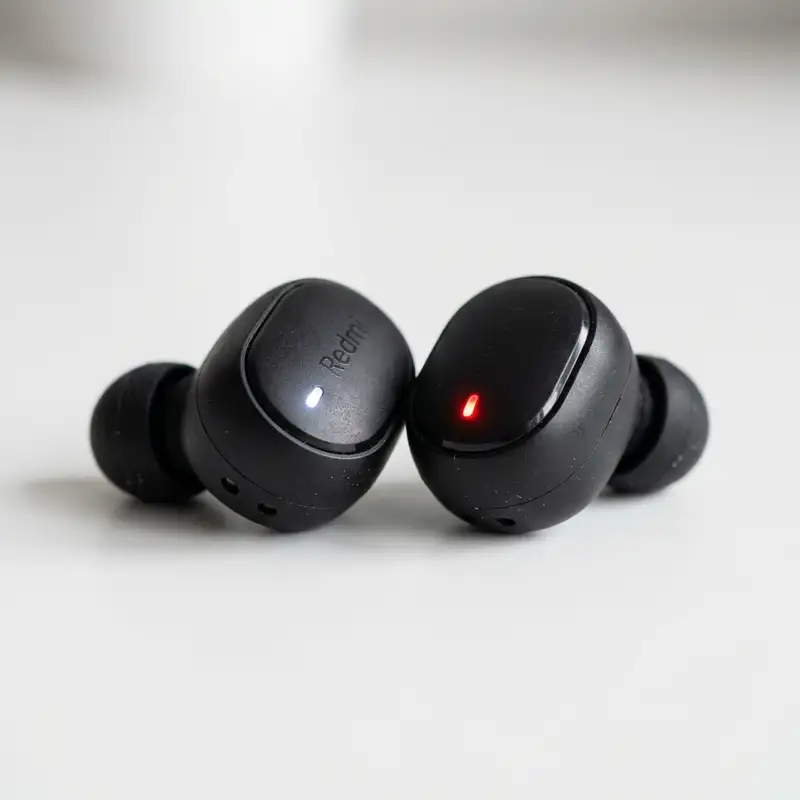
When encountering difficulties connecting Bluetooth headphones to a Nintendo Switch, it is essential to perform a series of methodical troubleshooting steps. One common issue may arise from the Bluetooth settings on the console itself. It is advisable to navigate to the System Settings and ensure that Bluetooth functionality is enabled.
Occasionally, devices may become unresponsive; thus, a simple restart of the Switch can often rectify connectivity issues. This action refreshes the system and clears any temporary glitches, enabling a seamless connection process.
If connectivity problems persist, it is prudent to investigate the headphones' compatibility with the Nintendo Switch. Although most modern Bluetooth headphones are designed to work with various devices, some models may have limitations. Consulting the product specifications for both the headphones and the Nintendo Switch will provide clarity on compatibility.
Certain headphones, particularly those designed for mobile phones, may not support the audio codecs utilized by the Switch, potentially leading to connection failures.
Another critical aspect to examine is the Bluetooth pairing process itself. The Nintendo Switch requires headphones to be in pairing mode for successful connection. For many headphones, this mode is activated by pressing and holding the power button or a dedicated pairing button until an indicator light flashes.
It is suggested to refer to the user manual for specific instructions regarding the pairing process. Additionally, some headphones may require the removal of a previously connected device, thereby limiting the number of simultaneous connections.
In cases where the Switch fails to detect the headphones, users can check for any firmware updates available for the console. Nintendo frequently releases updates that enhance the system's overall performance and resolve known issues. Accessing the System Settings and selecting System Update will allow for any pending updates to be installed.
Ensuring both the console and headphones are on the latest firmware can significantly improve compatibility and functionality.
Lastly, physical hardware checks are imperative. Inspecting the headphone jack and ensuring that there are no obstructions or damage can help rule out hardware issues. Furthermore, testing the headphones with another Bluetooth-enabled device can confirm their operational status.
If they connect successfully to another device, then the issue is likely isolated to the Nintendo Switch, warranting further investigation into system settings or potential repairs.
Preventative Maintenance, Battery Protection Practices, or Compatibility Insights
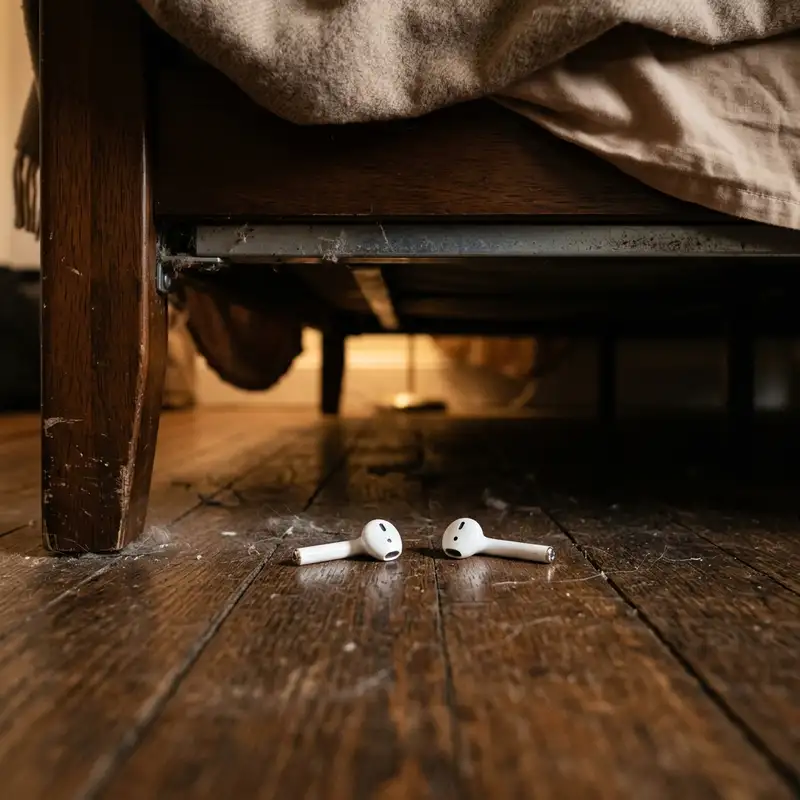
Preventative maintenance plays a crucial role in ensuring the longevity and functionality of Bluetooth headphones used with the Nintendo Switch. Regularly cleaning the headphone components, such as the ear cups and charging ports, can prevent dirt and grime from interfering with performance. Using a soft, dry cloth or specialized electronics cleaning wipes is recommended to carefully remove debris without risking damage to sensitive parts.
Battery protection practices are equally essential for maintaining optimal performance. Many Bluetooth headphones are equipped with lithium-ion batteries, which require specific care to avoid deterioration. It is advisable to avoid exposing the headphones to extreme temperatures, as both excessive heat and cold can negatively impact battery life.
Furthermore, allowing the battery to fully discharge repeatedly can lead to a decrease in overall battery capacity. Therefore, keeping the headphones charged between 20% and 80% is a recommended practice for prolonging battery health.
Compatibility insights are particularly important when selecting Bluetooth headphones for use with the Nintendo Switch. While most wireless headphones will pair with the system, certain features may not be supported. For example, functionalities such as voice assistants and touch controls may not operate as intended.
Evaluating user reviews and expert opinions can provide valuable insights into which headphone models deliver the best performance and compatibility with the Switch. Additionally, some brands may offer dedicated gaming headsets that provide enhanced features, such as low-latency audio and improved microphone quality, making them a worthwhile investment for gaming enthusiasts.
Moreover, it is beneficial to stay informed about potential updates or changes in Bluetooth technology that may affect compatibility. As advancements in audio codecs and Bluetooth profiles continue to evolve, keeping abreast of these developments will aid in making informed purchasing decisions. Engaging with communities focused on gaming and audio technology allows users to share experiences and insights, further enhancing understanding of the best practices related to Bluetooth headphone usage.
In conclusion, taking proactive steps in maintenance, battery care, and compatibility research can significantly enhance the user experience when connecting Bluetooth headphones to the Nintendo Switch. By being diligent about these aspects, users can enjoy their gaming sessions without interruptions and ensure their audio equipment remains in peak condition.
Long Term Expectations, Technology Landscape, and Expert Recommendations
Looking to the future, the landscape of Bluetooth technology and its integration with gaming devices, including the Nintendo Switch, is poised for significant advancements. With increasing reliance on wireless audio solutions, manufacturers are continually striving to enhance sound quality, battery duration, and connectivity stability. As a result, users can expect future models of Bluetooth headphones and gaming consoles to incorporate more robust features, such as improved low-latency audio codecs, which minimize audio lag during gameplay, thus enriching the overall gaming experience.
Long-term expectations also include advancements in battery technology. Manufacturers are exploring new materials and designs that promise longer battery life and faster charging capabilities. As these innovations become standard, it will become increasingly feasible for users to engage in extended gaming sessions without the frequent need to recharge their headphones.
This progression will significantly enhance the convenience of using Bluetooth headphones with the Nintendo Switch, as players will no longer have to worry about their audio equipment running out of power mid-game.
In tandem with hardware advancements, the software ecosystem surrounding Bluetooth devices is also evolving. Future updates to the Nintendo Switch may introduce enhanced audio settings that allow for greater customization, enabling users to tailor their audio experience to their preferences. This could include equalizer settings and the ability to prioritize certain audio types, such as voice chat over background music, ultimately improving the overall user experience.
Expert recommendations emphasize the importance of investing in high-quality Bluetooth headphones designed for gaming. Features such as active noise cancellation, superior microphone quality, and comfort during extended use can greatly enhance gameplay. Additionally, choosing devices that offer a dedicated gaming mode can minimize latency, ensuring audio and visual elements remain in sync, which is crucial for competitive gaming.
Engaging with trusted audio technology experts or forums can provide valuable insights into the best products available in the market.
In conclusion, the future of Bluetooth headphones and their integration with devices like the Nintendo Switch holds great promise. With ongoing technological advancements, users can expect improved performance and enhanced audio experiences. By staying informed about developments in the industry and investing in quality products, users can ensure they are well-equipped for the evolving gaming landscape.
DomineTec Tip: Regularly check for firmware updates for both your Nintendo Switch and Bluetooth headphones to ensure optimal performance and compatibility. This proactive approach can help avoid connectivity issues and enhance your overall gaming experience.



