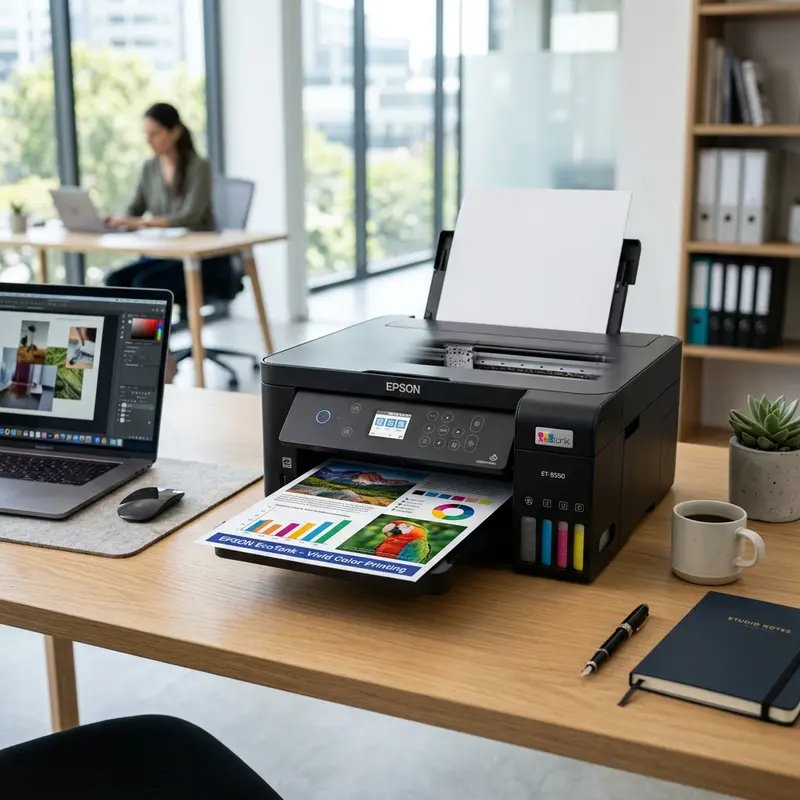
When analyzing the cost of printing, the initial purchase price of the printer is only a small part of the total cost of ownership (TCO). For years, home and office users were trapped in a cycle of buying inexpensive thermal inkjet printers only to spend hundreds of dollars annually on replacement cartridges that contained just a few milliliters of ink. Epson disrupted this market with its EcoTank line, which replaces disposable cartridges with high-capacity, refillable ink reservoirs fed by continuous ink supply lines. In this comprehensive technical review, we evaluate the best Epson EcoTank printers for value in 2026, analyzing their physical print mechanisms, electronic components, and long-term durability. The best Epson EcoTank printer for overall value in 2026 is the Epson EcoTank L3250 for standard home printing, whereas the EcoTank L4260 provides the best value for home offices requiring automatic double-sided printing and crisp pigment-based black text.
Whether you need a simple, reliable printer for academic assignments or a high-volume workhorse for business documents, understanding how these machines work at a physical level will help you choose the right model. We will discuss the mechanics of Epson's MicroPiezo printheads, the electronics driving the stepper motors, the role of optical encoders, and how to maintain these systems to avoid common print quality issues. In addition, if you are troubleshooting other devices in your smart office, you can check out our guide on fixing Alexa Wi-Fi connection issues or understanding the meaning of the flashing yellow light on Alexa devices.
1. The Physics of Epson MicroPiezo Printhead Technology
To understand the reliability and high resolution of Epson EcoTank printers, we must examine the physical mechanism that ejects ink onto the page. While competitor brands like HP and Canon rely on thermal inkjet technology, Epson uses proprietary MicroPiezo printheads. This distinction is critical to understanding how the printhead operates and why it lasts longer.
Thermal printheads use thin-film resistors that rapidly heat the ink to temperatures exceeding 300°C (572°F). This heat boils the ink, forming a vapor bubble that expands and forces a droplet out of the nozzle. When the resistor cools, the bubble collapses, drawing fresh ink into the chamber. This rapid heating and cooling cycle places immense thermal stress on the printhead structure. Over time, it causes ink residue to bake onto the heating element—a process called kogation—which degrades print quality and eventually destroys the printhead, requiring you to replace it.
In contrast, Epson's MicroPiezo technology is a cold, mechanical process. The walls of each ink chamber in the printhead are lined with piezoelectric ceramic crystals. When the printer's main logic board applies an electric charge to a crystal, the material undergoes physical deformation (known as the inverse piezoelectric effect). This mechanical movement changes the shape of the chamber, creating a pressure wave that forces a precise droplet of ink out of the nozzle. Once the electric charge stops, the crystal flexes back to its original shape, drawing new ink from the tank via capillary action. This technology offers several distinct advantages:
- No Thermal Degradation: Because no heat is used, the printhead does not suffer from thermal stress or kogation. Consequently, Epson printheads are designed to last the entire lifespan of the printer, rather than being a consumable item that requires frequent replacement.
- Variable-Sized Droplet Technology (VSDT): The logic board can vary the amplitude and duration of the electrical pulse sent to the piezo crystals. This allows the printhead to eject droplets of different sizes (ranging from as small as 3 picoliters up to much larger drops) within a single print pass. Smaller droplets are used for fine details and smooth gradients in photos, while larger droplets are deployed to quickly fill solid blocks of color or text.
- Broad Ink Compatibility: Thermal printheads are limited to heat-stable, water-based inks. MicroPiezo printheads can handle a wider variety of chemical formulations, including highly pigmented inks, solvent-based inks, and UV-curable inks, without compromising the chemical integrity of the fluid.
2. Mechanical Architecture: Motors, Belts, and Optical Encoders
Precision printing requires the mechanical synchronization of two distinct movements: the horizontal travel of the printhead carriage (the carriage axis) and the vertical advancement of the paper (the paper feed axis). Both systems are driven by high-performance electric motors and monitored by optical feedback loops.
The carriage is mounted on a metal guide rail and driven by a DC motor or stepper motor via a reinforced rubber timing belt. To ensure that the logic board knows the exact position of the printhead at all times, a thin, transparent plastic strip containing microscopic vertical lines—called the encoder strip—runs parallel to the guide rail. An optical photodiode sensor mounted on the back of the printhead carriage continuously reads these lines as the carriage moves. The resulting pulse train is analyzed by the printer's CPU to calculate the carriage's speed and position, allowing it to fire the piezo nozzles at intervals measured in fractions of a millimeter.
Similarly, the paper feed mechanism uses a high-torque stepper motor to drive rubber-coated rollers that advance the paper. A circular plastic wheel with radial lines—the rotary encoder disk—is attached to the end of the feed roller shaft and monitored by a fixed optical sensor. This setup allows the printer to control the paper's movement down to a few microns per step. If dust, hair, or splattered ink blocks either of these optical sensors, the printer will lose track of its position. This can cause misaligned lines, double-printed text, horizontal banding, or paper jam errors.
3. Evaluating the Top Value Models: L3250 vs L4260 vs L1250 / ET-2800
When selecting the best value Epson EcoTank printer, you will typically choose between three main configurations designed for different volumes and workflows. Below, we analyze these models from a hardware perspective.
Epson EcoTank L3250: The High-Value All-in-One
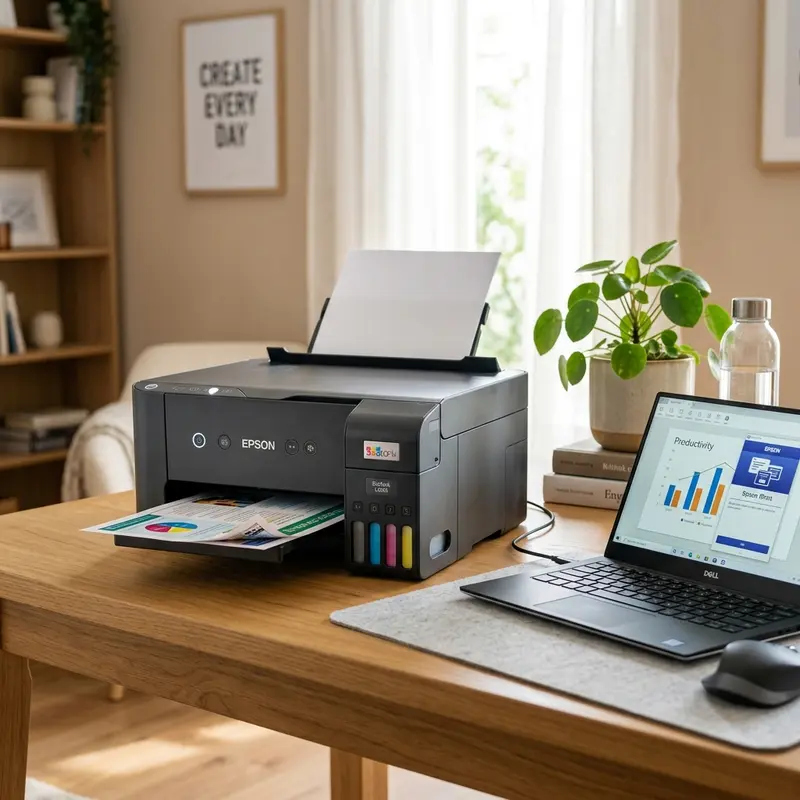
The L3250 (and its equivalent models, such as the ET-2800 series in some regions) is a 3-in-1 print, copy, and scan system that represents the sweet spot of value for home users and students. It utilizes an integrated scanner bed with a Contact Image Sensor (CIS) to digitize documents up to A4 size.
From a connectivity standpoint, the L3250 features a Wi-Fi module supporting 802.11b/g/n, as well as Wi-Fi Direct. This allows you to print directly from smartphones and laptops without connecting to a local router. It is a reliable, straightforward printer that avoids complex mechanical features in favor of simple, long-term durability.
Epson EcoTank L4260: Automatic Duplexing and Office Features
For small offices or home offices (SOHO) that handle double-sided documents, the L4260 is the most practical choice. The key physical upgrade in this model is its built-in automatic duplex printing unit. The duplexer uses a reversing mechanism that pulls the sheet back into the roller path after the first side is printed, flipping it over to print on the second side without manual intervention.
Additionally, the L4260 features a 1.44-inch color LCD display on its control panel. This screen lets you perform maintenance, connect to Wi-Fi networks, and diagnose errors directly on the machine, eliminating the need to use a PC. The black ink tank on the L4260 also uses pigment-based ink rather than dye-based ink, producing sharper, water-resistant text on plain copier paper.
Epson EcoTank L1250: Minimalist and Single-Purpose
The L1250 is a single-function printer designed solely for printing. By removing the flatbed scanner assembly, the CIS sensor, and the stepper motor that drives the scanner bar, Epson created a more compact, lightweight printer. The L1250 is an excellent choice for point-of-sale (POS) systems, checkout counters, or users who already own a dedicated document scanner and only need to print receipts, invoices, or shipping labels.
4. Technical Specifications Comparison
This comparison table details the physical and electrical specifications of the three models, helping you evaluate the hardware features against their price points.
| Hardware Metric | Epson EcoTank L1250 | Epson EcoTank L3250 | Epson EcoTank L4260 |
|---|---|---|---|
| Device Class | Single-Function (Print Only) | 3-in-1 Multifunction (Print, Scan, Copy) | 3-in-1 Multifunction (Print, Scan, Copy) |
| Max Resolution | 5760 x 1440 dpi | 5760 x 1440 dpi | 5760 x 1440 dpi |
| Draft Speed (Black/Color) | 33 ppm / 15 ppm | 33 ppm / 15 ppm | 33 ppm / 15 ppm |
| Duplex Printing | Manual (Driver assisted) | Manual (Driver assisted) | Automatic Integrated |
| Control Panel | Status LEDs & Buttons | Status LEDs & Buttons | 1.44" Color LCD Screen |
| Ink Types | Dye (Black & CMY) | Dye (Black & CMY) | Pigment (Black), Dye (CMY) |
5. Fluid Dynamics, Capping Stations, and Waste Ink Pad Systems
Maintaining proper fluid dynamics within the ink tubes and printhead is essential for any continuous ink supply system. Ink is a suspension of colorants in a liquid solvent. If exposed to air, the solvent evaporates, causing the ink to dry and plug the microscopic nozzle openings. To prevent this, Epson EcoTank printers feature a dedicated maintenance assembly called the capping station.
Located on the far right side of the printer's carriage path, the capping station serves as a parking bay for the printhead. It includes a rubber cap that seals around the printhead nozzles when the printer is idle, preventing air exposure. When a printhead cleaning cycle is initiated, a small peristaltic pump driven by the paper-advance motor rotates. This rotation squeezes a flexible silicone tube, creating a vacuum that draws fresh ink through the printhead nozzles to clear any dried ink or air bubbles.
This waste ink must go somewhere. The pump directs it to a felt pad assembly called the waste ink pad (or maintenance box). Over time, the printer's EEPROM chip tracks the volume of ink pumped during cleaning cycles. When the calculated volume reaches the pads' capacity limit, the printer will lock itself and display a service error. This is a safety measure to prevent ink from leaking onto your desk. Choosing a model with a user-replaceable maintenance box (like the L4260) will save you money, as it allows you to swap out the saturated unit yourself instead of paying for a professional repair.
6. Total Cost of Ownership (TCO) and Page Yield Economics
The primary reason to choose an EcoTank printer over a traditional cartridge-based printer is the long-term savings. Standard ink cartridges contain only 3 to 8 ml of ink, resulting in an average cost of 5 to 10 cents per monochrome page and up to 20 cents per color page. EcoTank ink bottles contain between 65 and 127 ml of ink and cost roughly the same as a single cartridge, bringing the cost per page down to under a fraction of a cent.
For example, a standard black ink bottle for the Epson EcoTank series yields up to 4,500 pages of text, while a set of color bottles yields approximately 7,500 pages. For a home user printing 100 pages a month, the ink that comes in the box can last up to three years. Even when factoring in the higher upfront cost of an EcoTank printer compared to a cheap cartridge model, the investment pays for itself within the first 6 to 12 months of moderate use.
Frequently Asked Questions (FAQ)
What is the difference between dye-based and pigment-based ink?
Dye-based ink uses color molecules dissolved in liquid, producing vibrant colors that are ideal for photos but prone to smudging if exposed to water. Pigment-based ink uses microscopic solid particles suspended in fluid, creating sharp, waterproof text that is highly resistant to fading over time.
How often should I run a test print to prevent clogging?
To keep the ink flowing smoothly through the printhead nozzles, you should print at least one page containing both black and color elements every one to two weeks. This simple step prevents the ink from drying inside the MicroPiezo channels.
Can I refill my EcoTank printer with third-party ink?
While third-party inks are less expensive, they often differ in viscosity, surface tension, and chemical formulation. Using low-quality ink can cause persistent nozzle clogging, air bubbles in the delivery tubes, and may void your Epson manufacturer warranty.
What does a 'service life end' error message mean for the waste ink pads?
This message indicates that the waste ink pads have absorbed all the ink they can hold. The printer's internal counter has locked the device to prevent ink from leaking out. You will need to replace the physical felt pads (or the maintenance box) and reset the internal counter using service software.




