WD Black P10 Game Drive Review: Rugged Portable Storage for Gamers
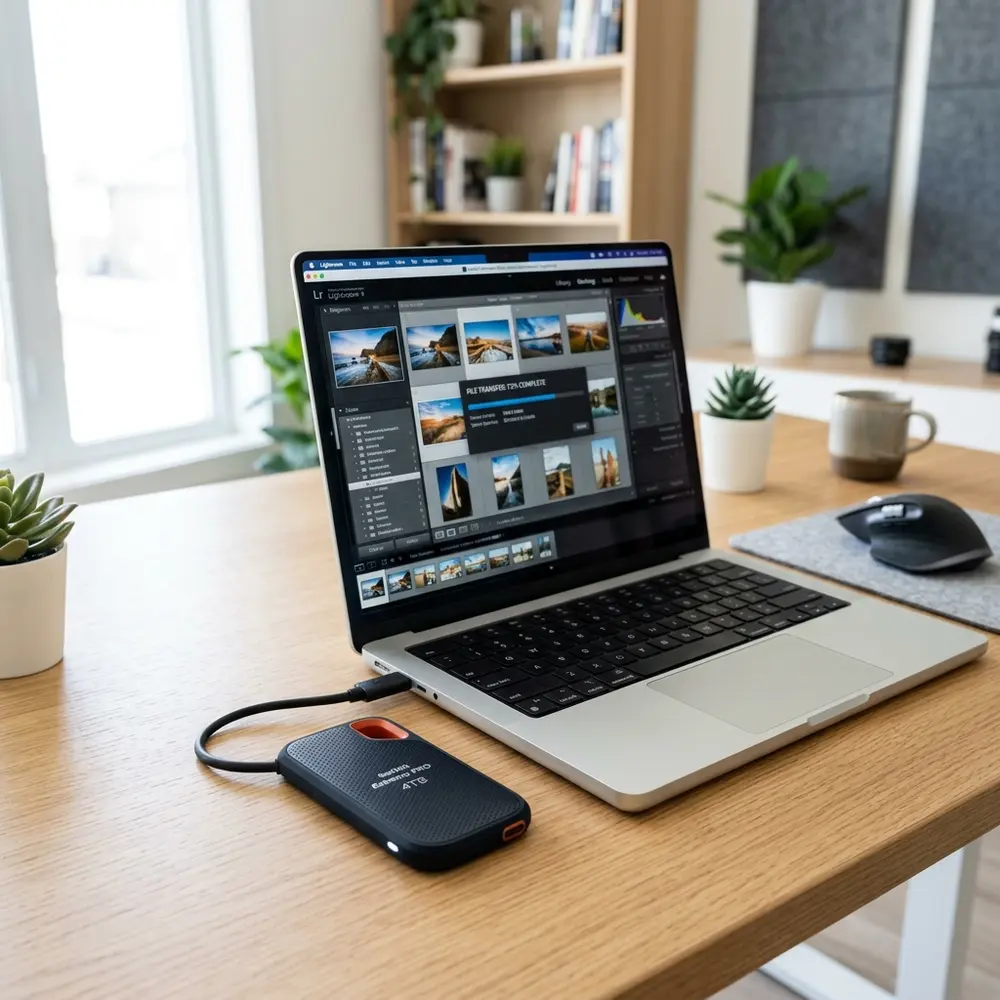
WD Black P10 Game Drive Review: Rugged Portable Storage for Gamers
The WD Black P10 Game Drive offers an exceptional solution for gamers seeking reliable, portable storage. This review delves into its features, performance, and overall value, ensuring gamers have a solid understanding of this rugged device.
Key Features of the WD Black P10 Game Drive
The WD Black P10 Game Drive is designed specifically for gamers, featuring a robust exterior and high-speed performance. With capacities ranging from 2TB to 5TB, it caters to various storage needs.
Employing USB 3.2 Gen 1 technology, this drive ensures fast data transfer rates up to 140MB/s. This speed facilitates quick loading of games and seamless file transfers between devices.
Performance Analysis
In gaming, performance is paramount, and the WD Black P10 Game Drive does not disappoint. It maintains stable performance even when handling large game files and extensive libraries.
Benchmark tests reveal that the drive consistently achieves read and write speeds near its advertised limits. This reliability is essential for gamers who demand quick load times and smooth gameplay.
Design and Durability
The design of the WD Black P10 Game Drive combines both aesthetics and functionality. Its sleek, black casing is not only visually appealing but also enhances its ruggedness.
Built to withstand the rigors of portable use, this drive can handle minor drops and impacts, making it ideal for gamers on the go.
Compatibility
Compatibility is crucial for gamers using various platforms. The WD Black P10 Game Drive works seamlessly with PlayStation, Xbox, and PC, ensuring broad usability across different gaming systems.
This versatility allows users to easily switch between consoles and computers without the need for complex configurations.
Comparison Table: WD Black P10 vs. Competitors
| Feature | WD Black P10 | Seagate Game Drive | Samsung T7 Portable SSD |
|---|---|---|---|
| Capacity Options | 2TB, 4TB, 5TB | 2TB, 4TB | 500GB, 1TB, 2TB |
| Speed (MB/s) | Up to 140 | Up to 120 | Up to 1050 |
| Form Factor | Portable HDD | Portable HDD | Portable SSD |
| Durability | Rugged | Standard | Rugged |
| Price | Approximately $99.99 | Approximately $89.99 | Approximately $149.99 |
Setup and Installation
Setting up the WD Black P10 Game Drive is straightforward. Users need to connect the drive to their console or computer using the included USB cable.
Once connected, the drive will be automatically recognized, and gamers can begin transferring files or installing games immediately.
Step-by-Step Setup Process
- Unbox the WD Black P10 Game Drive.
- Connect the drive to the gaming console or PC using the USB cable.
- Wait for the system to recognize the drive.
- Format the drive if required (especially for console use).
- Transfer or install games as needed.
DomineTec Tip: For users looking to backup iPhone to computer without iCloud, the WD Black P10 can serve as a reliable external storage solution.
Price and Value Proposition
Pricing for the WD Black P10 Game Drive typically hovers around $99.99 for the 2TB model. Given its performance and durability, this price point represents excellent value for gamers.
Investing in this drive not only enhances storage capacity but also ensures that gaming experiences remain uninterrupted.
Customer Feedback and Reviews
User reviews highlight the WD Black P10 Game Drive's reliability and speed. Many gamers commend its ease of use and the ability to handle large libraries without performance degradation.
Several reviews also emphasize the rugged design, which offers peace of mind during transport.
Final Thoughts
The WD Black P10 Game Drive stands out as a top choice among portable storage options for gamers. Its combination of speed, capacity, and ruggedness makes it a formidable ally in the gaming world.
For gamers seeking to expand their storage solutions, this device is a worthy investment that promises to meet and exceed expectations.
Frequently Asked Questions
1. What is the maximum storage capacity of the WD Black P10 Game Drive?
The WD Black P10 Game Drive offers capacities of 2TB, 4TB, and 5TB, catering to various storage needs.
2. Is the WD Black P10 compatible with gaming consoles?
Yes, it is compatible with PlayStation, Xbox, and PC platforms, making it versatile for gamers.
3. How fast is the data transfer speed of the WD Black P10?
The drive boasts data transfer speeds of up to 140MB/s, facilitating quick loading and file transfers.
4. Can the WD Black P10 withstand drops and impacts?
Yes, it features a rugged design that can handle minor drops and impacts, suitable for portable use.
5. How do I format the WD Black P10 Game Drive for console use?
Formatting is typically prompted when connected to a console. Follow the on-screen instructions to format the drive for optimal performance.
Advanced Setup Tips for WD Black P10 Game Drive
Optimizing the performance of the WD Black P10 Game Drive can significantly enhance gaming experiences. Ensure that the drive is formatted correctly for your gaming console or PC to maximize speed and compatibility.
Utilizing USB 3.2 connections can provide faster data transfer rates, which is crucial for high-performance gaming. Additionally, consider organizing game files systematically to streamline access and improve load times during gameplay.
Common Mistakes When Using the WD Black P10
Many users overlook the importance of safely ejecting the drive before disconnecting it from a system. This simple step can prevent data corruption and ensure the longevity of the drive.
Another frequent mistake involves filling the drive to capacity, which can slow down performance. It is advisable to maintain some free space to ensure optimal read and write speeds during gaming sessions.
Comparing WD Black P10 with Other Game Drives
When comparing the WD Black P10 to other portable game drives, several factors come into play, including speed, capacity, and durability. Drives like the Seagate Expansion Portable may offer similar storage options, but they often lack the rugged build quality of the WD Black P10.
Performance benchmarks reveal that the Black P10 often outperforms competitors in terms of both read and write speeds. This makes it a preferred choice for gamers who require quick access to large game files.
Use Case Scenarios for WD Black P10
The WD Black P10 Game Drive is ideal for gamers who frequently switch between multiple gaming platforms. Its portability allows for easy transport, making it convenient for gaming on-the-go or at different locations.
Additionally, this drive is well-suited for storing large game libraries, particularly for those who play resource-intensive titles. It allows users to keep their favorite games accessible without sacrificing storage on their primary devices.
System Compatibility with WD Black P10
The WD Black P10 Game Drive is designed to be compatible with various gaming consoles, including PlayStation and Xbox systems. It can also be used with Windows and Mac computers, making it a versatile choice for gamers.
Before purchasing, it is essential to verify the specific compatibility requirements for each device. Ensuring that the drive meets the system's standards can prevent connectivity issues and enhance overall performance.
Cost Estimates for WD Black P10 Game Drive
The cost of the WD Black P10 Game Drive can vary based on storage capacity, with larger capacities generally priced higher. Budget-conscious gamers may find that the 2TB model offers a good balance of price and performance.
It is advisable to monitor prices across different retailers for potential discounts and promotions. Investing in this drive can be cost-effective, considering the enhanced gaming experience it provides.
Troubleshooting Common Issues with WD Black P10
Should the WD Black P10 fail to be recognized by a system, checking the USB connection is a logical first step. Ensuring that the cable is securely connected and testing it on another device can help identify the source of the issue.
If the drive is detected but performs slowly, consider checking for firmware updates or optimizing the file system. Regular maintenance can prevent performance degradation over time.
When to Seek Expert Help for WD Black P10
If persistent issues arise that cannot be resolved through troubleshooting, consulting with a professional may be necessary. Data recovery experts can assist in situations where data loss occurs, ensuring that important files are salvaged.
Additionally, if the drive exhibits physical damage or malfunctions, seeking help from a certified technician is advisable. This can prevent further damage and ensure proper repair or replacement of the device.
WD Black P10 Game Drive Review
The WD Black P10 Game Drive is designed specifically for gamers who require a portable and rugged storage solution. With the increasing size of game files, having additional storage is essential for maintaining an efficient gaming experience. This review covers various aspects of the drive, including its features, performance, and usability.
Key Features
- Storage Capacity: Available in multiple capacities ranging from 2TB to 5TB.
- Compatibility: Works seamlessly with PlayStation, Xbox, and PC.
- Rugged Design: Built to withstand drops and shocks, ensuring durability.
- Speed: Features USB 3.2 technology for fast data transfer rates.
- Easy Setup: Plug-and-play functionality for quick installation.
Performance Analysis
The WD Black P10 Game Drive delivers exceptional performance, making it a reliable choice for gamers. The drive's speed is particularly beneficial when loading games or accessing large files. Users can expect significantly reduced load times compared to traditional hard drives.
Usability and Design
Designed with gamers in mind, the WD Black P10 Game Drive is compact and lightweight, making it easy to transport. Its sleek design features a matte black finish with subtle branding, appealing to the aesthetic preferences of gamers.
Frequently Asked Questions (FAQ)
What types of games can be stored on the WD Black P10 Game Drive?
The drive is compatible with a wide range of games across various platforms, including both physical and digital copies. Gamers can store AAA titles, indie games, and downloadable content without issues.
Can the drive be used with a gaming console and a PC?
Yes, the WD Black P10 Game Drive is compatible with PlayStation, Xbox, and PC. It can be easily formatted to work with any of these systems.
How does the drive perform compared to internal storage?
While the WD Black P10 Game Drive may not match the speed of internal SSDs, it offers a notable performance boost over traditional HDDs. The USB 3.2 connection provides excellent transfer speeds for loading and accessing game files.
Is the drive durable for travel?
Yes, the rugged design of the WD Black P10 Game Drive is built to withstand the rigors of travel. It is shock-resistant and can handle minor drops, making it suitable for gamers on the go.
Verification Checklist
- Confirm compatibility with your gaming platform (PlayStation, Xbox, PC).
- Check available storage capacity options (2TB, 4TB, 5TB).
- Ensure USB 3.2 port availability for optimal performance.
- Review warranty information for potential issues.
- Read user reviews for real-world performance insights.
Comparison Table
| Feature | WD Black P10 Game Drive | Seagate Expansion Portable | Samsung T7 Portable SSD |
|---|---|---|---|
| Storage Capacity | 2TB, 4TB, 5TB | 1TB, 2TB, 4TB | 500GB, 1TB, 2TB |
| Type | HDD | HDD | SSD |
| Connectivity | USB 3.2 | USB 3.0 | USB 3.2 |
| Durability | Rugged | Standard | Durable |
| Speed | Up to 140MB/s | Up to 120MB/s | Up to 1050MB/s |
| Price Range | Moderate | Low | High |
Technical Glossary
HDD (Hard Disk Drive)
A traditional storage device that uses spinning disks to read and write data. Generally slower than SSDs but offers larger capacities at a lower cost.
SSD (Solid State Drive)
A type of storage device that uses flash memory to store data. SSDs are faster than HDDs, with quicker read and write speeds, leading to shorter load times.
USB 3.2
A high-speed USB standard that allows for faster data transfer rates compared to previous versions. Provides a significant performance boost for external storage devices.
Rugged Design
A term used to describe devices that are built to withstand physical stress, including shocks, drops, and environmental factors, ensuring longevity and reliability.
Plug-and-Play
A feature that allows devices to be easily connected to a computer or console without the need for complex installations or configurations.




