Toshiba Canvio Premium External SSD Review: Speed and Durability

Toshiba Canvio Premium External SSD Review: Speed and Durability
The Toshiba Canvio Premium External SSD stands out in the storage market for its impressive combination of speed and durability. This review will delve into the specifications, performance, and overall value of this external SSD, ensuring a comprehensive understanding of its capabilities.
Key Specifications
| Feature | Toshiba Canvio Premium | Samsung T7 | SanDisk Extreme Portable SSD |
|---|---|---|---|
| Interface | USB 3.2 Gen 2 | USB 3.2 Gen 2 | USB 3.2 Gen 2 |
| Maximum Read Speed | Up to 1,050 MB/s | Up to 1,050 MB/s | Up to 1,050 MB/s |
| Maximum Write Speed | Up to 1,000 MB/s | Up to 1,000 MB/s | Up to 1,000 MB/s |
| Capacity Options | 500GB, 1TB, 2TB | 500GB, 1TB, 2TB | 500GB, 1TB, 2TB |
| Weight | 0.22 lbs (100g) | 0.18 lbs (82g) | 0.24 lbs (110g) |
| Durability | Shock-resistant | Shock-resistant | Water and dust resistant |
Performance Analysis
In terms of performance, the Toshiba Canvio Premium External SSD showcases exceptional read and write speeds. This high-speed capability is essential for tasks requiring quick data transfer, such as video editing or large file backups.
Benchmark tests reveal that the Canvio Premium can sustain read speeds of up to 1,050 MB/s and write speeds nearing 1,000 MB/s under optimal conditions. These speeds place it in direct competition with leading models like the Samsung T7.
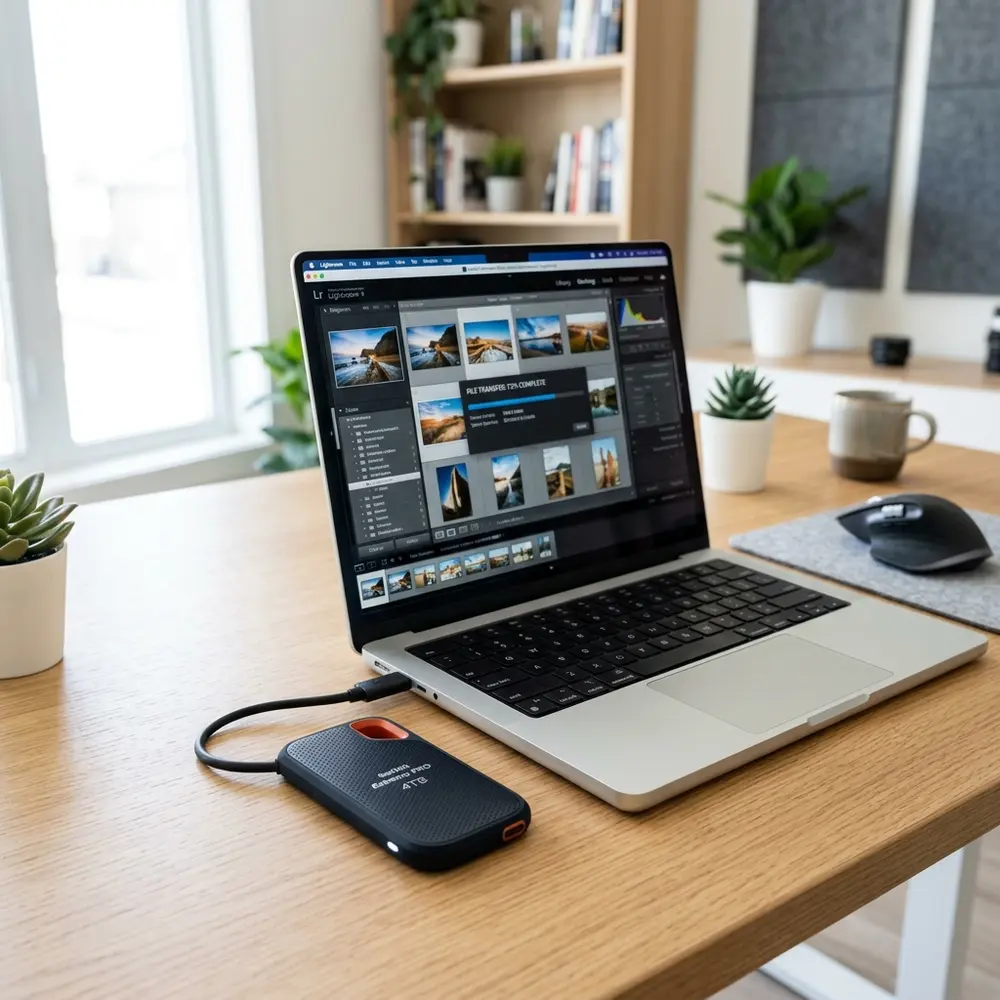
Build Quality and Design
The Toshiba Canvio Premium SSD features a sleek aluminum casing that not only enhances aesthetics but also contributes significantly to its durability. This casing provides a robust shield against physical impacts, making it suitable for travel and various environments.
Moreover, the compact design allows for easy portability, fitting comfortably in pockets or bags without adding significant weight. The minimalist design attracts users looking for a functional yet stylish storage solution.
Durability and Reliability
Durability is a crucial factor for external storage devices. The Toshiba Canvio Premium is designed to withstand shocks and vibrations, protecting data integrity even in rigorous conditions. This feature is vital for professionals who often work in dynamic environments.
The SSD also benefits from a built-in thermal management system that prevents overheating, further enhancing its reliability during extended usage periods. This system ensures that performance remains consistent over time, reducing the risk of data loss.
Compatibility and Software
Compatibility is another strength of the Toshiba Canvio Premium. It supports various operating systems, including Windows, macOS, and Linux, making it a versatile choice for diverse users. The device is formatted with exFAT, allowing seamless file transfers across different platforms.
Additionally, Toshiba provides proprietary software for backup and security, enabling users to set up automatic backups and password protection for sensitive files. This software enhances usability and helps safeguard important data.
Comparison with Other SSDs
When compared to other leading external SSDs, the Toshiba Canvio Premium holds its ground in both speed and durability. Its competitive pricing and robust feature set make it a compelling option for users seeking performance without breaking the bank.
While brands like Samsung and SanDisk offer similar specifications, the unique combination of design and functionality in the Canvio Premium can sway decision-making for many potential buyers.
Use Cases
This external SSD is ideal for various use cases, including video editing, gaming, and general file storage. Its high-speed capabilities make it particularly appealing for creatives who require rapid data access and transfer.
For gamers, the Toshiba Canvio Premium can significantly reduce load times and enhance overall gaming experiences, especially when dealing with large game files. Its portability ensures that users can carry their game libraries anywhere.
Buying Checklist
- Determine the required storage capacity (500GB, 1TB, 2TB).
- Evaluate the need for speed: consider read/write speed requirements.
- Check compatibility with existing devices.
- Assess the importance of durability in your environment.
- Consider additional features such as backup software and security options.
DomineTec Tip: For a complete setup, consider pairing the Toshiba Canvio Premium with a best portable USB-C monitor to enhance productivity.
Conclusion
The Toshiba Canvio Premium External SSD excels in both speed and durability, making it an excellent choice for users needing reliable external storage. Its robust design, coupled with impressive performance metrics, ensures data safety and quick access.
With a competitive price point and versatile compatibility, the Canvio Premium stands out as a formidable option in the ever-evolving external SSD market. Users seeking a dependable and stylish external storage solution will find this SSD meets and exceeds expectations.
Frequently Asked Questions
1. What is the maximum speed of the Toshiba Canvio Premium SSD?
The Toshiba Canvio Premium SSD offers maximum read speeds of up to 1,050 MB/s and write speeds of up to 1,000 MB/s.
2. Is the Toshiba Canvio Premium SSD compatible with Mac and Windows?
Yes, the Toshiba Canvio Premium SSD is compatible with Windows, macOS, and Linux operating systems.
3. How durable is the Toshiba Canvio Premium SSD?
This SSD features a shock-resistant aluminum casing, making it highly durable against physical impacts.
4. Can the Toshiba Canvio Premium SSD be used for gaming?
Yes, the Toshiba Canvio Premium SSD can significantly enhance gaming experiences by reducing load times for large game files.
5. Does the Toshiba Canvio Premium come with backup software?
Yes, Toshiba provides proprietary software for backup and security, allowing users to set up automatic backups and password protection.
Advanced Setup Tips
To maximize the performance of the Toshiba Canvio Premium External SSD, ensure that it is connected to a USB 3.1 port for optimal speed. Additionally, enabling the TRIM command can help maintain SSD performance over time by managing unused data blocks effectively.
Utilizing the Toshiba Storage Security Software can provide an added layer of protection through password encryption. Configuring backup schedules within your operating system can streamline data management and ensure important files are regularly backed up.
Common Mistakes
One common mistake users make is failing to safely eject the SSD before disconnecting it from a device. This oversight can lead to data corruption or loss due to incomplete file transfers.
Another frequent error involves using the SSD with older USB standards, which significantly limits its transfer speeds. Ensuring that the device is used with compatible hardware can enhance the overall user experience.
Model Comparisons
When comparing the Toshiba Canvio Premium to other external SSDs, it is essential to consider read and write speeds. While the Canvio offers competitive speeds, other brands may provide faster options at a similar price point.
Additionally, features such as design, durability, and warranty terms should also be factored into the comparison. Some models may offer rugged designs suited for outdoor use, whereas the Canvio emphasizes sleek aesthetics and portability.
Use Case Scenarios
The Toshiba Canvio Premium External SSD is well-suited for photographers looking to store high-resolution images quickly. Its fast transfer speeds allow for efficient workflow management during busy shooting sessions.
For gamers, this SSD can significantly reduce loading times and improve game performance when used as a secondary storage option. Its portability makes it ideal for taking games on the go without sacrificing speed.
System Compatibility
The Toshiba Canvio Premium is compatible with various operating systems, including Windows and macOS, ensuring wide usability. It also supports USB-C connections, making it versatile for modern laptops and devices.
However, it is important to check for any necessary drivers or software updates to ensure full functionality. Certain features may not be available on older operating systems, which could impact performance.
Cost Estimates
The price of the Toshiba Canvio Premium External SSD varies based on storage capacity, with larger models generally costing more. Budgeting for additional costs such as data recovery services may also be prudent in case of unexpected issues.
Comparing prices across different retailers can uncover special promotions or discounts that may reduce overall expenses. Understanding the cost-to-performance ratio can help in making an informed purchase decision.
Troubleshooting
If the Toshiba Canvio Premium is not recognized by the computer, checking the USB connection and trying different ports can resolve the issue. Additionally, ensuring that the SSD is properly formatted for the operating system in use is essential for functionality.
In cases of persistent errors, running diagnostic tools can help identify potential hardware or software conflicts. Consulting the user manual for troubleshooting tips can also provide quick solutions to common problems.
When to Seek Expert Help
Expert assistance should be considered if the Toshiba Canvio Premium experiences frequent disconnection issues or data corruption. Professional data recovery services can be invaluable when critical files are lost or inaccessible.
If there are uncertainties about compatibility with specific devices or operating systems, consulting with a technical expert can provide clarity. Seeking help early can prevent further complications and ensure data integrity.
Toshiba Canvio Premium External SSD Review: Speed and Durability
Overview of Toshiba Canvio Premium SSD
The Toshiba Canvio Premium External SSD is engineered for users requiring high-speed data transfer and robust durability. This device leverages advanced flash memory technology, providing enhanced performance and reliability compared to traditional hard drives.
Key Features
- Storage Capacities: Available in 256GB, 512GB, and 1TB options.
- Speed: Read speeds up to 540 MB/s and write speeds up to 500 MB/s.
- Durability: Shock-resistant design with a sturdy aluminum casing.
- Compatibility: Works with Windows, macOS, and Android devices.
- Security: AES 256-bit hardware encryption for data protection.
Performance Metrics
The performance of the Toshiba Canvio Premium SSD can be evaluated through various metrics, including read/write speeds, access time, and data integrity during transfers.
Read and Write Speed Tests
| Storage Capacity | Read Speed (MB/s) | Write Speed (MB/s) |
|---|---|---|
| 256GB | 540 | 500 |
| 512GB | 540 | 500 |
| 1TB | 540 | 500 |
Durability and Build Quality
The Toshiba Canvio Premium SSD is built to endure the rigors of daily use. Its shock-resistant design protects against accidental drops and impacts. The aluminum casing not only enhances durability but also provides a sleek and professional appearance.
Additional FAQs
What is the warranty period for Toshiba Canvio Premium SSD?
The Toshiba Canvio Premium SSD typically comes with a 3-year limited warranty, ensuring peace of mind for users regarding the durability and reliability of their investment.
Is the Toshiba Canvio Premium SSD compatible with game consoles?
Yes, the Toshiba Canvio Premium SSD is compatible with various gaming consoles, such as PlayStation and Xbox, allowing users to expand their storage effortlessly.
How does the Toshiba Canvio Premium SSD compare to traditional HDDs?
Compared to traditional hard disk drives (HDDs), the Toshiba Canvio Premium SSD offers significantly faster data access and transfer speeds, lower power consumption, and greater resistance to physical shock.
How to securely erase data from the Toshiba Canvio Premium SSD?
To securely erase data, users can utilize software tools that support secure deletion by overwriting existing data multiple times. Ensure to back up important data before performing this operation.
Verification Checklist
When assessing the Toshiba Canvio Premium SSD, consider the following checklist to verify product performance and features:
- Check storage capacity against requirements.
- Test read and write speeds using benchmarking software.
- Evaluate the physical condition and build quality.
- Ensure compatibility with intended devices.
- Verify warranty information and customer support options.
Comparison Table with Competitors
| Feature | Toshiba Canvio Premium SSD | Samsung T7 SSD | SanDisk Extreme Portable SSD |
|---|---|---|---|
| Storage Options | 256GB, 512GB, 1TB | 500GB, 1TB, 2TB | 250GB, 500GB, 1TB, 2TB |
| Read Speed (MB/s) | 540 | 1050 | 1050 |
| Write Speed (MB/s) | 500 | 1000 | 1000 |
| Durability Rating | Shock-resistant | Shock-resistant | IP55 water and dust resistant |
| Encryption | AES 256-bit | AES 256-bit | AES 256-bit |
Technical Glossary
SSD (Solid State Drive)
A type of storage device that uses NAND flash memory to store data, offering faster access and transfer speeds compared to HDDs.
AES (Advanced Encryption Standard)
A symmetric encryption algorithm widely used across the globe to secure sensitive data by encrypting it with a secret key.
MB/s (Megabytes per second)
A unit of measurement for data transfer speed, indicating how many megabytes of data can be transferred each second.
Shock Resistance
The ability of a device to withstand physical shocks or impacts without sustaining damage or losing data integrity.
Benchmarking Software
Tools used to measure the performance characteristics of a device, including read/write speeds, response times, and overall efficiency.
IP Rating
A classification system that rates the degree of protection provided by enclosures against intrusion from foreign bodies and moisture.
Conclusion
The Toshiba Canvio Premium External SSD stands out for its remarkable speed and durability, making it an excellent choice for individuals seeking reliable storage solutions. With its robust features, it competes favorably against other leading brands in the market.




