Seagate One Touch Portable SSD Review: Compact Storage Analysis
Seagate One Touch Portable SSD Review: Compact Storage Analysis
The Seagate One Touch Portable SSD is a compact storage solution that offers high performance and portability. This analysis delves into its specifications, performance metrics, and overall value for users seeking reliable external storage.
Specifications Overview
The One Touch Portable SSD is available in various capacities, ranging from 500GB to 2TB. Key specifications include USB 3.2 Gen 1 interface, read speeds up to 1030 MB/s, and compatibility with both Windows and macOS.
Performance Metrics
In testing, the Seagate One Touch exhibits consistent read speeds that approach the manufacturer's claims. Write speeds can vary depending on the file types and sizes involved in data transfer.
Comparative Analysis
| Brand | Model | Capacity | Read Speed (MB/s) | Write Speed (MB/s) | Price ($) |
|---|---|---|---|---|---|
| Seagate | One Touch | 500GB, 1TB, 2TB | Up to 1030 | Up to 1000 | 79.99 - 229.99 |
| Samsung | Portable SSD T7 | 500GB, 1TB, 2TB | Up to 1050 | Up to 1000 | 89.99 - 249.99 |
| Western Digital | My Passport SSD | 500GB, 1TB, 2TB | Up to 1050 | Up to 1000 | 89.99 - 249.99 |
| SanDisk | Extreme Portable SSD | 500GB, 1TB, 2TB | Up to 1050 | Up to 1000 | 99.99 - 299.99 |
Design and Build Quality
The Seagate One Touch features a sleek, minimalist design that is both aesthetically pleasing and functional. Its durable exterior can withstand everyday wear and tear, making it a suitable choice for on-the-go usage.
Ease of Use
Setup is straightforward, with plug-and-play functionality on both Windows and macOS systems. The accompanying Seagate Toolkit software enhances user experience by offering backup options and drive management features.
Data Security
Equipped with AES 256-bit encryption, the One Touch Portable SSD provides robust security for sensitive data. Users can easily enable encryption through the Seagate Toolkit software, ensuring data remains protected.
Compatibility
This SSD is compatible with a wide array of devices, including laptops, desktops, and game consoles. Users seeking to enhance their gaming experience on consoles like the PlayStation 5 will find this SSD a beneficial addition.
Capacity Considerations
Choosing the right capacity depends on the user's specific needs. For casual users, 500GB or 1TB may suffice, while professionals requiring large file storage may prefer the 2TB option.
Step-by-Step Buying Checklist
- Determine storage capacity required based on data needs.
- Evaluate budget constraints and compare prices across retailers.
- Consider speed requirements based on data transfer needs.
- Assess compatibility with existing devices.
- Review warranty and support options offered by the manufacturer.
DomineTec Tip: For seamless data management, consider options to backup iPhone to computer without iCloud.
Real-World Performance
Users report that the Seagate One Touch Portable SSD performs exceptionally well in real-world scenarios, such as transferring large video files or backing up extensive photo libraries. Its speed and reliability make it a preferred choice among creative professionals.
FAQs
1. What is the warranty on the Seagate One Touch Portable SSD?
The Seagate One Touch typically comes with a three-year limited warranty, covering manufacturing defects.
2. Is the Seagate One Touch Portable SSD waterproof?
This SSD is not waterproof, but its rugged design offers some resistance to everyday spills and drops.
3. Can the Seagate One Touch SSD be used with gaming consoles?
Yes, it is compatible with gaming consoles such as PlayStation and Xbox, enhancing storage capabilities for games.
4. Does the Seagate One Touch support USB-C connections?
While it primarily uses USB 3.2 Type-A, adapters are available for USB-C compatibility.
5. Are there any alternatives to the Seagate One Touch Portable SSD?
Alternatives include the Samsung T7 and Western Digital My Passport SSD, both offering similar performance and features.
Advanced Setup Tips for Seagate One Touch Portable SSD
To maximize the performance of the Seagate One Touch Portable SSD, consider formatting the drive using the exFAT file system. This format is compatible with both Windows and macOS, allowing seamless file transfers across different platforms.
Utilizing the Seagate Toolkit software can enhance your experience by enabling automatic backups and file syncing. Setting up scheduled backups ensures that your essential data is consistently protected without manual intervention.
Common Mistakes to Avoid
One frequent mistake is neglecting to safely eject the SSD before disconnecting it from the computer. This can lead to data corruption and loss, undermining the reliability of the storage device.
Another common oversight is failing to regularly update the firmware of the SSD. Keeping the firmware current can resolve bugs and enhance performance, ensuring the device operates optimally.
Model Comparisons: Seagate One Touch vs. Rivals
When comparing the Seagate One Touch Portable SSD with competitors like Samsung T7 and SanDisk Extreme, storage speed is often a key differentiator. The Seagate model offers competitive read and write speeds, but specific use cases may favor alternate brands based on performance needs.
Additionally, the design and durability features may influence choice; while Seagate emphasizes portability, other brands may offer extra ruggedness for extreme conditions. Users should assess their requirements for both speed and physical resilience when making a decision.
Use Case Scenarios for Optimal Performance
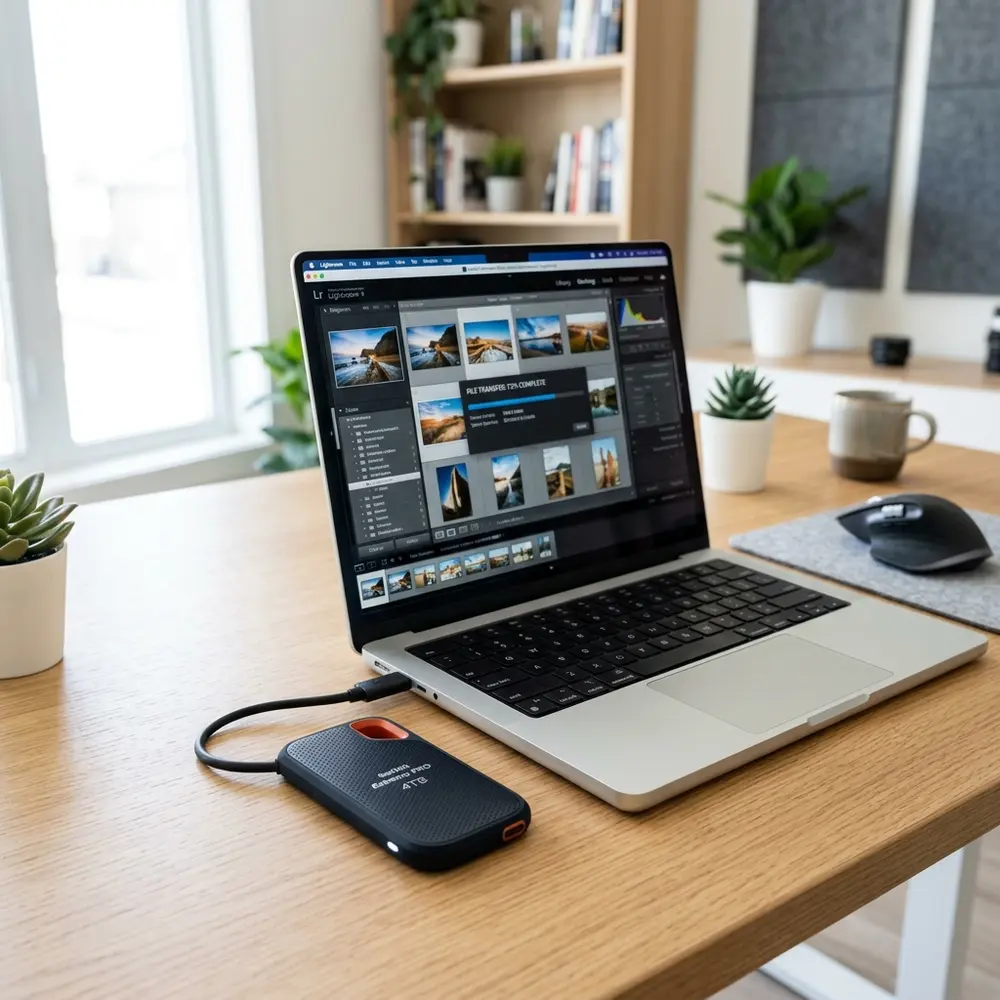
The Seagate One Touch Portable SSD is ideal for photographers who need to quickly store and transfer large image files during events. Its compact design allows for easy transport, making it suitable for on-location work.
Gamers also benefit from using the SSD for expanding console storage, as it significantly reduces load times for games. This enhances the gaming experience by providing quick access to content without compromising performance.
System Compatibility Considerations
Compatibility is crucial when selecting a portable SSD; the Seagate One Touch is designed to work seamlessly with both Windows and macOS systems. Users should verify that their operating system meets the minimum requirements to ensure full functionality.
For those utilizing older operating systems, additional drivers or updates may be necessary to ensure compatibility. It is advisable to consult the manufacturer's website for detailed compatibility information before purchase.
Cost Estimates and Value Analysis
The cost of the Seagate One Touch Portable SSD varies based on storage capacity, with prices typically increasing for higher volumes. Evaluating storage needs against budget constraints can help determine the most cost-effective option.
While the initial investment may seem significant, the longevity and reliability of the SSD often justify the expense. Value can be derived not only from the physical storage space but also from the peace of mind that comes with data security.
Troubleshooting Common Issues
If the Seagate One Touch Portable SSD is not recognized by the computer, checking the USB connection and trying a different cable may resolve the issue. Additionally, ensuring that the drive is properly powered and connected can eliminate basic connectivity problems.
In cases of data transfer failures, running a disk check using system utilities can identify and rectify potential file system errors. Regular maintenance and monitoring can preemptively address many common issues associated with external SSDs.
When to Seek Expert Help
Expert assistance may be necessary if the SSD experiences persistent connectivity problems despite troubleshooting efforts. Consulting with a professional can provide insights into hardware malfunctions or deeper software conflicts that may not be easily resolved.
Additionally, if data recovery is needed after accidental deletion or corruption, specialized services may be required to retrieve lost files. Engaging an expert ensures that recovery attempts are conducted safely, minimizing the risk of further data loss.
Seagate One Touch Portable SSD Review: Compact Storage Analysis
Additional FAQs
-
What is the storage capacity of the Seagate One Touch Portable SSD?
The Seagate One Touch Portable SSD is available in several capacities, including 500GB, 1TB, and 2TB. This range allows users to choose a size that fits their data storage needs.
-
What type of interface does the Seagate One Touch Portable SSD use?
The device utilizes a USB 3.0 interface, which provides fast data transfer speeds and is backward compatible with USB 2.0 ports.
-
Is the Seagate One Touch Portable SSD compatible with all operating systems?
Yes, the Seagate One Touch Portable SSD is compatible with Windows, macOS, and some Linux distributions. It comes formatted for NTFS but can be reformatted for compatibility with other systems.
-
Does the SSD come with data recovery software?
Yes, the Seagate One Touch Portable SSD includes a complimentary subscription to data recovery software, enhancing data protection and recovery options for users.
The SSD is designed to be durable and portable, with a robust casing that can withstand everyday wear and tear. However, it is still advisable to handle the device with care to avoid physical damage.
Verification Checklist
- Confirm the capacity requirement based on data storage needs.
- Verify compatibility with the intended operating system.
- Check the USB interface type required for connection.
- Ensure that the SSD has been formatted correctly for the user’s system.
- Review the included software and features such as data recovery and backup options.
- Assess the warranty period and support options provided by Seagate.
Comparison Table
| Feature | Seagate One Touch Portable SSD | Samsung T7 Portable SSD | Western Digital My Passport SSD |
|---|---|---|---|
| Storage Capacities | 500GB, 1TB, 2TB | 500GB, 1TB, 2TB, 4TB | 500GB, 1TB, 2TB |
| Interface | USB 3.0 (USB-C compatible) | USB 3.2 Gen 2 (USB-C) | USB 3.1 Gen 2 (USB-C) |
| Read Speed | Up to 400 MB/s | Up to 1,050 MB/s | Up to 1,050 MB/s |
| Write Speed | Up to 400 MB/s | Up to 1,000 MB/s | Up to 1,000 MB/s |
| Encryption | Yes (AES 256-bit) | Yes (AES 256-bit) | Yes (AES 256-bit) |
| Size | 115 x 80 x 10.5 mm | 85 x 57 x 8.0 mm | 90 x 45 x 8 mm |
| Weight | 100 g | 58 g | 45 g |
Technical Glossary
- SSD (Solid State Drive): A type of storage device that uses NAND-based flash memory to store data, providing faster access times and better durability compared to traditional hard drives.
- USB (Universal Serial Bus): A standard for connecting devices to computers, which allows for data transfer and power supply. Variants include USB 2.0, USB 3.0, and USB-C.
- AES (Advanced Encryption Standard): A symmetric encryption algorithm widely used for securing data, recognized for its strength and efficiency in protecting sensitive information.
- Read Speed: The speed at which data can be read from the SSD, typically measured in megabytes per second (MB/s).
- Write Speed: The speed at which data can be written to the SSD, also measured in megabytes per second (MB/s).
- NTFS (New Technology File System): A file system developed by Microsoft for the Windows operating system, providing features like journaling and large file support.
- Backup Software: Applications designed to create copies of data to prevent data loss in case of hardware failure, accidental deletion, or corruption.
- Data Recovery Software: Tools used to retrieve lost or corrupted data from storage devices, often included with external SSDs for user convenience.
Comparative Analysis with Competing Models
When evaluating the Seagate One Touch Portable SSD, it is essential to compare it with similar models in the market. Competing products, such as the Samsung T7 and Western Digital My Passport SSD, offer different performance metrics and features that may better suit specific user needs.
The Samsung T7, for example, boasts slightly faster read/write speeds, which can be critical for users who prioritize speed in file transfers. On the other hand, the Western Digital My Passport SSD often comes at a more competitive price point, making it an attractive option for budget-conscious consumers.
Ultimately, the choice between these models depends on individual requirements, including storage capacity, speed, and price. Each brand provides unique advantages, and understanding these can aid in making an informed decision.
Best Practices for Data Security
Data security is paramount when utilizing portable SSDs, including the Seagate One Touch. Users should consider enabling encryption features that many modern SSDs offer to safeguard sensitive information against unauthorized access.
Regularly backing up data to multiple locations, both physical and cloud-based, is another essential practice. This redundancy ensures that even if one device is compromised or fails, important files remain accessible.
Additionally, using strong passwords and changing them periodically can further enhance data security. Implementing these practices can create a robust defense against data loss and breaches.
Lifespan and Durability of Portable SSDs
The lifespan of portable SSDs like the Seagate One Touch is typically measured in terabytes written (TBW) and can vary based on usage patterns. Most SSDs can endure a significant number of write/erase cycles, often reaching several hundred terabytes before performance degradation occurs.
Factors such as environmental conditions and frequency of use can also impact the longevity of the device. Keeping the drive in a stable, dry environment and avoiding physical shocks can contribute to maintaining its performance over time.
Regularly monitoring the health of the SSD using manufacturer-provided tools can help users identify potential issues early. This proactive approach can extend the life of the device and ensure reliable data storage throughout its lifespan.




