Seagate Fast SSD Portable Review: Speed and Portability Analysis
Seagate Fast SSD Portable Review: Speed and Portability Analysis
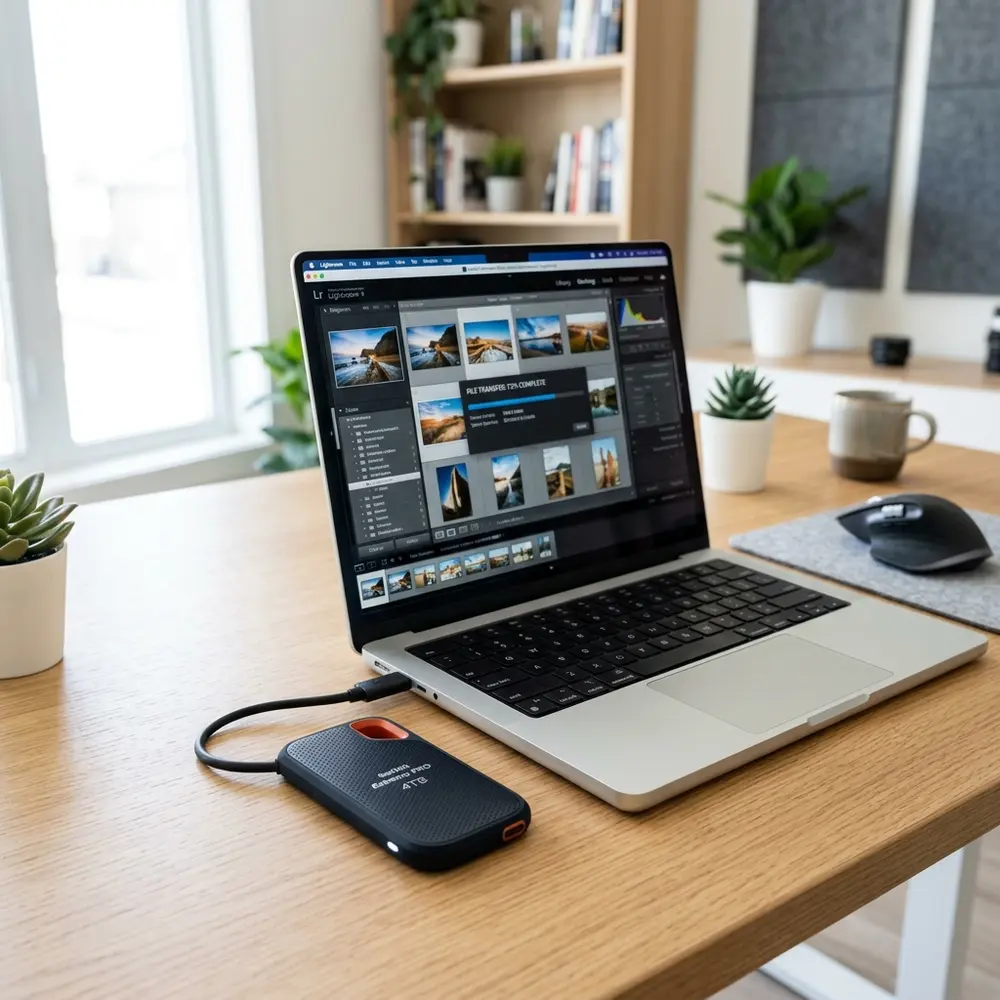
The Seagate Fast SSD Portable stands out in the competitive landscape of external storage solutions. This review delves into its speed, portability, and overall performance, offering a comprehensive analysis of what users can expect.
Key Specifications
Understanding the specifications of the Seagate Fast SSD Portable is crucial for determining its suitability for various use cases. Here are the key specifications:
- Capacity Options: 250GB, 500GB, 1TB, 2TB
- Read Speeds: Up to 540 MB/s
- Write Speeds: Up to 500 MB/s
- Interface: USB 3.0 (backward compatible with USB 2.0)
- Dimensions: 4.6 x 2.9 x 0.4 inches
- Weight: Approximately 0.19 pounds
Performance Analysis
In the realm of speed, the Seagate Fast SSD Portable delivers robust performance. Its read speeds approach 540 MB/s, making it suitable for tasks requiring quick data access.
Real-world tests reveal that writing large files, such as high-definition videos, showcases its ability to maintain efficiency. Consistent performance across various file sizes enhances its appeal for both casual users and professionals.

Portability Features
Portability is a core advantage of the Seagate Fast SSD Portable. Its compact size and lightweight design allow for easy transport without sacrificing storage capacity.
The durable casing protects against shocks, making it suitable for on-the-go professionals. Its design ensures that it can withstand the rigors of daily use.
Comparison with Competitors
To provide a clearer picture of the Seagate Fast SSD Portable's standing, the following table compares it with similar products from other brands:
| Brand | Model | Read Speed (MB/s) | Write Speed (MB/s) | Capacity Options | Price Range |
|---|---|---|---|---|---|
| Seagate | Fast SSD Portable | 540 | 500 | 250GB, 500GB, 1TB, 2TB | $69.99 - $229.99 |
| Samsung | T7 Portable SSD | 1050 | 1000 | 500GB, 1TB, 2TB | $89.99 - $269.99 |
| Western Digital | My Passport SSD | 1050 | 1000 | 500GB, 1TB, 2TB | $89.99 - $249.99 |
The comparison illustrates that while Seagate may not match the read/write speeds of some competitors, its price point offers excellent value for users prioritizing affordability. This makes the Seagate Fast SSD Portable a compelling choice for those requiring reliable performance without a premium price tag.
Use Cases
The versatility of the Seagate Fast SSD Portable caters to a wide range of applications. Creative professionals benefit from its speed when transferring large files, such as raw images or uncompressed audio.
Gamers find it useful for storing and loading games quickly, enhancing overall gaming experiences. Additionally, those needing a reliable backup solution for essential data will appreciate its performance and portability.

Setup and Compatibility
Setting up the Seagate Fast SSD Portable is effortless. It is compatible with both Windows and macOS systems, requiring no additional drivers for operation.
Simply connect via USB, and the drive is ready for use. This plug-and-play functionality enhances its usability across various devices, including laptops, desktops, and gaming consoles.
DomineTec Tip: For users looking to manage data effectively, consider strategies to backup iPhone to computer without iCloud, ensuring files are safeguarded.
Security Features
Data security remains a critical consideration for external storage devices. The Seagate Fast SSD Portable includes built-in encryption options to safeguard sensitive information.
This feature is particularly beneficial for professionals handling confidential data, as it adds an extra layer of protection against unauthorized access.
Battery and Power Consumption
The Seagate Fast SSD Portable does not require an external power source, drawing power directly from the connected device. This characteristic enhances its portability, as no additional cables are necessary.
Power consumption is minimal, ensuring that devices remain charged during operation, making it an environmentally friendly option.
Price and Value Proposition
The Seagate Fast SSD Portable is positioned competitively within the market. Price varies based on capacity, with larger options providing increased storage without a significant price jump.
Considering performance and portability, it presents excellent value, appealing to those seeking reliable storage solutions without breaking the bank.
Final Thoughts
The Seagate Fast SSD Portable excels in balancing speed and portability. Its performance metrics, combined with an emphasis on user-friendly features, positions it as a strong contender in the external SSD market.
Users seeking a dependable, fast, and portable storage solution will find the Seagate Fast SSD Portable an outstanding choice for both professional and personal use.
Frequently Asked Questions
1. What is the maximum read speed of the Seagate Fast SSD Portable?
The maximum read speed is up to 540 MB/s.
2. Is the Seagate Fast SSD Portable compatible with gaming consoles?
Yes, it is compatible with gaming consoles such as PlayStation and Xbox.
3. Can the Seagate Fast SSD Portable be used with Mac and Windows systems?
Yes, it is compatible with both macOS and Windows operating systems.
4. Does the Seagate Fast SSD Portable offer data encryption?
Yes, it includes built-in encryption options for data protection.
5. What are the available capacity options for the Seagate Fast SSD Portable?
Capacity options include 250GB, 500GB, 1TB, and 2TB.
Advanced Setup Tips for Seagate Fast SSD
To maximize the performance of the Seagate Fast SSD, ensure that the latest firmware is installed. Regular updates can enhance speed and compatibility with various operating systems.
Utilizing the USB-C connection can provide faster data transfer rates compared to traditional USB connections. For users with USB 3.0 ports, using a compatible adapter can still achieve significant performance improvements.
Enabling hardware encryption can protect sensitive data without sacrificing speed. The Seagate Fast SSD supports AES 256-bit encryption, which can be activated through the Seagate Dashboard application.
Common Mistakes to Avoid
One common mistake is neglecting to safely eject the SSD before disconnecting it from a computer. Failing to do so can lead to data corruption or loss.
Another frequent error is using the SSD with a USB hub that does not provide sufficient power. This can cause intermittent connectivity issues and affect the overall performance of the drive.
Many users overlook the importance of regular backups to another storage device. Relying solely on the SSD for data storage can be risky in case of drive failure.
Model Comparisons: Seagate Fast SSD vs. Competitors
When comparing the Seagate Fast SSD to other portable SSDs, such as the Samsung T7, performance metrics should be considered. While both offer excellent read and write speeds, the Seagate Fast SSD may have a slight edge in durability.
Another point of comparison is the design and build quality. The Seagate Fast SSD features a sleek, lightweight design that enhances portability, making it ideal for users on the go.
Pricing is also a critical factor; the Seagate Fast SSD often provides competitive pricing compared to similar models from other brands. Evaluating the price-to-performance ratio can help determine the best option for specific needs.
Use Case Scenarios for Seagate Fast SSD
The Seagate Fast SSD is particularly beneficial for photographers and videographers who need to transfer large files quickly. Its high-speed capabilities can significantly reduce wait times during editing sessions.
Gamers can also take advantage of the Seagate Fast SSD for storing and loading games. The reduced load times can enhance gaming experiences, especially for titles that require extensive data streaming.
For professionals working with large datasets, the SSD's fast read/write speeds can streamline workflows. This efficiency is crucial for tasks such as data analysis and software development.
System Compatibility Considerations
Before purchasing the Seagate Fast SSD, it is essential to check system compatibility. The drive is compatible with both Windows and macOS, but specific versions may have different performance characteristics.
Linux users should also verify compatibility, as certain distributions may require additional drivers. Ensuring that the operating system supports USB-C or USB 3.0 connections will further optimize performance.
Using the SSD with mobile devices, such as tablets and smartphones, may require an adapter. Confirming device specifications can prevent connectivity issues when using the SSD on various platforms.
Cost Estimates and Budgeting
The cost of the Seagate Fast SSD varies based on storage capacity, with larger capacities generally commanding higher prices. Budgeting for the drive should consider both the initial purchase and any additional accessories needed for optimal use.
Estimates for the 500GB model typically range around $100, while the 2TB version can exceed $300. Evaluating storage needs against budget constraints can help determine the most suitable option.
Additionally, considering potential savings from increased productivity can justify the investment. Weighing the cost against the benefits of speed and reliability can aid in making an informed decision.
Troubleshooting Common Issues
Common issues with the Seagate Fast SSD might include slow transfer speeds or connectivity problems. Checking cable integrity and using different USB ports can often resolve these issues.
If the SSD is not recognized by the system, ensuring that drivers are updated can be a crucial step. Sometimes, simply reconnecting the device or restarting the computer can rectify the issue.
For persistent problems, using the Seagate Dashboard application to run diagnostics can provide insights. This tool can identify issues and suggest solutions to enhance performance.
When to Seek Expert Help
If persistent issues arise that cannot be resolved through basic troubleshooting, seeking expert assistance is advisable. Professional technicians can diagnose hardware problems that may not be apparent to the average user.
Additionally, if data recovery is needed due to corruption or accidental deletion, turning to data recovery specialists is often the best course of action. They possess the tools and expertise to recover lost data safely.
For users unfamiliar with technology, consulting a tech-savvy friend or professional can ease concerns. Expert guidance can also help in optimizing the SSD's performance and ensuring proper usage.
Seagate Fast SSD Portable Review: Speed and Portability Analysis
Overview
The Seagate Fast SSD Portable is designed for users who demand high-speed performance and portability. This review covers its speed capabilities, form factor, and usability in various scenarios.
Specifications
- Storage Capacities: Available in 250GB, 500GB, 1TB, and 2TB.
- Interface: USB 3.0 and USB-C compatible.
- Read Speed: Up to 540 MB/s.
- Write Speed: Up to 500 MB/s.
- Dimensions: 4.57 x 2.36 x 0.39 inches.
- Weight: Approximately 0.19 lbs.
Speed Analysis
Speed is a crucial factor for external SSDs, especially for tasks such as video editing, gaming, and large file transfers. The Seagate Fast SSD Portable boasts impressive read and write speeds, making it suitable for both casual users and professionals.
Portability Factors
The lightweight and compact design of the Seagate Fast SSD Portable allows for easy transport. It fits comfortably in a pocket or bag, making it ideal for on-the-go data storage.
Use Cases
- Creative Professionals: Ideal for photographers and videographers who need to transfer large files quickly.
- Gamers: Can be used to store and run games, enhancing load times.
- Everyday Users: Suitable for backing up important files or as additional storage for laptops and desktops.
Comparison Table
| Feature | Seagate Fast SSD | Samsung T7 | Western Digital My Passport SSD |
|---|---|---|---|
| Read Speed | Up to 540 MB/s | Up to 1050 MB/s | Up to 1050 MB/s |
| Write Speed | Up to 500 MB/s | Up to 1000 MB/s | Up to 1000 MB/s |
| Weight | 0.19 lbs | 0.18 lbs | 0.23 lbs |
| Dimensions | 4.57 x 2.36 x 0.39 in | 3.3 x 2.2 x 0.3 in | 4.0 x 2.3 x 0.4 in |
| Warranty | 3 years | 3 years | 5 years |
Verification Checklist
To ensure the Seagate Fast SSD Portable meets expectations, consider the following checklist:
- Verify compatibility with devices (USB 3.0/USB-C).
- Check read/write speeds against advertised specifications.
- Assess physical condition and packaging upon receipt.
- Test with multiple file types and sizes to gauge performance.
- Evaluate the software package included for backup and security.
Technical Glossary
- USB 3.0: A standard for USB connections that allows for faster data transfer rates compared to previous versions.
- USB-C: A reversible connector that supports USB 3.1 and higher, offering faster speeds and better power delivery.
- Read Speed: The speed at which data can be read from the drive.
- Write Speed: The speed at which data can be written to the drive.
- SSD: Solid State Drive; a storage device that uses flash memory and has no moving parts, resulting in faster data access.
- Portability: The ease with which a device can be transported from one location to another.
FAQs
- Q: Is the Seagate Fast SSD Portable compatible with gaming consoles?
A: Yes, it is compatible with gaming consoles like PS4 and Xbox One, allowing for game storage and quicker load times.
- Q: Can the Seagate Fast SSD be used for backups?
A: Yes, it is suitable for backup purposes, especially when used with backup software.
- Q: Does it require external power?
A: No, the Seagate Fast SSD Portable is powered through the USB connection.




