Discover how to create captivating anime art using Midjourney’s Niji Mode for impressive results. Midjourney has revolutionized the way artists generate images with its powerful AI tools, especially when it comes to anime art. The Niji Mode is specifically designed for capturing the unique aesthetics of Japanese animation, allowing users to create vibrant and intricate pieces that resonate with anime enthusiasts. This guide will delve into the intricacies of using Midjourney's Niji Mode, including prompt construction, parameter settings, and best practices for achieving stunning results.
DomineTec Tip: To enhance your anime art, consider how to change Aspect Ratio in Midjourney Using --ar for tailored outputs.
Understanding Midjourney’s Niji Mode
Midjourney’s Niji Mode is a specialized setting designed to optimize the generation of anime-style art. The term "Niji" translates to "rainbow" in Japanese, symbolizing the diverse range of artistic styles it can produce. This mode incorporates specific algorithms that focus on color vibrancy, line art precision, and dynamic character expressions, making it a favorite among digital artists and illustrators. Users can leverage a variety of parameters to fine-tune their artwork, ensuring that the final output aligns with their creative vision.
Crafting Effective Prompts for Niji Mode
Creating effective prompts is important for achieving the desired results in Niji Mode. A well-structured prompt should include specific descriptors, styles, and references to existing anime art to guide the AI effectively. Here are some essential components to consider:
- Character Description: Specify details such as hair color, clothing style, and personality traits.
- Environment: Mention the setting, whether it's a bustling city, a serene countryside, or a fantastical realm.
- Art Style: Reference specific anime styles (e.g., shonen, shojo) or famous artists to help the AI understand the aesthetic direction.
For instance, a prompt could read: “A brave warrior girl with blue hair, wearing futuristic armor, standing in a neon-lit cityscape, in the style of shonen anime.” This structure provides the AI with clear guidance for generating captivating imagery.
Key Parameters and Configuration Settings
Utilizing the right parameters in Midjourney's Niji Mode can drastically affect image quality and style. Here’s an overview of critical parameters to consider:
| Parameter | Description | Example Value |
|---|---|---|
| --niji | Activates Niji Mode for anime style | --niji |
| --ar | Defines aspect ratio | --ar 16:9 |
| --v | Sets the version of the Midjourney algorithm | --v 5 |
| --q | Quality level of output | --q 2 |
Adjusting these parameters allows for a customized approach to your artwork, catering to specific needs such as resolution, detail, and aspect ratio.
Workflow and Processing Considerations
To optimize your workflow in Midjourney, it’s essential to understand the processing capabilities of your hardware. The efficiency of generating anime art can vary based on several factors:
- Graphics Card: A more powerful GPU ensures faster processing times and the ability to handle higher-resolution images.
- Internet Speed: Since Midjourney operates via Discord, a stable connection is important for sending and receiving prompts quickly.
- Midjourney Server Load: During peak times, response times may be slower, so planning your work during off-peak hours can enhance your experience.
Once you have your prompts ready and parameters set, enter them into the chat interface on Discord. You can monitor your job status and view the results as Midjourney processes your requests.
Post-Processing Techniques for Anime Art
After generating your artwork, consider employing post-processing techniques to enhance the final product. Software such as Adobe Photoshop or GIMP can be used for adjustments. Here are some common techniques:
- Color Correction: Adjust saturation and contrast to make colors pop.
- Detail Enhancement: Use sharpening filters to enhance fine details in the art.
- Layering Effects: Add textures or overlays to create depth and interest.
These techniques can help you achieve a professional look, ensuring that your anime art stands out in any portfolio or showcase.
Sharing and Licensing Your Art
When sharing your artwork, it’s important to understand the licensing rules associated with Midjourney. The generated images can be used for personal and commercial purposes, but you must adhere to Midjourney's community guidelines. Always credit your sources and be transparent about the use of AI in your art creation process. Consider utilizing platforms like Instagram, DeviantArt, or Behance to showcase your work and engage with the art community.
Additionally, ensure that any collaborations or commissions are clearly defined, with agreements outlining the usage rights and ownership of the created artworks.
Conclusion
Midjourney's Niji Mode offers a remarkable avenue for artists to explore and create stunning anime artworks. Understanding how to effectively craft prompts, adjust parameters, and utilize post-processing techniques will enable you to maximize your creative potential. Embrace the power of AI and let your imagination flow, as you embark on your journey in the world of anime art.
Understanding Midjourney's Niji Mode Interface and User Experience
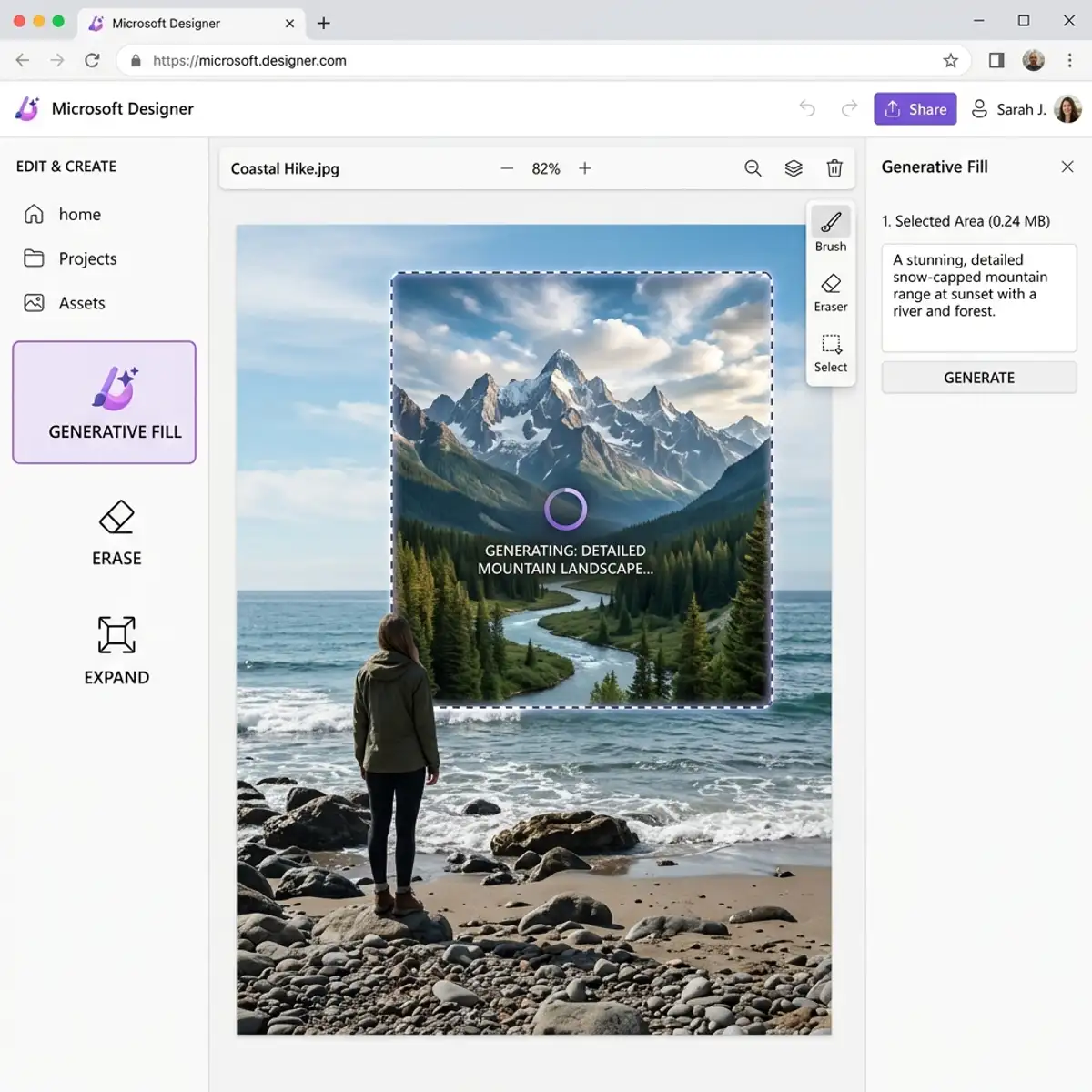
The Niji Mode interface in Midjourney is specifically tailored for anime art generation, presenting a streamlined workflow that enhances user experience. Upon accessing Niji Mode, users are greeted with a visually intuitive dashboard that consolidates essential tools and options. The layout is designed to minimize distractions, allowing artists to focus primarily on their creative process. Each feature is strategically placed, ensuring that frequently used functions are readily accessible while keeping the interface clean and organized.
One of the standout features of the Niji Mode interface is its contextual tooltips and help menus. These provide on-the-fly guidance about various configuration options and capabilities, assisting users in navigating the platform efficiently. For instance, hovering over specific features reveals detailed descriptions and best practices, which can significantly reduce the learning curve for new users. This interactivity is especially beneficial in a creative context where artists often experiment with different styles and techniques, as it fosters a more intuitive understanding of the tools at their disposal.
Furthermore, the interface supports a multi-layered approach to art creation. Users can manipulate layers, adjusting foreground and background elements independently, thus providing greater control over the composition. This is particularly useful for anime art, where the layering technique is fundamental. The interface allows for easy toggling between layers, enabling artists to isolate specific elements for detailed refinement without impacting other areas of their work. Such functionality encourages iterative design processes, where users can progressively enhance their artwork through systematic adjustments.
Advanced Configuration Options for Optimizing Anime Art Generation
Midjourney's Niji Mode offers a robust set of advanced configuration options that empower users to refine their artwork generation process. These options include adjustable parameters for style, aesthetics, and output resolution, all of which are important for achieving the desired anime art effect. Users can modify the style intensity, which influences how closely the generated art adheres to traditional anime characteristics, ranging from highly stylized interpretations to more realistic representations. This parameter can be particularly useful when artists aim to blend genres or experiment with cross-style collaboration.
Another critical configuration option is the aspect ratio setting. Midjourney allows users to specify the dimensions of the artwork, which is vital when preparing for platforms with distinct formatting requirements, such as social media or print media. By adjusting the aspect ratio, artists can ensure their work maintains its integrity across various display mediums. The ability to select from common aspect ratios or customize them further provides a significant degree of flexibility, enabling artists to create works that are not only visually appealing but also practically applicable in different contexts.
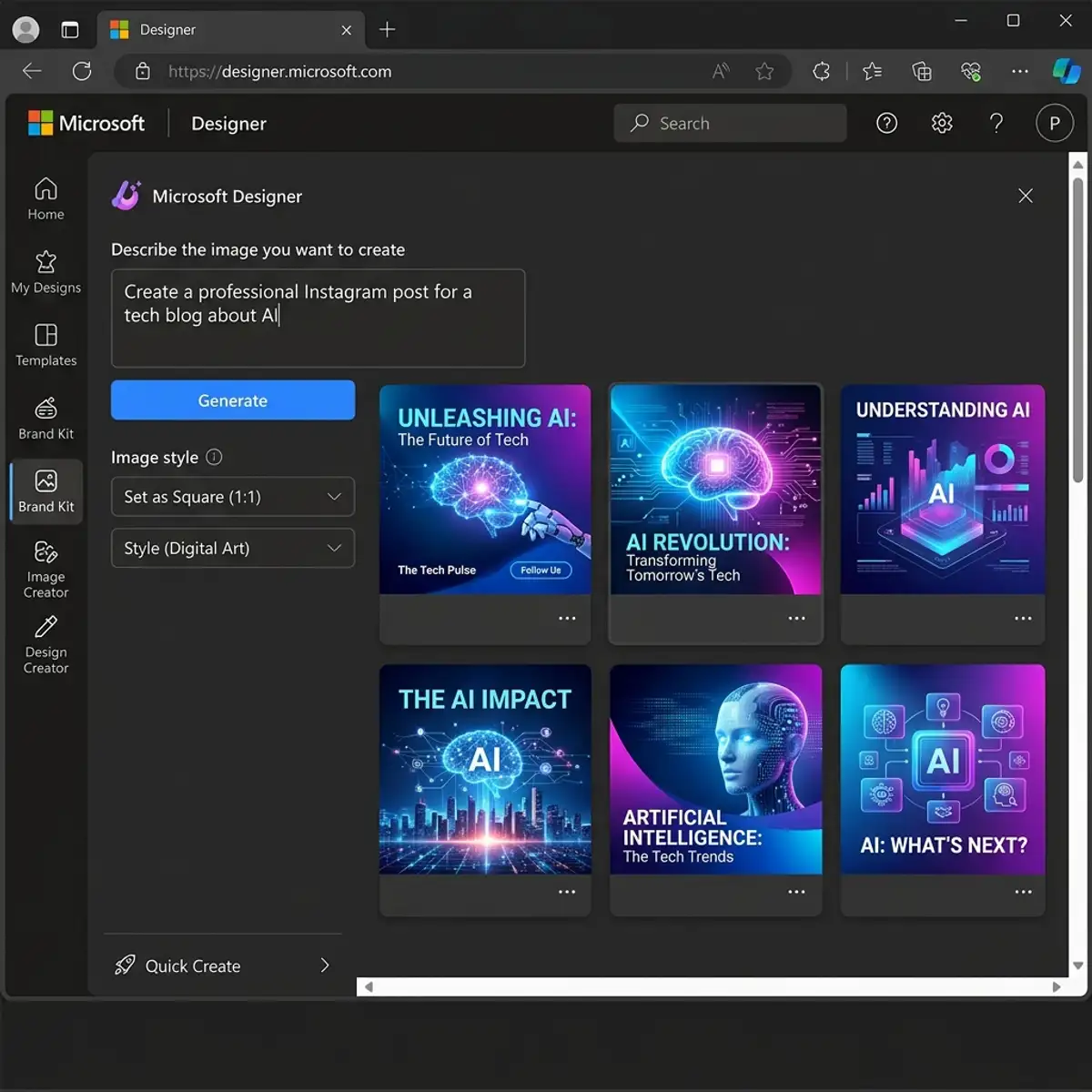
Additionally, users can leverage the "seed" parameter, which determines the randomness of the generated outputs. By setting a specific seed value, artists can reproduce results from previous sessions, facilitating a more controlled experimentation process. This feature is particularly beneficial for iterative workflows, where consistency is key to refining a concept or style. Taking advantage of these advanced configuration options allows artists to cultivate a personalized workflow that aligns with their creative vision, ultimately enhancing the overall quality and coherence of the anime art produced through Midjourney's Niji Mode.
Optimizing Your Workflow with Midjourney Niji Mode
In the realm of digital art, efficiency and workflow optimization are paramount, particularly when utilizing advanced AI tools like Midjourney's Niji Mode. A well-structured workflow not only enhances productivity but also enriches the creative process. The first step in optimizing your workflow is to define the stages of your art creation process: ideation, configuration, execution, and refinement. Each of these phases can be enhanced through specific strategies tailored for Niji Mode.
During the ideation phase, artists should harness the power of brainstorming and sketching preliminary concepts. Utilizing collaborative tools such as Miro or FigJam can facilitate real-time brainstorming sessions, allowing artists to visualize concepts before inputting them into Niji Mode. Once you have a clear vision, configuring your prompt with detailed descriptions and stylistic references becomes essential. The Niji Mode excels when fed with explicit parameters, so artists should focus on articulating their vision in a way that captures the essence of their desired outcome.
Moving into the execution phase, it's important to experiment with various configurations to achieve the best results. The Niji Mode allows for adjustments in aspect ratio, style weight, and iteration depth. Fine-tuning these parameters can significantly alter the output, making it essential for artists to document their settings and results. This practice not only aids in replicating successful outcomes but also helps in understanding the AI's response to different inputs, thereby fostering a more intuitive interaction with the tool.
Finally, the refinement stage is where the artist's touch truly comes into play. After generating initial outputs, artists should critically assess the results, identifying elements that align with their vision and those that require adjustment. Utilizing image editing software such as Adobe Photoshop or GIMP can further enhance the generated artwork. By integrating these tools into the workflow, artists can seamlessly transition from AI-generated concepts to finalized pieces, ensuring that each artwork resonates with their unique style and intent.
Advanced Prompt Engineering Techniques for Niji Mode
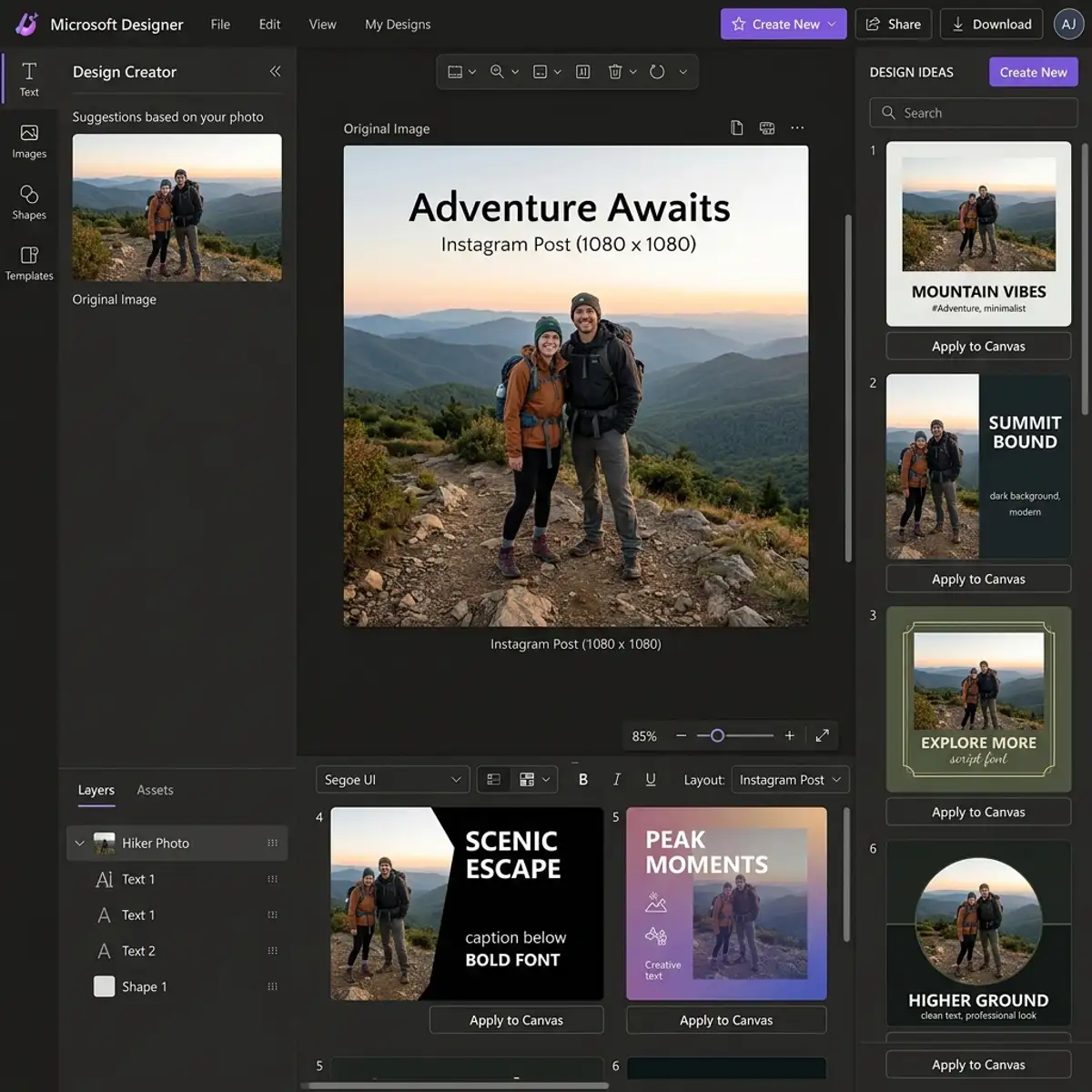
Prompt engineering is a critical skill when working with AI art generators like Midjourney's Niji Mode. The intricacies of crafting effective prompts can significantly influence the quality and relevance of the generated art. Advanced users leverage a variety of techniques to refine their prompts, ensuring they convey both clarity and creativity. One effective technique is using multi-layered prompts, which involve breaking down the desired output into specific attributes. For instance, instead of merely stating “a dragon,” a more detailed prompt could specify “a fierce, emerald dragon soaring through a stormy sky at dusk.” This level of detail helps the AI to hone in on the nuances of the desired image.
Moreover, artists should consider the inclusion of stylistic and thematic references within their prompts. By citing well-known art styles, genres, or even specific artists, users can guide the AI to produce outputs that align with their artistic vision. For example, a prompt could read “in the style of Studio Ghibli, depicting a whimsical village under a starry sky.” This approach not only anchors the generated art within a recognizable framework but also elevates the overall aesthetic quality by aligning it with established artistic principles.
Another advanced technique involves utilizing conditional language within prompts. This method allows the artist to introduce variables that can manipulate the AI's output based on specific conditions. For example, a prompt might specify, “if the sky is clear, depict a vibrant sunset; if it’s overcast, illustrate a dramatic thunderstorm.” This conditional approach can lead to more dynamic and varied outputs, providing artists with a broader spectrum of creative possibilities. By strategically employing these advanced prompt engineering techniques, artists can unlock the full potential of Midjourney’s Niji Mode, resulting in stunning and highly personalized anime art.
To expand your knowledge, check out our guide on generate Midjourney images on Discord mobile app.
Frequently Asked Questions
What is the difference between Niji Mode and standard Midjourney modes?
Niji Mode is tailored specifically for generating anime-style art, focusing on vibrant colors and character expressions, unlike standard modes which cater to a broader range of artistic styles. This specialization allows users to achieve aesthetics more closely aligned with traditional anime.
Can I use Midjourney Niji Mode for commercial projects?
Yes, images generated using Midjourney’s Niji Mode can be used for commercial purposes, provided you adhere to the platform's licensing agreements. It’s essential to familiarize yourself with these rules to ensure compliance when sharing or selling your artwork.
How can I improve my prompts for better results?
To enhance your prompts, be as specific as possible regarding character traits, settings, and artistic styles. Including references to popular anime or detailed descriptions will guide the AI more effectively, resulting in higher quality outputs that match your vision.




