LaCie Rugged Portable SSD Review: Is the Shielded Drive Worth It?

LaCie Rugged Portable SSD Review: Is the Shielded Drive Worth It?
The LaCie Rugged Portable SSD serves as a formidable contender in the portable storage arena. This review will dissect its attributes, performance, and overall value proposition for potential users.
Overview of Features
LaCie has designed the Rugged Portable SSD with a focus on durability and performance. It boasts a robust design, offering protection against drops and water damage.
Performance Metrics
The SSD operates via a USB 3.1 Gen 2 interface, enabling impressive read speeds of up to 1050 MB/s and write speeds reaching 1000 MB/s. This performance is crucial for users handling large files, such as high-resolution video and extensive photo libraries.
Capacity Options
Available in capacities ranging from 500GB to 2TB, the LaCie Rugged Portable SSD caters to various storage needs. This range provides flexibility for both casual users and professionals requiring substantial space.

Comparison Table
| Brand | Read Speed (MB/s) | Write Speed (MB/s) | Capacity Options | Price Range |
|---|---|---|---|---|
| LaCie Rugged Portable SSD | 1050 | 1000 | 500GB, 1TB, 2TB | $169 - $499 |
| Samsung T7 Portable SSD | 1050 | 1000 | 500GB, 1TB, 2TB | $99 - $299 |
| SanDisk Extreme Portable SSD | 1050 | 1000 | 500GB, 1TB, 2TB | $109 - $329 |
Design and Durability
The design of the LaCie Rugged Portable SSD integrates a rubber sleeve, enhancing its resistance to impact and environmental factors. The IP67 rating signifies protection against dust and water immersion, making it ideal for outdoor use.
Ease of Use
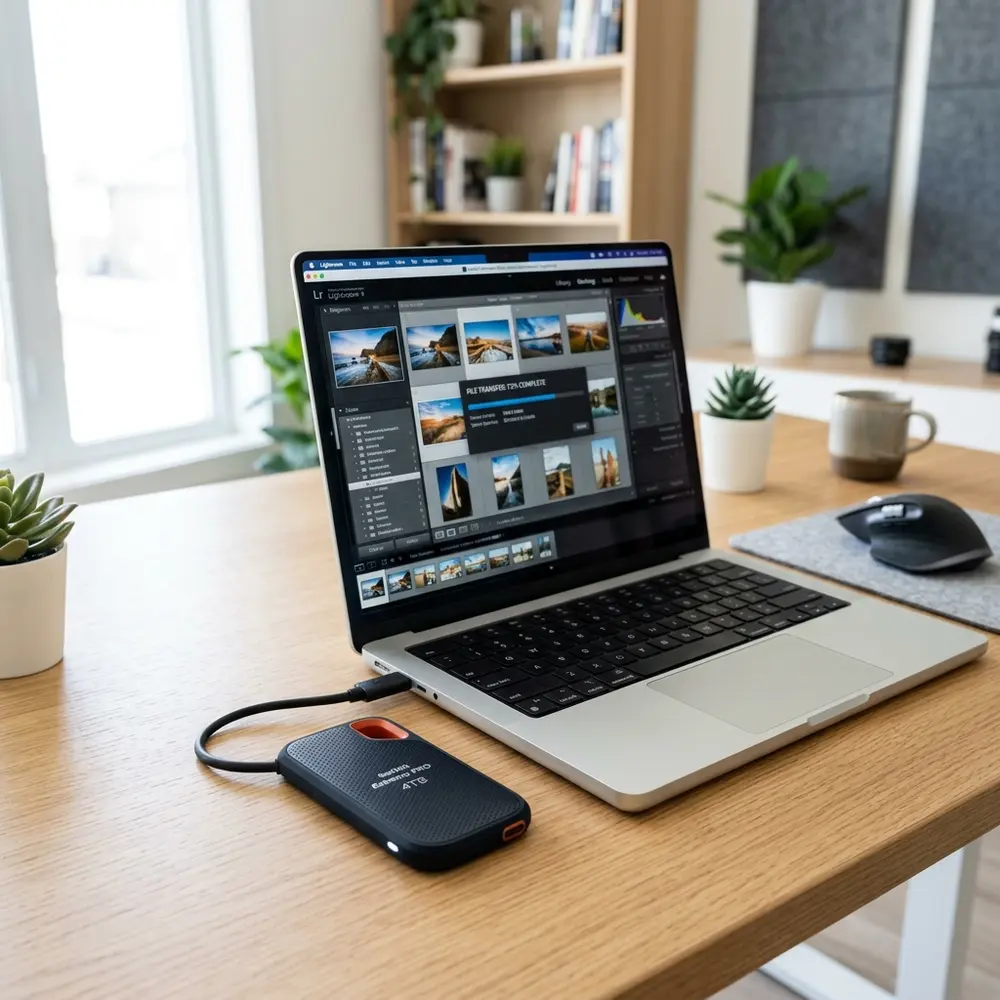
Setting up the LaCie Rugged Portable SSD is straightforward. It is compatible with both Windows and macOS, allowing immediate accessibility without the need for additional software installations.
Data Security Features
Equipped with AES 256-bit encryption, the SSD ensures data security through password protection. This feature is paramount for professionals managing sensitive information.
Portability
Lightweight and compact, the LaCie Rugged Portable SSD easily fits into bags or pockets. This portability is essential for users who frequently travel or work on-site.
Pricing Analysis
Pricing varies based on capacity, with a general market range of $169 to $499. This pricing positions the device at a premium compared to some competitors, but it can be justified by its robust features.
Pros and Cons
- Pros: High-speed performance, durable design, multiple capacity options, data encryption.
- Cons: Higher price point compared to competitors, potential overkill for casual users.
DomineTec Tip: For those interested in safeguarding their data, consider learning how to backup iPhone to computer without iCloud.
Who Should Consider the LaCie Rugged Portable SSD?
This storage solution is ideal for photographers, videographers, and professionals requiring reliable, fast access to large files. Its durability also appeals to outdoor enthusiasts and field workers.
Final Verdict
The LaCie Rugged Portable SSD stands out due to its combination of speed, durability, and security features. For users who prioritize performance and reliability, investing in this SSD is warranted.
Frequently Asked Questions
1. What is the maximum read and write speed of the LaCie Rugged Portable SSD?
The maximum read speed is 1050 MB/s, while the write speed can reach 1000 MB/s.
2. Is the LaCie Rugged Portable SSD waterproof?
Yes, it has an IP67 rating, which provides protection against dust and water immersion.
3. Can the LaCie Rugged Portable SSD be used with both Windows and macOS?
Yes, it is compatible with Windows and macOS operating systems without requiring additional software.
4. Does it come with data encryption features?
Yes, it features AES 256-bit encryption for enhanced data protection and security.
5. How does the LaCie Rugged Portable SSD compare to other brands?
It offers similar performance metrics to competitors like Samsung and SanDisk but with enhanced durability features.
Advanced Setup Tips for LaCie Rugged Portable SSD
When setting up the LaCie Rugged Portable SSD, ensure to format the drive according to the intended operating system for optimal performance. Utilizing the exFAT file system allows for cross-compatibility between macOS and Windows, making data transfer seamless.
Additionally, consider using USB-C connections to fully leverage the drive's high-speed capabilities. This connection type not only enhances transfer speeds but also provides a single cable solution for modern devices.
Employing backup software can also maximize the utility of the LaCie drive. Regular backups not only protect data but also streamline the process of restoring it when necessary.
Common Mistakes to Avoid
A frequent mistake is neglecting to safely eject the drive before disconnecting it from the computer. This oversight can lead to data corruption or loss, undermining the reliability of the device.
Another common error is ignoring firmware updates provided by the manufacturer. Keeping the drive's firmware up to date ensures optimal performance and compatibility with the latest software and hardware.
Many users also underestimate the importance of proper storage conditions. Exposing the drive to extreme temperatures or humidity can affect its durability and functionality over time.
Comparing LaCie Rugged Models
The LaCie Rugged Portable SSD comes in various models, each tailored for specific user needs. Comparing storage capacity, transfer speed, and ruggedness can help determine the best fit for individual requirements.
For instance, the LaCie Rugged SSD Pro offers faster read and write speeds compared to the standard SSD, making it ideal for professionals requiring high-performance data handling. However, the standard model may suffice for casual users who prioritize portability and price.
Evaluating the additional features such as password protection and hardware encryption can also influence the choice between models. Understanding these differences ensures that the selected model meets both performance and security needs.
Use Case Scenarios for the LaCie Rugged Portable SSD
The LaCie Rugged Portable SSD is particularly beneficial for photographers and videographers who require reliable storage in the field. Its durability against drops and water resistance makes it an essential tool for capturing content in various environments.
Creative professionals often use the drive for fast data transfer during on-location shoots, minimizing downtime. This efficiency is crucial when working on tight deadlines or in dynamic settings.
Additionally, gamers may utilize the LaCie Rugged SSD to store and access large game files and updates with ease. The high-speed performance enhances the gaming experience by reducing load times significantly.
System Compatibility Considerations
Before purchasing the LaCie Rugged Portable SSD, it is essential to check system compatibility. The drive supports both macOS and Windows systems, but specific configurations may require additional setup.
Users of older operating systems may need to ensure that their devices support USB-C connections or may require adapters. Understanding these requirements will prevent any compatibility issues that could hinder performance.
Furthermore, compatibility with software applications used for data management or backup is also important. Ensuring that the SSD works seamlessly with preferred tools can enhance overall productivity.
Cost Estimates and Value for Money
The price of the LaCie Rugged Portable SSD varies based on storage capacity and model features. Generally, investing in a higher-capacity drive can provide better value for users who frequently handle large files.
While the initial cost may seem higher than traditional external drives, the benefits of speed, durability, and security justify the investment. Evaluating long-term usage and potential savings in time and data recovery can further highlight its value.
It is advisable to compare prices across various retailers to secure the best deal. Discounts or promotions may also be available, especially during holiday seasons or special sales events.
Troubleshooting Common Issues
In the event of connectivity issues, checking the cable and port is the first step in troubleshooting. Using a different USB-C cable or port can often resolve these problems quickly.
If the drive is not recognized by the computer, reformatting it may be necessary, but this action should only be taken after backing up any accessible data. This precaution prevents data loss during the troubleshooting process.
Users experiencing slow transfer speeds should consider reviewing their system's performance and background applications that may be consuming resources. Optimizing the operating environment can significantly enhance transfer rates.
When to Seek Expert Help
Expert assistance should be considered when persistent issues arise that cannot be resolved through standard troubleshooting methods. This may include persistent connectivity problems or failure to recognize the drive across multiple systems.
If data corruption or loss occurs, professional data recovery services may be necessary to retrieve important files. Attempting DIY solutions in such cases can sometimes lead to further damage.
Additionally, seeking help from LaCie's customer support can provide valuable insights and solutions tailored to specific concerns. Accessing expert advice ensures that the drive operates optimally and safely.
LaCie Rugged Portable SSD Review: Is the Shielded Drive Worth It?
FAQ
-
What is the storage capacity of LaCie Rugged Portable SSD?
The LaCie Rugged Portable SSD is available in multiple storage options ranging from 500GB to 2TB.
This drive boasts read speeds of up to 1050 MB/s and write speeds of up to 1000 MB/s, making it suitable for high-performance tasks.
The drive is designed to be water-resistant and can withstand splashes, but it is not fully waterproof. Proper care should be taken to avoid full submersion.
Yes, it comes with USB-C connectivity and is also compatible with USB 3.0, making it versatile for various devices.
The LaCie Rugged Portable SSD typically comes with a three-year limited warranty, covering manufacturing defects and malfunctions.
Verification Checklist
-
Performance Testing:
- Conduct read/write speed tests using benchmarking software.
- Compare results against manufacturer claims.
- Perform drop tests from various heights (up to 2 meters).
- Assess resistance to water by splashing or briefly submerging in water.
- Connect the drive to various devices (laptops, desktops, tablets).
- Test functionality with different operating systems (Windows, macOS).
- Check compatibility with LaCie's software suite for data recovery and backup.
- Assess ease of use and functionality of bundled software.
Comparison Table
| Feature | LaCie Rugged Portable SSD | Samsung T7 Portable SSD | SanDisk Extreme Portable SSD |
|---|---|---|---|
| Storage Capacity | 500GB, 1TB, 2TB | 500GB, 1TB, 2TB, 4TB | 500GB, 1TB, 2TB, 4TB |
| Read Speed | Up to 1050 MB/s | Up to 1050 MB/s | Up to 1050 MB/s |
| Write Speed | Up to 1000 MB/s | Up to 1000 MB/s | Up to 1000 MB/s |
| Water Resistance | Yes (splash resistant) | No | Yes (IP55 rated) |
| Shock Resistance | Yes (up to 2m drop) | Yes (up to 2m drop) | Yes (up to 2m drop) |
| Warranty | 3 Years | 3 Years | 5 Years |
Technical Glossary
-
SSD (Solid State Drive):
A type of storage device that uses flash memory to store data, known for faster performance compared to traditional hard drives.
-
Read Speed:
The speed at which data can be read from the storage device, typically measured in MB/s (megabytes per second).
-
Write Speed:
The speed at which data can be written to the storage device, also measured in MB/s.
-
Water Resistance:
Refers to the ability of the device to withstand exposure to water to a certain degree without incurring damage.
-
Shock Resistance:
Indicates a device's ability to withstand drops and impacts without failing or losing data integrity.
-
USB-C:
A type of USB connector that is reversible and supports higher data transfer rates and power delivery compared to previous USB standards.




