How to Usar o App iSolarCloud para Inversores Sungrow e Growatt
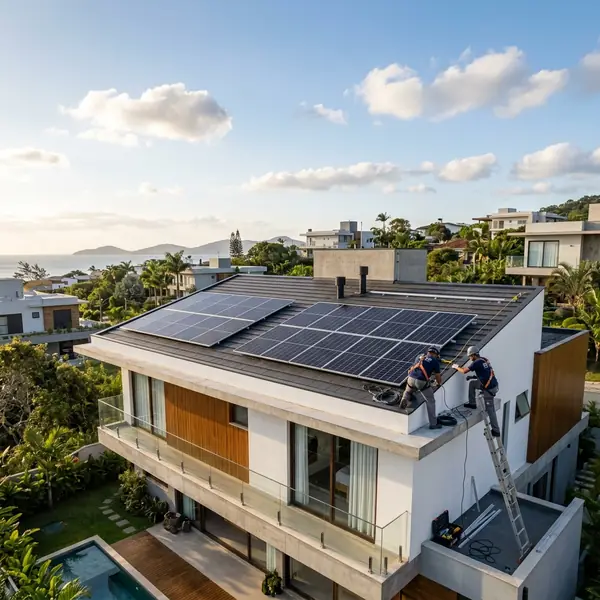
The iSolarCloud app is used to monitor Sungrow and Growatt inverters by connecting their datalogger to the home Wi-Fi network.
Introduction to iSolarCloud
The iSolarCloud app is used to monitor Sungrow and Growatt inverters by connecting their datalogger to the home Wi-Fi network. Choosing and installing the right system ensures energy independence and long-term utility bill reductions.
iSolarCloud is a robust app designed for homeowners using Sungrow and Growatt inverters. This application enables users to monitor their solar energy systems remotely. It provides real-time data on energy production, consumption, and system performance.
Understanding how to use iSolarCloud effectively can enhance your solar energy experience. Monitoring your system allows you to make informed decisions about energy usage and savings.
Benefits of Using iSolarCloud
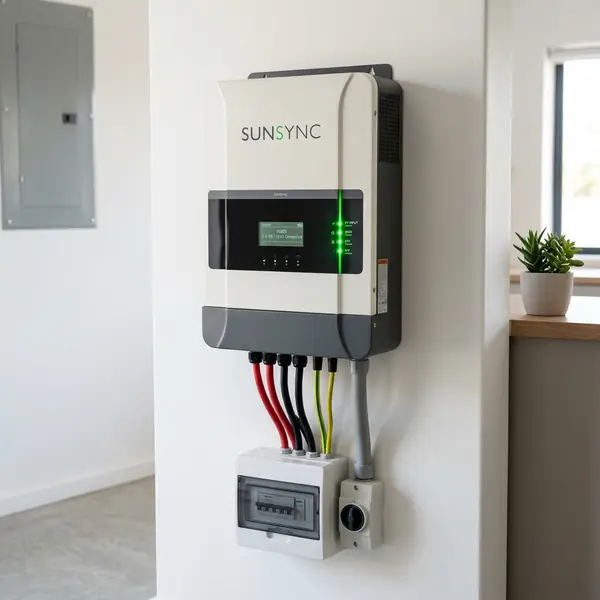
There are several benefits to utilizing the iSolarCloud app. It offers a user-friendly interface, making it easy to navigate through your solar energy data. This ease of use is one of the key features that homeowners appreciate.
Additionally, iSolarCloud enables you to track performance metrics over time. This helps in identifying trends and potential issues before they become significant problems.
Real-Time Monitoring
With iSolarCloud, you can monitor your solar energy production in real-time. This feature is important for understanding how much energy your system generates throughout the day.
Real-time monitoring also allows you to assess how much energy your home consumes. This insight helps you optimize energy use and increase your savings.
Performance Reports
The app generates detailed performance reports that can be accessed at any time. These reports include data on energy production, efficiency, and system health.
Having these reports on hand can also help when discussing performance with your solar installer or service provider. Accurate data can lead to better service and maintenance.
Setting Up iSolarCloud
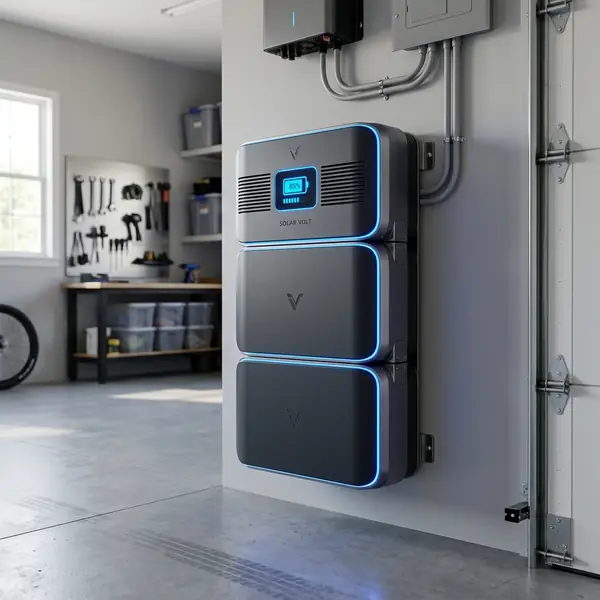
Setting up the iSolarCloud app is a straightforward process. However, it requires a few important steps to ensure that your Sungrow or Growatt inverter is properly connected to your home Wi-Fi network.
Step 1: Download the App
The first step is to download the iSolarCloud app from the App Store or Google Play Store. The app is free and easy to install on most smartphones.
Once downloaded, open the app and create an account if you do not already have one. This account will be important for accessing your solar data.
Step 2: Connect the Datalogger
Next, you need to connect the datalogger from your inverter to your home Wi-Fi network. The datalogger is a small device that collects data from your inverter and transmits it to the iSolarCloud app.
Follow the manufacturer's instructions for connecting the datalogger. Usually, this involves accessing the settings on the device and selecting your Wi-Fi network.
Step 3: Configure the App
After connecting the datalogger, return to the iSolarCloud app and log in with your account. You will need to add your inverter to your app profile.
Input your inverter’s serial number and other required information. The app will guide you through this process, ensuring that your system is correctly configured.
Understanding the iSolarCloud Interface
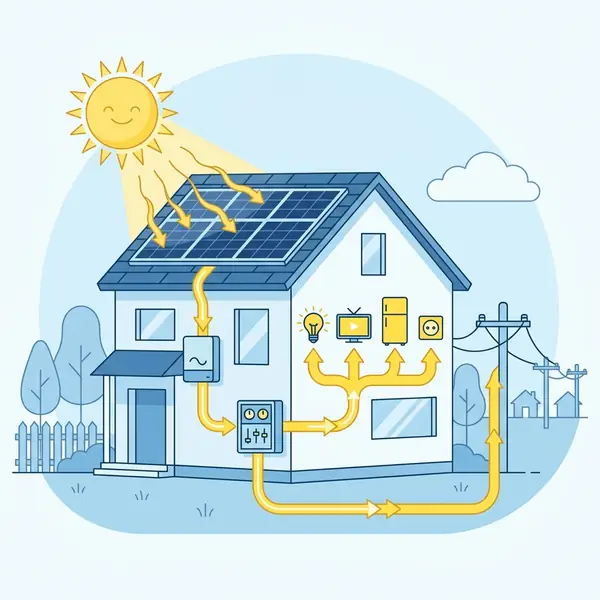
The iSolarCloud app interface is designed to be intuitive. Once logged in, you will find various sections that display different types of information about your solar system.
Home Screen Overview
The home screen provides a snapshot of your system's performance. You can view real-time data on energy generation, total consumption, and more.
Graphs and charts are available to help visualize this data easily. These visual aids can assist you in understanding your energy trends.
Data Analysis Features
In addition to the home screen, iSolarCloud offers detailed analytics. You can dive deeper into your system’s performance through various menus.
These features enable you to compare daily, weekly, or monthly production and consumption. This comparison can help identify patterns and optimize energy usage.
Common Issues and Troubleshooting
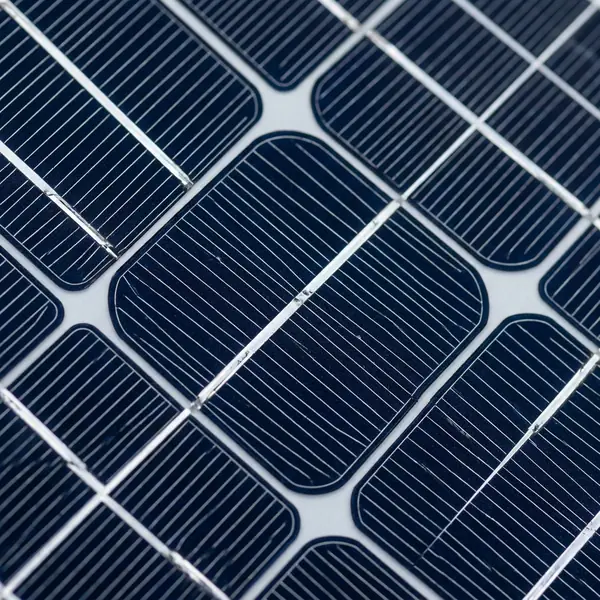
While using the iSolarCloud app, you may encounter some common issues. Understanding how to troubleshoot these problems can enhance your experience.
Connectivity Problems
One of the most frequent issues is connectivity between the datalogger and the Wi-Fi network. If your app is not displaying data, check your Wi-Fi connection first.
Ensure that your datalogger is within range of your Wi-Fi router. If necessary, consider relocating the router or adding a Wi-Fi extender.
Data Syncing Issues
Another common issue is data not syncing correctly. If you notice discrepancies in data, try refreshing the app or restarting your device.
Sometimes, the app may need a moment to update. Ensure that your app is running the latest version for optimal performance.
Integrating iSolarCloud with Smart Home Systems
iSolarCloud can also be integrated with various smart home systems. This integration allows for more advanced energy management.
Smart Home Compatibility
Many homeowners are incorporating smart home technology into their living spaces. iSolarCloud can work alongside devices like smart thermostats and energy monitors.
This compatibility enables you to automate your energy consumption based on real-time solar production data.
Benefits of Smart Integration
With smart home integration, users can optimize energy usage more efficiently. For instance, you can schedule energy-intensive tasks when solar production is at its peak.
This not only saves money but also maximizes the use of clean energy generated by your system.
Comparing Sungrow and Growatt Inverters
When using iSolarCloud, it’s important to understand the differences between Sungrow and Growatt inverters. Both brands offer reliable options for solar energy systems.
Here is a comparison table of their key features:
| Feature | Sungrow Inverters | Growatt Inverters |
|---|---|---|
| Efficiency | Up to 98.4% | Up to 98.4% |
| Warranty | 5-10 years | 5-10 years |
| Monitoring | iSolarCloud | iSolarCloud |
| Size Options | 3kW to 250kW | 1kW to 100kW |
| Price Range | From $1,500 | From $1,200 |
Future of Solar Energy Monitoring
The future of solar energy monitoring looks promising. As technology advances, apps like iSolarCloud will become even more sophisticated.
Enhanced features may include predictive analytics and AI-driven insights. These advancements will help homeowners make better energy decisions.
Continuous Improvement
Developers are consistently updating the iSolarCloud app. Feedback from users is vital for these improvements.
Engaging with the app's community can provide insights and tips on optimizing your solar energy use.
Conclusion
The iSolarCloud app is a powerful tool for homeowners with Sungrow and Growatt inverters. It provides real-time monitoring, data analysis, and troubleshooting assistance.
By understanding how to set up and use the app, you can maximize your solar energy system's potential. This knowledge will not only save you money but also contribute to a more sustainable future.
DomineTec Tip: Always ensure your app is updated to access the latest features and improvements.
FAQs
Can I use iSolarCloud with other inverter brands?
iSolarCloud is specifically designed for Sungrow and Growatt inverters. Other brands may not be supported.
What should I do if my data is not syncing?
Try refreshing the app and ensure it is updated to the latest version. Restarting the device can also help.
Is there a cost associated with using iSolarCloud?
The iSolarCloud app is free to download and use. There may be costs associated with the installation of the inverter and datalogger.
Where can I find more information about my inverter?
You can visit the official Sungrow and Growatt websites for detailed specifications and support information.
For more detailed insights about solar energy systems, check out our articles on solar energy savings and solar installation guide.
For official information on solar energy and technologies, visit the NREL website.
Understanding the iSolarCloud App
The iSolarCloud app is a powerful tool that provides users with real-time monitoring and management capabilities for their solar energy systems. Designed specifically for Sungrow and Growatt inverters, it allows users to track energy production, consumption, and system performance from the convenience of their smartphones or tablets. The app enhances user experience by offering comprehensive insights and analytics into solar energy generation.
One of the main features of the iSolarCloud app is its user-friendly interface, which simplifies navigation and access to vital data. Users can effortlessly view their energy generation history, compare performance over different time frames, and even receive alerts regarding system anomalies. This level of accessibility empowers users to optimize their solar energy usage effectively.
To get started with the iSolarCloud app, users will first need to download it from the Apple App Store or Google Play Store. Once installed, creating an account and linking it to your Sungrow or Growatt inverter is the next step. The app supports both iOS and Android devices, ensuring compatibility for a wide range of users.
Setting Up Your iSolarCloud Account
Setting up your iSolarCloud account is a straightforward process that requires a few important steps. After downloading the app, open it and select the option to create a new account. You will be prompted to provide an email address and a secure password.
Ensure you choose a password that is both strong and memorable for future access.
Once you have created your account, the next step is to link your inverter to the app. This involves entering the unique device ID provided with your inverter installation. The app will guide you through the process of connecting to your solar system, ensuring that you can view real-time data almost immediately.
After successfully linking your inverter, it’s important to familiarize yourself with the app's features. Take some time to explore the various sections, including energy production statistics, system health checks, and alerts. This knowledge will enable you to maximize the potential of your solar system effectively.
Utilizing Key Features of iSolarCloud
The iSolarCloud app is packed with features designed to enhance your solar energy experience. One of the most beneficial features is the real-time monitoring of energy production. Users can see how much energy their solar panels are generating at any moment, allowing for optimized energy consumption strategies.
In addition to real-time monitoring, the app provides performance analytics. Users can access historical data regarding energy production, consumption trends, and system efficiency. This data can be invaluable for identifying patterns in energy usage, leading to more informed decisions regarding energy consumption and potential savings.
Moreover, the app also includes a notification system that sends alerts for any irregularities in your solar system. For example, if your inverter detects an error or if energy production drops unexpectedly, users will receive a prompt notification. This feature allows for quick action, ensuring your system operates at peak performance.
Troubleshooting Common Issues
While the iSolarCloud app is designed to be user-friendly, you may encounter some issues during setup or while using the app. One common problem is the failure to connect the app to your inverter. If this occurs, first verify that you have entered the correct device ID and that your inverter is powered on and functioning properly.
Another issue users may face is the app not displaying real-time data. In such cases, ensure that your smartphone or tablet has an active internet connection. Sometimes, simply refreshing the app or restarting your device can resolve the issue.
Additionally, check for any available app updates, as these can often include bug fixes and improvements.
If problems persist, consult the app’s help section or reach out to customer support for further assistance. They can provide guidance tailored to your specific situation, ensuring you can fully utilize the iSolarCloud app to its maximum potential.
Frequently Asked Questions
What is the average payback period for home solar?
The average payback period in the US ranges between 5 and 9 years, depending on state incentives and utility rates.
Do solar panels generate electricity without direct sunlight?
Yes, they produce power on cloudy days but at a reduced capacity of 10% to 25%. They do not generate electricity at night.
How much maintenance do home solar panels require?
Maintenance is minimal, typically involving cleaning the panels twice a year and performing a system health check.
Do I need battery storage for my solar energy system?
It is not required for grid-tied systems, but batteries are vital for off-grid operations or backup power during grid blackouts.
Can I completely eliminate my monthly electricity bill?
You cannot reach absolute zero because most utilities charge a basic monthly grid connection fee regardless of production.




