HP Smart Tank 517 Review: Is This Ink Tank Printer Worth It?
HP Smart Tank 517 Review: Is This Ink Tank Printer Worth It?
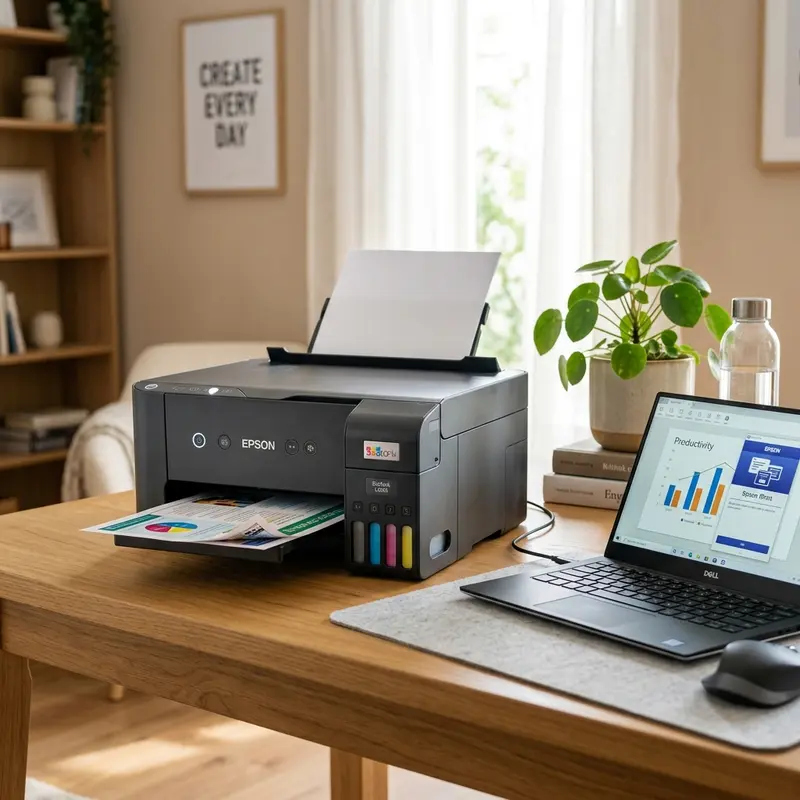
The HP Smart Tank 517 is a multifunction inkjet printer designed for home users and small offices with moderate to high printing volumes. The HP Smart Tank 517 is worth buying if you print more than 200 pages per month, since the included ink bottles yield up to 8,000 color pages and 6,000 black pages, reducing your cost per page to under $0.01 compared to $0.05–$0.15 for cartridge-based printers. However, it lacks automatic duplex printing and its 60-sheet input tray is modest for office environments.
1. Technical Specifications and Hardware Architecture
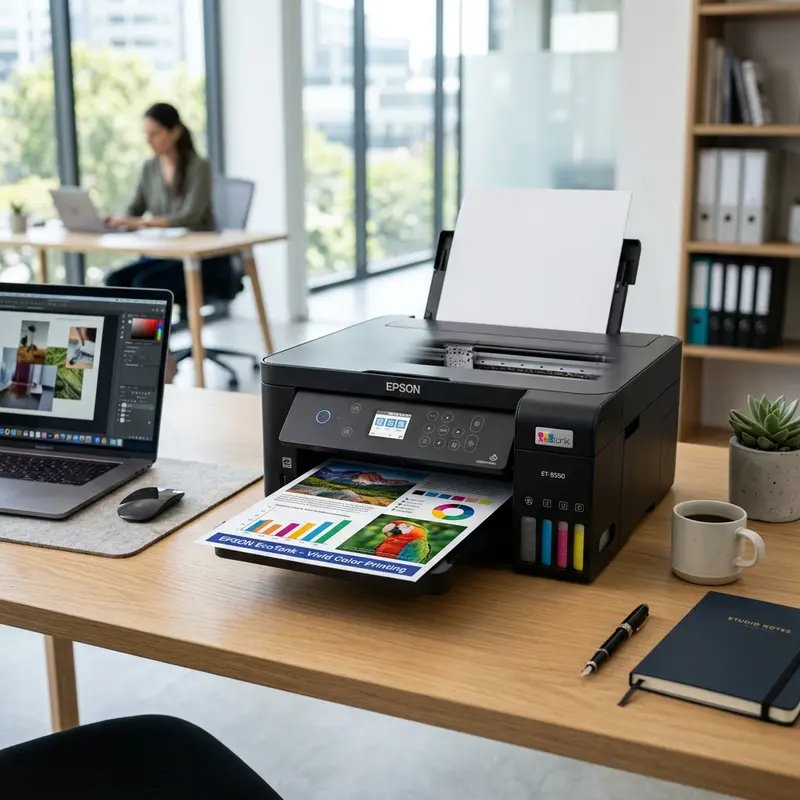
The HP Smart Tank 517 uses thermal inkjet printing technology with fixed printheads integrated into the printer body — these are not user-replaceable. Maximum print resolution reaches 4800 x 1200 dpi in best quality mode, which delivers excellent results on glossy photo paper up to 4 x 6 inches. Standard text printing operates at 1200 x 1200 dpi with speeds up to 22 ppm in black and 16 ppm in color.
The paper feed system handles A4, legal, and letter formats with thickness between 60 and 105 g/m². The front tray holds up to 60 sheets and the output tray handles 25 sheets — intentionally modest since HP positions the Smart Tank 517 as a residential product, not a high-volume office device. Communication interfaces include USB 2.0 for wired connection and Wi-Fi 802.11b/g/n (2.4 GHz only) for wireless printing.
The control panel has no LCD screen — it uses status LEDs and two physical buttons (Wireless and Cancel). This simplifies basic operation but requires mandatory use of the HP Smart app on a smartphone or computer driver for advanced settings, print history access, and quality adjustments.
2. Ink Tank System: Capacity and Real-World Yield
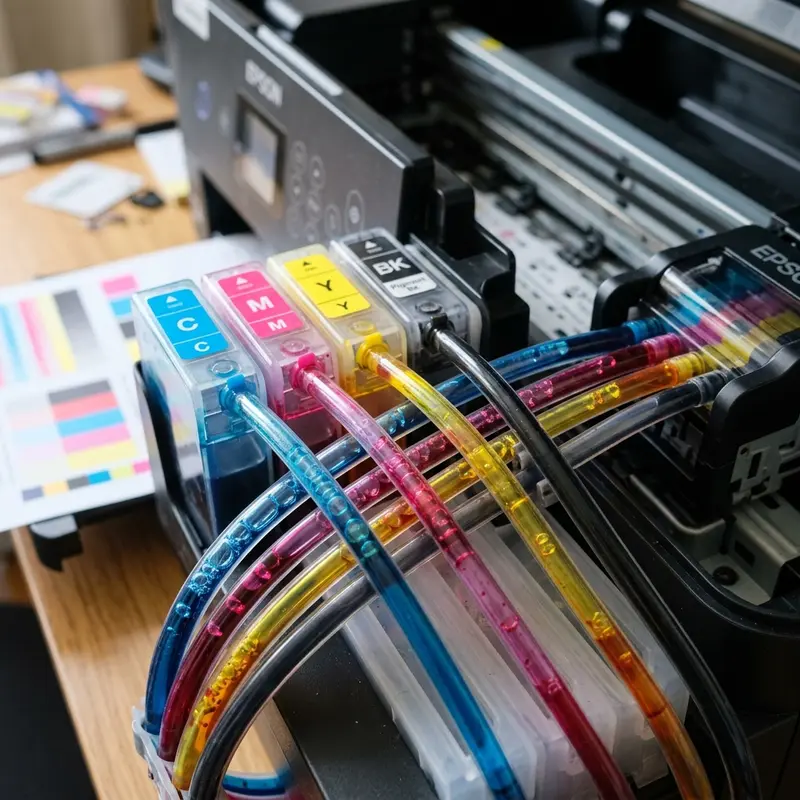
The Smart Tank 517's central advantage is its integrated external ink reservoir system. Translucent front tanks allow you to check ink levels without opening any compartments. The box includes high-capacity HP GT53XL black ink bottles and HP GT52 color ink bottles (Cyan, Magenta, and Yellow).
Under ISO standard testing conditions (5% page coverage), the included ink bottles yield approximately 6,000 black pages and 8,000 color pages. In real-world home use — where text documents, school worksheets, and occasional photos form most of the print volume — effective yield typically runs 4,000 to 5,500 pages per black bottle since average text coverage rarely exceeds 3 to 4%.
Replacement HP GT53XL (black) and HP GT52 (color) bottles are sold separately at major retailers for roughly $15–$25 per bottle, keeping operational costs well below any equivalent cartridge system. HP GT53 black ink uses pigment-based formulation (superior water resistance and durability) while color inks use dye-based chemistry for a wider color gamut in photo printing.
3. Scanner and Copier Functions
The HP Smart Tank 517 is a multifunction device (printer + scanner + copier) with a flatbed scanner offering 1200 x 1200 dpi optical resolution. The maximum scan area is A4 (8.5 x 11.7 inches). There is no ADF (Automatic Document Feeder), meaning multi-page scanning requires manually repositioning each sheet on the glass — a real limitation for users who frequently scan multi-page documents.
Direct copying without a computer works via the physical buttons on the control panel. You can make a single copy at standard resolution by pressing the color or black copy button. Setting copy count above one requires the HP Smart app or driver software.
4. Wi-Fi Connectivity and HP Smart App
Wi-Fi setup for the HP Smart Tank 517 is done through the HP Smart app available on the App Store and Google Play. The pairing process uses HP Wireless Setup protocol — holding the Wireless button for 3 seconds puts the printer into discovery mode with the Wi-Fi light blinking blue. The app detects the printer via local broadcast and pushes Wi-Fi credentials directly to the firmware.
Important caveat: the Smart Tank 517 supports only 2.4 GHz Wi-Fi networks. Modern dual-band routers broadcasting a unified SSID (same network name for both 2.4 GHz and 5 GHz) can cause pairing failures as the device attempts to connect to the faster 5 GHz band and gets rejected. Separate your SSIDs in router settings during setup — name them "NetworkName" and "NetworkName_5G" to force the printer onto the correct frequency band.
The HP Smart app provides ink level monitoring, print history, quality settings, and direct photo printing from your camera roll. For Windows, the HP Smart Tank 517 Series driver includes the same graphical monitoring interface. For deeper printer management tips, see our guide on how to connect an HP printer to Wi-Fi.
5. Technical Comparison: HP Smart Tank 517 vs Competitors
| Feature | HP Smart Tank 517 | Epson L3250 | Canon G3110 |
|---|---|---|---|
| Black page yield | 6,000 | 4,500 | 6,000 |
| Black print speed (ppm) | 22 | 10 | 9 |
| Automatic duplex | No | No | No |
| Control panel display | LEDs only | LEDs only | 7-segment LCD |
| Input tray capacity | 60 sheets | 100 sheets | 100 sheets |
| Wi-Fi band | 2.4 GHz only | 2.4 GHz only | 2.4 GHz only |
6. Real Drawbacks and Limitations
Despite its operational cost advantages, the HP Smart Tank 517 has concrete limitations worth considering before purchasing. Most notably, there is no automatic duplex printing. Double-sided printing requires manually flipping pages — tedious for documents over 10 pages. While competitors at this price point (like the Epson L3250) also lack this feature, it's a valid criticism of the entire entry-level tank segment.
The minimalist control panel (no display, only two buttons) is a real operational limitation. When the printer encounters an error — paper jam, out of paper, or printhead error — the user must interpret a blinking LED combination, requiring a manual lookup or HP Smart app check to decode the error code. The Canon G3110's 7-segment LCD shows the error code directly on the physical panel.
The stated 22 ppm speed is achieved only in draft quality mode for plain text. For normal quality documents or color printing with images, actual speed drops to 7–12 ppm. Fine for home use, but can become frustrating for micro-businesses printing 500+ pages daily.
7. Who Should Buy It and When to Avoid It
The HP Smart Tank 517 is particularly well-suited for families with school-age children who regularly print assignments, worksheets, and study materials. The extremely low cost per page and the HP Smart app's ease of printing directly from a phone serve this profile very well. It also suits home-based professionals — freelance designers, teachers, accountants — printing 100–400 pages monthly.
Skip the HP Smart Tank 517 if you need frequent automatic duplex printing, if your router operates exclusively on 5 GHz, or if your monthly volume exceeds 800 pages. Also verify local availability of HP GT52 and GT53 inks before purchasing, as distribution in smaller markets can be limited. For a broader comparison, see our detailed review of the best Epson EcoTank printers for value.
8. Photo Printing with the HP Smart Tank 517
The HP Smart Tank 517 delivers satisfactory visual results on high-quality glossy photo paper when correctly configured in the driver. Maximum resolution of 4800 x 1200 dpi in best quality mode is sufficient for A4 photo prints with acceptable quality for personal use — family albums, home décor, and personalized gifts. However, for professional studio quality or large-format fine art paper printing, this printer doesn't meet the requirements of a demanding professional photographer.
The dye-based ink in Cyan, Magenta, and Yellow colors (HP GT52) produces vibrant colors and a relatively wide color gamut on photo paper. However, dye-based colors are more susceptible to UV fading over years when exposed to direct sunlight. For long-term photo archival, the pigment-based ink technology used in high-quality photo printers offers superior durability.
To optimize photo quality on the HP Smart Tank 517: use high-quality HP AdvancedPhoto Paper or equivalent glossy paper, select the correct paper type in the driver's printing preferences, enable maximum quality mode (Best), and always print in color mode — even for photos with neutral tones, since the driver applies an ICC color profile that improves tonal reproduction.
9. Preventive Maintenance to Extend Useful Life
Adopting a simple preventive maintenance routine can significantly extend the HP Smart Tank 517's lifespan and prevent clogging and print quality issues:
- Print at least one page per week: Prolonged inactivity is the biggest enemy of thermal ejector nozzles. Stagnant ink in the nozzles evaporates solvents and crystallizes. Maintaining a minimum weekly printing cycle keeps nozzles moistened and functional.
- Keep the printer in a dust-protected location: Dust accumulation on pickup rollers and the optical paper sensor causes jams. Cover the printer with a fabric cover when not in use for extended periods.
- Don't mix ink brands in the tanks: Using original HP GT52/GT53 ink and then adding generic ink to the same tank without completely cleaning it first can cause chemical reactions between different formulations, creating precipitates that permanently clog the nozzles.
- Check for firmware updates: HP periodically releases firmware updates via the HP Smart app that improve Wi-Fi stability, fix communication bugs, and can improve automatic cleaning cycle efficiency.
Following these simple practices, the HP Smart Tank 517 can have a useful life of 5 to 7 years under moderate home volumes — a considerable return on investment compared to cartridge printers that frequently fail after 2 to 3 years of use.
10. Final Verdict: Pros and Cons Summary
After analyzing all aspects of the HP Smart Tank 517, here is a clear assessment of its strengths and weaknesses for different user profiles:
Pros: Extremely low cost per page for high-volume users, large included ink supply in the box, fast print speed for its class (22 ppm black), easy smartphone printing via HP Smart app, transparent tank monitoring without opening compartments, and a strong brand with wide official support network.
Cons: No automatic duplex printing, 2.4 GHz only Wi-Fi (not compatible with 5 GHz-only networks), small 60-sheet input tray, no LCD control panel for direct error reading, and higher price-per-cartridge if you only need occasional printing. The HP Smart Tank 517 hits an optimal sweet spot for users printing regularly in a home or home-office environment where cost per page matters more than advanced features.
11. HP Smart Tank 517 vs HP DeskJet 2776: Key Differences
A common comparison shoppers make is between the HP Smart Tank 517 and the more affordable HP DeskJet 2776, which also supports Wi-Fi and costs considerably less upfront. Here are the critical differences that inform the buying decision:
The DeskJet 2776 uses disposable ink cartridges (HP 67 Black and HP 67 Tri-Color). Each cartridge yields approximately 120 pages (black) and 100 pages (color) under standard conditions. At retail prices of $15–20 per cartridge set, the cost per page is $0.12–0.20 — four to five times higher than the Smart Tank 517's cost per page. For a household printing 100 pages per month, the DeskJet 2776 costs approximately $120–240 per year in consumables versus $10–25 per year for the Smart Tank 517. The Smart Tank's higher upfront cost is recovered through consumable savings in 6 to 8 months of average use.
The DeskJet 2776 has a slightly smaller footprint and is lighter (2.7 kg vs 5.1 kg), making it more suitable for very space-constrained desks. The DeskJet also includes HP Instant Ink compatibility — HP's subscription service that automatically ships replacement cartridges before you run out, priced at $0.99–$5.99/month depending on page volume. For very low-volume users (under 50 pages/month), HP Instant Ink on the DeskJet can be cost-competitive with the Smart Tank's consumable model.
The verdict: if you print more than 80 pages per month, the HP Smart Tank 517's total ownership cost is definitively lower over any period beyond 6 months. The DeskJet 2776 only makes economic sense for users printing fewer than 50 pages per month who prioritize a lower upfront investment.
Frequently Asked Questions (FAQ)
Can the HP Smart Tank 517 print on labels and envelopes?
Yes, the HP Smart Tank 517 accepts envelopes in #10 and DL formats, and adhesive label sheets in A4 or Letter size with paper weight between 60 and 90 g/m². For envelopes, adjust the front tray side guides to prevent skewing during feeding.
Does the HP Smart Tank 517 work without Wi-Fi?
Yes. You can connect the HP Smart Tank 517 directly to your computer using the included USB 2.0 cable. USB printing works independently of any Wi-Fi network or router, even without internet access.
Can I use third-party compatible inks in the HP Smart Tank 517?
Technically yes, but non-HP-certified inks can clog the permanent printhead nozzles (which are not user-replaceable), cause internal tube leaks, and void the product warranty. We strongly recommend using only original HP GT52 and GT53 inks.
What should I do when the ink light blinks on the HP Smart Tank 517?
A blinking ink light signals that the ink level has dropped below safe operating threshold. Refill the corresponding reservoir immediately. Continuing to print with an empty tank can fire thermal resistors dry, permanently burning out the integrated printhead nozzles.
Printhead Technology Breakdown: HP Thermal vs. Epson Piezo
The primary technological difference between the HP Smart Tank 517 and Epson competitors lies in their printheads. HP utilizes thermal printhead cartridges (which are user-replaceable), heating the ink to over 300°C to create vapor bubbles that eject droplets. The key advantage is that if a printhead gets clogged or damaged, you can buy a replacement cartridge online and snap it in yourself. Epson uses cold Piezo technology; its printhead is permanent and replacing it requires professional service costing almost as much as a new printer.
Advanced Digital Functions of the HP Smart App and Cloud Services
The HP Smart app provides one of the most robust mobile companion interfaces available. It allows users to scan documents using their smartphone cameras with automatic page boundary detection and OCR text recognition. Additionally, the HP Smart Tank 517 features cloud integration with Google Drive and Dropbox, letting you send print jobs remotely from anywhere in the world without needing to be on the local Wi-Fi network.
Total Cost of Ownership (TCO) Analysis for Home Office Users
When analyzing the Smart Tank 517, the initial investment pays off quickly if you print over 100 pages per month. Original HP ink bottles cost a fraction of traditional ink cartridges, yielding up to 8,000 color pages or 6,000 monochrome pages. Even when factoring in the eventual replacement of the thermal printheads after approximately 20,000 pages, the cost per page remains under 1 cent, ensuring superb long-term value.




