How to Setup and Use the SolarMAN App to Track Solar Production
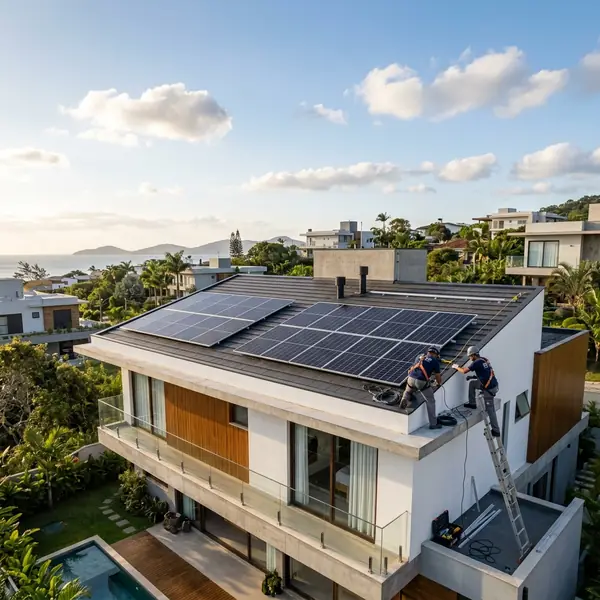
Setting up the SolarMAN app requires connecting your inverter's datalogger to Wi-Fi and pairing it with your mobile account. official NREL website
Understanding the SolarMAN App
Setting up the SolarMAN app requires connecting your inverter's datalogger to Wi-Fi and pairing it with your mobile account. Choosing and installing the right system ensures energy independence and long-term utility bill reductions.
The SolarMAN app is an important tool for homeowners with solar power systems. It allows users to monitor their solar production in real-time. This capability ensures that you can keep track of how much energy your system is generating.
One of the key benefits of the SolarMAN app is its user-friendly interface. It provides important data like energy production, consumption, and system status. By accessing this information, homeowners can make informed decisions about their energy use.
Requirements for Setup
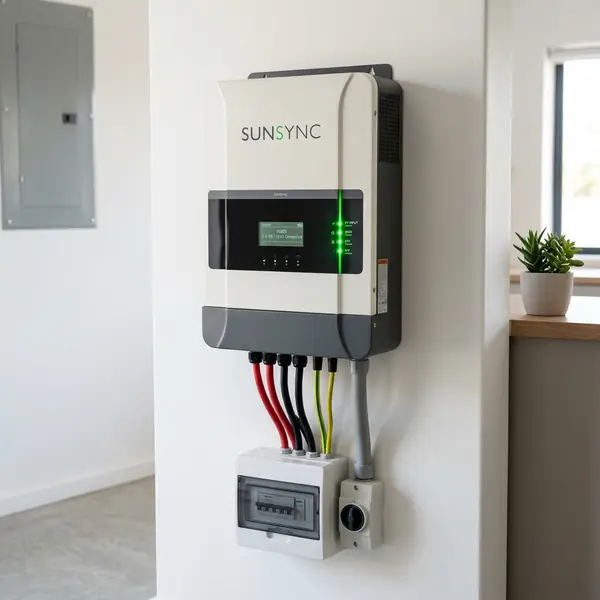
Before diving into the setup process, ensure you have the following items. You will need a compatible inverter, a Wi-Fi connection, and a smartphone. Make sure your inverter has a data logger that supports Wi-Fi connectivity.
Check the inverter’s manual for specific details regarding the data logger. This is key for successful integration with the app. If the inverter is not compatible, you may need to upgrade to a newer model.
Downloading the SolarMAN App
To start using the SolarMAN app, download it from your mobile device's app store. It is available for both iOS and Android platforms. Simply search for "SolarMAN" in the app store and install it.
Once installed, open the app and create your account. This step is necessary to access the monitoring features. You will need to provide basic information like your email and password.
Connecting the Datalogger to Wi-Fi
The next step involves connecting your inverter's data logger to your home Wi-Fi network. This connection is vital for the app to receive real-time data. Access your inverter’s settings either through its display panel or its web interface.
Locate the Wi-Fi settings and select your home network. Enter the Wi-Fi password as prompted. Once the connection is established, your inverter should indicate that it is online.
Pairing the App with Your Inverter
After setting up the Wi-Fi connection, it’s time to pair the app with your inverter. Open the SolarMAN app and log in using your account credentials. Navigate to the settings menu within the app to find the option to add a new device.
Select your inverter model from the list provided. The app will prompt you to enter the device ID, which can usually be found on the inverter's label. This ID is important for pairing the app with your inverter correctly.
Accessing Real-Time Data
Once the app is paired with the inverter, you can start monitoring your solar production. The main dashboard will display real-time data such as energy production in kilowatt-hours (kWh). This feature allows you to see how much energy your system produces throughout the day.
Additionally, the app provides insights into your energy consumption. You can track how much energy you use compared to what your solar system generates. This information is key for maximizing energy efficiency in your home.
Understanding Your Data
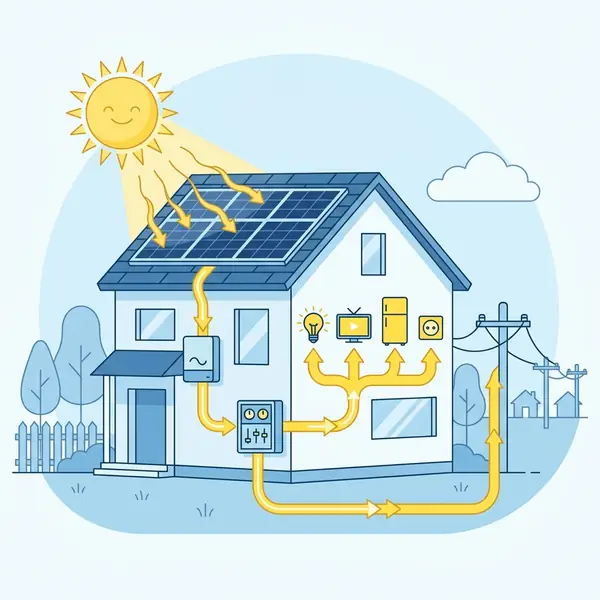
The SolarMAN app presents data in various formats. Familiarizing yourself with these formats will help you interpret the information effectively. You can view daily, weekly, and monthly energy production statistics.
By analyzing this data, you can identify trends in energy generation. For instance, you might notice that your system produces more energy during certain months. Understanding these patterns can aid in adjusting your energy consumption habits.
Setting Alerts and Notifications
Another useful feature of the SolarMAN app is the ability to set alerts. You can configure notifications for various events, such as low energy production or inverter faults. This proactive approach helps in maintaining your solar system efficiently.
To set alerts, navigate to the notifications section in the app. Choose the types of alerts you want to receive, and customize the settings based on your preferences. This feature ensures you stay informed about your solar system's performance.
Integrating Battery Storage
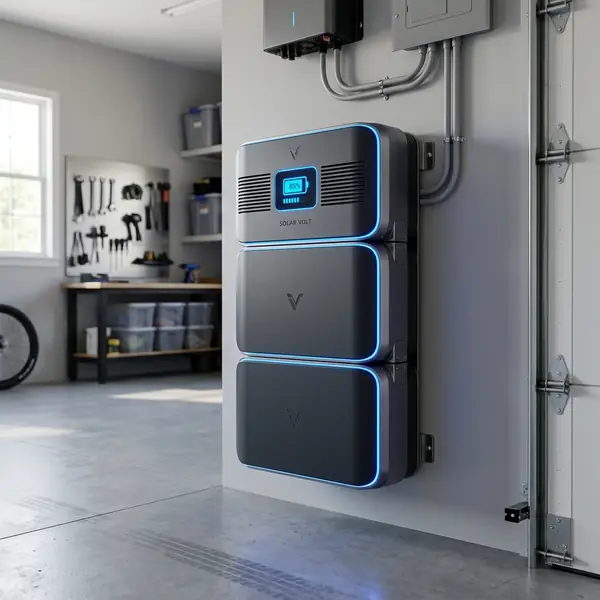
If your solar power system includes battery storage, the SolarMAN app can help monitor this aspect as well. The app will display information about your battery’s charge level and usage. This data is vital for optimizing your energy usage.
Understanding how much energy your batteries store can help you decide when to draw power from them. You can maximize your solar energy use and minimize reliance on grid power. This strategy can lead to significant savings on your electricity bills.
Enhancing Energy Efficiency
Using the SolarMAN app, you can make informed decisions about your energy consumption. For instance, if you notice high energy production during the day, consider running high-energy appliances then. This practice helps in utilizing self-generated energy rather than drawing from the grid.
Moreover, monitoring your energy consumption can lead to behavioral changes. Simple adjustments, like using appliances during peak solar production, can enhance your overall energy efficiency. This proactive approach can result in substantial savings over time.
DomineTec Tip: Regularly check your SolarMAN app to stay updated on your solar system’s performance. This will help you catch potential issues early.
Common Issues and Troubleshooting
Like any technology, users may encounter issues while using the SolarMAN app. One common problem is connectivity issues between the inverter and the app. If you notice that the app is not displaying data, check your Wi-Fi connection and inverter settings.
Another issue might be incorrect data display. This can happen if the inverter is not calibrated correctly. In such cases, refer to the inverter’s manual for troubleshooting steps or contact customer support.
Updating the SolarMAN App
Keeping the SolarMAN app updated is important for optimal performance. Developers often release updates that include new features and bug fixes. Regularly check your app store for updates to ensure you have the latest version.
Updating the app also helps in maintaining security. Ensuring that you have the latest version protects your data and enhances functionality. Always take a moment to review the update notes for new features and improvements.
Conclusion
Setting up and using the SolarMAN app is a straightforward process. By following the steps outlined above, homeowners can easily monitor their solar production. This capability enables effective management of energy consumption and maximizes solar energy use.
With the right setup, the SolarMAN app can provide valuable insights into your solar system's performance. By staying informed, you can make better decisions regarding your energy use. Ultimately, this leads to increased savings and a more efficient energy lifestyle.
2. How do I reset my inverter's Wi-Fi connection?
To reset your inverter's Wi-Fi connection, refer to the inverter's manual. Typically, you will need to access the settings and select the option to reset the Wi-Fi.
3. Can I monitor multiple inverters with one app?
Yes, the SolarMAN app allows you to monitor multiple inverters. You can add each inverter under your account settings in the app.
4. Is there a cost associated with using the SolarMAN app?
The SolarMAN app is free to download and use. There are no subscription fees associated with its basic features.
5. Where can I find additional support for the SolarMAN app?
For additional support, visit the manufacturer's website or consult the app's help section for troubleshooting guides and FAQs.
Understanding the SolarMAN App
The SolarMAN app is a powerful tool designed for users to monitor and manage their solar energy production efficiently. It provides real-time data on energy generation, consumption, and system performance, allowing users to optimize their solar investment. With an intuitive interface, both novices and experienced users can navigate the app with ease.
Once you've installed the app, you'll gain access to various features that enhance your solar experience. You can track energy production over different time intervals, compare data with historical performance, and even receive alerts for any system anomalies. This level of oversight helps ensure your solar system operates at peak efficiency.




