
How to Transfer Pix Offline Without Internet Connection
In today's rapidly evolving digital landscape, the ability to conduct financial transactions without an internet connection is becoming increasingly indispensable. Whether due to unreliable network coverage or personal preference, many users seek ways to transfer funds securely and efficiently without relying on the internet. This demand has led to the development of various offline payment solutions, each with its own unique set of technologies and protocols.
The most effective way to transfer Pix offline is to use a compatible offline-capable banking app that supports QR code technology. These apps are designed to facilitate transactions without the need for internet connectivity, ensuring that users can send and receive money swiftly and securely. Understanding how these systems work is crucial, not only for making the most of their capabilities but also for ensuring the safety and reliability of your financial operations.
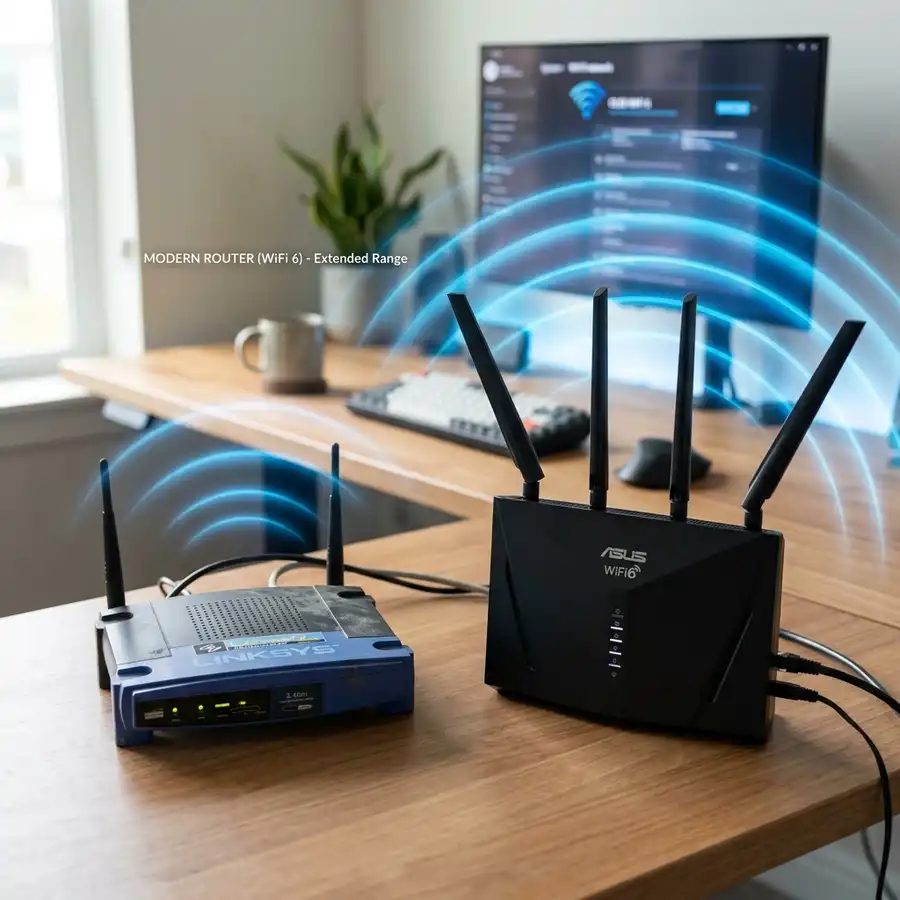
Many people are unaware that their internet connectivity issues might stem from unauthorized access to their network. If you're experiencing unexpected slow speeds or interruptions, consider checking out how to know if someone is using your wifi to ensure that your bandwidth isn't being siphoned off by unauthorized users. Once you've secured your network, you can explore offline financial transactions with greater peace of mind.
The Evolution and Mechanics of Offline Pix Transfers
Pix, Brazil's instant payment system developed by the Central Bank, has revolutionized the way people transfer money. Since its inception, Pix has boasted rapid adoption rates due to its simplicity and efficiency. Traditionally reliant on an active internet connection for real-time transactions, Pix's capabilities have expanded to cater to users in areas with limited connectivity or those who prefer to operate offline for security reasons.
The mechanics of offline Pix transactions revolve around the use of secure QR codes, which are generated by the banking app and can be scanned by the recipient's device. This process ensures that even without internet access, users can verify and authorize payments seamlessly. The offline mode essentially stores transaction data temporarily on the device, which is then synchronized with the bank's servers once connectivity is restored. This dual functionality ensures that users can maintain their financial activities without interruption.
Moreover, the technology behind offline Pix transactions represents a significant advancement in digital payment security. These systems employ advanced encryption techniques to safeguard transaction data, ensuring that even if a device is compromised, the financial information remains protected. This layer of security is particularly vital in offline scenarios, where traditional internet-based security measures are not applicable. By leveraging these technologies, banks and financial institutions are able to offer a robust offline transaction experience that rivals its online counterpart.
Setting Up Offline Transfer Using Bluetooth
Transferring Pix offline can be effortlessly achieved through Bluetooth, a wireless technology that allows the exchange of data over short distances. Here's a comprehensive guide on setting up and executing a transfer via Bluetooth across various devices:
-
Enable Bluetooth on Both Devices
- Android: Navigate to Settings > Connected Devices > Bluetooth. Toggle the switch to enable.
- iOS: Open Settings > Bluetooth and switch it on.
- Windows: Go to Settings > Devices > Bluetooth & other devices. Turn on Bluetooth.
- macOS: Click on the Apple Menu > System Preferences > Bluetooth and enable it.
-
Pair the Devices
Ensure that both devices are visible to each other. You may need to adjust settings to make a device discoverable:
- Android: In Bluetooth settings, tap on the device you wish to pair. Confirm by entering a passkey if prompted.
- iOS: Once Bluetooth is enabled, your iPhone should automatically start scanning. Select the device when it appears.
- On the sending device, select the Pix you want to transfer.
- Choose the Share option and select Bluetooth from the sharing options.
- Select the receiving device from the list of available devices.
- Confirm the transfer on the receiving device to complete the process.

Transferring Pix Offline via Wi-Fi Direct
Wi-Fi Direct is another robust option for transferring Pix offline, especially when dealing with large files. It creates a direct wireless connection between devices, eliminating the need for an internet connection. Follow these steps for a seamless transfer using Wi-Fi Direct:
-
Activate Wi-Fi Direct
- Android: Go to Settings > Connections > Wi-Fi. Tap on Wi-Fi Direct to search for available devices.
- iOS: As iOS does not natively support Wi-Fi Direct, you may need third-party apps like SHAREit or Feem.
- On the device initiating the transfer, select the receiving device from the list of available devices under Wi-Fi Direct.
- The receiving device should confirm the connection request to establish a direct link.
- On the sender's device, open the gallery and select the Pix you wish to transfer.
- Tap on the Share icon and choose Wi-Fi Direct as the sharing method.
- Pick the connected device as the target for your file transfer.
- The receiving device will automatically accept the file and start the download.

Technical Parameters and Safety Considerations for Offline Pix Transfers
Transferring Pix offline without an internet connection involves a suite of technical parameters and safety considerations that are crucial for ensuring successful and secure transactions. Understanding these parameters not only optimizes the transfer process but also safeguards against potential security vulnerabilities. ### Technical Specifications and Comparison When executing a Pix transfer offline, it is essential to compare the available methods, understanding their limits, fees, and requirements. Below is a detailed comparison of common offline Pix transfer methods:| Method | Limits | Fees | Requirements |
|---|---|---|---|
| QR Code Payment | Up to R$5,000 daily | None | Pre-registered on bank app |
| Bluetooth Transfer | Varies by institution | Minimal transaction fee | Bluetooth-enabled device |
| NFC Transfer | Up to R$2,000 per transaction | None for registered users | NFC-compatible device |
| SMS Pix | Daily limit as per carrier | Carrier SMS fee | Mobile phone with SMS capability |

Dica DomineTec: Use multi-factor authentication (MFA) for your banking apps to add an extra layer of security. Even in offline transfers, MFA can help protect your account credentials from unauthorized access.
### Overcoming Technical Challenges When implementing offline Pix transfers, especially for businesses looking to integrate these capabilities without extensive programming knowledge, exploring resources on how to create a mobile app without coding can provide valuable insights. Such resources can help streamline app development processes, enabling businesses to facilitate seamless and secure offline transactions. ### Troubleshooting Common Issues 1. **Connectivity Issues:** If experiencing connectivity problems with Bluetooth or NFC, ensure that the device's settings allow for seamless connection and that both devices are compatible. 2. **Transaction Limits:** Be aware of the specific transaction limits set by your financial institution or carrier, which may differ from standard limits outlined above. 3. **Device Compatibility:** Confirm that your device supports the chosen method of offline transfer, particularly for newer technologies like NFC. By understanding these technical parameters, safety measures, and troubleshooting tips, users can effectively manage offline Pix transfers, ensuring both efficiency and security.Advanced Scenarios: Troubleshooting and Error Handling
Additional Technical Tips, Security Checks, and Best Practices for Offline Pix Transfers
In the ever-evolving landscape of digital payments, ensuring the security and efficiency of offline Pix transactions requires adherence to best practices and the implementation of advanced technical strategies. By embracing these additional tips and security measures, users can further safeguard their financial activities while optimizing the offline transaction experience.
Advanced Device Configuration
For optimal performance during offline Pix transfers, it’s important to ensure that your device is configured correctly. This includes:
- Regular Software Updates: Ensure that your device’s operating system and banking apps are updated to the latest versions. Updates often include security patches and performance improvements that are crucial for safe and efficient transactions.
- Device Optimization: Clear cache and unnecessary files from your device to maintain optimal performance. This can prevent lag and ensure smoother data processing during offline transactions.
Security Protocols and Encryption
Security is paramount when conducting offline transactions. Implementing robust encryption and security protocols is essential:
- End-to-End Encryption: Use banking apps that offer end-to-end encryption to protect transaction data. This ensures that only authorized parties can access the information.
- Secure Device Connections: When using Bluetooth or NFC, always pair devices in a secure environment. Avoid public spaces where data interception is more likely.
Best Practices for Transaction Verification
Accurate verification of transactions is crucial for maintaining the integrity of financial exchanges:
- Cross-Verification: Always cross-verify transaction details with the recipient before confirming. This simple step can prevent errors or unauthorized transfers.
- Secure Transaction Records: Keep a secure record of all transaction reference numbers. These can be invaluable when verifying transactions once connectivity is restored.
Risk Management and Contingency Planning
Preparedness for potential issues is a key component of effective offline Pix management:
- Backup Plans: Have alternative methods for transaction verification in place, such as phone calls or physical receipts, to ensure continuity if digital methods fail.
- Regular Security Audits: Conduct regular audits of your device’s security settings and transaction history to detect and address any anomalies promptly.
Leveraging Advanced Technologies
Incorporating advanced technologies can enhance the security and efficiency of offline transactions. By utilizing modern hardware components like secure enclaves and cryptographic coprocessors, mobile banking applications can securely sign transactions locally without exposing private keys. Furthermore, local database synchronization models allow the device to maintain a secure ledger of pending offline transfers, which automatically syncs with the banking backend once the handset re-establishes internet connectivity. This architectural design ensures that no transaction data is lost or corrupted during the offline window, providing high reliability for users operating in remote areas with poor signal coverage. Additionally, these systems are designed to operate with minimal power consumption, ensuring that even if your device is running low on battery, you can still complete crucial transactions without any major disruption to your day.
- Biometric Authentication: Use devices that support biometric authentication, such as fingerprint or facial recognition, to add an additional layer of security.
- Blockchain for Transaction Integrity: Consider platforms that use blockchain technology for transaction logging, providing an immutable record that can enhance trust and traceability.
By integrating these additional technical tips, security checks, and best practices into your offline Pix transfer process, you can significantly enhance both the security and functionality of your financial transactions. This proactive approach not only safeguards your assets but also ensures a seamless and reliable transaction experience.
Perguntas Frequentes / Frequently Asked Questions
-
Q1: Can I use any mobile device for offline Pix transfers?
A1: Not all mobile devices support offline Pix transfers. Your device must have the necessary hardware, such as NFC or Bluetooth, and the banking app should support offline transaction features. It is advisable to check with your bank for a list of compatible devices.
A2: If an offline Pix transaction fails, first check for any error messages on your device. Ensure both devices have sufficient battery life and are within close range. Reinitiate the transaction once you have verified these factors. If the issue persists, contact your bank for further assistance.
A3: Offline Pix transactions are generally secure, provided that you follow recommended security practices, such as keeping your software updated and using encrypted communication channels. Always verify transaction details and be cautious of any irregularities.
A4: Verification of an offline Pix transaction depends on when internet connectivity is restored. Once connected, you can verify the transaction status through your banking app. Until then, keep the transaction reference number for future confirmation.




