How to Print with High-Speed PLA: Hyper PLA Settings and Cooling
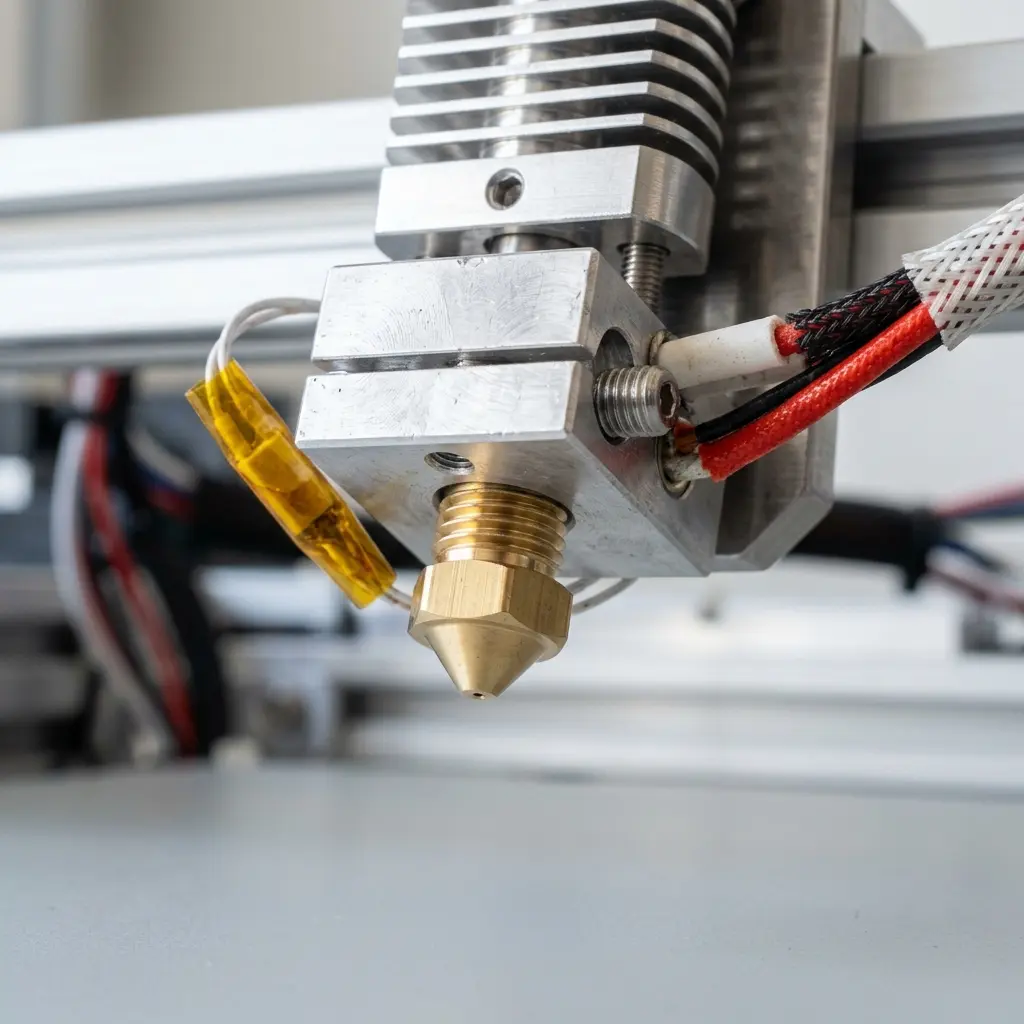
How to Print with High-Speed PLA: Hyper PLA Settings and Cooling
Printing with high-speed PLA, often referred to as Hyper PLA, requires specific settings and adjustments to ensure optimal print quality and performance. This guide delves into best practices for achieving successful prints, focusing on print settings, cooling strategies, and the importance of tuning printer parameters.
Understanding Hyper PLA
Hyper PLA is a formulation of PLA designed to withstand higher print speeds while maintaining mechanical properties and surface finish. Proper printer configuration is essential to take full advantage of Hyper PLA's capabilities.
Key Settings for High-Speed PLA Printing
Optimizing print settings can significantly enhance print quality when using Hyper PLA. Below are critical parameters to consider:
| Setting | Recommended Value | Description |
|---|---|---|
| Print Speed | 60-120 mm/s | Increased speed reduces print time; higher speeds can lead to reduced detail. |
| Layer Height | 0.1-0.3 mm | Finer layers improve detail but increase print time; coarser layers speed up prints. |
| Nozzle Temperature | 210-230°C | Higher temperatures improve flow but can lead to stringing; testing for optimal values is recommended. |
| Bed Temperature | 50-60°C | Helps with adhesion; excessive heat can cause warping. |
| Retraction Distance | 1-2 mm | Prevents stringing; too much retraction can lead to clogs. |
| Retraction Speed | 30-50 mm/s | Speeds up the retraction process to reduce stringing. |
Cooling Considerations
Effective cooling is vital for high-speed printing with Hyper PLA. Proper cooling ensures that the material solidifies quickly, preserving print accuracy and preventing defects.
- Part Cooling Fan: Use a part cooling fan to cool the printed layers immediately after extrusion. A fan speed of 100% is often recommended for optimal results.
- Fan Ducts: Ensure that the fan ducts are properly oriented to direct airflow towards the printed part to avoid overheating the extruded filament.
- Layer Cooling: Increase cooling for the first few layers to enhance adhesion while balancing the cooling for upper layers to prevent warping.
Tuning Printer Parameters
Every 3D printer is unique, and tuning the printer settings is essential for achieving high-quality prints with Hyper PLA. Here are steps to consider:
Testing Print Speed
Start with a lower print speed and gradually increase it to find the maximum speed that still produces acceptable quality. Monitor for:
- Layer adhesion issues
- Stringing or oozing
- Surface finish quality
Adjusting Cooling Settings
Experiment with fan speeds during different layers. For example:
- Set the fan to 100% after the first 2-3 layers for better cooling.
- Reduce the fan speed slightly for larger prints to prevent warping.
Common Issues and Solutions
When printing with Hyper PLA, several common issues may arise. Understanding these challenges and their solutions can lead to improved printing outcomes.
| Issue | Symptoms | Solution |
|---|---|---|
| Poor Layer Adhesion | Layers separate or delaminate | Increase nozzle temperature or reduce print speed. |
| Stringing | Fine threads of filament between parts | Increase retraction distance or speed; adjust temperature. |
| Warping | Edges of prints lifting off the bed | Ensure proper bed adhesion; increase bed temperature. |
| Under-extrusion | Inconsistent lines or gaps in prints | Check filament diameter; increase flow rate if necessary. |
| Over-extrusion | Blobs or zits on the surface | Reduce flow rate or check for filament jams. |
Frequently Asked Questions
What is the ideal print speed for high-speed PLA?
The ideal print speed for high-speed PLA typically ranges from 60 mm/s to 120 mm/s, depending on the specific printer and filament used.
How does cooling affect high-speed PLA printing?
Cooling significantly impacts layer adhesion and print quality. Adequate cooling helps prevent warping and ensures proper layer bonding.
Can high-speed PLA be used on any 3D printer?
High-speed PLA can be used on most FDM printers, but specific settings may need to be adjusted for optimal performance.
What are the differences between high-speed PLA and standard PLA?
High-speed PLA is formulated for faster printing, offering improved flow characteristics and reduced risk of clogs compared to standard PLA.
Is high-speed PLA more expensive than regular PLA?
High-speed PLA may be slightly more expensive due to its specialized formulation, but the benefits in speed and quality often justify the cost.
Conclusion
Printing with Hyper PLA at high speeds requires careful consideration of various settings and cooling strategies. By tuning the printer for optimal performance and addressing common issues proactively, high-quality prints can be achieved.




