How to Fix Bad Overhangs on PLA Prints: Cooling and Speed Adjustments
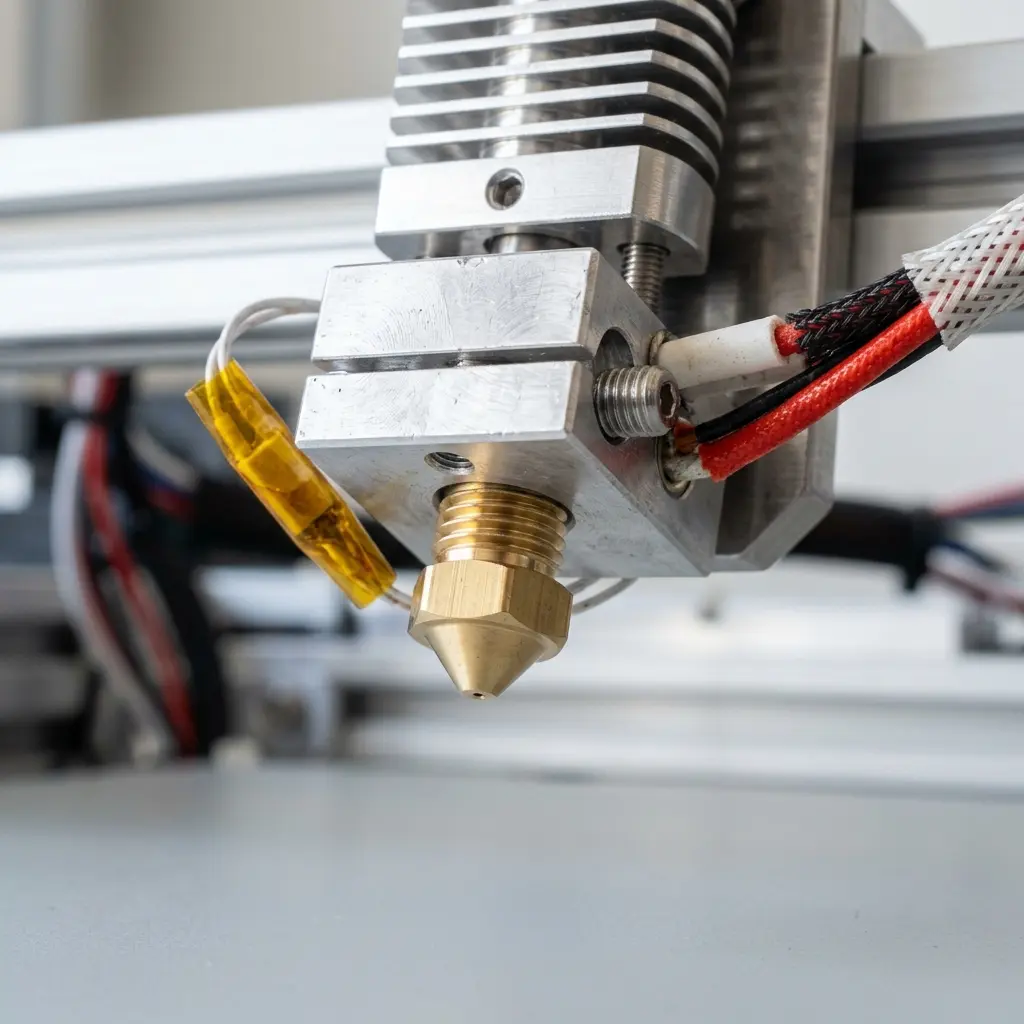
To fix bad overhangs on PLA prints, adjust your printer's cooling settings and print speed for optimal results.
Understanding Overhangs in 3D Printing
Overhangs occur when a print has a part that extends outward without sufficient support beneath. This challenge is particularly pronounced with materials like PLA, which can sag or droop without adequate cooling and speed adjustments.
Every 3D printer has limitations regarding how much overhang it can handle. Understanding these limits is crucial for achieving quality prints.
Types of Overhangs
Overhangs can be classified into two main types: gradual and steep. Gradual overhangs have a slope that is less than 45 degrees, while steep overhangs exceed this angle.
Each type requires different approaches in terms of cooling and support. Knowing the difference allows for better print preparation and adjustments.
Importance of Cooling in PLA Printing
Cooling plays a significant role in the success of PLA prints. PLA filament is sensitive to temperature changes and requires adequate cooling to maintain its shape during printing.
Insufficient cooling can result in warping, stringing, and poor layer adhesion, especially in overhang situations. Utilizing a well-designed cooling system can significantly improve print quality.
Factors Influencing Cooling Efficiency
Cooling efficiency is influenced by several factors, including printer design, fan placement, and airflow direction. These elements can dramatically affect how well the filament cools.
Understanding these factors allows for better modifications to improve cooling. This knowledge is essential for achieving optimal overhang results.

Adjusting Print Speed for Better Overhangs
Print speed can significantly affect the appearance of overhangs. Slower print speeds allow the filament more time to cool and solidify before the next layer is applied.
Experimenting with different speeds may be necessary to find the optimal setting for specific models and printer configurations.
Recommended Cooling Settings for PLA
Setting the right cooling fan speed is essential. Most printers have adjustable fan settings that can be modified in the slicing software.
For PLA, a fan speed between 50% to 100% is typically effective. However, if overhangs are particularly pronounced, increasing the fan speed can improve outcomes.
| Cooling Setting | Recommended Value | Effect |
|---|---|---|
| Fan Speed | 50% - 100% | Improves cooling, reduces sagging |
| Layer Height | 0.1 mm - 0.3 mm | Finer layers promote better cooling |
| Print Speed | 30 mm/s - 60 mm/s | Slower speeds enhance cooling effectiveness |

Step-by-Step Guide to Adjust Cooling and Speed Settings
Follow these steps to adjust your 3D printer’s cooling and speed settings:
- Access your slicing software and load the model.
- Navigate to the cooling settings section.
- Set the layer cooling fan speed to 50% or higher.
- Adjust the print speed to between 30 mm/s and 60 mm/s.
- Save the settings and prepare to reprint.
DomineTec Tip: Consider using a part cooling fan duct to direct airflow specifically to overhangs for enhanced cooling effectiveness.
Additional Factors Affecting Overhang Quality
Beyond cooling and speed, other factors can influence the quality of overhangs. The design of the model plays a crucial role in print success.
Models with gradual slopes are generally easier to print than those with steep angles. Adjusting the model design may be necessary for optimal results.
Common Mistakes to Avoid When Printing Overhangs
Several common mistakes can lead to poor overhang quality. One such mistake is neglecting to check the bed leveling before starting prints.
Ensuring a properly leveled bed can enhance adhesion and improve the overall print quality, especially for challenging overhangs.
Utilizing Support Structures
Support structures are essential for printing complex models with overhangs. They provide temporary support during the print process and can be easily removed afterward.
Different types of support structures exist, including tree supports and grid supports. Understanding when to use each type is crucial for successful prints.
Frequently Asked Questions
What is the maximum overhang angle for PLA prints?
PLA can typically handle overhangs up to 45 degrees without support. Beyond this angle, sagging may occur, necessitating additional support structures.
How can support structures help with overhangs?
Support structures provide temporary scaffolding for overhangs, preventing sagging and improving print quality. They can be easily removed after printing.
What role does layer height play in overhang quality?
Layer height affects cooling time; thinner layers allow for better cooling, resulting in improved overhang performance. Adjusting layer height based on the model can yield better results.
Can environmental factors affect print quality?
Yes, drafts, humidity, and temperature can influence print quality. Maintaining a stable environment helps ensure consistent printing results.
Is it necessary to use a cooling fan for PLA?
Using a cooling fan is highly recommended for PLA to avoid issues like warping and poor layer adhesion. Adequate cooling is essential for successful overhangs.
Conclusion
Achieving quality overhangs in PLA printing requires careful attention to cooling and print speed settings. Understanding the physics behind overhangs and how they interact with your printer is essential.
By following the guidelines provided, users can significantly improve their print quality, resulting in successful and aesthetically pleasing 3D models.




