How to Charge Wireless Earbuds Case Properly (Avoid Battery Damage)

Understanding Battery Chemistry and Charging Requirements
To fully appreciate the nuances of charging wireless earbuds, it is essential to have a foundational understanding of lithium-ion battery chemistry. Lithium-ion batteries consist of electrodes made from lithium compounds, which allow for the efficient transfer of ions during the charging and discharging processes. The efficiency of this transfer is heavily influenced by the charging conditions, such as voltage and amperage. Overcharging or using a charger with a higher voltage than recommended can lead to thermal runaway, where the battery overheats and potentially causes irreversible damage. Moreover, the battery management system (BMS) embedded within earbuds cases plays a critical role in regulating the charging process. This system ensures that the battery does not exceed its voltage limits and monitors temperature conditions to prevent overheating. Users should consider that while advanced charging technologies may seem appealing, they can pose serious risks. For instance, turbo or fast chargers are designed to deliver a substantial amount of power quickly. However, this can overwhelm the BMS of a small device like an earbuds case, leading to malfunction or shortened battery life. The implications of incorrect charging practices extend beyond mere inconvenience. Devices that suffer from battery damage may exhibit symptoms such as shortened usage time, erratic charging behavior, or complete failure to charge. Therefore, adhering to the recommended charging parameters is not just a good practice; it is essential for the overall health of the earbuds and their case. Understanding these key elements will help users make informed decisions regarding their charging habits.Proper Charging Techniques for Earbud Cases
Charging Source Comparison Table
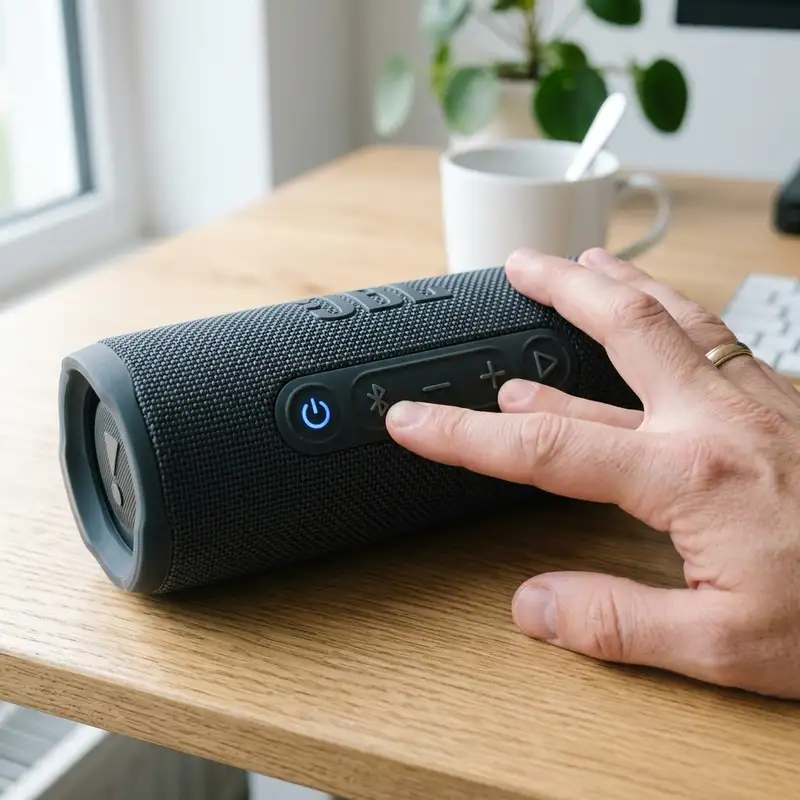
To facilitate a better understanding of the various charging methods available for wireless earbuds cases, the following table summarizes the key attributes of different charging sources. This comparison highlights the voltage, amperage, speed, and safety levels associated with each method, providing users with the necessary information to make informed decisions about their charging practices.| Charging Source | Voltage (V) | Amperage (A) | Charging Speed | Safety Level |
|---|---|---|---|---|
| PC USB Port | 5V | 0.5A | Slow | High |
| Standard Wall Block | 5V | 1A | Moderate | High |
| Turbo Charger | 9V/12V | Up to 2A | Fast | Low |
| Wireless Charging Pad | 5V | 1A | Moderate | Medium |
Additional Resources and Recommended Links
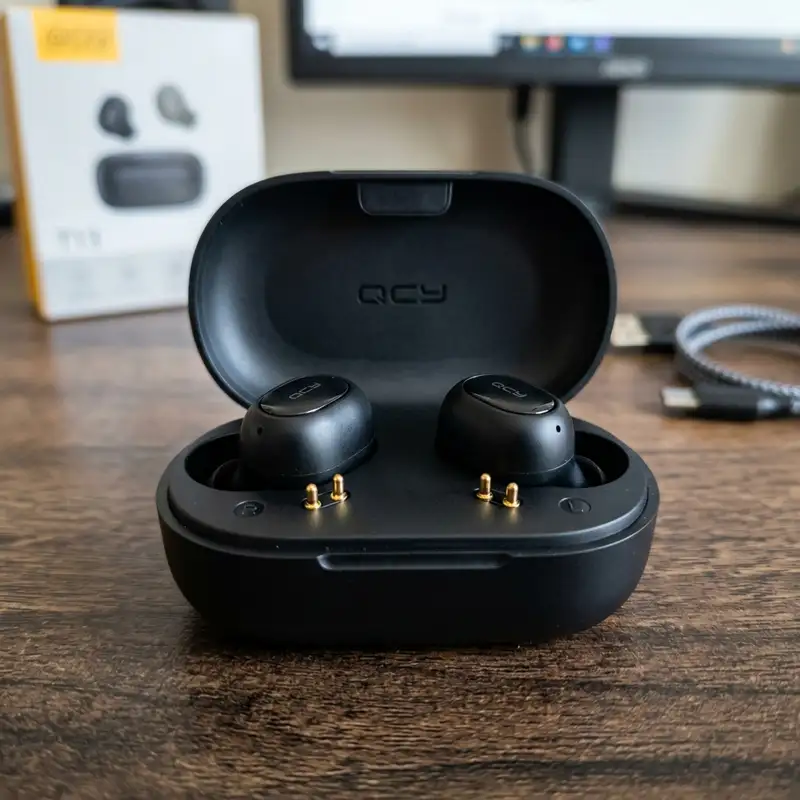
For those seeking further guidance on how to charge earbud charging cases properly, additional resources are available. Comprehensive information can be found in the article on how to charge earbud case, which provides an in-depth look into best practices and common pitfalls. Furthermore, if issues arise with specific models, such as the Redmi Airdots not charging in case, users can explore troubleshooting steps tailored to that device. For authoritative information, refer to the official battery management guidelines provided by battery manufacturers, which emphasize the importance of adhering to recommended charging practices to ensure battery longevity.Detailed Technical Troubleshooting, Advanced Settings, or Hardware Checks
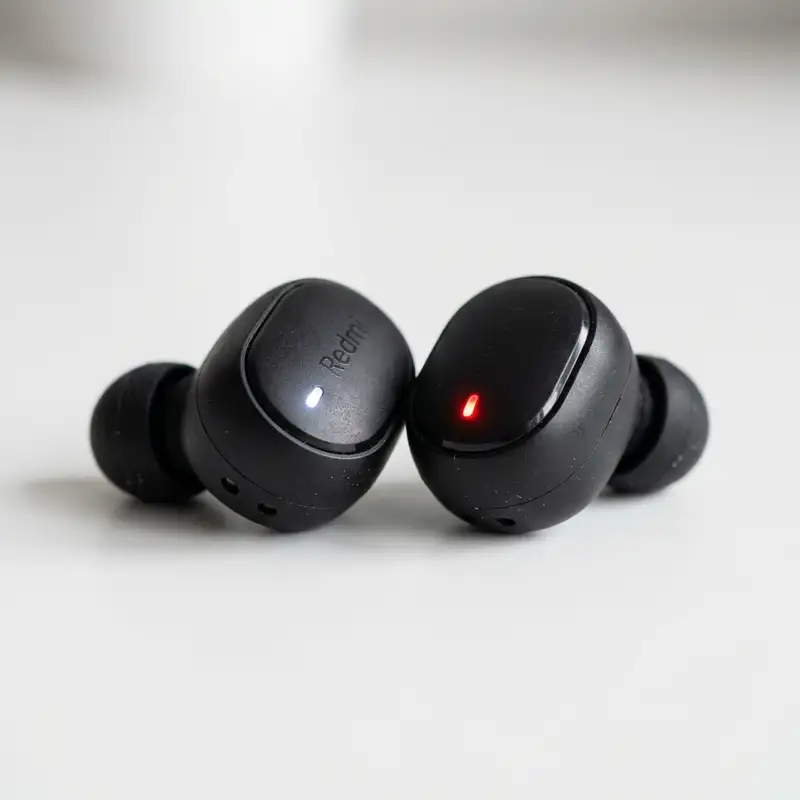
In the realm of wireless earbuds, ensuring optimal performance requires meticulous attention to technical details. When encountering issues with charging the wireless earbuds case, it is essential to conduct a thorough troubleshooting process. First, examining the charging port of the case is critical.
Dust or debris can obstruct the connection, leading to charging failures. Using a soft brush or compressed air can effectively remove any particles that may have accumulated in the port.
Next, assessing the condition of the charging cable is paramount. A frayed or damaged cable can prevent proper charging and may even pose safety hazards. Testing the cable with another device can help determine its functionality.
Additionally, utilizing different power sources, such as various USB ports or wall adapters, can clarify whether the issue lies with the charging cable or the power source itself.
For more advanced troubleshooting, checking the firmware of the earbuds is advisable. Many wireless earbuds feature firmware updates that enhance performance and fix existing bugs. Connecting the earbuds to a compatible app can facilitate firmware updates.
If the earbuds are not recognized by the app or if the update process fails, resetting the earbuds might resolve the issue. This process typically involves powering off the device, holding down specific buttons, and reconnecting to the app.
Furthermore, evaluating the battery health of both the earbuds and the case is essential for diagnosing charging issues. Many modern earbuds come with built-in battery diagnostics accessible via a companion app. If battery health is significantly degraded, replacement options should be explored promptly to avoid further complications.
In some cases, the battery may need to be replaced by a certified technician, especially if the earbuds are still under warranty.
Lastly, considering environmental factors can also influence the charging efficiency of wireless earbuds. Extreme temperatures can affect battery performance. For instance, charging in excessively hot conditions can lead to thermal throttling, while cold temperatures might slow down the charging process.
Monitoring the ambient temperature and avoiding extreme conditions can significantly enhance the longevity and efficiency of the charging process.
Preventative Maintenance, Battery Protection Practices, or Compatibility Insights
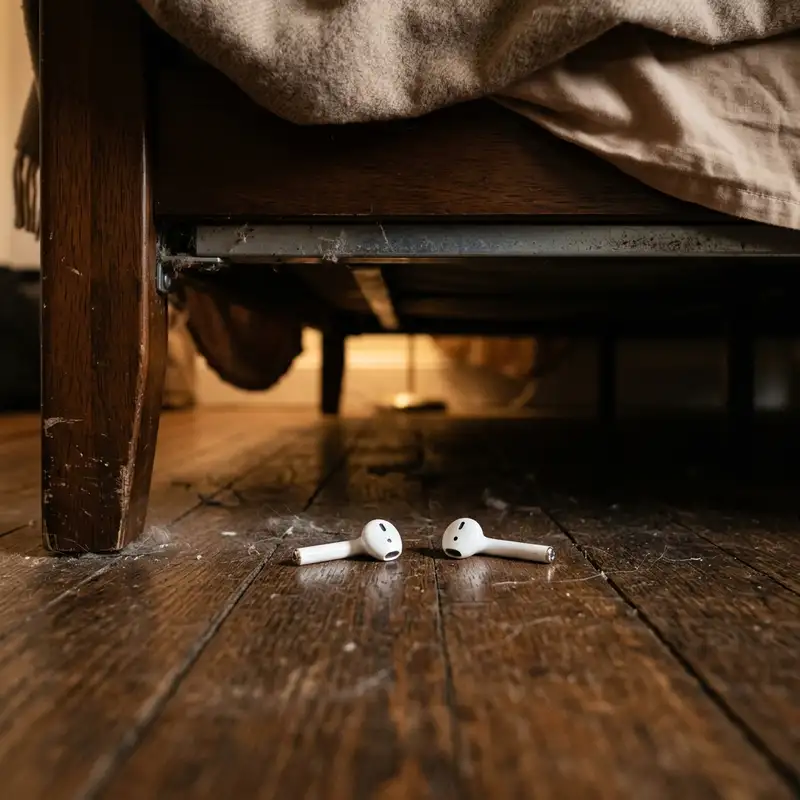
To maximize the longevity of wireless earbuds and their charging cases, understanding preventative maintenance and battery care practices is essential. Regular cleaning of the earbuds and case can prevent the buildup of dirt and grime, which can interfere with charging connections. Using a microfiber cloth to wipe down the exterior and ensuring the charging connectors are free of any obstructions will help maintain a clean interface for charging.
Battery protection practices also play a significant role in the overall health of wireless earbuds. Avoiding complete discharges is crucial; lithium-ion batteries, commonly used in wireless devices, are best maintained by keeping the charge between 20% and 80%. Frequent deep discharges can lead to diminished battery capacity over time.
Setting reminders to recharge the case and earbuds before they reach critically low levels can aid in preserving battery health.
Additionally, understanding compatibility with charging accessories is vital for optimal performance. Not all charging cables or adapters provide equal charging efficiency. Using manufacturer-recommended accessories ensures that the earbuds receive the correct voltage and amperage, thereby reducing the risk of battery damage.
Furthermore, third-party accessories may lack the necessary safety features to protect the battery, leading to potential overheating or overcharging.
Environmental considerations also affect battery health. Storing the earbuds in a dry, cool place will prevent moisture damage and overheating, factors that can adversely affect battery life. When not in use, placing the earbuds in their charging case, which is designed to protect the battery from environmental stressors, is highly recommended.
This practice not only ensures that the earbuds are charged but also keeps them safeguarded against dust and physical damage.
Finally, utilizing technology solutions such as battery management apps can provide insights into charging habits and battery health. These apps can track usage patterns and offer notifications when it is time to recharge, thus encouraging habits that promote better battery maintenance. By adopting these practices, users can extend the lifespan of their wireless earbuds and charging cases significantly.
Long Term Expectations, Technology Landscape, and Expert Recommendations
The evolution of wireless earbuds and their charging cases reflects a broader trend in consumer electronics towards increased convenience and mobility. As technology continues to advance, expectations regarding battery life and charging speed will likely evolve. Users can anticipate longer-lasting batteries, improved charging capabilities, and enhanced features in future models.
However, it is essential to understand that battery technology is not immune to degradation over time. Users should expect a gradual decline in battery performance after extended use, often manifesting as reduced playback time or longer charging periods.
In the current technology landscape, wireless earbuds are becoming increasingly integrated with smartphone ecosystems, enhancing user experience through seamless connectivity and functionality. Features such as active noise cancellation, touch controls, and voice assistant integration are becoming standard. As such, the demand for robust battery performance will only intensify.
Manufacturers are continually innovating to meet this demand, but users must remain proactive in their maintenance practices to maximize the benefits of these advancements.
Expert recommendations suggest leveraging available technology to monitor and manage battery health actively. For instance, utilizing built-in battery indicators or companion apps can help users track their usage patterns and adjust charging habits accordingly. Regularly updating firmware is also essential, as updates can fix bugs related to battery management and overall performance.
These proactive measures can significantly enhance the user experience and prolong the lifespan of the device.
Moreover, considering the environmental impact of battery disposal is increasingly relevant in today’s sustainability-focused world. Users are encouraged to explore recycling programs offered by manufacturers for old or damaged batteries. Proper disposal not only helps reduce environmental waste but also promotes responsible consumer behavior.
This awareness is becoming crucial as more users prioritize sustainability in their purchasing decisions.
In conclusion, understanding the intricacies of charging wireless earbuds and their cases is fundamental for maintaining optimal performance and prolonging battery life. By implementing thorough troubleshooting practices, adhering to preventative maintenance, and staying informed about the evolving technology landscape, users can significantly enhance their experience with wireless earbuds. Adopting expert recommendations will ensure that these devices remain a reliable part of daily life, delivering consistent performance and convenience.
DomineTec Tip: Regularly check for firmware updates and battery diagnostics through the manufacturer’s app to ensure optimal performance and longevity of your wireless earbuds.



