Discover the simple steps to cancel your Midjourney subscription quickly and effectively. Midjourney is a powerful tool for generating stunning AI-driven images, but there may come a time when you need to step away from your subscription. Whether it's due to financial reasons, a shift in focus, or simply needing a break, the cancellation process is straightforward. This guide will walk you through everything you need to know to successfully cancel your subscription without hassle.
DomineTec Tip: Before canceling, consider checking out our guide on how to delete a generated image from Midjourney gallery to manage your assets effectively.
Understanding Your Midjourney Subscription
Before diving into the cancellation process, it’s important to understand the different tiers of subscriptions offered by Midjourney. The service provides various plans, each catering to diverse needs, from casual users to professional designers. Here’s a brief overview:| Plan Type | Monthly Cost | Features |
|---|---|---|
| Basic | $10 | Access to all features, limited image generations |
| Standard | $30 | Unlimited generations, priority support |
| Pro | $60 | Advanced features, commercial use rights |
The plan you selected defines your features and capabilities within Midjourney. Knowing this can help you make a more informed decision about whether a cancellation is necessary or if upgrading or downgrading to a different plan might be a better option.
Step-by-Step Process to Cancel Your Subscription
The cancellation process for Midjourney is user-friendly. Follow these steps to ensure your subscription is canceled successfully:1. Log into Your Account: Start by visiting the Midjourney website and logging into your account with your credentials. 2. Access Subscription Settings: Once logged in, navigate to your profile settings, often found in the top right corner of the interface. Look for the “Subscription” or “Billing” section within your account settings. 3. Review Subscription Details: Here, you’ll see details about your current subscription plan, including the renewal date and payment method. This is a good time to review what features you have access to. 4. Initiate Cancellation: Look for the cancellation option, typically labeled “Cancel Subscription.” Click on this button, and you may be prompted to provide feedback on why you are canceling. 5. Confirm Cancellation: After selecting the cancellation option, you will likely be asked to confirm your decision. Follow any on-screen instructions to finalize the cancellation process. 6. Check for Confirmation Email: After cancellation, you should receive a confirmation email from Midjourney. Keep this email for your records, as it serves as proof of cancellation.
Following these steps ensures you have successfully canceled your subscription, preventing any future charges.
What Happens After Cancellation?
Once you've canceled your subscription, several things will happen. You will retain access to your account until the end of your billing cycle, allowing you to use any features that you had access to during that period. After that, your account will revert to a free plan, if available.Moreover, any generated images remain in your gallery unless manually deleted, so it’s a good idea to manage your content if you’re not planning to use Midjourney regularly. If you're unsure how to manage your gallery, refer to our guide on how to delete a generated image from Midjourney gallery.
Reactivating Your Subscription
If you find that you miss the capabilities of Midjourney, reactivating your subscription is typically as easy as logging back into your account and choosing a subscription plan again. The service aims to make this process seamless, allowing former users to return without hassle. It’s advisable to review any changes in pricing or features that may have occurred since your last subscription.
Final Considerations
When contemplating the cancellation of your Midjourney subscription, consider evaluating your current usage and needs. If you find that you’re not utilizing the tool enough to justify the cost, cancellation may be the best choice. However, if you’ve found value in the service, it might be worth exploring other options like downgrading to a less expensive plan.Always take the time to review your subscription settings and understand the implications of cancellation, such as loss of access to certain features and saved content.
Optimizing Midjourney Workflows for Enhanced Efficiency
In the realm of AI-driven design, optimizing workflows is paramount for harnessing the full potential of tools like Midjourney. A well-structured workflow not only streamlines the creative process but also augments the output quality by facilitating iterative refinement and collaboration. To achieve this, users must first understand the various stages involved in generating AI art, from prompt formulation to final output adjustments.
One effective approach to optimizing your Midjourney workflow is to establish a clear pipeline that integrates the tool with other design applications and collaborative platforms. For instance, leveraging APIs or automation tools can significantly reduce the manual overhead involved in transferring data between different applications. Utilizing tools such as Zapier or Integromat can help create triggers that automatically send prompts from your project management tool to Midjourney and retrieve outputs seamlessly. This integration allows designers to focus on creative tasks while minimizing disruptions caused by context switching.
In addition to automation, designers should also consider the organization of prompts and outputs within their workflow. Creating a structured repository for prompts—complete with tags, categories, and usage notes—can facilitate faster retrieval and reusability. Tools like Notion or Trello can serve as excellent platforms for managing this repository, enabling team members to collaboratively refine prompts based on prior results. By documenting successful prompt configurations and their corresponding outputs, teams can create a knowledge base that directly contributes to improved efficiency and output consistency.
Finally, incorporating feedback loops into the workflow is essential for achieving continuous improvement. By scheduling regular reviews of generated outputs, teams can assess the effectiveness of their prompts and workflows, identifying areas for enhancement. This iterative process not only fosters a culture of collaboration but also empowers designers to experiment with advanced configurations, pushing the boundaries of what is possible with Midjourney. By embracing a data-driven approach to workflow optimization, teams can maximize their creative potential while maintaining a high standard of quality in their AI-generated designs.
Advanced Configuration Options in Midjourney: Unlocking Full Potential
The power of Midjourney lies not just in its ability to generate stunning visuals but also in the extensive configuration options available to users. Understanding and leveraging these options can significantly enhance the quality of outputs and allow for more precise control over the creative process. One of the primary configuration features includes aspect ratio adjustments, which can dictate the dimensions of the generated images and directly influence composition and visual storytelling.
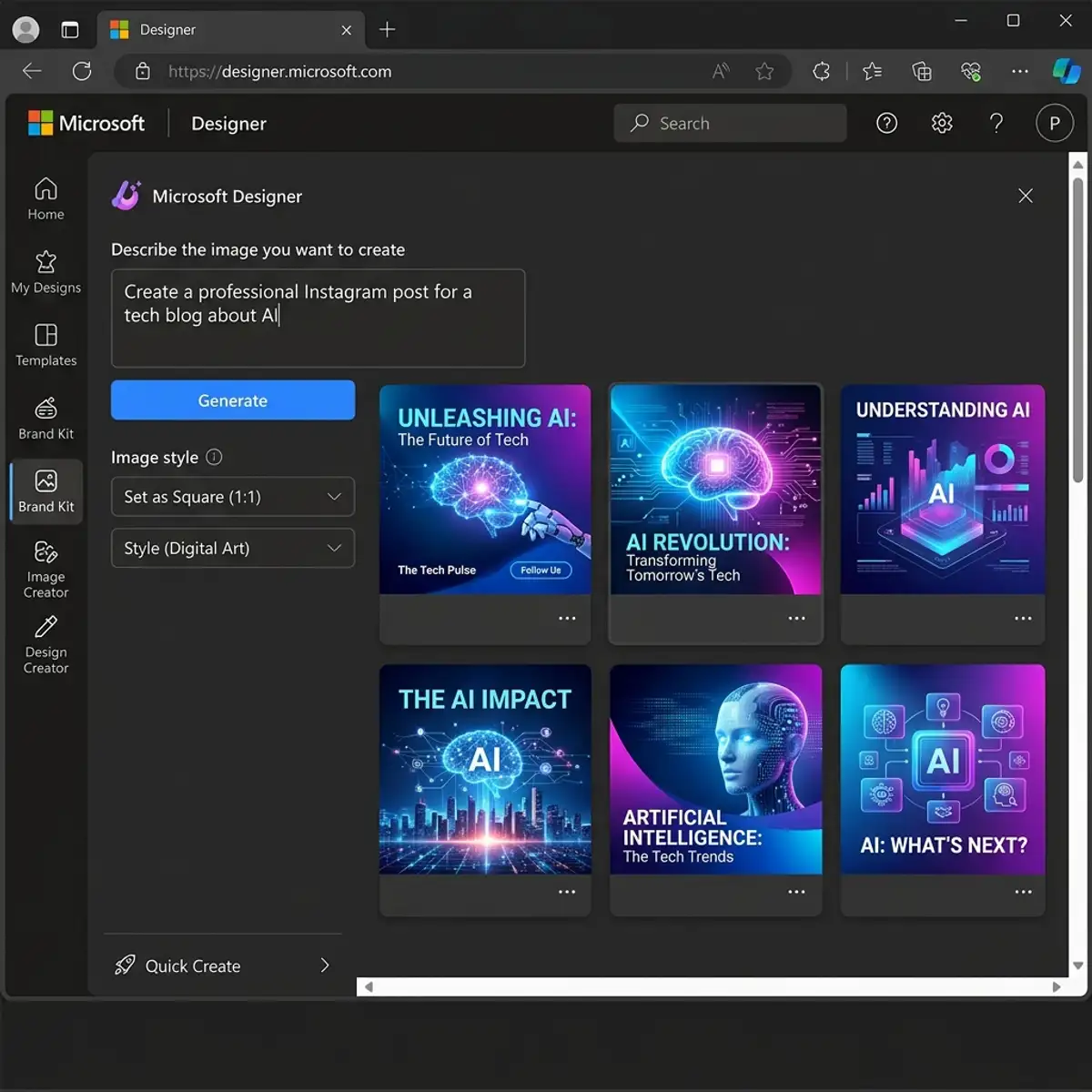
Aspect ratios can be configured through specific parameters in the prompt, allowing users to tailor their outputs for various platforms and use cases. For instance, an aspect ratio of 16:9 is ideal for wide-screen displays, while a 1:1 ratio works well for social media platforms like Instagram. By specifying these configurations, designers can ensure that their AI-generated artwork is not only aesthetically pleasing but also contextually relevant to the intended distribution medium. Additionally, experimenting with unconventional aspect ratios can yield unique compositions that stand out in saturated digital spaces.
Another advanced configuration option is the integration of style weights and modifiers. Midjourney allows users to specify different styles or influences within a single prompt, effectively layering aesthetic characteristics to create more nuanced outputs. By assigning weights to particular styles—such as emphasizing a specific artist’s technique or blending multiple genres—designers can guide the AI towards producing artwork that embodies a desired visual narrative. This capability is particularly beneficial for projects requiring a distinctive brand aesthetic or thematic consistency across a series of images.
Moreover, users should explore the potential of parameter variations, such as temperature settings, which dictate the randomness of AI outputs. A lower temperature can produce more predictable results, while a higher temperature introduces a level of creativity and unpredictability. Adjusting these parameters based on project requirements allows designers to achieve a balance between control and inspiration, ultimately leading to richer and more diverse artistic outputs. By mastering these advanced configuration options, users can unlock the full potential of Midjourney, transforming it into a powerful ally in their creative endeavors.
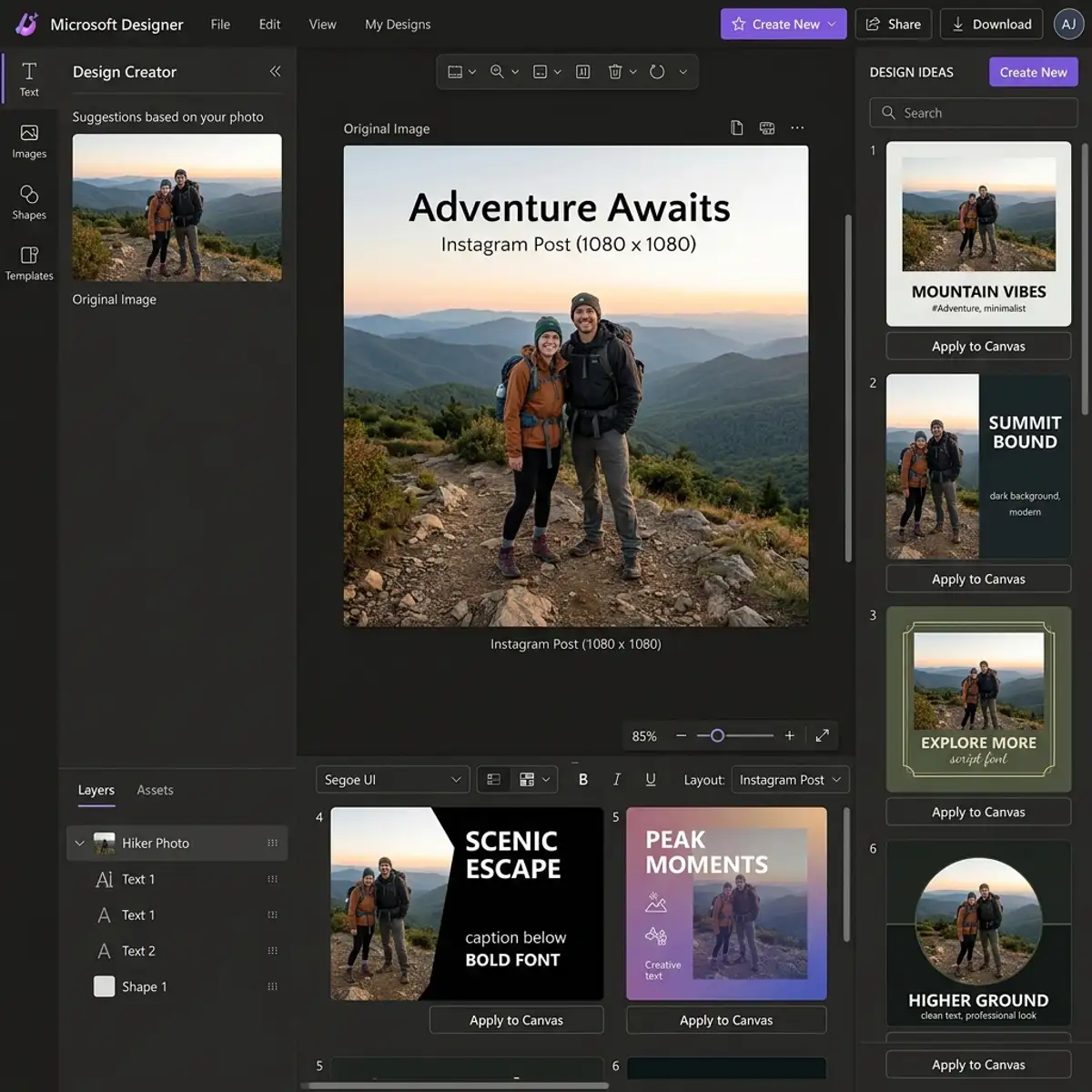
Optimizing Midjourney Workflows for Enhanced Creativity
In the realm of AI-driven design, optimizing workflows is important for maximizing productivity and enhancing creative output. Midjourney offers a variety of features that facilitate seamless integration into existing design processes. By leveraging these features, users can create a more effective workflow that not only saves time but also enhances the overall quality of generated outputs. One key aspect of optimizing workflows in Midjourney is the use of collaborative features that allow multiple users to interact with the platform simultaneously. This collaborative environment fosters creative synergy, enabling teams to brainstorm and refine designs in real-time.
Another important component of workflow optimization is the effective use of project management tools integrated within the Midjourney interface. Users can categorize and prioritize tasks associated with different design projects, allowing for a more structured approach to creativity. Utilizing tagging and version control features ensures that team members can easily track changes and iterations, providing a clear historical context for each project. This structured approach minimizes confusion and maximizes efficiency, allowing designers to focus on the creative aspects rather than administrative overhead.
Advanced users can also harness automation features to further streamline their workflows. Midjourney's API can be configured to automate routine tasks such as generating multiple design iterations based on predefined parameters. By creating scripts that interact with the API, users can initiate batch processing of design prompts, significantly reducing the manual effort required for repetitive tasks. This not only accelerates the design process but also allows designers to explore a wider range of creative possibilities without the constraints of time-consuming manual input.
Advanced Prompt Engineering Techniques for Optimal Output
While Midjourney's user-friendly interface allows for intuitive prompt creation, mastering the art of prompt engineering is essential for achieving optimal outputs. Advanced users can significantly enhance the quality and relevance of generated images by employing specific techniques when crafting their prompts. One effective method is the use of structured prompts that incorporate detailed descriptors, context, and intended emotional tone. For example, instead of a vague prompt like "a landscape," a more structured approach would involve specifying the type of landscape (e.g., "a serene mountain landscape at sunrise with mist rolling over the valleys"), which provides the AI with clearer guidance on the desired output.
In addition to structured prompts, users can leverage advanced modifiers and context parameters to fine-tune the generation process. By incorporating stylistic elements such as "in the style of [artist's name]" or specifying desired color palettes, users can influence the aesthetic qualities of the output. This level of detail not only enhances the creative potential of Midjourney but also aligns the generated designs more closely with the user's vision. Furthermore, experimenting with the sequence of keywords can yield surprising and innovative results, as the AI interprets the relational context of the terms.
Moreover, understanding the underlying algorithms that drive Midjourney can empower users to refine their prompt strategies further. Familiarity with how the AI interprets and prioritizes different elements allows for more intentional and strategic prompt crafting. For instance, users can experiment with varying levels of abstraction in their prompts to observe how the AI responds—ranging from highly specific scenarios to more abstract concepts. This iterative approach not only enhances the user’s understanding of the AI's capabilities but also facilitates a continuous cycle of learning and adaptation, ultimately leading to more sophisticated and impactful design outputs.
To expand your knowledge, check out our guide on generate Midjourney images on Discord mobile app.
Frequently Asked Questions
Perguntas Frequentes
Can I reactivate my Midjourney subscription after cancellation?
Yes, you can reactivate your Midjourney subscription at any time. Simply log into your account and select the desired subscription plan to regain access to all previously enjoyed features.Will I lose my generated images after canceling my subscription?