Best Luma Dream Machine Prompts: Practical Video Creation Guide
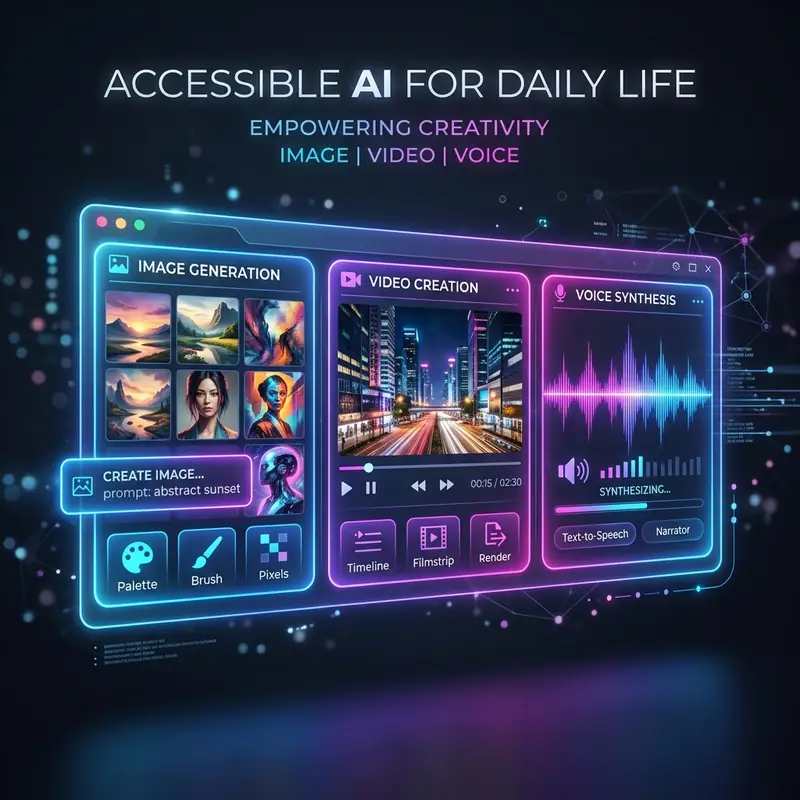
The best prompts for Luma Dream Machine combine a precise description of the subject with technical camera movement commands such as panning, zoom-in, or tracking shot.
Luma Dream Machine has become a favorite tool among digital creators looking to generate realistic video clips with consistent physics. The underlying video generation model responds far better to concrete cinematographic terminology than to vague adjectives.
Structuring Your Prompts for Luma Dream Machine
To generate consistent cinematic results, a prompt should follow a structure based on professional filming rules. Defining the perspective and camera lens style right at the beginning of the instruction yields much cleaner outputs.
Starting prompts with terms like "FPV drone shot" or "first-person perspective tracking" immediately sets the camera behavior. This saves time and avoids wasting credits on trial and error.
Essential Camera Direction Commands to Use
Luma Dream Machine interprets cinema-style direction commands with high precision. The table below lists the most effective camera commands to include in video prompts:
| Camera Command | Visual Effect Created | Prompt Integration Example |
|---|---|---|
| Dolly Zoom | Distorts the background perspective dramatically | [Dolly zoom on the subject walking] |
| Pan Left / Right | Rotates the camera horizontally | [Slow pan right showing the landscape] |
| Tilt Up / Down | Moves the lens perspective vertically | [Tilt up from the street to the building] |
| FPV Drone Shot | Simulates fast-moving drone footage | [FPV drone shot flying through mountains] |
| Extreme Close-up | Highlights fine details of faces or objects | [Extreme close-up on the clock dial] |
Defining Lighting and Scene Atmosphere
Lighting descriptions directly affect how the Luma Dream Machine renders surface textures and object reflections. Abstract terms like "beautiful render" should be avoided in favor of specific lighting scenarios.
Using phrases such as "warm golden hour lighting" or "neon cyberpunk city glow" forces the model to calculate shadows realistically. This adds depth to the scene and reduces flat, amateurish 3D rendering styles.
Maximizing Quality with Image-to-Video Mode
The Luma Dream Machine achieves the highest level of frame consistency when a source image is uploaded prior to entering the prompt text. This workflow preserves character faces and scene geometry throughout the generation.
When using Image-to-Video mode, the text prompt must focus only on the physical actions that should take place. Avoid describing the environment again and write simple directives like "the subject in the image turns to the camera and nods slowly".
Prompt Writing Mistakes That Waste Credits
Attempting to describe multiple complex actions in a single 5-second video clip is a common mistake. The generator tries to squeeze every action into the short timeframe, which leads to physical distortion and unnatural movement.
Relying on figurative language or metaphors that the AI cannot translate visually is another common error. Keeping prompts short, literal, and focused on physical actions ensures a much higher generation success rate.
For other video generation strategies, read the guide on how to use Kling AI. To create high-quality base images, read about how to use SeaArt AI.
Frequently Asked Questions
1. Does Luma Dream Machine support multi-language prompts?
The model can interpret basic prompts in other languages, but it delivers much higher accuracy and better camera framing when prompts are written in English.
2. What is the standard duration of generated clips?
Each generation produces a 5-second clip. Users can use the Extend button to add new 5-second sections and build longer video sequences.
3. How can facial distortion be avoided in videos?
It is best to use the Image-to-Video mode with a clean base portrait and instruct the camera to perform slow, minimal panning movements.
4. Are videos generated on Luma free from watermarks?
No, the free plan adds a small watermark to the corner of generated files. Removing the watermark requires upgrading to a paid subscription tier.
Conclusion
Writing precise prompts for Luma Dream Machine is the most effective way to produce high-quality AI videos. Using technical cinematographic terms instead of vague descriptions ensures a successful output on the first attempt.
Consistent practice will help developers understand how the model translates text into physics. Utilizing reference images as a foundation significantly improves final video rendering quality.




